Close Menu
GeekBlog

    Subscribe to Updates

    Get the latest creative news from FooBar about art, design and business.

    What's Hot

    Skyrover S1: The lightweight cinematic drone leading the next wave of accessible aerial creativity

    March 4, 2026

    TikTok Is Experiencing Oracle-Related Server Issues Again

    March 4, 2026

    Is that message spam or real? This Android trick helps you ID the scams

    March 4, 2026
    Facebook X (Twitter) Instagram Threads
    GeekBlog
    • Home
    • Mobile
    • Tech News
    • Blog
    • How-To Guides
    • AI & Software
    Facebook
    GeekBlog
    Home»Mobile»Say goodbye to tab overload with Samsung’s latest Browser feature
    Mobile

    Say goodbye to tab overload with Samsung’s latest Browser feature

    Michael ComaousBy Michael ComaousAugust 8, 20252 Mins Read
    Share Facebook Twitter Pinterest LinkedIn Tumblr Email Copy Link
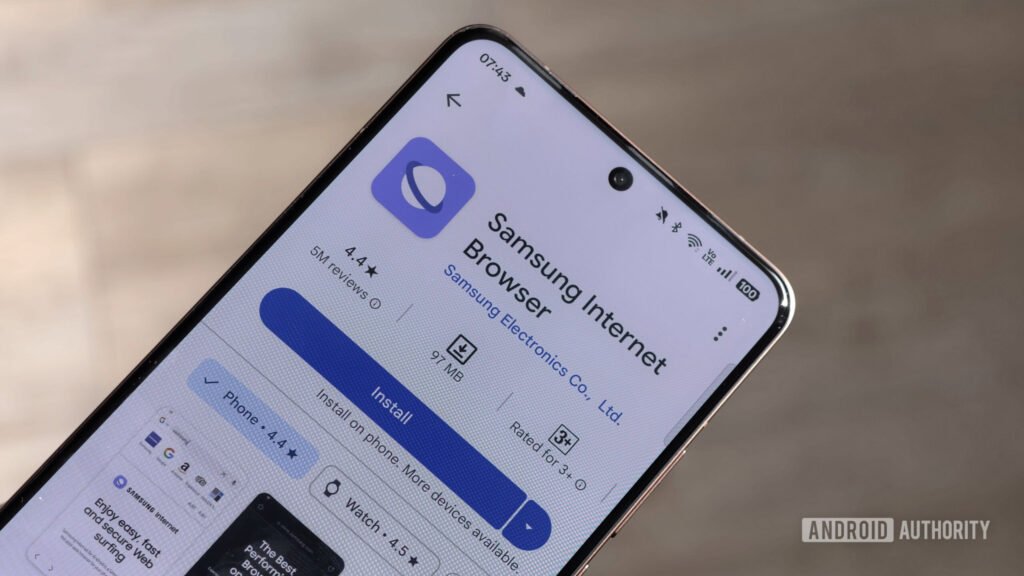
    Samsung Internet Browser stock image resized
    Share
    Facebook Twitter LinkedIn Pinterest Email Copy Link

    Hadlee Simons / Android Authority

    TL;DR

    • The beta version of the Samsung Internet Browser app has gained a new feature called “Auto close settings.”
    • Turning this setting on allows the app to close unused tabs for you.
    • Users can choose to clear inactive tabs after a set number of days or have AI decide if a tab should be closed.

    When using a mobile browser, it’s easy to forget how many tabs you have open. And it’s even easier to forget to close those tabs. Having too many tabs open can lead to slower performance. To help users manage their tab situation more effectively, the Samsung Internet Browser app is getting a new feature.

    An update has rolled out for the beta version of the Samsung Internet Browser. Spotted by SammyGuru, this update (version 29.0.0.27) introduces a new setting in the tab management menu called “Auto close settings.” This feature allows the app to automatically close your unused tabs after a set amount of time.

    The browser will keep all of your tabs open by default, but if you want to use Auto close settings, you can choose to have inactive tabs close after seven or 30 days. Additionally, there’s a third option in this setting called “With smart tab management.” This option allows AI to decide whether to close a tab or not. According to the description, it closes tabs “as soon as it detects that you’re not using them.”

    The setting sounds like it could come in handy for people who often have trouble managing their tabs. At the moment, Auto close settings is only available in the beta version of the app. It’s unclear when Samsung plans to bring the setting to the stable version.

    Thank you for being part of our community. Read our Comment Policy before posting.

    browser feature Goodbye latest overload Samsungs Tab
    Share. Facebook Twitter Pinterest LinkedIn Tumblr Telegram Email Copy Link
    Previous ArticleSoftBank reportedly bought Foxconn’s Ohio factory for the Stargate AI project
    Next Article 21 Best Festival Accessories and Gear (2025): The Essentials and the Fun Stuff
    Michael Comaous
    • Website

    Michael Comaous is a dedicated professional with a passion for technology, innovation, and creative problem-solving. Over the years, he has built experience across multiple industries, combining strategic thinking with hands-on expertise to deliver meaningful results. Michael is known for his curiosity, attention to detail, and ability to explain complex topics in a clear and approachable way. Whether he’s working on new projects, writing, or collaborating with others, he brings energy and a forward-thinking mindset to everything he does.

    Related Posts

    1 Min Read

    Tecno’s latest concept phone is lit by neon

    3 Mins Read

    Lenovo’s Latest Wacky Concepts Include a Laptop With a Built-in Portable Monitor

    2 Mins Read

    Soundcore’s latest budget headphones fix my biggest issues with last year’s model

    3 Mins Read

    GTA 6 may feature unprecedented real-world realism, claims alleged ex-Rockstar Employee

    4 Mins Read

    The Latest Repair Battlefield Is the Iowa Farmlands—Again

    2 Mins Read

    Nothing’s latest transparent phone is pink in color, and it looks gorgeous

    Top Posts

    Discord will require a face scan or ID for full access next month

    February 9, 2026761 Views

    The Mesh Router Placement Strategy That Finally Gave Me Full Home Coverage

    August 4, 2025559 Views

    Past Wordle answers – all solutions so far, alphabetical and by date

    August 1, 2025230 Views
    Stay In Touch
    • Facebook

    Subscribe to Updates

    Get the latest tech news from FooBar about tech, design and biz.

    Most Popular

    Discord will require a face scan or ID for full access next month

    February 9, 2026761 Views

    The Mesh Router Placement Strategy That Finally Gave Me Full Home Coverage

    August 4, 2025559 Views

    Past Wordle answers – all solutions so far, alphabetical and by date

    August 1, 2025230 Views
    Our Picks

    Skyrover S1: The lightweight cinematic drone leading the next wave of accessible aerial creativity

    March 4, 2026

    TikTok Is Experiencing Oracle-Related Server Issues Again

    March 4, 2026

    Is that message spam or real? This Android trick helps you ID the scams

    March 4, 2026

    Subscribe to Updates

    Get the latest creative news from FooBar about art, design and business.

    Facebook
    • About Us
    • Contact us
    • Privacy Policy
    • Disclaimer
    • Terms and Conditions
    © 2026 GeekBlog

    Type above and press Enter to search. Press Esc to cancel.

    Ad Blocker Enabled!
    Ad Blocker Enabled!
    Our website is made possible by displaying online advertisements to our visitors. Please support us by disabling your Ad Blocker.