

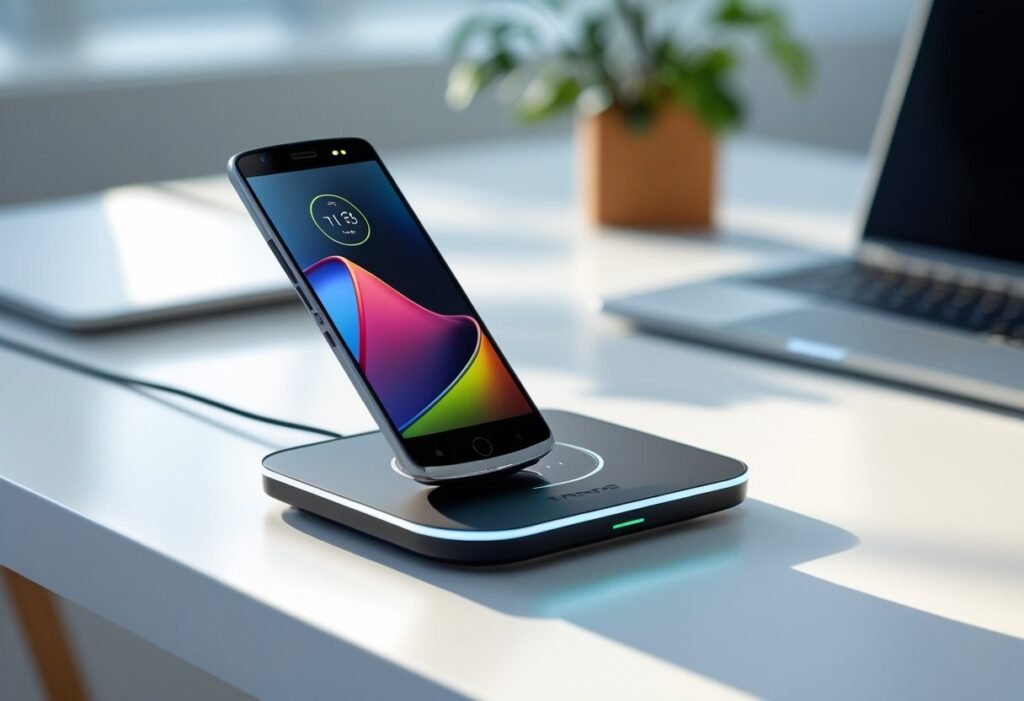
Wondering whether your Motorola Razr supports wireless charging? Most recent Razr models do include wireless charging, but support varies by generation and market — check your exact model to be sure. This article walks through which Razr variants offer wireless charging, how the technology performs, and what real-world factors you should expect.
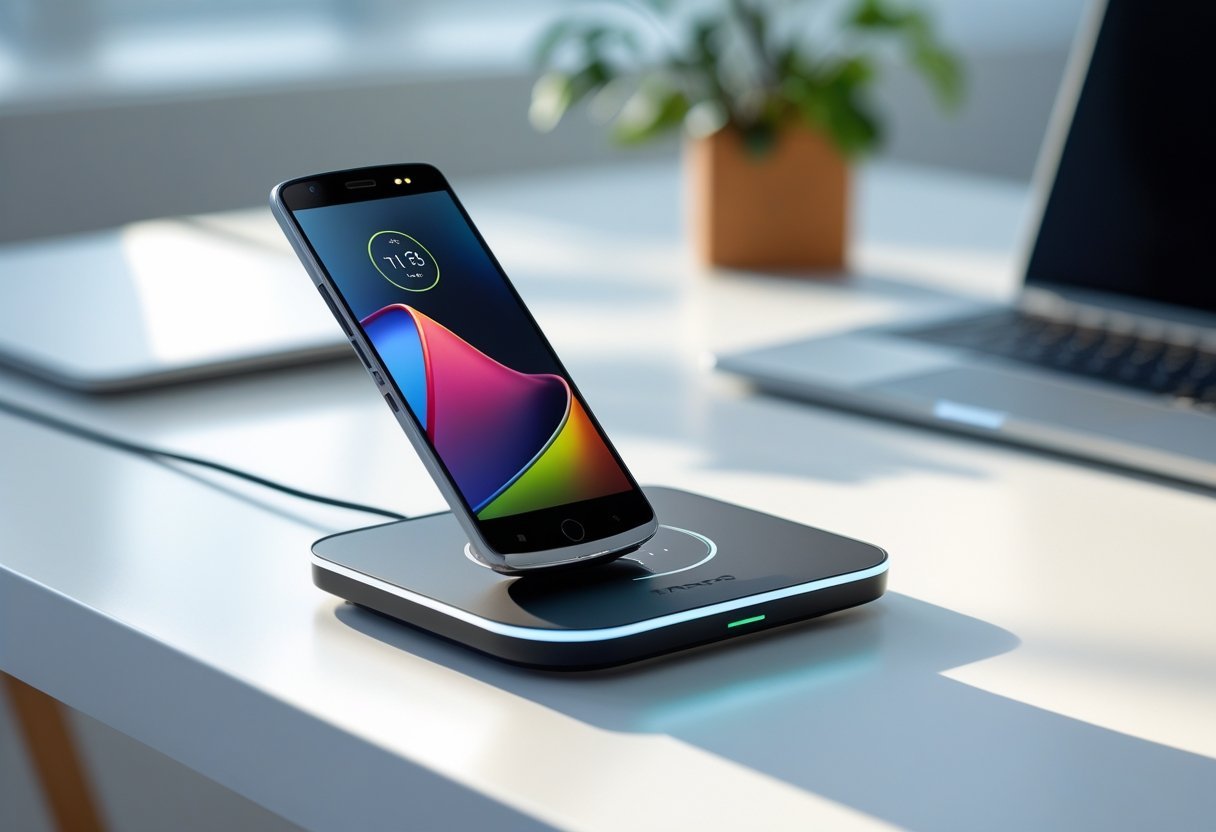
You’ll get clear comparisons across Razr generations, a plain explanation of charging speeds and limitations, and practical tips for using wireless chargers with magnetic cases or accessories. Keep scrolling to find the specifics for your phone and avoid buying the wrong charger.
Wireless Charging Support in Motorola Razr Models
You can expect wireless charging to vary by model and region, with newer Razr phones more likely to include it. Battery capacity, charging speeds, and included chargers differ between Razr 2025 variants and earlier Razr/Edge models.
Motorola Razr 2025 Wireless Charging Capabilities
The Motorola Razr 2025 family supports Qi wireless charging on models sold with full flagship features. Typical wireless power is up to 15W on compatible Razr 2025 units, matching many current flagship speeds rather than ultra-fast 30W+ wireless rates.
Wireless charging works for both the inner and outer glass surfaces where specified, but performance drops if you use thick cases or metal accessories. Wireless reverse charging (power share) is available on some Razr 2025 builds, letting you charge a headset or watch at limited wattage (usually 5W or less). Always check the spec sheet for the exact model you buy, since carriers or regions sometimes disable or alter wireless features.
Razr 2025 Model Variants: Razr+, Ultra, and International Versions
Razr+ 2025 and Razr Ultra 2025 often carry the most complete wireless charging support across their specs. The Ultra typically includes the highest-certified Qi profile and the best thermal handling for sustained wireless top-ups.
International and carrier-locked Razr 2025 models sometimes differ: a North American carrier variant may ship without wireless charging or with lower advertised speeds due to regulatory or cost decisions. You should confirm the model number (e.g., XT- or MZ- prefix) and the official spec page before purchase. Retail packaging and Motorola’s product pages list wireless charging presence and supported wattage by variant.
Wireless Charging in Previous Razr Models
Motorola Razr 2024 and earlier clamshell Razr phones had inconsistent wireless support. The Razr 60 and Razr 60 Ultra focused more on slim design and fast wired charging; wireless charging either was limited or omitted on certain trims.
Older foldable Razr generations prioritized hinge engineering over features like Qi coils, so you may find some past models lack any wireless or only offer wireless power share. If you own a Razr 2024 or Razr 60 series, check the small print: the spec sheet will say “Qi wireless charging” or list nothing for wireless if unsupported.
Comparison With Competing Motorola Devices
Compare Razr models with the Motorola Edge 40 to set expectations: the Edge 40 generally includes standard Qi wireless charging across mainstream trims and sometimes faster wired charging. Motorola often reserves the most advanced wireless features for non-folded or flagship variants.
If wireless charging is a deciding factor, choose Razr Ultra or a confirmed Razr+ 2025 spec, or opt for an Edge device when you need consistent wireless support. Always verify the exact model number and regional spec to ensure the wireless capabilities meet your needs.
Wireless Charging Technology and Performance
You’ll find whether a Motorola Razr supports wireless charging, how fast it charges wirelessly, and how that compares to wired charging. The details below cover standards, peak speeds by model, how inductive charging works with pads, and practical trade-offs versus wired fast charging.
Supported Wireless Charging Standards
Motorola’s recent Razr models typically support the Qi standard, the industry-wide protocol for inductive wireless charging. Qi compatibility means you can use most certified wireless charging pads, power banks with wireless surfaces, and public wireless chargers without needing proprietary mounts.
Some Razr variants add support for the Qi Extended Power Profile (EPP), which allows higher power delivery and more stable thermal behavior during faster wireless charging. EPP presence varies by model and region, so check the specific model’s specs: the Razr 40 and later foldables generally list Qi or Qi EPP explicitly. Always use a pad rated for the device’s supported standard to avoid slower charging or thermal throttling.
Maximum Wireless Charging Speed by Model
Charging speed depends on both the phone’s wireless charging capability and the pad’s output. For example, Motorola Razr (2023–2024 range) models that support Qi EPP often top out around 15W wireless charging under ideal conditions. Older Razr phones without EPP typically charge at 5–10W on standard Qi pads.
Your actual wireless charging speed will vary with pad quality, alignment, case thickness, pad cooling, and phone temperature. Wireless speeds will never match the peak of modern wired fast charging; for reference, many Razr models support up to 30W wired charging, which charges significantly faster than a 15W wireless pad.
Inductive Charging and Wireless Charging Pads
Inductive charging uses a coil in the phone and a coil in the pad to transfer power via an oscillating magnetic field. Place the Razr’s back panel against the pad’s active zone and alignment matters: misalignment reduces efficiency and slows charging. Thicker cases and metal attachments can block or reduce inductive coupling.
Choose a pad that matches or exceeds your Razr’s rated wireless speed and has good thermal management. Look for pads with foreign object detection (FOD) and active cooling if you frequently charge at higher wireless wattages. Certified Qi pads reduce compatibility issues; otherwise you risk slower charging, heat-triggered throttling, or intermittent connections.
Wireless Charging Versus Wired Charging
Wired charging delivers more power and charges faster and more efficiently than wireless. If your Razr supports 30W wired charging, expect charging times roughly two to three times faster than a 15W wireless pad, depending on battery size and charging curve. Wired charging also generates less waste heat for the same delivered energy.
Wireless charging offers convenience—no cable to plug in—and easier top-ups throughout the day. Expect trade-offs: slower speeds, higher heat, and slightly lower energy efficiency. Use wireless charging for convenience and short top-offs; switch to a 30W wired charger when you need a faster, cooler, and more efficient full charge.
User Experience and Practical Considerations
Wireless charging on the Motorola Razr works but has caveats you should know: charging is convenient for short top-ups and bedside use, but it’s slower than wired fast charging and can generate heat that affects battery longevity.
How to Charge Motorola Razr Wirelessly
Place the Razr flat on a Qi-compatible pad centered over the wireless coil for best alignment. You’ll typically see a charging animation on the external display and an LED or charger indicator light when charging begins.
Use a charger that supports at least 10W Qi output; many pads claim higher numbers but the Razr will often cap input to a lower rate. If your charger or case misaligns the coil the phone may stop and start charging repeatedly. Remove thick or metal cases and keep the external display closed if the charger instructions recommend it.
Optimizing Charging Speed and Device Health
Use a high-quality Qi pad from reputable vendors reviewed by Android Central or trusted reviewers to avoid voltage instability. Place the Razr on a pad with a stable power adapter rated for the pad’s output; cheap USB wall bricks can throttle charging speed.
Avoid wireless charging when the phone temperature is high—heat slows charging and stresses the battery. Charge in a cool room and remove bulky cases; if you plan overnight top-ups, consider wired charging occasionally to balance thermal cycles. Monitor charging behavior after firmware updates or reviews on sites like Android Central or other reviews for any changes to charging performance.
Pros and Cons of Using Wireless Charging
Pros:
- Convenience: set-and-forget top-ups without plugging a cable in.
- Reduced wear: less mechanical strain on the USB-C port.
- Compatibility: works with many Qi pads and public charging stations.
Cons:
- Slower than wired fast charging—often significantly so on the Razr.
- Heat generation can accelerate battery wear if used exclusively.
- Alignment sensitivity: misplacement stops charging or causes intermittent charging.
Weigh convenience against slower speeds and potential heat. If you need rapid full charges or frequent heavy use, rely on wired charging for performance; use wireless for short, convenient boosts.
