
Author: Michael Comaous

Michael Comaous is a dedicated professional with a passion for technology, innovation, and creative problem-solving. Over the years, he has built experience across multiple industries, combining strategic thinking with hands-on expertise to deliver meaningful results. Michael is known for his curiosity, attention to detail, and ability to explain complex topics in a clear and approachable way. Whether he’s working on new projects, writing, or collaborating with others, he brings energy and a forward-thinking mindset to everything he does.
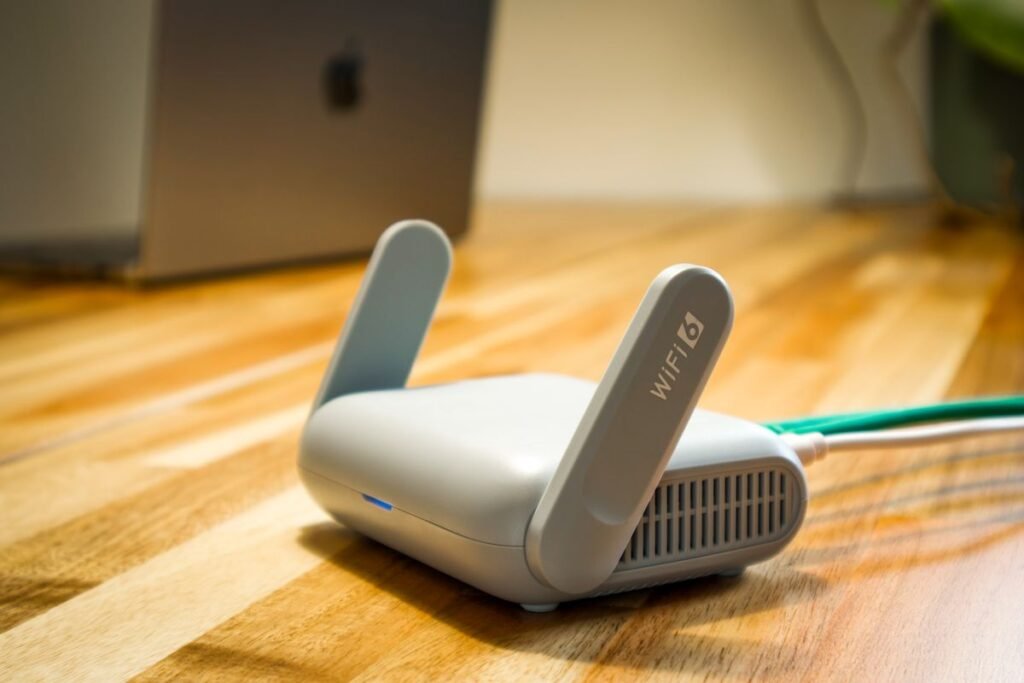
Learn how to connect to Wi-Fi step by step on an iPhone, Android phone, Windows PC, or Mac. A warm beginner’s guide with a troubleshooting table and safety tips.
Learn how to use Google Gemini step by step. This beginner’s guide covers signing in, prompts, free vs Advanced plans, and Gemini in Gmail, Docs, and on your phone.
Discover the best free online card games in 2026, from Hearts and Solitaire to CardzMania and Uno. Play in your browser, solo or with friends, no download needed.
Learning how to use an Android phone is simple with this beginner’s guide to the Home screen, apps, calls, texts, the camera, Wi-Fi, and settings, all step by step.
Learn how to use ChatGPT step by step. This beginner’s guide covers signing up, writing good prompts, free vs Plus plans, and staying safe with AI in 2026.
Learn how to play card games online with friends: pick a platform, create a private room, invite by link, add a voice or video chat, and deal your first hand fast.
New to Apple? Learning how to use an iPhone is simple with this beginner’s guide to the Home Screen, apps, calls, texts, camera, and settings, explained step by step.
Learn how to avoid online scams with clear warning signs and simple steps. Spot phishing, fake stores, and impostor scams before they cost you money in 2026.
Want to play the Left Right Center game online? Here is how to set up a virtual LCR game with friends over video chat, using web dice rollers and free browser apps.
These basic computer skills give you real confidence: files and folders, copy and paste, email, safe browsing, and updates. A warm, step-by-step guide for beginners.