

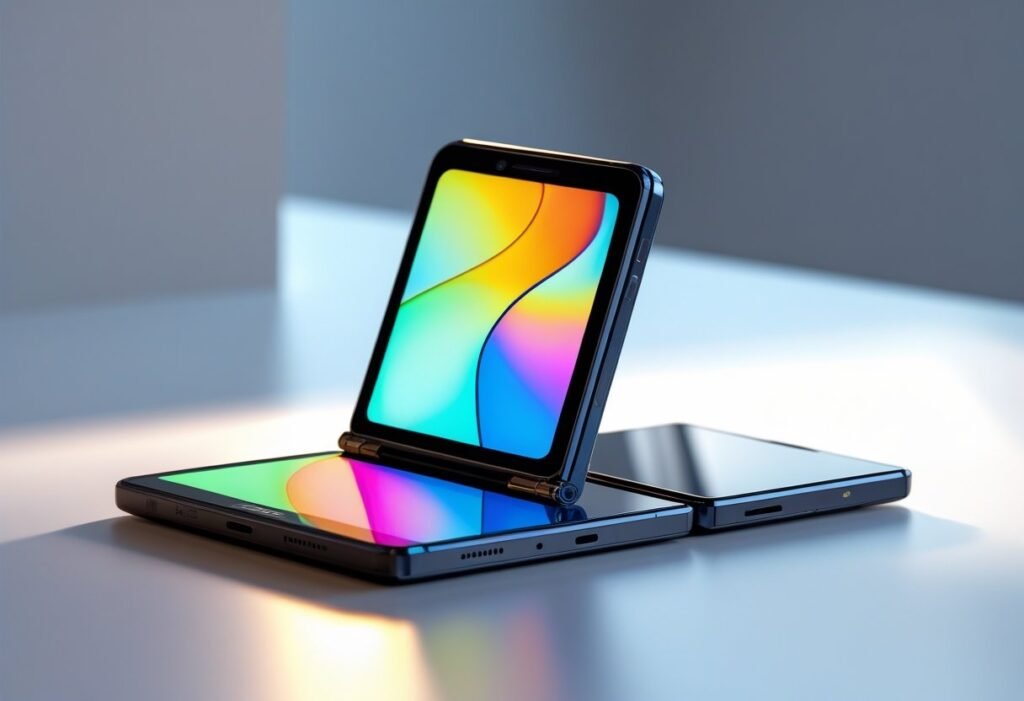
You’ll find whether the Motorola Razr fits your needs in seconds: it blends a compact, pocketable foldable with a familiar phone experience and sensible modern features. The Motorola Razr gives you a clamshell design, a usable cover display, and a flexible inner screen that balances nostalgia with current hardware and software choices.
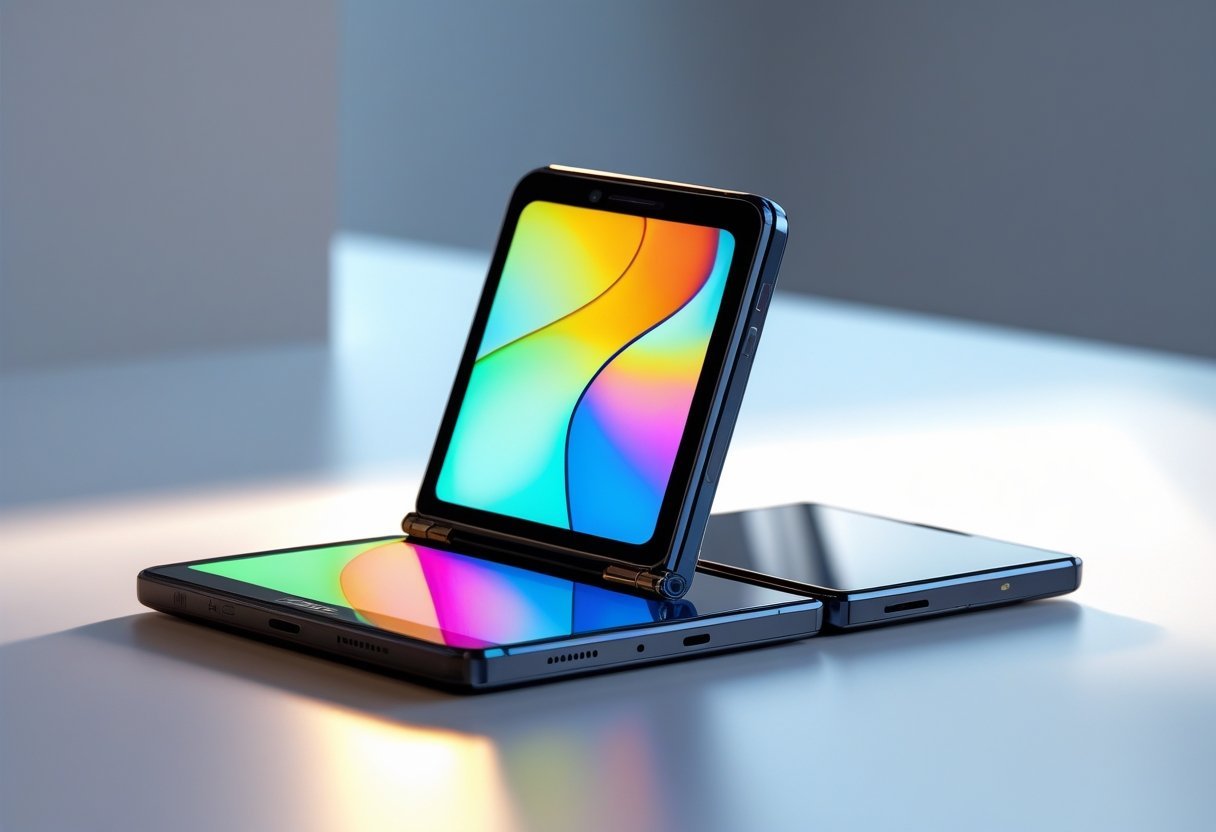
Expect a close look at design and build quality, how the displays shape daily use, performance and features that matter, and the software and AI tools that affect real-world tasks. Keep scrolling to see specifics on durability, battery life, camera trade-offs, and practical tips to decide if the Razr belongs in your pocket.
Design and Build Quality
You get a modern flip phone built to feel premium, stay pocketable, and withstand everyday use. Materials, hinge engineering, and water resistance define how the device performs and ages.
Form Factor and Materials
The Razr uses a vertical fold “flip phone” layout that folds to pocket size and opens to a 6.7-inch main display. Motorola (Motorola Mobility LLC, a Lenovo company) balances thinness and rigidity with an aluminum frame and reinforced internal structure. The outer cover screen sits centered on the exterior panel and serves notifications, quick replies, and camera previews without opening the phone.
Glass choices matter: the main display and cover screen use Corning Gorilla Glass Victus on select models for scratch and drop resistance, while other units may employ earlier Gorilla Glass variants. The phone bears Motorola trademarks and the stylized “M” logo on the rear. You’ll notice manufacturing marks—“designed and manufactured by Motorola Mobility” or similar—near regulatory text and registered trademarks.
Colors and Finishes
Motorola offers distinct finishes to target different buyers. Fabrics and leather-inspired finish options give a tactile contrast to metal and glass, while gloss and matte glass variants emphasize durability and shine. Colorways like Parfait Pink, Gibraltar Sea, and Lightest Sky reflect current marketing names and appear on official Motorola listings.
Finishes change grip and scratch behavior: leather-inspired textures hide surface marks better and feel warmer in hand; glossy glass highlights reflections and fingerprints. If you prefer minimal smudging and a secure grip, choose the textured or leather-inspired finish. If you prioritize a seamless camera/cover-screen look, the glass-backed models deliver sleeker aesthetics.
Hinge Durability
Motorola advertises a titanium-reinforced hinge design intended to withstand tens of thousands of folds in normal use. The hinge uses precision gears and dampers to keep the fold line even and reduce crease visibility on the main panel. You can open the phone at multiple angles, and the mechanism locks reliably with limited wobble when fully extended.
Serviceability varies: hinges are integrated into the chassis, so repairs require authorized parts and technicians. Motorola Mobility and Lenovo publish limited warranties that sometimes exclude damage from misuse. Regularly keep debris away from the hinge and avoid folding with deep pressure on the display to maximize longevity.
Water and Dust Resistance
Many modern Razr units carry an IP48 rating or similar ingress protection labeling rather than full IP68. That rating means protection against limited dust ingress and immersion to shallow depths for short durations; you should not assume full submersion or high-pressure water resistance. Motorola’s official references and packaging specify the exact IP rating for each model.
Water resistance relies on gaskets and sealed ports, but the hinge introduces a potential entry point for moisture. Avoid prolonged exposure to salt water, soaps, or pressurized streams. If your device gets wet, power it off, dry external surfaces, and follow Motorola Mobility’s guidance before seeking service to prevent warranty complications.
Displays and User Experience
You get two distinct screens designed for different tasks: quick interactions on the external cover display and full apps or media on the inner foldable AMOLED. Expect high color fidelity, wide viewing angles, and a flexible hinge that aims to minimize crease visibility.
External Cover Display
The 3.6-inch cover screen uses a POLED panel that displays notifications, quick settings, and compact widgets without opening the phone. You can reply to messages, control music, and launch select apps directly from this external display, reducing wear on the hinge and saving battery for brief tasks.
The cover display supports touch input and can show full-screen album art, timers, and focused notifications. While smaller than most phone screens, it’s bright enough for outdoor use and designed for short interactions rather than prolonged media consumption.
Internal Foldable Screen
The inner display is a foldable AMOLED that prioritizes color accuracy and deep blacks for streaming and photography. It unfolds to provide a tablet-like canvas for apps, multitasking, and media playback, with the hinge engineered to keep the fold shallow and the crease as inconspicuous as possible.
You’ll notice good viewing angles and saturated colors that suit HDR10+ content when available. The durability of the flexible layer has improved; however, you should avoid pressing hard on the center fold and follow manufacturer guidance about screen protectors and cleaning.
Refresh Rate and Brightness
The inner display offers a 120Hz refresh rate that smooths scrolling, animations, and gaming. The adaptive refresh behavior helps conserve battery by lowering the rate for static content and raising it for motion-intensive tasks.
Peak brightness reaches levels sufficient for most outdoor situations and supports HDR10+ for compatible streaming apps, which enhances contrast and highlights. The external POLED cover has a lower refresh rate and modest peak brightness by comparison, tuned for readability in ambient light rather than cinematic playback.
Interface and Apps
The software adapts to the fold by stretching apps, enabling split-screen multitasking, and offering gestures that use both screens effectively. You can run two apps side-by-side on the inner display or push compact controls to the cover screen for single-handed use.
Streaming apps and entertainment services detect HDR support and scale video accordingly on the inner AMOLED. Some third-party apps may not fully optimize for the foldable layout; you can force split view or use “app continuity” features to move content from the cover display to the inner screen seamlessly.
Performance and Features
Expect a balance of speed, sustained performance, and modern wireless features that matter for daily use and media consumption. The phone prioritizes responsive apps, reliable connectivity, and practical charging options.
Processor and Hardware
You get a choice of flagship-tier and upper-midrange silicon depending on the model. The Razr Ultra and higher-spec Razr+ models use the MediaTek Dimensity 7400X or Qualcomm Snapdragon 8 Elite in some regions, delivering strong single-core responsiveness and solid multi-core performance for multitasking and gaming. Benchmarks show the Dimensity 7400X handles sustained loads well with efficient thermals, while Snapdragon versions favor peak performance and slightly higher GPU throughput.
Android 15 runs close to stock on Motorola devices, so you’ll see minimal bloat and quick app launches. RAM and storage options typically range from 8–12 GB RAM and 128–512 GB UFS storage, which keeps background apps available and reduces stutter when switching tasks. The foldable hinge and internal cooling design influence long gaming sessions; thermal throttling is present under very heavy load but rarely affects short bursts of high performance.
Battery Life and Charging
Battery capacity and optimization determine real-world endurance. The Razr series usually fits a 4,000–4,500 mAh battery in the foldable chassis; expect a full day of mixed use, with lighter users reaching a day and a half. Video playback and web browsing favor the larger cells in the Ultra and Razr+ models, while gaming over long periods will drain faster.
Charging supports USB-C with 30W wired charging and around 15W wireless charging on selected models. TurboPower fast-charge profiles restore roughly 50–60% in about 30 minutes with the 30W adapter under typical conditions. Wireless charging performance at 15W gives convenient top-ups but charges slower than wired. The phone supports 5G sub-6 and power-saving network modes to extend battery life when full 5G speeds aren’t needed.
Audio and Connectivity
You’ll find modern wireless standards and adequate audio hardware for media and calls. Bluetooth connectivity supports recent codecs and pairing with earbuds or headphones; some variants include “Sound by Bose” tuning or Dolby Atmos processing for better spatial sound through stereo speakers. On-device speakers deliver clear mids and decent volume, though bass is limited by the foldable form factor.
Networking includes Wi‑Fi 7 on higher trims and reliable LTE/5G sub-6 bands for broad carrier compatibility. NFC is present for contactless payments and quick pairing. Physical ports are limited to USB Type‑C for data, charging, and wired audio adapters. Expect solid Bluetooth range, stable Wi‑Fi performance, and standard telephony features without unusual omissions.
Software and AI Capabilities
Motorola combines its Android base with on-device and cloud AI features, plus targeted security tools and connectivity options that affect daily use. Expect Android 15-level foundations, regular security patches, Moto AI utilities, and integration with Google services like Gemini and Copilot.
Operating System and Updates
Your Razr runs Android 15 with Motorola’s minimal UI tweaks to preserve stock Android behavior while adding practical shortcuts. Motorola commits to a defined update policy: typically two major Android upgrades and three years of security patches, though exact terms vary by model and region.
System apps include Moto Actions, Moto Display, and Quick View for the external screen. These are optimized to work with the foldable hinge and external display, keeping frequently used controls accessible without opening the phone.
Updates arrive via OTA and include monthly security patches from Google and Motorola. You’ll see firmware improvements for camera calibration, hinge behavior, and battery management bundled with Android updates. If you use Windows linkage features, Microsoft’s Phone Link integration receives compatibility fixes alongside platform updates.
AI Features and Integration
Moto AI integrates local and cloud-assisted capabilities to enhance calls, typing, and context-aware suggestions. On-device models handle features like “Catch Me Up” that summarize recent messages and email threads without sending data to servers, while cloud services (Google Gemini, Copilot) power heavier tasks such as complex language generation and multimodal queries.
You can use “Remember This” to store and retrieve short notes tied to contacts or locations; the feature syncs with your Google account when enabled. “Pay Attention” uses AI to reduce accidental inputs on the external screen and to prioritize notifications based on your recent interactions.
Third-party plugins like Perplexity-style instant research or Copilot integrations may appear in share menus, but heavy processing routes through Google’s cloud if you ask for long-form answers or image analysis. You control data-sharing in settings and can limit cloud AI access per app.
Security and Smart Connect
ThinkShield for mobile provides layered protections: hardware-backed keystore, verified boot, and app sandboxing. You manage biometrics (fingerprint, face) and can require secure unlock for the external display or apps. Regular security patches from Motorola and Google mitigate zero-day risks as they arise.
Smart Connect handles how your Razr interacts with accessories, Bluetooth devices, and Windows. Create rules that auto-launch apps when you connect to a car or pair with earbuds. Windows Link and Windows notification sync rely on secure tethering and token-based auth to prevent session hijacking.
Gibraltar Sea and other proprietary names do not appear in core software; verify any vendor-branded services before enabling. Review privacy toggles for AI features to restrict cloud uploads and to keep sensitive data on-device whenever possible.
Frequently Asked Questions
This section answers specific consumer concerns about cost, hinge durability, hardware upgrades, performance versus Samsung Flip, battery endurance, and long-term improvements since 2004. Expect concrete figures, measured comparisons, and clear feature summaries.
What is the price range of the latest Motorola Razr model?
Retail price for the Motorola Razr 40 Ultra typically ranges from $799 to $999 USD depending on storage (128GB vs 256GB) and promotional offers. Carrier deals, trade-ins, and seasonal sales can reduce the out‑of‑pocket cost by $100–$300.
How does the Motorola Razr folding mechanism durability compare to other flip phones?
Motorola uses a multi-link hinge with a flexible display rated for about 200,000 folds in lab testing, which aligns with industry expectations for modern foldables. In real-world use the hinge is comparable to Samsung’s Galaxy Z Flip series; both show low failure rates when handled normally but require protective care to avoid debris ingress.
What are the key features and upgrades in the Motorola Razr 40 Ultra?
The Razr 40 Ultra adds a larger 3.6‑inch Quick View cover display, a 144Hz foldable inner OLED panel, and a Snapdragon 8+ Gen 1 chipset for improved speed. Camera upgrades include a 50MP main sensor with optical image stabilization and advanced software processing for low‑light shots.
How does the Motorola Razr performance compare to the latest Samsung Flip model?
Performance on CPU/GPU tasks is similar when comparing flagship Snapdragon chips; the Razr 40 Ultra with Snapdragon 8+ Gen 1 matches or slightly lags Samsung models using equivalent silicon. Real‑world differences are minor: app launch times and multitasking are comparable, while thermal throttling and sustained benchmark scores vary by device cooling and software tuning.
Can the battery life of the Motorola Razr support extensive daily use?
The Razr 40 Ultra typically delivers a full day of moderate use (social apps, messaging, some streaming) from its ~3800 mAh combined battery. Heavy use—extended gaming, prolonged 144Hz display time, or frequent camera use—may require a top‑up before day’s end.
What improvements have been made to the Motorola Razr since its original release in 2004?
Since 2004, the Razr line transitioned from a slim clamshell GSM feature phone to a modern foldable smartphone with OLED displays, high‑speed mobile processors, 5G connectivity, multi‑camera systems, and advanced hinge engineering. Materials moved from metal and plastic shells to glass, aluminum frames, and flexible polymers for the display and hinge, improving functionality and adding smartphone features like app ecosystems and large touchscreens.
