

ZDNET’s key takeaways
- Your iPhone’s USB-C port does far more than charge devices.
- USB-C turns your iPhone into a hub for work, media, and storage.
- Wired USB-C accessories deliver faster, more reliable performance.
For years, the iPhone was stuck with the Lightning port, even as Apple moved its other devices to USB-C. That meant keeping one cable for my iPhone and another for my iPad and Mac. However, starting with the iPhone 15 lineup, Apple finally made the switch.
Every current iPhone model, including the iPhone 15, iPhone 16, and iPhone 17 families, now uses USB-C. And yes, it is about time.
Also: 14 secret phone codes that unlock hidden features on your Android and iPhone
I really like that USB-C does far more than simplify device charging for me. It turns my iPhone into a workstation, a media hub, a storage device, and even a networking tool. If you have only been using the port to charge, you’re leaving a lot on the table.
What can you do with your iPhone’s USB-C port?
Before getting into everything the USB-C port on your new iPhone can do, it’s worth starting with the most obvious and, for me, the most satisfying benefit: fewer cables. I now carry a single USB-C cable that works with my iPhone, iPad, MacBook, headphones, camera gear, and even power banks. It dramatically cuts down on cable clutter at home and when I travel.
Also: How to turn on Lockdown Mode on iPhone – so even the FBI can’t get in
Now, let’s get into the fun stuff…
1. Turn your iPhone into a power bank
Did you know your iPhone can double as a small power bank? If another device has USB-C, you can connect it to your iPhone with a USB-C-to-USB-C cable and share power. Thanks to reverse wired charging, your iPhone can charge accessories like earbuds, tablets, or another phone. Power output is limited to 4.5 watts, so it will not replace a wall charger, but it’s still handy for emergencies.
2. Create a mobile workstation
USB-C opens the door to a world of peripherals and accessories. You can plug in a keyboard, mouse, or trackpad and instantly turn your iPhone into a mini workstation. No drivers and no complex installs are needed; it just works. This is especially useful if you are traveling and need to write long emails, edit documents, or manage files while away from a laptop.
Also: How to clear your iPhone cache (and why it makes such a big difference)
3. Pair to an external display
If you really want to take your workstation setup up a notch, pair your iPhone with an external display, and it starts to feel surprisingly capable. USB-C makes it easy to connect your iPhone to TVs, monitors, and projectors using HDMI or USB-C display adapters.
I have used this for watching videos in hotels, and it is far more flexible and reliable than wireless casting.
4. Record clean audio from anywhere
If you are a musician, podcaster, journalist, or anyone who needs to record audio, you can connect a USB-C microphone and record directly to your iPhone. I’ve used this setup for field recordings and was able to capture clean sound with no noticeable interference.
Also: My iPhone alarm kept failing me – here are the 6 fixes that actually worked
5. Connect MIDI instruments
Speaking of musicians, they can do more than just record audio on their iPhone.
Using USB-C, they can plug MIDI keyboards, drum pads, and more directly into an iPhone. Music apps recognize these instruments instantly, turning the iPhone into a portable music studio for composing, recording, and even live performance.
6. Plug in high-end headphones and audio gear
Sorry, I’m not done with benefits for musicians or audiophiles yet.
Also: How to record a phone call on your iPhone (and where and when it’s legal to do so)
USB-C supports digital audio directly, so you can use USB-C headphones, DACs, and professional audio interfaces. All of this opens the door to higher-quality playback and recording than Bluetooth alone can provide.
7. Transfer large files – fast
Transferring large files over USB-C is significantly faster than it ever was with Lightning, especially on Pro models. Standard iPhones operate at USB 2 speeds, while Pro models support USB 3, up to 10Gbps, which dramatically cuts transfer times. If you regularly move photos, videos, or backups between your iPhone and a computer, a high-speed data transfer cable is well worth it.
8. Add more storage to your iPhone
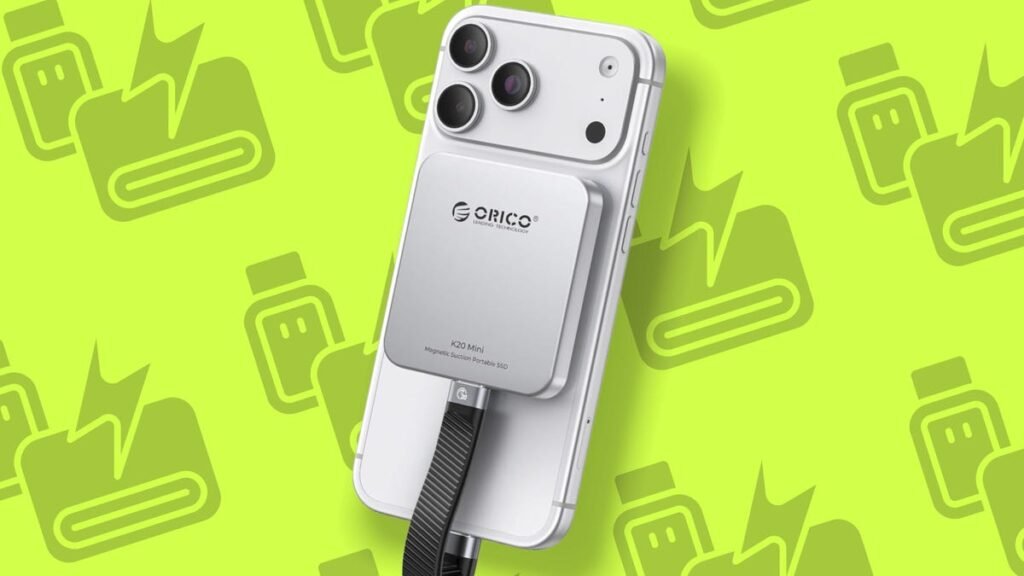
Worried about running out of storage on your iPhone? Stop. You can simply connect USB-C flash drives, external SSDs, or powered hard drives directly to your iPhone. This is useful for backups, media libraries, and offloading large files. On iPhone Pro models, you can even record ProRes video straight to an external SSD, completely bypassing internal storage limits.
Also: 8 ways to get more iPhone storage today – and most are free
9. Use SD and microSD cards
If you are a photographer or videographer, you immediately benefit from USB-C card support.
Also: This hidden iPhone camera trick can help you locate your lost device fast – no Find My required
With a simple plug-in card reader, you can import photos and video from SD or microSD cards straight into your iPhone. There is no need for wireless transfers or companion apps. It’s fast, direct, and the easiest way to review and edit content on the go.
10. Game with wired controllers
Wired USB-C controllers work natively with iPhone. Compared with Bluetooth, wired controllers reduce input lag and do not drain the controller’s battery. If you are into mobile gaming, cloud gaming, or emulation, a wired controller is a must.
11. Get faster, more reliable internet
With a USB-C-to-Ethernet adapter or hub, your iPhone can connect directly to wired internet. This provides lower latency and more consistent speeds than Wi-Fi. It is a lifesaver if you live stream or work from locations with unreliable networks.
12. There’s plenty more specialty accessories
You’ve probably realized by now that USB-C enables a wide range of niche accessories, including diagnostic tools, borescopes, microscopes, measurement devices, and other specialty peripherals. ZDNET’s Adrian Kingsley-Hughes reviews many of these weird and wacky gadgets. If it follows standard USB protocols, your iPhone can power it and communicate with it.
Also: I changed 10+ settings on my iPhone to significantly extend its battery life (iOS 26 and older)
13. Multiply your ports with a USB-C hub
At this point, you might be thinking you will not be able to use half the accessories mentioned here because the iPhone only has a single USB-C port. No worries. A USB-C hub solves that problem. With one device, you can expand what your iPhone can do by adding extra USB-C ports, USB-A ports, HDMI, Ethernet, SD card readers, passthrough charging, and more.
14. Keep using your Lightning accessories
Last but not least, if you still have Lightning-based accessories lying around, a USB-C to Lightning adapter lets you keep using the gear you already paid for and love.
Which iPhones use USB-C?
All newer iPhone models use USB-C, from the iPhone 15 onward, including the iPhone 16 and 17 lineups.
Do all iPhones support the same USB-C speeds?
No. Standard models use USB 2 speeds, while Pro models support faster USB 3 data transfer.
Can I use Bluetooth, Wi-Fi, or MagSafe accessories instead?
Short answer: yes, sometimes. But USB-C still has advantages.
Bluetooth, Wi-Fi, and MagSafe accessories are great. Wireless headphones, keyboards, AirPlay displays, and MagSafe chargers all work well, and I recommend using them. That said, USB-C shines when reliability and speed matter more. Wired connections offer lower latency than Bluetooth, faster and consistent data transfers over Wi-Fi, and more hardware support than MagSafe.
Source: www.zdnet.com
About this article: GeekBlog covers U.S. technology news, AI, phones, smartwatches and gaming. Every story is written and checked under our Editorial Policy. Spotted a mistake or have a story tip? Contact our editors.
