

Follow ZDNET: Add us as a preferred source on Google.
ZDNET’s key takeaways
- Users can take steps to reduce the risk of attack on smart homes.
- Strong passwords, MFA, and secure setup all enhance device security.
- Research smart device brands before making a purchase.
As a smart home user, I pause anytime a major data breach hits the news cycle, especially one that involves devices I own or recommend, like security cameras. Recent reports have underscored the question: How easily can your smart home devices be hacked?
Also: Your smart plug is seriously underutilized: 7 ways I’ve programmed it in my smart home
Most of us have some internet of things (IoT) devices at home, whether it’s a phone, a tablet, or a collection of security cameras and sensors. When you learn that 120,000 home security cameras were hacked in South Korea for sexploitation footage, it makes you think twice about adding such devices to your home, which is your most sacred space for privacy.
Can someone hack my smart home?
All smart homes are at risk of being hacked, but it’s not a likely event. The type of bad actors that target smart homes and devices, such as security cameras, are opportunistic. They search randomly for easy targets — they don’t tend to choose a particular home to attack and then try to circumvent that specific system.
The best way to prevent an attack on your smart home devices is to not be an easy target. Unfortunately, many of the smart home hacks you hear about in news reports occur because people fail to follow the necessary security steps that would offer defense against those attacks.
How can I protect my smart home from hackers?
Using weak passwords, failing to keep your firmware up to date, or having exposed Wi-Fi networks puts you at risk for these attacks, even if the risk is still very low. Here’s a breakdown of the things you can do to protect your smart home devices from hackers:
1. Protect your passwords
You’ve probably seen the news about hackers being able to access baby monitors and actually talk through them using two-way audio — this typically happens when the default password was never changed.
Similarly, weak passwords can be easily guessed. If you reuse a password that has been involved in a data breach, you’re also at risk of getting hacked.
Also: Best home automation systems 2026: I’m a smart home reviewer and these are the top ones
To this end, use strong, unique passwords for each account and/or device. You want to make your devices so secure that they’re not worth the effort for an attacker.
2. Turn on two- or multi-factor authentication
Enabling multi-factor authentication also protects your password, because if someone were to steal it, they’d still need the second layer of approval from you to access your account. Many brands of smart home devices and accounts offer this feature, including Amazon, Google, and Philips Hue.
Also: Why multi-factor authentication is absolutely essential
Two-factor authentication can be a bit annoying at times, as it requires taking extra steps to log in and access your account; however, it’s worth the effort to prevent unauthorized access.
3. Secure your Wi-Fi
Protecting your Wi-Fi may sound basic, but it’s something that most people overlook. To secure your Wi-Fi, use WPA2 or WPA3 and always change the default password on your router — otherwise, your wireless network remains exposed.
Also: 14+ powerful Alexa commands every user should know at home (no subscriptions required)
Avoid sharing your Wi-Fi password widely. You could also consider creating a guest network for visitors and a separate one for smart home devices. I use a separate network for smart home devices. There’s a main Wi-Fi network that we use to connect our personal devices, such as laptops, tablets, and computers. And then there’s one for only IoT devices, to which we connect our smart plugs, robot vacuums, and everything else.
4. Keep your firmware up-to-date
Whenever possible, enable auto updates on each device to ensure they receive the latest software updates. Manufacturers often encounter vulnerabilities and send over-the-air updates to patch these security holes, so it’s always important to ensure your devices have the latest firmware.
5. Turn off unnecessary features
The next step is to deactivate any features you don’t use or need on your device, especially if those features leave you vulnerable to attacks. If you don’t need remote access and this feature can be disabled on the device, then do so.
You’ll only access your device locally when you’re near it, but it also protects it from malicious actors, especially if it has a camera.
Also: How I completed my ultimate smart home setup with this tablet hub (and why it works)
It’s also a good idea to turn off Universal Plug and Play on your router and decline any unnecessary integrations in your devices that are not essential to you. If there’s something that you feel like you don’t need, go ahead and decline it.
6. Research the brand you’re buying
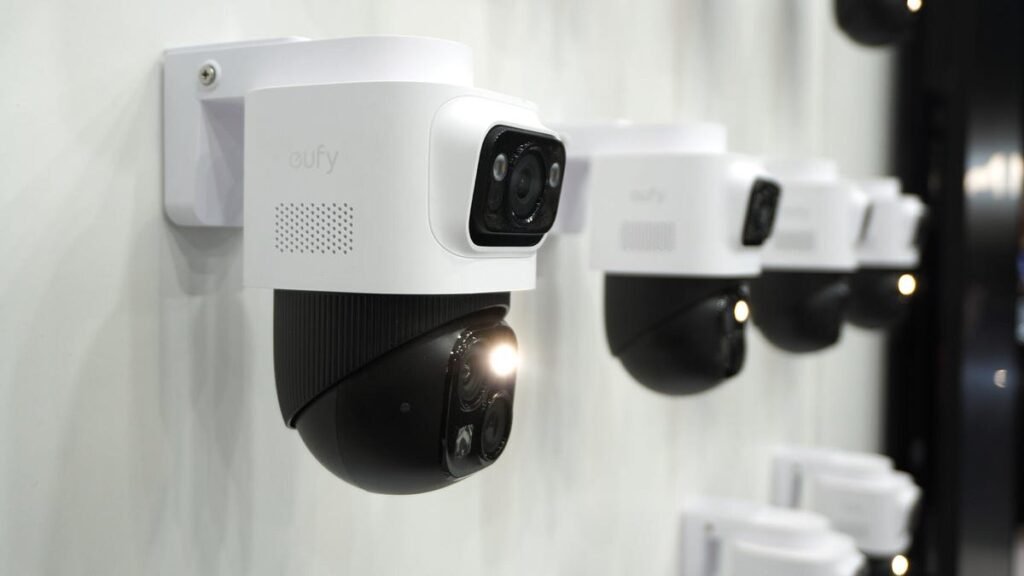
Always research the brand and its best practices before making a purchase. Sure, I could say to only buy trusted brands, but a lot of big, trusted brands have been the target of very basic attacks and exposures, like Wyze, Eufy, and Google.
Don’t rely on the idea that a brand is reliable simply because it’s well-known. Research the brand and its security measures to ensure the protection of user data. If a brand advertises features like local-only storage, and this is a very important consideration for you, verify this through reviews, user experiences on sites like Reddit, and real-world experiences.
Source: www.zdnet.com
