

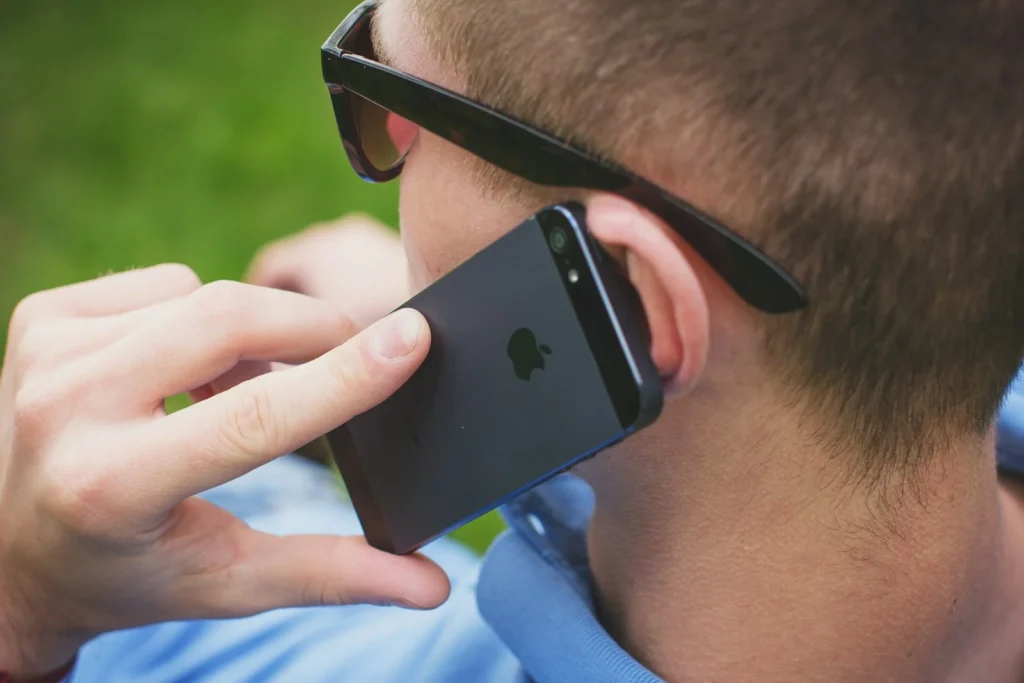
Yes, you can record a phone call on an iPhone without any extra app. Since iOS 18.1, the Phone app has a built in Call Recording button that saves the audio, and in supported languages a transcript, straight to the Notes app. Whether you are allowed to record is a separate question, and in the US the answer depends on which state you and the other person are in.
What you need for built in call recording
The feature is part of iOS itself, not a separate app, and it works for regular phone calls and FaceTime audio calls. Here is what decides whether you see it:
- Software: iOS 18.1 or later. Any iPhone that runs current iOS gets the recording button, so update in Settings, General, Software Update if it is missing.
- Language and region: Apple lists call recording for more than 30 languages, including English, Spanish, French, German, Chinese, Japanese, Korean, Arabic, Hindi and Polish. Apple’s iOS Feature Availability page has the current list, and the button does not appear where the feature is not offered.
- Transcripts: automatic transcription covers a shorter list, mainly English (US, UK, Canada, Australia, India, New Zealand, Singapore), Spanish (US and Mexico), Brazilian Portuguese, Japanese, Korean, Mandarin and Cantonese.
- Summaries: a written call summary needs Apple Intelligence, which runs on iPhone 15 Pro, iPhone 15 Pro Max and iPhone 16 models or later.
How to record a call on your iPhone step by step
- Open the Phone app and place or answer a call as usual.
- Tap the More button (three dots) on the call screen.
- Tap Call Recording. Both you and the other person hear an audio notice that the call is being recorded, and a timer appears.
- To finish, tap the stop button or simply hang up.
- Tap View Saved Call to jump straight to the recording in Notes.
The announcement cannot be switched off. That is deliberate: it gives the other side a chance to object, which matters in states that require everyone to agree. It still does not replace asking for consent, so say it out loud before you start.
Where recordings and transcripts are saved
Every recording lands in a Call Recordings folder in the Notes app. Open a note and tap play to listen. When transcription is available, the text appears with each speaker labeled, and you can tap a line to hear that exact moment. Apple warns that transcripts are not always accurate, so double check names, numbers and dates before relying on them.
From the More menu inside the recording you can:
- Search the text with Find in Transcript.
- Copy it with Add Transcript to Note or Copy Transcript.
- Export the audio with Save Audio Files or Share Audio.
- Remove it with Delete, which also deletes the transcript.
If you never want the option on screen, go to Settings, Apps, Phone, Audio Call Recording and turn it off.
Other ways to record calls
Put the call on speaker and record it with Voice Memos on an iPad, Mac or another phone. Quality depends on the room.
Turn on Incoming call recording in settings, then press 4 during an incoming call. It announces the recording and works only for incoming calls on personal accounts.
Paid apps in the App Store usually merge a recording line into a three way call. Check fees and privacy terms first.
Screen recording is not an option. iOS blocks call audio from screen captures, so you get a silent video.
Is it legal to record a phone call in the US?
Federal law follows one party consent: if you are part of the conversation, you may record it. Most states use the same rule. A group of states goes further and requires every participant to agree, and when callers are in different states, the safest assumption is that the stricter rule applies.
| Rule | States |
|---|---|
| All party consent for phone calls | California, Florida, Illinois, Maryland, Massachusetts, Montana, New Hampshire, Pennsylvania, Washington |
| Treat as all party for phone calls | Connecticut (civil law covers phone calls), Nevada (courts read phone calls as all party), Delaware (conflicting statutes) |
| Gray areas | Michigan (statute reads all party, courts let participants record), Oregon (one party for calls, all party for in person talks) |
| One party consent | Everywhere else, plus federal law |
Outside the US the rules differ again, so check local law before you record while traveling.
FAQ
Does the other person know I am recording?
Yes. When you tap Call Recording, iOS plays an audio notice to everyone on the call, and you cannot disable it.
Why don’t I see the Call Recording button?
Your iPhone is either running a version older than iOS 18.1, or call recording is not offered for your language or region. Update iOS first, then check Apple’s Feature Availability page.
Can I record calls on an iPhone without anyone hearing a notice?
Not with the built in tool. Third party options also usually announce or log the recording, and secretly recording is illegal in all party consent states.
Do I need Apple Intelligence to record calls?
No. Recording and transcripts work without it. Apple Intelligence only adds the written summary of the call.
The verdict
For most people the built in recorder is the best way to record an iPhone call: it is free, it saves audio and transcripts to Notes, and its automatic notice keeps everyone informed. Use Google Voice or a second device only if the button is missing, and always get consent before you press record, especially in all party consent states.
Updated October 2026: covers built in iPhone call recording, transcripts and summaries, alternatives, and current US consent rules by state.
Featured photo: freestocks on Unsplash.
About this article: GeekBlog covers U.S. technology news, AI, phones, smartwatches and gaming. Every story is written and checked under our Editorial Policy. Spotted a mistake or have a story tip? Contact our editors.
