

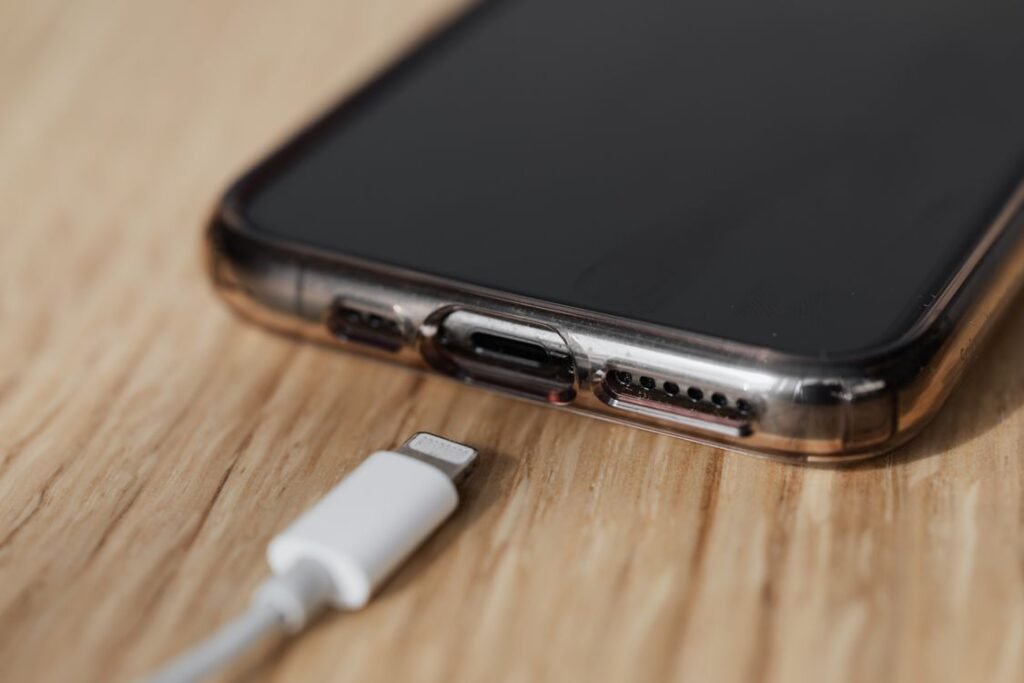
Quick answer: The best iPhone 17 Pro charger is a USB-C Power Delivery adapter rated 40W or higher, because the iPhone 17 Pro can draw up to about 40W over USB-C and hit roughly 50% in 20 minutes. Apple does not include a charging brick in the box, so you supply your own adapter and use the bundled USB-C cable. For wireless, a Qi2.2 (Qi2 25W) charger delivers up to 25W.
Apple ships the iPhone 17 Pro with a USB-C cable but no power adapter, a practice that has held since the iPhone 12 in 2020. That leaves a very common question: what charger should you actually buy to get the fastest, safest results? The short version is that the iPhone 17 Pro finally supports meaningfully faster wired charging than older models, but only if your adapter can keep up. Here is exactly what to look for.
What charger does the iPhone 17 Pro need?
The iPhone 17 Pro charges over USB-C using the USB Power Delivery (USB-PD) standard. To reach its peak wired speed of roughly 40W, you want an adapter rated at 40W or higher that supports PD. Anything lower will still charge the phone, just more slowly.
Two things matter here, and people often get the second one wrong:
- The adapter — needs to be USB-C PD and ideally 40W or more to unlock peak speeds.
- The cable — needs to be a USB-C to USB-C cable rated for enough current (a 60W / 3A cable or higher is a safe choice). A thin or low-rated cable can bottleneck charging even with a powerful adapter.
The USB-C cable in the box handles fast charging fine. The missing piece for most people is simply a capable brick.

iPhone 17 Pro charging speeds compared
Not every charger produces the same result. Here is how the common options stack up so you can match the adapter to your needs.
| Adapter | Charging result | Best for |
|---|---|---|
| 40W+ USB-C PD adapter | Peak wired speed (~40W), about 50% in 20 minutes | Fastest top-ups; the recommended choice |
| 20W–30W USB-C PD adapter | Solid, near-fast charging but below peak | A capable everyday brick you may already own |
| Qi2.2 wireless charger (25W) | Up to 25W wireless, magnetically aligned | Convenient nightstand and desk charging |
| Legacy MagSafe charger | Caps at 15W wireless | Existing MagSafe owners who value convenience over speed |
| 5W old USB-A “cube” | Very slow; not recommended | Emergency use only |
Wired charging: how fast is 40W in practice?
With a 40W-or-higher USB-C PD adapter and a decent cable, the iPhone 17 Pro can reach roughly 50% charge in about 20 minutes. Sustained draw during testing tends to settle a little below the 40W peak as the battery fills and the phone manages heat, which is completely normal behavior for lithium-ion charging. A full charge generally lands in the neighborhood of an hour, though exact times vary with temperature, background activity and your specific charger.
You do not need a massive laptop charger, but there is no harm in using one. A 60W or 65W USB-C laptop adapter will safely charge the phone at its own maximum rate and negotiate down automatically via USB-PD, so a single multi-device charger can cover your phone and laptop.
Wireless charging: Qi2, Qi2.2 and MagSafe
Wireless charging is where the details get confusing. The iPhone 17 Pro supports up to 25W wireless, but only on a Qi2.2 charger (often marketed as “Qi2 25W”) or a compatible magnetic power bank. Older MagSafe pucks still snap on and work, but they are limited to 15W. So if wireless speed matters to you, look specifically for Qi2.2 / Qi2 25W certification rather than assuming any magnetic charger delivers full speed.
Wireless charging is inherently less efficient and generates more heat than a cable, so for the fastest possible refuel, wired remains the winner. Wireless shines for hands-off convenience on a nightstand or desk.
What comes in the box?
Open an iPhone 17 Pro and you will find the phone, a 1-meter USB-C to USB-C cable, and a small pack of documentation. That is it. There is no power adapter and no wireless charger included. Apple made this change with the iPhone 12 to reduce electronic waste, shrink packaging and cut shipping emissions, and it has stuck with it ever since.
Buying tips: choosing the right adapter
- Match or exceed 40W. A 40W, 45W or higher USB-C PD adapter unlocks peak wired speed. GaN (gallium nitride) chargers pack that power into a smaller, cooler-running body.
- Do not skimp on the cable. Use a USB-C to USB-C cable rated for 60W/3A or more; a weak cable can quietly throttle charging.
- Consider a multi-port GaN charger. If you travel, one 65W+ adapter can top up your iPhone, iPad and laptop.
- For wireless, insist on Qi2.2. Only Qi2.2 (Qi2 25W) hardware hits the 25W ceiling; generic MagSafe stays at 15W.
- Buy reputable brands. Established charger makers with proper safety certification protect your battery and your home.
Frequently Asked Questions
Does the iPhone 17 Pro come with a charger?
No. It includes a 1-meter USB-C to USB-C cable but no power adapter. You need to supply your own USB-C brick, and a 40W-or-higher PD model is recommended for the fastest charging.
How many watts does the iPhone 17 Pro charge at?
Up to about 40W over a wired USB-C Power Delivery connection, and up to 25W wirelessly on a Qi2.2 charger. Legacy MagSafe chargers cap at 15W.
Can I use my old iPhone charger?
If it is a USB-C PD adapter, yes, though a lower-wattage one will charge more slowly. An old 5W USB-A cube will work only very slowly and is not recommended. Also make sure your cable is USB-C to USB-C.
How long does the iPhone 17 Pro take to charge?
With a 40W-or-higher adapter, expect roughly 50% in about 20 minutes and a full charge in the vicinity of an hour, depending on temperature and usage.
Is wireless or wired charging faster?
Wired is faster and more efficient. At up to 40W wired versus up to 25W on Qi2.2 wireless, the cable wins for speed, while wireless wins for convenience.
Do I need a special cable for 40W charging?
You need a USB-C to USB-C cable rated for adequate current, ideally 60W/3A or higher. The cable in the box works; very cheap or damaged cables can bottleneck speeds.
The takeaway
The iPhone 17 Pro finally rewards a good charger, so it is worth buying one deliberately. Pair a 40W-or-higher USB-C Power Delivery adapter with a capable USB-C cable and you will hit the phone’s peak wired speed and roughly half a charge in 20 minutes. If you prefer going cable-free, a Qi2.2 charger gets you up to 25W. Just remember Apple leaves the brick out of the box, so the single best upgrade you can make on day one is a proper USB-C PD adapter.
