

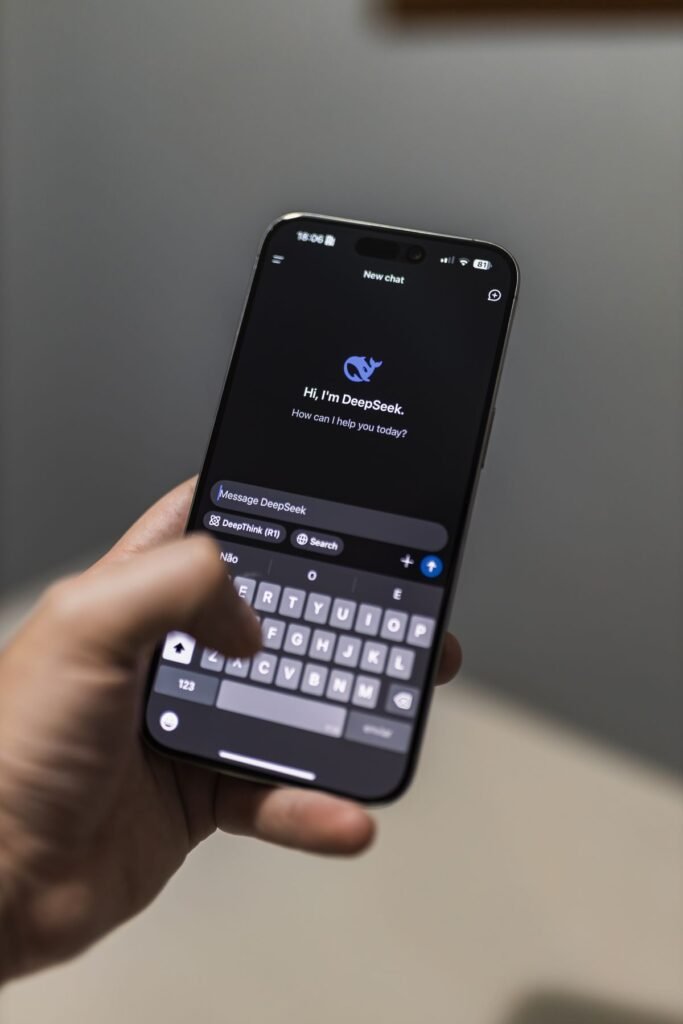
Looking for the best AI apps to make everyday tasks faster and easier? In 2026, AI assistants can draft your emails, summarize long documents, edit photos, plan your week, and answer almost any question in seconds. But with dozens of options, it is hard to know which are genuinely useful and which are hype. This guide cuts through the noise with practical picks for real, everyday needs.
Below you will find the top AI apps by category, an honest look at their free and paid tiers, and simple advice on choosing the right one for you. Every app here is widely available, beginner-friendly, and offers a free way to get started, so you can try before you pay.
How to Choose the Best AI App for You
The “best” app depends on what you want to do. Start with the general assistants, then add specialized tools only where they clearly help. Consider three things: the tasks you do most, whether you already live in Google or Apple’s ecosystem, and how much you are willing to pay.
Almost all of these apps offer a free tier that is plenty for casual use. Paid plans, usually around $20 per month, mainly unlock the most advanced models, higher usage limits, and extra features.
The Best AI Apps by Category
Here are our top picks, grouped by what you want to accomplish.
Best all-round assistants: ChatGPT and Google Gemini
These are the Swiss Army knives of AI. ChatGPT (by OpenAI) and Gemini (by Google) both answer questions, write and edit text, analyze images, and search the web. Gemini integrates tightly with Gmail and Google Docs, while ChatGPT is a strong standalone assistant with a polished app.
Best for research and citations: Perplexity
Perplexity focuses on answering questions with links to its sources, which makes it handy when you want to verify where information came from.
Best built into your phone: Apple and Android assistants
Apple Intelligence on newer iPhones and Gemini on Android bring AI writing and summarizing tools right into the device you already own, with no extra app needed.
Best for creative images: dedicated image generators
Tools inside ChatGPT and Gemini, along with apps like Canva’s AI features, let you generate and edit images from a text description for social posts, cards, and presentations.
How to Get Started With an AI App
Trying an AI app takes only a few minutes. Follow these steps.
- Pick one general assistant. Start with ChatGPT or Google Gemini rather than installing several at once.
- Download the official app or open the website. Use the official app store listing or the app’s real website to avoid copycats.
- Create a free account. Sign up with an email or a Google or Apple account to save your history.
- Try a real task. Ask it to summarize an article, draft an email, or explain something you are curious about.
- Refine with follow-ups. Ask it to shorten, simplify, or change the tone until the result fits.
- Decide if you need paid features. Upgrade only if you hit usage limits or want the most advanced model.
- Add a specialized app if needed. Consider a note-taker, photo editor, or research tool once you know your main need.
- Everyday chat, writing, and Q&A
- Basic image analysis and generation
- Web search for current info
- Mobile and web access
- Enough for casual daily use
- The most advanced AI models
- Higher usage limits and priority
- Advanced reasoning features
- Extra storage or integrations
- Best for heavy or professional use
Best AI Apps Compared
Here is a quick side-by-side of popular choices for everyday users.
| App | Best for | Free tier | Paid from |
|---|---|---|---|
| ChatGPT | All-round writing and Q&A | Yes | ~$20/mo (Plus) |
| Google Gemini | Google users and integrations | Yes | Paid AI Premium plan |
| Perplexity | Research with sources | Yes | ~$20/mo (Pro) |
| Apple Intelligence | Built-in iPhone tools | Included on supported devices | Free |
| Canva AI | Images and design | Yes | Paid Pro plan |
For step-by-step tutorials on setting up these tools, browse our how-to guides.
Frequently Asked Questions
What is the best free AI app?
For most people, ChatGPT and Google Gemini are the best free AI apps because they handle writing, questions, and images at no cost. Try both and keep the one that fits your habits and devices best.
Do I need to pay for an AI app?
Usually not to start. The free tiers of ChatGPT and Gemini cover everyday needs. You only need a paid plan, around $20 per month, if you use AI heavily or want the most advanced models and higher limits.
Which AI app is best for research?
Perplexity is popular for research because it shows links to its sources, making answers easier to verify. ChatGPT and Gemini also cite web results when they search the internet.
Are AI apps safe to use?
Reputable AI apps from major companies are generally safe when used sensibly. Download only from official stores, avoid sharing sensitive personal data, and double-check important facts since AI can make mistakes.
Can I use more than one AI app?
Yes, and many people do. A common setup is one general assistant plus a specialized tool, such as ChatGPT for writing and a photo editor for images. Start with one to avoid feeling overwhelmed.
About this article: GeekBlog covers U.S. technology news, AI, phones, smartwatches and gaming. Every story is written and checked under our Editorial Policy. Spotted a mistake or have a story tip? Contact our editors.
