

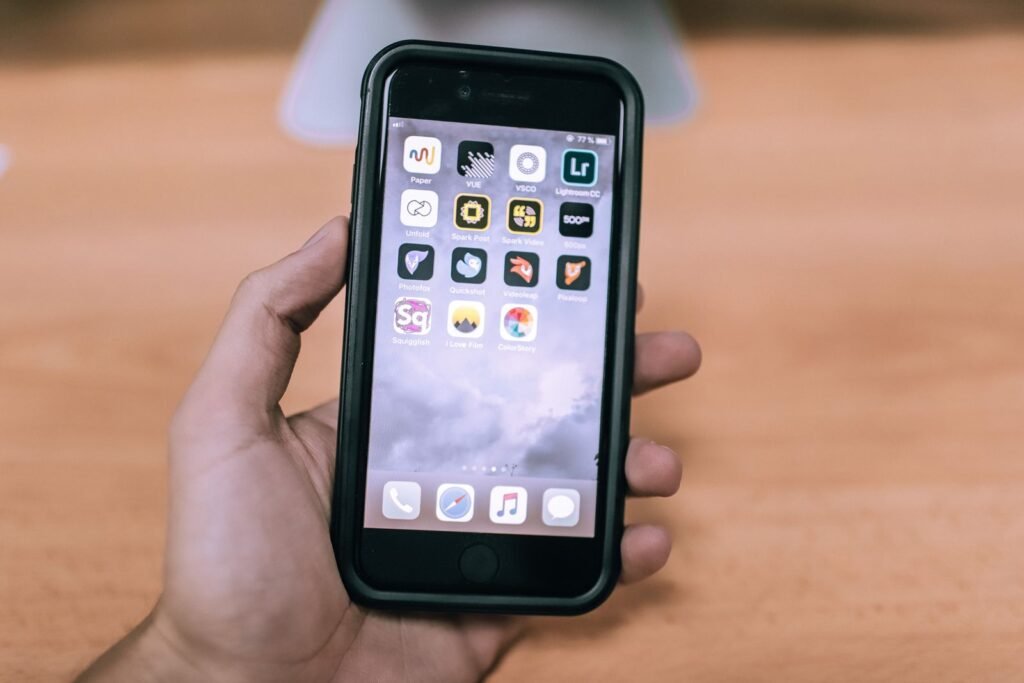
Three weeks after launch, the biggest complaint about the iPhone Duo isn’t the hinge, the weight or the $1,999 price. It is the apps. Open the wrong one on the 7.6-inch inner screen and you get a narrow phone-shaped window floating between two thick black bars, which is not what anyone pays two thousand dollars for.
Apple’s answer came on November 6, when it said that “well over 100,000 apps” built for the Duo are already live on the App Store, with “thousands” more arriving every day. That sounds like a solved problem. It isn’t, quite. We went through Apple’s figures, the developer rules behind them, and the apps reviewers are actually using, to work out what that number means for you and which apps still need patience.
What “optimized” actually means on the iPhone Duo
Apple treats apps differently depending on which version of its developer tools they were built with. This is why two apps that both “work” on the Duo can look completely different. Apple explained the three modes to developers back in September, and they still apply today.
Apple confirmed to MacRumors that its 100,000 figure counts only apps in the top tier: built with the iOS 27.1 SDK or later, filling both the inner and outer displays, and using the vertical controls in the status bar. That is a stricter definition than “it runs,” which is to Apple’s credit.
For context, though, the App Store holds roughly two million apps. One hundred thousand is about 5% of the catalog. It is the right 5% for many people, since big developers move first, but it explains why almost every Duo owner has run into at least one app that looks broken.
7 free apps that already make the Duo feel worth it
TechRadar spent several weeks with the Duo and picked out seven free, fully optimized apps that show what the hardware can do. Most are free to start rather than entirely free, so here is exactly what you get without paying.
| App | What it does on the Duo | What’s free |
|---|---|---|
| PianoFold | Rhythm game where notes fall from the top half and land at the hinge in laptop mode. Optional “Room view” uses the camera for an AR effect. | 7 songs, plus one rotating free song a day after you clear five |
| Battlefleet Duo | Battleship reimagined. Half-folded, it sits on a table like the original box, with your fleet on one side and the enemy grid on the other. | 2 games a day vs AI, a friend or online |
| Art of Flora | Calm jigsaw puzzles of botanical illustrations, in portrait or landscape on the big screen. | First 10 of 110 puzzles |
| Pools | Backrooms-inspired horror walking sim with console-quality water and lighting. A strong showcase for the A20 Pro chip. | 1 of 7 chapters |
| Spotify | Unfolded, it splits into playlist and now-playing panes in both orientations. Closed, it still shows a black bar on the right. | Free tier with ads |
| Slack | One of the few apps using the vertical nav bar, with channels, DMs and menus in a single desktop-like view. | Fully free app |
| TfL Go | London’s transit app, with the full Underground map across the 7.6-inch screen. Only useful if you visit London. | Fully free app |
The games are the most interesting part of that list, because they use the fold itself. PianoFold and Battlefleet Duo both treat the half-open “laptop” pose as a feature, not a compromise, which is something few Android foldables managed to get developers excited about. If you want to go further, the Duo’s inner screen is also the only iPhone display that works with Apple’s stylus, and our breakdown of which Apple Pencil works with the iPhone Duo covers the drawing apps that are ready for it.
Other big apps that are already done
Beyond those seven, Apple and reviewers have named a long list of popular apps that already carry the Duo badge. US readers will care about these more than a London Tube map.
- Streaming: Netflix, YouTube, Amazon Prime Video and YouTube TV, which can show four live channels at once in a grid.
- Work: Microsoft Word, Excel, PowerPoint and OneNote, plus Zoom, Slack, Goodnotes and Fantastical.
- Social and messaging: Instagram and WhatsApp.
- Sports: NBA, NHL and MLB.
- Travel and utilities: Flighty, Lyft and Google Maps.
- Camera: Halide Mark III.
- Shopping and email: Etsy and Airmail, which uses a two-column inbox.
The apps still showing black bars
Apple’s announcement was paired with reporting on what is still missing, and the list is full of apps people open every day. We grouped the 37 high-profile holdouts that MacRumors listed on November 6 by category.
| Category | Not yet optimized |
|---|---|
| Food and shopping | DoorDash, Uber Eats, GrubHub, Starbucks, Whole Foods, Best Buy, Nike, Apple Store |
| Money | Venmo, PayPal, Wells Fargo |
| Google Docs, Sheets, Slides, Google Home | |
| Microsoft | Teams, Authenticator |
| Travel | Delta, JetBlue, Southwest, MTA |
| Shipping | FedEx, UPS, USPS |
| Entertainment | YouTube Music, AMC Theaters, Fandango, Amazon Fire TV, Spectrum TV, Steam |
| Other | Bluesky, Duolingo, Goodreads, Libby, PictureThis, Ring, Verizon |
A few things stand out. Microsoft updated Word, Excel, PowerPoint and OneNote quickly but left Teams behind. Google shipped a Duo version of Maps and YouTube, while YouTube Music and the Docs suite wait. And Apple’s own Apple Store app, the one you might use to buy accessories for your Duo, isn’t optimized either. Tom’s Guide also flagged Google Drive, Uber and LinkedIn for big black bars in its testing, and noted that Lyft had already updated while Uber had not.
Some of these apps will update within days, so treat any list like this as a snapshot. Apple says apps built with standard SwiftUI and UIKit components adapt “automatically,” which means the holdouts are usually apps with custom interfaces, heavy security reviews (banks) or teams that simply haven’t shipped yet.
How to live with unoptimized apps for now
- Use the cover screen. Ride-hailing, payments and delivery apps are quick tasks anyway. The 5.4-inch outer display runs them like any other iPhone.
- Try the rotate and enlarge controls. Older apps get buttons to rotate or scale up. Tom’s Guide found they don’t help much, but they make text more readable in a pinch.
- Switch to the web version. Google Docs, Sheets, Slides and Teams all work in Safari, and Safari is fully optimized. For editing a document, the browser is currently the better experience.
- Look for alternatives. If Google Calendar or Gmail feel cramped, Apple’s own apps, Fantastical and Airmail are already optimized.
- Turn on automatic updates. Optimized versions often land quietly. Automatic updates mean you get them the day they ship.
Is this a reason to skip the Duo?
Probably not, if the apps you care about most are already on the “done” list, and for many people they are. Netflix, YouTube, Instagram, WhatsApp, Spotify, Slack and the Microsoft Office apps cover a huge share of daily screen time. The app gap was always going to close fastest for the biggest developers, and Apple says it has run more than 50 in-person Duo workshops in 19 cities to push the rest along.
The Duo also has other trade-offs worth weighing before you spend $1,999, from its weight to its battery life. Our roundup of iPhone Duo reviews and battery tests covers those. But on apps specifically, the picture is improving every day. Check the badge on the five apps you open most. If they have it, the black bars are someone else’s problem.
About this article: GeekBlog covers U.S. technology news, AI, phones, smartwatches and gaming. Every story is written and checked under our Editorial Policy. Spotted a mistake or have a story tip? Contact our editors.
