

If you’re browsing from the UK, you’ve probably heard about the Online Safety Act.
Rolled out on the 25th of July this year, the latest implementation of the Online Safety Act requires online service providers to use age verification technology to ensure that children and vulnerable adults do not have access to harmful online content.
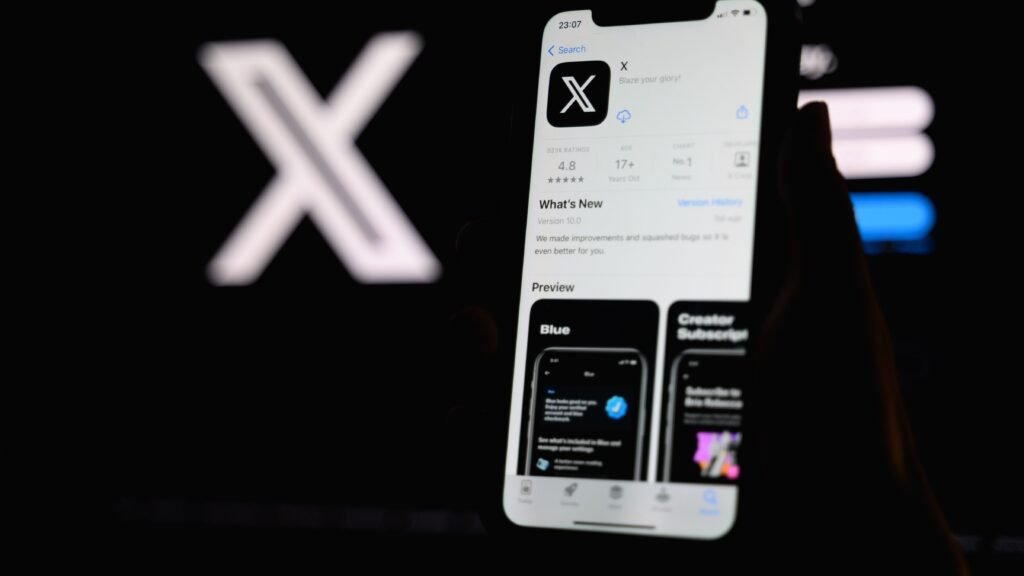
Most large social media services, including X, have implemented a verification system asking you to hand over your ID or take a selfie. If you’re not comfortable with that, you’ll be stuck viewing a diluted timeline where any content deemed as “potentially harmful” by the UK government won’t be accessible.
Read on, and we’ll discuss the privacy implications of X’s age verification implementation and whether it’s possible to hand your details over in a safe way.
How X estimates your age – and the risks this poses
X uses several different factors to automatically guess your age to try and minimise the number of users required to go through verification.
An account creation date before 2012, and previous identity verification for businesses and individuals automatically indicates you’re an adult, so no further action is necessary.
X then moves on to estimation methods if it has no concrete data on how old you are.
These include email and social network-based evaluation, but there’s little detail on exactly how X uses these to work out how old you are. However, neither method seems to entail much risk.
If these methods fail, you’re required to prove your age by submitting either a selfie or a picture of your government-issued ID. X hasn’t rolled out these methods yet, but plans to soon.
This is where it starts getting concerning. X has provided next to no information directly concerning which partners will be used to process these applications. However, in the past, X has used Au10tix, Stripe, and Persona for other ID verification purposes, so they’ll likely be used in the future.
So, what’s the issue? Personal information is a goldmine for cyber criminals. Passport and driving license scans can be used to impersonate you across the entirety of the internet. Au10tix has already been compromised once in 2024. It’s now far more worthwhile for hackers to target sites that implement ID verification, as the potential upside for them is huge if they can intercept your personal information in transit.
How to safely prove your age on X
If you want to verify your age on X, you will have to submit some form of personal information, such as a driver’s license, passport, or a facial scan, which will end up in the hands of both X and its partners.
Although most providers should be secure, the scramble for online providers to comply, or face up to 10% fines, means there’s no guarantee that data safety will be a priority, and as such, you can never be sure data you submit is safe.
Using a VPN mitigates some of these risks. By encrypting your online traffic, you remove the possibility that your data can be intercepted and used maliciously by bad actors.
About this article: GeekBlog covers U.S. technology news, AI, phones, smartwatches and gaming. Every story is written and checked under our Editorial Policy. Spotted a mistake or have a story tip? Contact our editors.
