

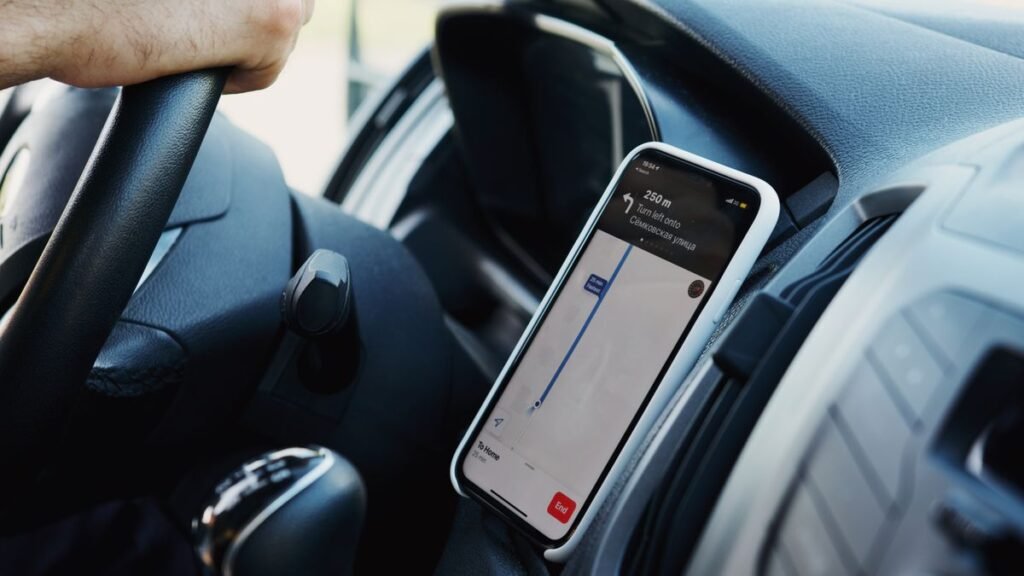
How does ridesharing work? In short, apps like Uber and Lyft use your phone’s location to connect you with a nearby driver who uses their own car to take you where you need to go. You request a ride in the app, the fare is calculated and shown up front, a driver accepts, and you pay automatically through the app, no cash needed. It is a modern alternative to hailing a taxi, and it has become a daily habit for millions of people.
If you have never used one of these services, the technology behind them can seem mysterious. This guide explains exactly what happens from the moment you open the app to the end of your trip, how pricing is decided, and the safety features that protect both riders and drivers. By the end, you will understand the full picture of how ridesharing works.
What Is Ridesharing?
Ridesharing, sometimes called ride-hailing, is a service that connects people who need a ride with drivers who are willing to provide one using their personal vehicles. Companies like Uber and Lyft do not own the cars or employ the drivers as traditional staff. Instead, they run the app platform that handles matching, mapping, pricing, and payment. This model lets almost anyone request a ride within minutes in most cities.
For more everyday tech explainers, browse our how-to guides.
How Ridesharing Works: Step by Step
- Open the app and set your destination. The app detects your location by GPS. Enter where you want to go, and it maps the route automatically.
- Choose a ride type. Options range from standard economy rides to larger vehicles and premium cars. Each shows an estimated price and arrival time.
- Confirm and request. Tap to request your ride. The app searches for nearby drivers and matches you with one who accepts the trip.
- Track your driver. You see the driver’s name, photo, car model, license plate, and rating, plus a live map of them approaching your pickup spot.
- Take your trip. Confirm the car and driver match the app, then get in. The app follows the route by GPS so you know you are heading the right way.
- Arrive and pay automatically. When you reach your destination, payment is charged to your saved card or digital wallet. No cash changes hands.
- Rate your driver. Give a star rating and optional tip. Ratings keep quality high for everyone on the platform.
How Pricing Works
Ridesharing fares are calculated from a base fare plus charges for time and distance, with local fees added. During busy periods, prices can rise through what Uber calls surge pricing and Lyft calls Prime Time, which encourages more drivers to get on the road. The key advantage is that you see the estimated price before you confirm, so there are no meter surprises.
What raises your fare
- High demand (surge or Prime Time)
- Longer distance or trip time
- Premium or larger vehicle types
- Tolls and airport fees
How to pay less
- Travel outside peak hours
- Choose a shared or economy ride
- Compare Uber and Lyft prices
- Walk to a lower-demand pickup spot
Uber vs. Lyft at a Glance
Uber and Lyft work almost identically, and many people keep both apps to compare prices. Here is how they line up on the basics.
| Feature | Uber | Lyft |
|---|---|---|
| Availability | Global, many countries | US and Canada |
| Busy-time pricing | Surge pricing | Prime Time |
| Ride options | Economy to premium, Eats | Economy to premium |
| Safety tools | Share trip, emergency button | Share trip, emergency button |
| Payment | Card, wallet, cash in some areas | Card, wallet |
Staying Safe While Ridesharing
Both platforms build safety into the experience. Every trip is GPS-tracked, payment is cashless, and drivers pass background checks before they can drive. You can share your live trip with contacts, and an in-app emergency button connects you to help. Ratings work both ways, so drivers and riders are motivated to be courteous. Sit in the back seat when riding alone, keep your phone charged, and trust your instincts if anything feels off.
Frequently Asked Questions
Is ridesharing cheaper than a taxi?
Often, yes, especially outside peak hours, because you see the price up front and there is no meter. During high demand, surge or Prime Time pricing can make a rideshare more expensive than a taxi, so it pays to compare.
Do I need cash for Uber or Lyft?
Usually not. Payment is handled automatically through the card or digital wallet linked to your account. A few markets allow cash for Uber, but the standard experience is completely cashless.
How do drivers get paid?
Drivers are independent contractors who earn a portion of each fare, plus any tips, paid out by the platform. The company keeps a service fee for running the app and matching riders with drivers.
Are rideshare drivers background checked?
Yes. Uber and Lyft require drivers to pass identity and driving-record checks before they are approved, and they re-screen periodically. Vehicles must also meet basic requirements.
What if I leave something in the car?
Open the app, find the recent trip, and use the “lost item” option to contact your driver directly. Because every trip is logged, it is usually easy to reconnect with the right driver.
