

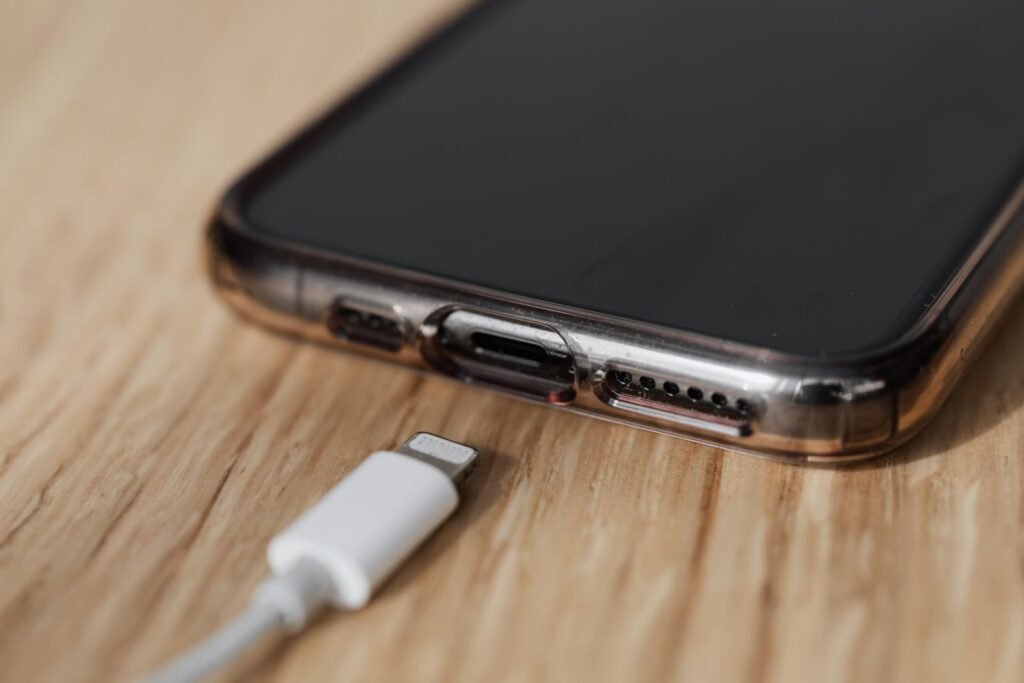
The iPhone 17 Pro is the fastest-charging iPhone Apple has made, but only if you feed it the right charger. The wrong adapter or cable will quietly cap your speed and leave you wondering why your phone isn’t hitting the numbers in the reviews. Here’s exactly what charger the iPhone 17 Pro needs, how fast it charges over wired and wireless, and how to get maximum speed without cooking your battery.
Quick Answer
The iPhone 17 Pro charges at up to 40W over USB-C Power Delivery and up to 25W wirelessly via Qi2.2 or MagSafe. Pair a 40W-or-higher USB-C PD adapter with a 60W (3A) USB-C-to-USB-C cable and you’ll hit roughly 50% in about 20 minutes. No wall adapter comes in the box — only a cable — so the brick is the upgrade most people are missing.
How fast does the iPhone 17 Pro charge?
The iPhone 17, 17 Pro, and 17 Pro Max all charge at up to 40W over USB-C and up to 25W wirelessly via Qi2.2. With the right gear, that translates to roughly 50% charge in about 20 minutes — a meaningful jump over previous generations that topped out closer to 27W.
That 40W wired figure is the headline, and it’s the one most people fail to reach because of the charger they’re using, not the phone. In independent testing, the iPhone 17 Pro Max peaks in the mid-30W range for short bursts and sustains high wattage through the first half of the battery before tapering. In other words, 40W is a peak ceiling rather than a constant draw — the phone pulls the most power when the battery is nearly empty and eases off as it fills to protect the cells.
iPhone 17 Pro charging speeds compared
Here’s how the main charging methods stack up. Times are approximate and depend on the adapter, cable, ambient temperature, and whether you’re using the phone while it charges.
| Charging method | Power | Time to ~50% | Notes |
|---|---|---|---|
| USB-C wired (40W+ PD) | Up to 40W | ~20 minutes | Fastest option; needs a 60W (3A) cable |
| USB-C wired (20W PD) | Up to ~20W | ~30–35 minutes | Old iPhone brick; works but caps speed |
| Qi2.2 / MagSafe wireless | Up to 25W | ~22–30 minutes | Needs a certified 25W charger + strong adapter |
| Basic Qi pad | 7.5W | ~90+ minutes | Convenient but slow; fine overnight |
The takeaway: wired charging with a proper adapter is roughly twice as fast as a legacy 20W brick and noticeably quicker than even the best wireless pad. If speed matters, go wired.
What charger does the iPhone 17 Pro use?
The iPhone 17 Pro charges over USB-C using USB-C Power Delivery (PD). To hit top speed you need two things:
- A USB-C power adapter that supports USB-C Power Delivery and is rated for at least 40W. A 20W brick — the kind many people still use from older iPhones — will charge your phone, but nowhere near the maximum speed. Apple sells a 40W Dynamic Power Adapter, and any reputable 40W–65W PD charger from brands like Anker, Belkin, or UGREEN will do the job.
- A USB-C to USB-C cable rated for at least 60W (3A). This is comfortably enough to deliver full speed to every iPhone 17 model. The 1-meter cable in the box already meets this bar, but a worn or low-rated third-party cable is a common hidden bottleneck.
Note that Apple does not include a power adapter in the box, so if you’re coming from an older iPhone with a small brick, upgrading the adapter is the single biggest charging improvement you can make. If you’re still deciding which model suits you, our iPhone Air vs iPhone 17 Pro buying guide breaks down the trade-offs.
How USB-C Power Delivery actually works
When you plug in, the charger and the iPhone have a quick "conversation": the charger advertises the power levels it can supply, and the iPhone selects the highest safe level it supports. This is why an under-rated adapter caps you — the phone can only pull what the charger offers. Get a 40W-or-higher PD adapter and a 60W cable, and the iPhone 17 Pro will negotiate its way up to full speed automatically.
This negotiation also explains why a bigger charger won’t hurt your phone. A 65W or even 100W PD adapter is perfectly safe — the iPhone simply requests only what it can handle and ignores the rest. You can’t force too much power into the phone; the handshake prevents it. So if you already own a laptop charger with USB-C PD, there’s a good chance it will fast-charge your iPhone 17 Pro just fine.
Wired vs wireless: which should you use?
Wired is faster and more efficient, full stop. A 40W PD adapter and a good cable will beat any wireless pad on speed and generate less waste heat, which is gentler on the battery over time. Reach for wired when you need a quick top-up before heading out.
Wireless charging shines for convenience rather than speed. Dropping the phone on a Qi2.2 or MagSafe stand at your desk or bedside means no fumbling with cables, and the magnetic alignment on Qi2.2 keeps the coils lined up for consistent power. For overnight charging, a slower wireless pad is actually ideal — you’re not in a hurry, and the gentler charge produces less heat.
Wireless charging: 25W with Qi2.2
If you prefer to drop your phone on a pad, the iPhone 17 Pro supports up to 25W wireless charging via Qi2.2 (Apple’s own MagSafe accessories hit the same rate). It’s slower than wired 40W but convenient for overnight or desk-side top-ups. Some accessory makers report 0–50% in around 22 minutes with active cooling, though real-world results vary with ambient heat and the power adapter behind the pad.
Two things matter for full wireless speed: use a genuine Qi2.2 (25W) or MagSafe charger rather than a basic 7.5W pad, and plug that pad into a sufficiently powerful wall adapter — many 25W wireless chargers need a 30W or higher USB-C PD brick to deliver their rated output. Skimp on either and you’ll fall back to trickle speeds.
Key Takeaways
- Wired peak is up to 40W; wireless peak is up to 25W (Qi2.2 / MagSafe).
- You need a 40W+ USB-C PD adapter and a 60W (3A) cable for full wired speed.
- The box includes a USB-C-to-USB-C cable but no wall charger.
- Charging is fastest from low to ~50%, then intentionally slows to protect the battery.
- A bigger PD charger (65W–100W) is safe — the phone only pulls what it needs.
The cable matters more than you think
People obsess over wattage and forget the cable. A USB-C cable has its own power rating, and a thin or damaged one can silently throttle charging even with a great adapter. For the iPhone 17 Pro, any USB-C-to-USB-C cable rated for 60W (3A) or higher handles full charging speed. The cable Apple ships in the box already clears this bar and even supports USB 3 data speeds up to 10 Gbps.
What won’t work well: old USB-A-to-Lightning cables (wrong connector entirely) and cheap, unbranded USB-C cables of unknown rating. If your charging feels slow and the adapter checks out, swap the cable next — it’s the most overlooked culprit. Look for USB-IF certification or an MFi mark when buying a replacement.
Battery health: charge smart, not just fast
Fast charging is convenient, but heat and constant top-offs to 100% are what age a lithium-ion battery over time. A few habits keep your iPhone 17 Pro battery healthy for the long haul:
- Enable Optimized Battery Charging. Under Settings > Battery > Charging, this uses on-device learning to delay charging past 80% until just before you unplug, cutting the time your phone sits full.
- Consider the 80% charge limit. iOS lets you cap charging between 80% and 100% in 5% steps. Capping at 80% reduces wear if you don’t need every last percent.
- Keep it in the 20–80% zone when you can. Lithium-ion batteries are happiest in the middle of their range rather than pinned at 0% or 100%.
- Avoid heat. Heat, not fast charging itself, is the biggest long-term threat. Don’t leave the phone charging in a hot car or in direct sun.
Tips to maximize iPhone 17 Pro charging speed
- Charge from low to ~50% for the fastest boost. Charging speed is highest in the lower part of the battery range and deliberately slows as you approach 100% to protect the battery — so that "50% in 20 minutes" stat reflects the fast early portion.
- Remove thick cases during fast charging. Heat is the enemy of fast charging; a thick case traps it, and the phone will throttle charging speed to stay cool.
- Use a 40W+ PD adapter and a 60W (3A) cable. This is the combination that unlocks the rated speed. Anything less is your real ceiling.
- Keep it cool. Charging in a hot car or direct sun will slow things down regardless of your charger.
- Don’t use the phone hard while charging. Gaming or GPS navigation while plugged in generates heat that competes with charging, slowing the fill rate.
What’s in the iPhone 17 Pro box?
Keeping expectations realistic before you buy: the iPhone 17 Pro box contains the phone, a 1-meter USB-C to USB-C cable, and a small pack of paperwork. There’s no wall charger, no EarPods, and no SIM tool — U.S. models are eSIM-only. You’ll need to supply your own 40W+ USB-C PD adapter to reach top charging speed, so budget for one if you’re upgrading from a phone that shipped with a small 5W or 20W brick.
The Bottom Line
The iPhone 17 Pro can charge at up to 40W wired and 25W wireless, hitting about 50% in 20 minutes — but only with a USB-C PD adapter rated 40W or higher and a 60W (3A) USB-C cable. If your top-ups feel slow, the culprit is almost always the brick or the cable, not the phone. Upgrade those two pieces and you’ll feel the difference immediately.
Frequently Asked Questions
What wattage charger do I need for the iPhone 17 Pro?
At least a 40W USB-C Power Delivery adapter to reach the maximum wired speed. Lower-wattage adapters like the old 20W iPhone brick still work, they just charge slower.
Can I use my old 20W iPhone charger?
Yes, it will charge the phone safely — but it caps your speed well below the 40W maximum, roughly doubling the time to 50%. Upgrading to a 40W+ adapter is worth it if you value fast top-ups.
Does the iPhone 17 Pro come with a charger?
No. The box includes a 1-meter USB-C-to-USB-C cable but no wall adapter. You’ll need to buy a USB-C PD charger separately, ideally rated 40W or higher.
How fast is wireless charging on the iPhone 17 Pro?
Up to 25W with a certified Qi2.2 or MagSafe charger — slower than wired, but convenient. A basic 7.5W Qi pad will be much slower.
Is a 65W or 100W charger safe for the iPhone 17 Pro?
Yes. USB-C Power Delivery lets the phone request only the power it can safely handle, so a higher-wattage adapter won’t damage it — it simply won’t charge any faster than the phone’s 40W ceiling.
Why isn’t my iPhone 17 Pro charging at full speed?
Usually an under-rated adapter or cable, a thick case trapping heat, or charging above the 50% mark where speed intentionally tapers off.
Just upgraded? Compare your options first in our iPhone Air vs iPhone 17 Pro buying guide, or see what your old phone is worth in our AT&T iPhone trade-in values guide.
Charging specifications are accurate as of 2026 based on published iPhone 17 testing.
