Close Menu
GeekBlog

    Subscribe to Updates

    Get the latest creative news from FooBar about art, design and business.

    What's Hot

    Quantum Immortality Is Going Viral as “the Most Horrifying Idea Ever.” Here’s Why Physicists Aren’t Losing Sleep.

    November 18, 2026

    Huawei Watch Air Leaks at 6.9mm: A Titanium Smartwatch Thinner Than a Fitness Band, With a 5-Day Battery

    November 18, 2026

    Grindr’s $120-a-Month Edge Tier Uses AI to Guess Who Will Reply. Its CEO Says Not Everyone Should Buy It.

    November 18, 2026
    Facebook
    GeekBlog
    • Home
    • Mobile
    • Tech News
    • Blog
    • Gaming
    • Smartwatch
    • How-To Guides
    • AI & Software
    Facebook
    GeekBlog
    Home»Tech News»Spotify Exclusive Mode: Bit Perfect Playback on Desktop Explained
    Tech News

    Spotify Exclusive Mode: Bit Perfect Playback on Desktop Explained

    Olivia HartmanBy Olivia HartmanMarch 18, 2026Updated:October 12, 20265 Mins Read
    Share Facebook Twitter Pinterest LinkedIn Tumblr Email Copy Link
    Spotify Exclusive Mode: Bit Perfect Playback on Desktop Explained
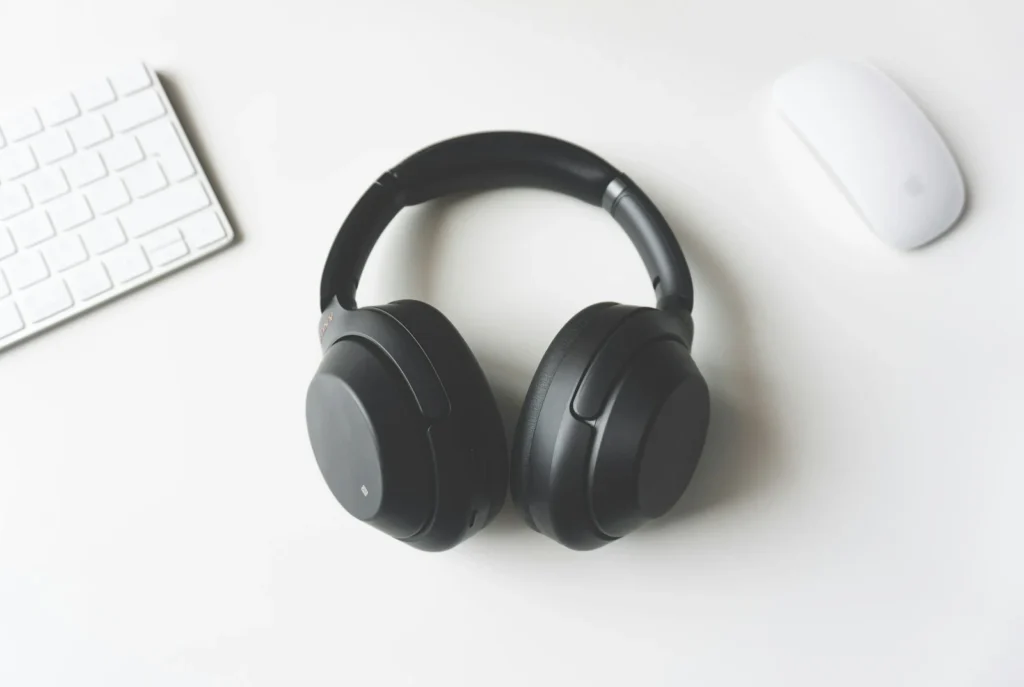
    Photo: Tomasz Gawłowski on Unsplash
    Share
    Facebook Twitter LinkedIn Pinterest Email Copy Link

    Spotify Exclusive Mode is a desktop setting that lets the Spotify app take full control of an external audio device, such as a USB DAC, so your music skips the operating system mixer and reaches the hardware bit perfect. It arrived in the Windows app in March 2026 for Premium subscribers. Here is what it does, who can use it, how to turn it on and how to get the most from it with lossless streaming.

    Quick answer: Connect your DAC or audio interface, open the Spotify desktop app on Windows, go to Settings, scroll to Playback, pick your device under Audio output and switch on Exclusive mode. It requires Spotify Premium, works only with external audio devices and, as of October 2026, Spotify lists it for the Windows desktop app only.

    What Exclusive Mode actually does

    On a normal computer, every app that makes sound passes through the operating system audio engine. Windows mixes those streams together, may resample them to a single shared rate and applies its own volume processing. That is convenient, because you can hear a notification over your music, but it means the data reaching your speakers is not exactly the data in the file.

    With Exclusive Mode on, Spotify claims the audio device for itself. The system mixer is bypassed, nothing else is blended in and the stream arrives at your DAC unaltered. Spotify describes the goal as playing music exactly as it was recorded. This is the same idea audiophile players have offered on Windows for years through exclusive output modes, now built into the official app.

    Who can use it

    RequirementDetails
    PlanSpotify Premium
    AppSpotify desktop app for Windows
    MacPromised at launch, not listed on the support page as of October 2026
    Phones and tabletsNot available
    HardwareExternal DAC or audio interface; not Bluetooth, built in speakers or virtual devices
    ContentMusic only; not podcasts, music videos, previews or Canvas clips

    Recommended for you:

    Netflix Premium vs Standard: Which Plan Is Worth It in 2026?
    Tech News·Mar 15, 2026

    Netflix Premium vs Standard: Which Plan Is Worth It in 2026?

    If the toggle does not appear, the most common reason is that your selected output is Bluetooth headphones, your laptop speakers or a virtual device created by a conferencing app.

    How to turn on Spotify Exclusive Mode

    1. Plug your external DAC, USB headphone amp or audio interface into the computer.
    2. Open the Spotify desktop app and click your profile picture, then Settings.
    3. Scroll down to Playback.
    4. Under Audio output, choose your device from the dropdown.
    5. Switch on Exclusive mode. A notice reminds you that other apps cannot use that device while it is active.

    The setting is remembered between sessions as long as the same device stays connected. To turn it off, return to Settings, Playback and flip the toggle, or simply pick a different audio output. Volume can be adjusted in Spotify or on the device itself.

    Tip: Spotify recommends turning off Normalize volume, Equalizer, Automix and Crossfade for true bit perfect playback. Each of those features changes the audio before it leaves the app, which defeats the purpose of Exclusive Mode.

    Lossless on Spotify in the US

    Exclusive Mode matters most when the source is lossless. Spotify launched lossless streaming for Premium subscribers in September 2025, and the US was among the first markets, with the rollout reaching more than 50 markets that fall. Lossless streams use FLAC at up to 24 bit and 44.1 kHz at no extra charge. To use it, open the audio quality options in Settings and set streaming quality to Lossless. It has to be enabled separately on each device, and a Lossless indicator appears in the Now Playing bar when it is active.

    Together, the two settings form a clean chain: a lossless file from Spotify, untouched by Windows, decoded by your own DAC.

    DAC and setup tips

    • Stay wired. Bluetooth lacks the bandwidth for lossless audio and is not supported by Exclusive Mode anyway.
    • Use a dedicated output. Because Spotify locks the device, send system sounds, calls and videos to another output, such as your monitor speakers or laptop speakers.
    • Update drivers and firmware. Spotify suggests updating DAC drivers and firmware if you hear dropouts or no sound at all.
    • Close other audio apps. Skipping or cutting out can come from another program trying to grab the same device.
    • Toggle the output if audio stops. Switching to another device and back often restores playback.
    Watch out: with Exclusive Mode on, you will not hear meeting audio, browser videos or alerts through that DAC. Switch it off before a video call that uses the same headphones.

    FAQ

    Does Exclusive Mode make Spotify sound better?

    It removes processing by the operating system, so the audio reaching your DAC matches the stream exactly. Whether you hear a difference depends on your equipment, your ears and how much processing Windows was doing before.

    Is Spotify Exclusive Mode on Mac?

    Recommended for you:

    Sotomayor’s Wabi Sabi: The 2026 Album Explained
    Tech News·Mar 15, 2026

    Sotomayor’s Wabi Sabi: The 2026 Album Explained

    Spotify said Mac support would follow the Windows launch, but its support page still lists the Windows desktop app only as of October 2026.

    Do I need lossless for Exclusive Mode?

    No, it works with any streaming quality, but pairing it with Lossless gives you the full benefit.

    Why is the Exclusive mode toggle missing?

    You need Premium, the Windows desktop app and an external audio device selected under Audio output. Bluetooth and built in speakers do not show the option.

    The verdict

    For Premium subscribers with a USB DAC on Windows, Exclusive Mode is an easy win: one toggle gives you a bit perfect path from Spotify to your hardware. Turn on Lossless, switch off normalization and effects, and Spotify becomes a far more serious source for a desktop hifi setup.

    Updated October 2026: this version covers what Exclusive Mode does, requirements, setup steps, lossless status in the US and DAC tips.

    Featured photo: Tomasz Gawłowski on Unsplash.

    About this article: GeekBlog covers U.S. technology news, AI, phones, smartwatches and gaming. Every story is written and checked under our Editorial Policy. Spotted a mistake or have a story tip? Contact our editors.

    Share. Facebook Twitter Pinterest LinkedIn Tumblr Telegram Email Copy Link
    Previous ArticleNetflix Premium vs Standard: Which Plan Is Worth It in 2026?
    Next Article 26 Best Podcasts of 2026: True Crime, Culture, Science, Fiction
    Olivia Hartman

      Olivia Hartman is GeekBlog's general technology reporter, covering the wider world of tech beyond smartphones: AI and software, laptops and PCs, gaming, streaming, space, science, consumer gadgets, deals and the policy stories shaping the industry. A versatile journalist with a nose for what actually matters, Olivia turns breaking news and product launches into accessible, no-hype reporting for everyday readers.

      Related Posts

      7 Mins Read

      Quantum Immortality Is Going Viral as “the Most Horrifying Idea Ever.” Here’s Why Physicists Aren’t Losing Sleep.

      6 Mins Read

      Grindr’s $120-a-Month Edge Tier Uses AI to Guess Who Will Reply. Its CEO Says Not Everyone Should Buy It.

      7 Mins Read

      GTA 6 Is Already Live in New Zealand. Here’s When It Unlocks Where You Are, and Why the NZ Trick Can Backfire.

      8 Mins Read

      An Apple Watch Alert Caught One Owner’s 200/110 Blood Pressure. Here’s How Often It Misses.

      8 Mins Read

      Gemini Will Keep Your “History Off” Chats for Two Months Now, Not 72 Hours. Here’s What That Means.

      11 Mins Read

      Nvidia Just Made $115.8 Billion Without Jensen Huang. Then It Started Undoing His Playbook.

      Top Posts

      Every iPhone Camera Ranked in 2026 (Best to Worst)

      July 6, 2026351 Views

      Best Browser for Android in 2026: Top Picks Ranked

      July 7, 2026203 Views

      Apple Watch Black Friday 2026: Early Deals, Prices to Beat and When to Buy

      November 8, 2026182 Views
      Stay In Touch
      • Facebook

      Subscribe to Updates

      Get the latest tech news from FooBar about tech, design and biz.

      Most Popular

      Apple Told Its Stores Not to Expect iPhone Duo Walk-Ins. Carriers Can Beat January by Weeks.

      October 20, 2026287 Views

      Apple Watch Black Friday 2026: Early Deals, Prices to Beat and When to Buy

      November 8, 2026285 Views

      One UI 9 Watch: Which Galaxy Watches Get Wear OS 7, and Who Gets Left Behind

      November 6, 2026173 Views
      Our Picks

      Quantum Immortality Is Going Viral as “the Most Horrifying Idea Ever.” Here’s Why Physicists Aren’t Losing Sleep.

      November 18, 2026

      Huawei Watch Air Leaks at 6.9mm: A Titanium Smartwatch Thinner Than a Fitness Band, With a 5-Day Battery

      November 18, 2026

      Grindr’s $120-a-Month Edge Tier Uses AI to Guess Who Will Reply. Its CEO Says Not Everyone Should Buy It.

      November 18, 2026

      Subscribe to Updates

      Get the latest creative news from FooBar about art, design and business.

      HEICJPG.online - Convert HEIC to JPG online
      Facebook
      • About GeekBlog: Our Mission, Team and Editorial Standards
      • Contact us
      • Privacy Policy
      • Disclaimer
      • Terms and Conditions
      • Editorial Policy
      • Cookie Policy
      • Your Privacy Choices
      © 2026 GeekBlog

      Type above and press Enter to search. Press Esc to cancel.