Close Menu
GeekBlog

    Subscribe to Updates

    Get the latest creative news from FooBar about art, design and business.

    What's Hot

    Patrick Stewart Chose Aquamation Over Cremation. Here’s How Water Cremation Works.

    November 21, 2026

    Garmin Gives Your Dog a Profile: New Watch Update Adds Dog Workouts, Badges and Better Swim Tracking

    November 21, 2026

    Ashton Kutcher Turned $435 Million Into a $7 Billion Anthropic Stake. His Track Record Goes Back to Skype.

    November 21, 2026
    Facebook
    GeekBlog
    • Home
    • Mobile
    • Tech News
    • Blog
    • Gaming
    • Smartwatch
    • How-To Guides
    • AI & Software
    Facebook
    GeekBlog
    Home»Tech News»TikTok Local Feed in the US: What It Is and How to Control It
    Tech News

    TikTok Local Feed in the US: What It Is and How to Control It

    Olivia HartmanBy Olivia HartmanFebruary 11, 2026Updated:October 12, 20266 Mins Read
    Share Facebook Twitter Pinterest LinkedIn Tumblr Email Copy Link
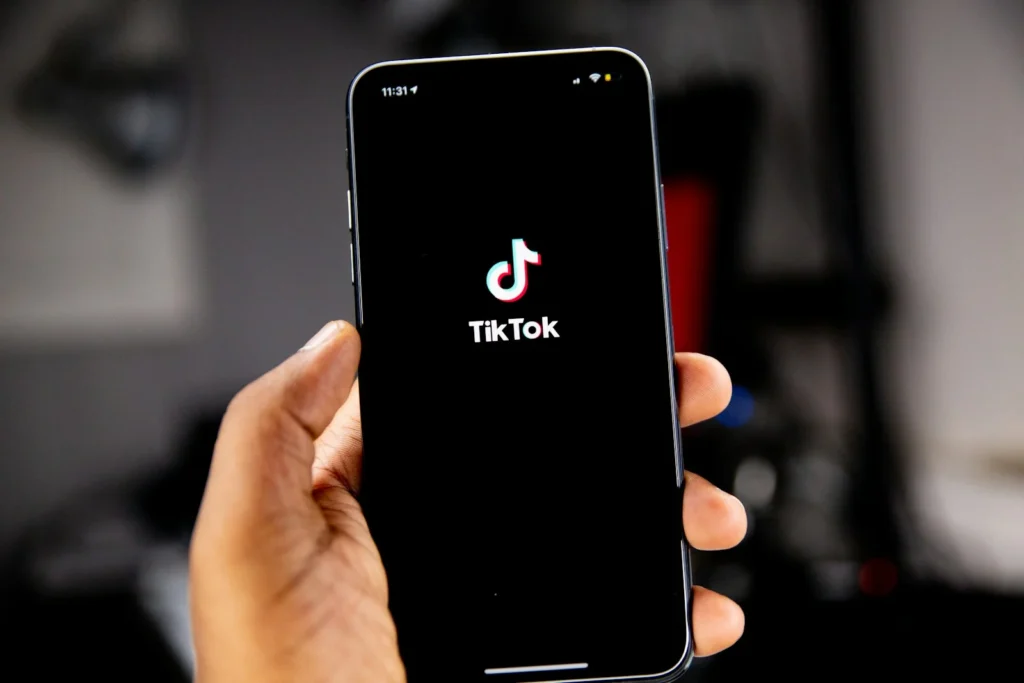
    TikTok Local Feed in the US: What It Is and How to Control It
    Photo: Solen Feyissa on Unsplash
    Share
    Facebook Twitter LinkedIn Pinterest Email Copy Link

    TikTok’s Local Feed is a tab in the US app that surfaces nearby restaurants, events, shops, travel spots and local creators. It arrived in February 2026 as the first major feature announced after TikTok’s American business moved to a new joint venture. Precise location is off by default, so the real question for most users is whether to switch it on, and how to switch it off again.

    Quick answer: Local Feed shows posts picked by location, topic and recency. Precise GPS location is opt in, limited to users 18 and older, and only active while the app is open. To cut off GPS access completely, turn off location for TikTok in your phone’s settings. Keep your own videos out of the feed by making your account private or setting a post to Friends or Only you.

    What Local Feed is

    TikTok announced Local Feed on its newsroom on February 11, 2026. It sits as a tab on the home screen next to the regular feeds and is built around discovery close to home: places to eat, things to do this weekend, shops, travel ideas and posts from small businesses and creators in your area. According to TikTok, posts are ranked using location, topic and how recently they were published.

    The idea is not new. TikTok launched a similar Nearby feed in parts of Europe in December 2025. The US version is notable mostly for its timing and for the privacy promises attached to it.

    How precise location works

    To get the full Local Feed experience, TikTok asks for precise location, meaning GPS level accuracy from your phone. The company says this setting:

    • Is off by default, and TikTok does not collect precise GPS location while it stays off.
    • Is available only to accounts of people 18 and older.
    • Works only while the app is in use, not in the background.
    • Can be turned off at any time.
    • Is stored inside the secure environment run by the TikTok USDS Joint Venture.

    Recommended for you:

    Why xAI Cofounders and Senior Engineers Left Musk’s AI Lab
    Tech News·Feb 11, 2026

    Why xAI Cofounders and Senior Engineers Left Musk’s AI Lab

    Your phone also shows its own location indicator whenever an app reads your location, so you can see when it happens.

    Watch out: turning off precise location does not make TikTok blind to where you are. Like most apps, it can still estimate a rough area from your IP address and network, which is why some people see local videos with GPS switched off. Precise location is about street level accuracy, not about whether the app knows your city.

    How to turn location on or off

    The most reliable switch is at the operating system level, because no app can read GPS without that permission.

    On iPhone:

    1. Open Settings and scroll down to TikTok (or go to Privacy and Security, then Location Services).
    2. Tap Location.
    3. Choose Never to block access, or While Using the App to allow it.
    4. If you allow it, the Precise Location toggle decides whether TikTok gets exact or approximate position.

    On Android:

    1. Open Settings, then Apps, then TikTok.
    2. Tap Permissions, then Location.
    3. Pick Don’t allow, or Allow only while using the app.
    4. Switch off Use precise location if you want only an approximate area.

    TikTok also offers location controls inside the app under Settings and privacy. Menu names can shift between app versions, so if you are unsure, the phone settings above always work. TikTok’s own guidance adds a simple check: if TikTok does not appear in your phone’s list of apps with location access, it does not have your precise location.

    Privacy controls for your own posts

    Local Feed is also a way for strangers nearby to find your videos. TikTok says these posts never appear in it:

    Teen accounts
    Content from users under 18 is excluded.
    Private accounts
    Nothing from a private profile is shown.
    Limited posts
    Videos set to Friends or Only you stay out.
    Tip: before posting from home, think about what is in the frame. A street sign, a house number or a recognizable view can reveal more than any location setting. Set sensitive videos to Friends so they never reach the Local Feed.

    Where TikTok stands in the US in October 2026

    The long fight over a US ban ended in January 2026, when the deal creating TikTok USDS Joint Venture LLC closed. The venture is majority owned by American and global investors, with Oracle, Silver Lake and MGX as the three managing investors at 15% each. ByteDance keeps a 19.9% stake. Adam Presser, previously a senior TikTok executive, is the CEO, and a majority American board oversees the company.

    The joint venture is responsible for US user data protection, content moderation and the security of the recommendation algorithm, which is being retrained on US user data and hosted in Oracle’s US cloud. Commercial work such as advertising and ecommerce is handled by TikTok’s global US entities. For everyday users the app works as before, and Local Feed was the first visible product launch under the new structure.

    FAQ

    Is Local Feed on by default?

    The tab can appear for US users, but precise GPS location is off until you opt in. Without it, the feed relies on a rough location estimate.

    Can teens use Local Feed?

    Recommended for you:

    Android Advanced Protection: How to Turn On the Hidden Security Mode
    Tech News·Feb 11, 2026

    Android Advanced Protection: How to Turn On the Hidden Security Mode

    Precise location is available only to users 18 and older, and content from accounts under 18 is not shown in the feed.

    Does TikTok track me in the background?

    TikTok says precise location is used only while the app is open. Choosing While Using the App on iPhone or Allow only while using the app on Android enforces that at the system level.

    Who owns TikTok in the US now?

    The US app is run by TikTok USDS Joint Venture LLC, majority owned by non ByteDance investors, with ByteDance holding 19.9%.

    The verdict

    Local Feed can be genuinely handy for finding food, events and small businesses nearby, and the precise location part is opt in. If you are curious, allow location only while using the app, keep sensitive posts limited to friends, and remember that your phone’s settings are the final word on what TikTok can see.

    Updated October 2026: rewritten to explain Local Feed, location and privacy controls, and the status of TikTok’s US joint venture.

    Featured photo: Solen Feyissa on Unsplash.

    About this article: GeekBlog covers U.S. technology news, AI, phones, smartwatches and gaming. Every story is written and checked under our Editorial Policy. Spotted a mistake or have a story tip? Contact our editors.

    TikTok
    Share. Facebook Twitter Pinterest LinkedIn Tumblr Telegram Email Copy Link
    Previous ArticleSalesforce Workers Urge Marc Benioff to Denounce ICE: What to Know
    Next Article Why xAI Cofounders and Senior Engineers Left Musk’s AI Lab
    Olivia Hartman

      Olivia Hartman is GeekBlog's general technology reporter, covering the wider world of tech beyond smartphones: AI and software, laptops and PCs, gaming, streaming, space, science, consumer gadgets, deals and the policy stories shaping the industry. A versatile journalist with a nose for what actually matters, Olivia turns breaking news and product launches into accessible, no-hype reporting for everyday readers.

      Related Posts

      6 Mins Read

      Patrick Stewart Chose Aquamation Over Cremation. Here’s How Water Cremation Works.

      5 Mins Read

      Ashton Kutcher Turned $435 Million Into a $7 Billion Anthropic Stake. His Track Record Goes Back to Skype.

      7 Mins Read

      Bryan Johnson Says Your Phone Is Hurting Your Eyes. Here’s What His Scans Found and What Actually Helps.

      7 Mins Read

      AI Flagged a Doritos Bag as a Gun and Police Came Armed. Now Four Students Are Suing.

      7 Mins Read

      A Former NASA Physicist Says Reality Only “Renders” When You Look. Here’s How His Parking Lot Theory Holds Up.

      7 Mins Read

      Reporters Had to Bag Their Phones on Air Force One Leaving China. Here’s What a Faraday Bag Actually Stops.

      Top Posts

      Every iPhone Camera Ranked in 2026 (Best to Worst)

      July 6, 2026393 Views

      Apple Watch Black Friday 2026: Early Deals, Prices to Beat and When to Buy

      November 8, 2026219 Views

      Best Browser for Android in 2026: Top Picks Ranked

      July 7, 2026188 Views
      Stay In Touch
      • Facebook

      Subscribe to Updates

      Get the latest tech news from FooBar about tech, design and biz.

      Most Popular

      Apple Watch Black Friday 2026: Early Deals, Prices to Beat and When to Buy

      November 8, 2026422 Views

      One UI 9 Watch: Which Galaxy Watches Get Wear OS 7, and Who Gets Left Behind

      November 6, 2026208 Views

      Garmin Lily 2 Review: Lily 2 vs Active vs Classic in 2026

      November 6, 2026118 Views
      Our Picks

      Patrick Stewart Chose Aquamation Over Cremation. Here’s How Water Cremation Works.

      November 21, 2026

      Garmin Gives Your Dog a Profile: New Watch Update Adds Dog Workouts, Badges and Better Swim Tracking

      November 21, 2026

      Ashton Kutcher Turned $435 Million Into a $7 Billion Anthropic Stake. His Track Record Goes Back to Skype.

      November 21, 2026

      Subscribe to Updates

      Get the latest creative news from FooBar about art, design and business.

      HEICJPG.online - Convert HEIC to JPG online
      Facebook
      • About GeekBlog: Our Mission, Team and Editorial Standards
      • Contact us
      • Privacy Policy
      • Disclaimer
      • Terms and Conditions
      • Editorial Policy
      • Cookie Policy
      • Your Privacy Choices
      © 2026 GeekBlog

      Type above and press Enter to search. Press Esc to cancel.