

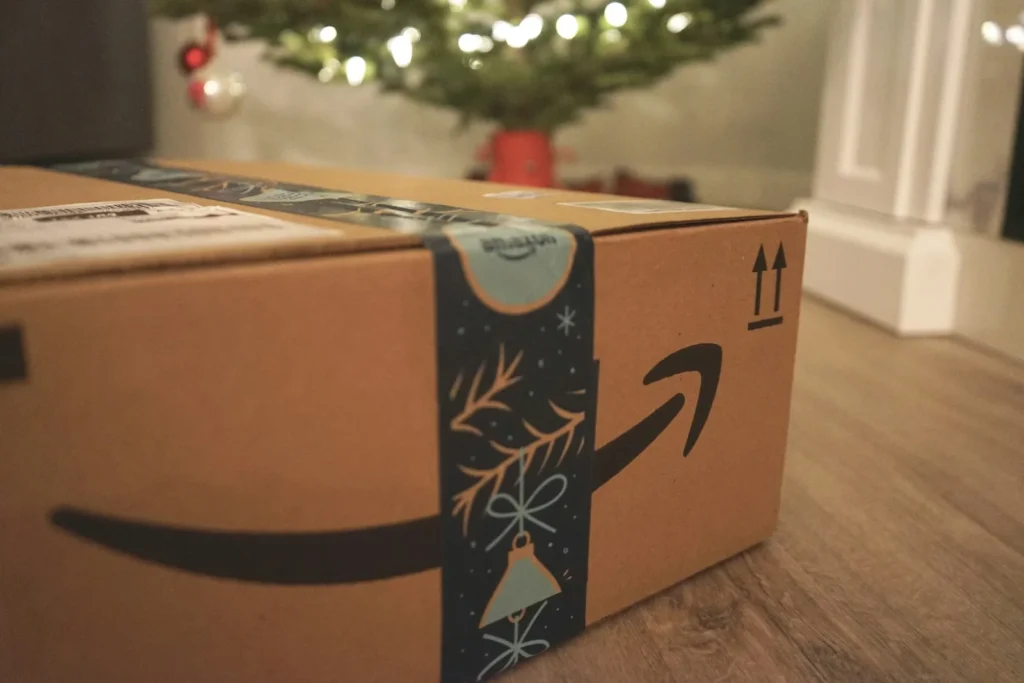
Amazon no longer lets you archive or hide orders in your purchase history. The Archive Order button went away in 2025, and orders people had archived in the past were folded back into the regular order list. If you share one Amazon login with a partner, roommate or kids, every gift you buy is now visible to anyone who opens Your Orders. The good news is that there is still a clean way to keep purchases private, plus a few habits that stop surprises from leaking out in other ways.
What changed with Amazon order archiving
For years, the desktop version of Amazon offered an Archive Order option next to each purchase. It did not delete anything, but it moved the order out of the default view, which was enough to keep a birthday present or holiday gift out of sight on a shared account. Amazon quietly retired the feature in 2025. Customers first noticed the button missing in the spring, and in August 2025 the separate Archived Orders view was removed, with those old orders returning to the main history.
Amazon never published a big announcement about the change, which is why so many shoppers only found out while trying to hide a gift. As of October 2026 there is still no archive or hide button on the website or in the mobile app, and Amazon does not let customers permanently delete their order history either. Closing an account does not erase purchase records on Amazon’s side.
| Option | Still works in 2026? | What it does |
|---|---|---|
| Archive Order button | No | Retired in 2025, archived orders returned to Your Orders |
| Deleting order history | No | Amazon keeps purchase records permanently |
| Amazon Family with separate logins | Yes | Each adult sees only their own orders |
| Clearing browsing history | Yes | Hides what you looked at, not what you bought |
The real workaround: separate accounts with Amazon Family
The only reliable way to keep an order private is to place it from an account nobody else uses. Amazon Family makes that painless because the second account does not need its own Prime membership. One Prime member can share benefits such as fast shipping, Prime deals and Prime Video with one other adult who lives at the same address, and each adult signs in with their own credentials. Adults on separate accounts cannot see each other’s orders.
- If the other adult does not have an Amazon account yet, they should create one with their own email address.
- On the Prime member’s account, go to Account and Lists, then Your Account.
- Find Amazon Family. Some menus may still call it Amazon Household.
- Choose Add Adult and enter the other person’s email address, or sign up together on the same device.
- The invited adult accepts the invitation and agrees to share Prime benefits.
- From now on, each person shops while signed in to their own account.
Amazon Family can also include teens and child profiles, so a parent can manage spending and content for younger family members without handing over the main login. Note that free trial members and some discounted Prime plans cannot share benefits.
Other ways surprises leak, and how to stop them
Separate accounts solve the order list, but a gift can still give itself away before it is wrapped. These quick settings close the other gaps:
In the Alexa app, open Settings, then Notifications, then Amazon Shopping, and turn off the option that says or shows item titles. Alexa will still mention a delivery without naming the product.
Under Your Account, open Browsing History and manage or turn it off so gift ideas do not appear in recommendations.
Ship to a workplace, a trusted friend or an Amazon pickup location if anyone else at home opens the boxes.
Sign out of your account in the Amazon app on a family tablet, and switch accounts before you shop.
It also helps to check gift options at checkout. Marking an item as a gift lets you include a gift receipt, which leaves prices off the packing slip.
What if you just want a cleaner order list?
Some people used archiving simply to tidy up years of purchases. Without it, the best tool is the filter at the top of Your Orders. You can pick a specific year or a recent time window and search by product name, which makes it fast to find an old receipt even in a long history. It is not as tidy as archiving was, but it gets you to the right order quickly.
FAQ
Can I still archive orders on the Amazon app or website?
No. The archive option was removed in 2025 on both the website and the app, and previously archived orders now appear in your normal order history.
Can I delete an order from my Amazon history?
No. Amazon does not offer a way to delete orders, and contacting customer service will not remove them. Even closing your account does not erase the records Amazon keeps.
Does Amazon Family cost extra?
No. Only one adult needs an active paid Prime membership, and the second adult shares those benefits for free while keeping a separate account and order history.
Will my partner see what I buy if we are in the same Amazon Family?
Not in their order list. Each adult signs in separately and sees only their own orders. Shared payment cards and smart speaker announcements are the main ways a purchase can still slip out.
The verdict
Hiding Amazon orders is gone for good, so stop looking for the button. Give every adult in the house their own account, link them through Amazon Family to keep sharing Prime, and tighten the Alexa, browsing history and payment settings. Do that once and holiday gifts stay a surprise again.
Updated October 2026: rewritten to confirm the archive feature is still gone and to explain the Amazon Family workaround and other privacy settings step by step.
Featured photo: Wicked Monday on Unsplash.
About this article: GeekBlog covers U.S. technology news, AI, phones, smartwatches and gaming. Every story is written and checked under our Editorial Policy. Spotted a mistake or have a story tip? Contact our editors.
