Close Menu
GeekBlog

    Subscribe to Updates

    Get the latest creative news from FooBar about art, design and business.

    What's Hot

    A Toddler Needed a $20,000 Wheelchair. A High School Robotics Team Built Him One Instead.

    August 5, 2026

    AI’s Memory Boom Is Quietly Crushing the Budget Smartphone

    August 5, 2026

    Scientists Didn’t Say Earth Is Becoming Uninhabitable. Here’s What the “Hothouse Earth” Study Actually Says

    August 5, 2026
    Facebook X (Twitter) Instagram Threads
    GeekBlog
    • Home
    • Mobile
    • Tech News
    • Blog
    • How-To Guides
    • AI & Software
    Facebook
    GeekBlog
    Home»Tech News»Your Android phone just got a powerful anti-theft upgrade. Here’s what’s new
    Tech News

    Your Android phone just got a powerful anti-theft upgrade. Here’s what’s new

    Michael ComaousBy Michael ComaousJanuary 27, 20263 Mins Read
    Share Facebook Twitter Pinterest LinkedIn Tumblr Email Copy Link
    Your Android phone just got a powerful anti-theft upgrade. Here's what's new
    Share
    Facebook Twitter LinkedIn Pinterest Email Copy Link

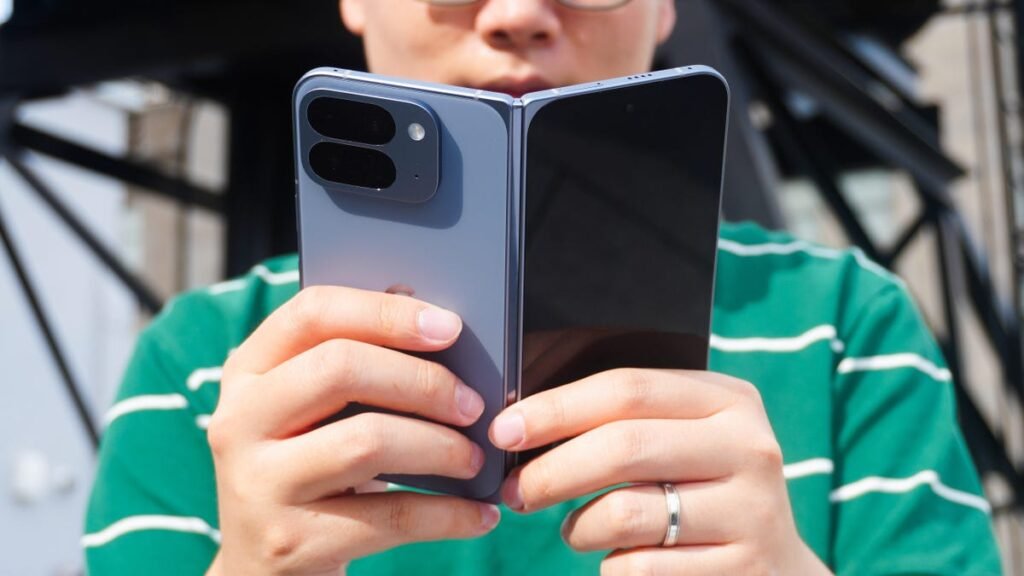
    Sabrina Ortiz/ZDNET

    Follow ZDNET: Add us as a preferred source on Google.


    ZDNET’s key takeaways

    • Android is getting upgraded theft protection features.
    • Updates include expanded Identity Check and Remote Lock.
    • The features are available now.

    Google announced a new set of theft protection feature updates for Android on Tuesday to help mitigate trouble if your phone ever goes missing.

    Also: Your Android phone’s most powerful security feature is off by default – turn it on ASAP

    Because our phones carry so much critical information these days, the cost of replacing a device is truly the least of your problems if your phone falls into the wrong hands. Today’s updates not only make it more difficult for a nefarious actor to unlock your phone, but they also bring critical protection to important apps and make it harder for someone else to lock down your phone.

    Recommended for you:

    James Gunn Won’t Have Robert Pattinson Play His DCU Batman
    Tech News·Jan 28, 2026

    James Gunn Won’t Have Robert Pattinson Play His DCU Batman

    Here’s a look at what’s new.

    Improved unlock protection

    One of the biggest new features is stronger protection against screen lock guessing. By increasing the lockout time after failed attempts, Google has made it much more difficult for someone else to guess your phone’s PIN, pattern, or password. 

    Of course, mistakes still happen if you forget your credentials or if your child grabs your phone, so identical incorrect guesses will not count toward your retry limit.

    Expanded Identity Check

    A year ago, Android introduced Identity Check, a feature that automatically locks your sensitive settings with biometric authentication if you’re outside of a trusted area. This tool now covers all features and apps that use an Android Biometric Prompt — including financial apps and Google Password Manager.

    To enable it, search for “Identity Check” in your Android’s settings and follow the prompts. 

    Enhanced Remote Lock

    Android also says it’s giving you more control over Remote Lock, a tool that lets you lock your lost or stolen device from any web browser. You now have the ability to add a security question/challenge to the process, making sure that only you, the real device owner, can initiate a lock. 

    Recommended for you:

    The viral Clawdbot AI agent can do a lot for you, but security experts warn of risks
    Tech News·Jan 28, 2026

    The viral Clawdbot AI agent can do a lot for you, but security experts warn of risks

    You can lock a phone by going to this page and entering your phone number (provided you have remote lock on and your device is online). 

    More control over failed authentication

    Failed Authentication Lock, first seen in Android 15, is a feature that automatically locks your device’s screen after excessive
    failed authentication attempts. To give you more control over your own security, this feature now has a dedicated enable/disable toggle in the settings menu.

    These updates are now available for Android devices running Android 16+.


    Source: www.zdnet.com

    Android
    Share. Facebook Twitter Pinterest LinkedIn Tumblr Telegram Email Copy Link
    Previous ArticleThe Best Ski Goggles, Editor Tested and Reviewed (2026)
    Next Article Can You Sue the White House Over an AI Deepfake?
    Michael Comaous
    • Website

    Michael Comaous is a dedicated professional with a passion for technology, innovation, and creative problem-solving. Over the years, he has built experience across multiple industries, combining strategic thinking with hands-on expertise to deliver meaningful results. Michael is known for his curiosity, attention to detail, and ability to explain complex topics in a clear and approachable way. Whether he’s working on new projects, writing, or collaborating with others, he brings energy and a forward-thinking mindset to everything he does.

    Related Posts

    6 Mins Read

    AI’s Memory Boom Is Quietly Crushing the Budget Smartphone

    6 Mins Read

    Meta Wants an AI Agent Managing Your Life. Wall Street Isn’t So Sure

    6 Mins Read

    MakuluLinux’s New AI-OS Wants to Run Your Whole Desktop, Not Just Answer Questions

    7 Mins Read

    AI Tokens Got 98% Cheaper. Corporate AI Bills Are Exploding Anyway

    7 Mins Read

    Hackers Are Hijacking Hotel Wi-Fi to Steal Microsoft 365 Logins Without a Single Phishing Email

    5 Mins Read

    Microsoft’s Biggest Patch Tuesday Ever Just Showed Us Where Cybersecurity Is Heading

    Top Posts

    Best Stores for Buying MP3 and Digital Music You Can Keep Forever (2026)

    August 2, 202530 Views

    Every iPhone Camera Ranked in 2026 (Best to Worst)

    July 6, 202613 Views

    How to Fix PS5 Controller Stick Drift (2026): 7 Working Methods

    July 10, 20268 Views
    Stay In Touch
    • Facebook

    Subscribe to Updates

    Get the latest tech news from FooBar about tech, design and biz.

    Most Popular

    Best Stores for Buying MP3 and Digital Music You Can Keep Forever (2026)

    August 2, 2025930 Views

    Discord will require a face scan or ID for full access next month

    February 9, 2026770 Views

    Trade in your old phone and get up to $1,100 off a new iPhone 17 at AT&T – here’s how

    September 10, 2025383 Views
    Our Picks

    A Toddler Needed a $20,000 Wheelchair. A High School Robotics Team Built Him One Instead.

    August 5, 2026

    AI’s Memory Boom Is Quietly Crushing the Budget Smartphone

    August 5, 2026

    Scientists Didn’t Say Earth Is Becoming Uninhabitable. Here’s What the “Hothouse Earth” Study Actually Says

    August 5, 2026

    Subscribe to Updates

    Get the latest creative news from FooBar about art, design and business.

    Facebook
    • About Us
    • Contact us
    • Privacy Policy
    • Disclaimer
    • Terms and Conditions
    © 2026 GeekBlog

    Type above and press Enter to search. Press Esc to cancel.