

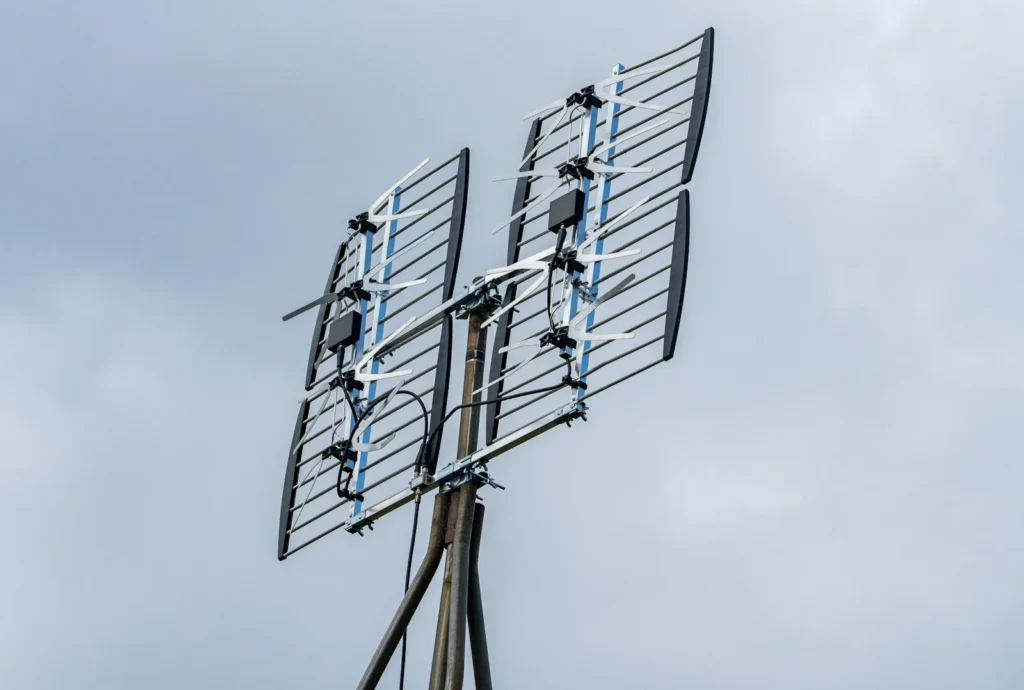
An indoor TV antenna is still the cheapest way to watch local news, network shows and big games in 2026: you pay once and never get a monthly bill. The catch is that no single antenna is best everywhere, because reception depends on how far you live from the broadcast towers and what sits in between. Here are the indoor antennas worth buying, how to pick the right type, and where to put it for the most channels.
The best indoor TV antennas in 2026
These are established models from the major US antenna brands. Range figures are manufacturer claims and assume good conditions, so treat them as a rough guide rather than a promise.
Thin, flexible, non amplified and rated for 35 miles. A version with a booster is sold for weaker areas.
The original paper thin antenna. Basic Leaf models suit cities, while amplified Leaf versions with signal indicators reach farther.
A round, double sided loop that picks up signals from multiple directions. Amplified and Eclipse 2 versions are available.
A flat amplified antenna for suburban homes, with a higher end FlatWave Amped Pro model.
Best for most people: Channel Master FLATenna
The FLATenna is a no fuss flat panel you can stick to a wall or window. Channel Master rates the standard version for 35 miles of reception without power, which covers most city and inner suburban homes. If channels break up, the version with an included signal booster is the logical next step.
Best low profile pick: Mohu Leaf
Mohu made the thin flat antenna popular, and the Leaf range still covers every situation, from a basic non amplified Leaf for apartments near the towers to amplified models like the Leaf Supreme Pro and Leaf Ultimate with built in signal indicators that help you find the best spot.
Best for towers in different directions: ClearStream Eclipse
Flat antennas work best facing one way. The Eclipse uses a loop shape designed to receive from more than one direction, which helps when your stations broadcast from different sides of town. An amplified version and the Eclipse 2 add reach for tougher locations.
Best amplified option: Winegard FlatWave Amped
Winegard’s FlatWave Amped pairs a flat panel with an inline amplifier. It makes sense if you are on the edge of your market, have a long coax run, or plan to split the signal to more than one TV.
How to choose the right indoor antenna
- Check your distance to the towers. Enter your address in the FCC’s DTV Reception Maps tool. It lists the stations you can expect, how strong each signal is, and which direction the towers are.
- Look at the channel bands. Most stations use UHF, but some still use VHF, especially channels 7 to 13. Many slim antennas are weaker on VHF, so confirm the model supports both if your map shows VHF stations.
- Decide on amplification. An amplifier helps with distance, long cables and splitters. It can make things worse if you live very close to a transmitter, because a strong signal can overload the tuner.
- Match the shape to your room. Flat panels hide well on walls and windows. Loop and tabletop designs need a shelf but can be easier to aim.
| Your situation | What to buy |
|---|---|
| City apartment, towers under 20 miles | Basic non amplified flat antenna |
| Suburbs, 20 to 40 miles | Amplified flat or loop antenna |
| Towers in several directions | Multidirectional loop design |
| Rural, beyond about 50 miles or behind hills | An attic or outdoor antenna instead |
Where to place your antenna
- Go as high as you can. A spot high on a wall beats the back of the TV stand.
- Use a window or outside wall facing the towers. Brick, metal siding, foil insulation and low E window coatings can all block signals.
- Keep it away from large metal objects, routers and other electronics.
- Run a full channel scan on your TV after every move. Antennas do not update channels by themselves.
- Try several spots and scan each time. Moving the antenna a few feet can change which stations come in.
What ATSC 3.0 means for your antenna
ATSC 3.0, marketed as NextGen TV, is the newer broadcast standard that can carry 4K video, better audio and improved reception. Good news: you do not need a special antenna for it. Any decent UHF and VHF antenna receives ATSC 3.0 signals. What you need is a TV with a built in ATSC 3.0 tuner, usually labeled NextGen TV, or an external ATSC 3.0 tuner box.
Many markets already have NextGen stations, while most TVs still in use only decode the older ATSC 1.0 signal. Since late 2025 the FCC has been considering rules that give stations more freedom to drop the old signal and whether new TVs should be required to include ATSC 3.0 tuners. There is no nationwide shutoff date, so a current antenna and TV keep working, but it is worth choosing a NextGen TV tuner the next time you upgrade. Some stations also encrypt their ATSC 3.0 broadcasts, which can limit which tuner boxes can play them, so check device support before buying one.
FAQ
Do indoor antennas really work?
Yes, if you live reasonably close to the broadcast towers. In most metro areas an indoor antenna pulls in all the major networks for free.
Is an amplified antenna always better?
No. Amplifiers help with weak signals and long cables, but near a strong transmitter they can overload your tuner and cause dropouts.
Can one antenna serve several TVs?
Yes, with a splitter, but each split weakens the signal. An amplified antenna or a distribution amplifier helps, or use a network tuner that streams antenna TV over your home WiFi.
Do I need a new antenna for 4K broadcasts?
No. 4K broadcasts use ATSC 3.0, which needs a compatible tuner, not a different antenna.
The verdict
Start with the FCC reception map, then buy the simplest antenna that matches your distance: a non amplified FLATenna or Mohu Leaf for city homes, a ClearStream Eclipse for towers in different directions, and an amplified Winegard FlatWave or Mohu Leaf model for the suburbs. Place it high near a window, rescan, and free TV is yours for good.
Updated October 2026: rewritten with current indoor antenna models, a buying and placement guide, and the latest on ATSC 3.0 and NextGen TV.
Featured photo: chris robert on Unsplash.
About this article: GeekBlog covers U.S. technology news, AI, phones, smartwatches and gaming. Every story is written and checked under our Editorial Policy. Spotted a mistake or have a story tip? Contact our editors.
