

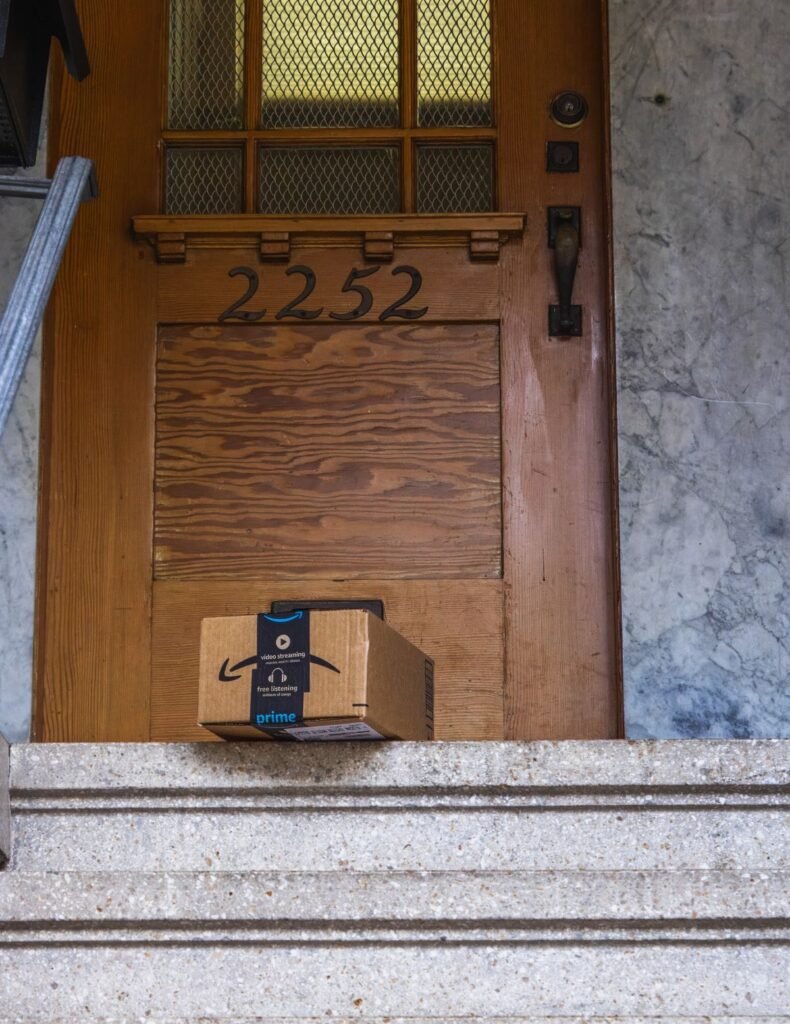
Learning how to shop on Amazon opens the door to millions of products delivered right to your door, often within a day or two. For beginners, the sheer size of the site can feel overwhelming, but the core process is simple: create an account, search for what you want, add it to your cart, and check out. Once you have done it once, every future order takes just a couple of minutes.
This beginner’s guide walks you through setting up your account, finding genuine products, understanding the difference between items sold by Amazon and third-party sellers, and checking out safely. We will also cover a few habits that protect your money and help you avoid counterfeit goods and inflated reviews.
Setting Up Your Amazon Account
You need a free account before you can order. Go to amazon.com directly, click “Account,” and choose “Create account.” Enter your name, email, and a strong, unique password. Amazon will ask for a shipping address and payment method the first time you check out, so have a card handy. Enabling two-factor authentication in your security settings adds a valuable layer of protection.
If you want more plain-language tech walkthroughs, our how-to guides cover shopping, streaming, and everyday apps.
How to Shop on Amazon: Step by Step
- Search for a product. Type what you want in the search bar at the top. Use specific terms like “stainless steel water bottle 32 oz” to narrow the results quickly.
- Filter the results. Use the left-hand filters for price, brand, average rating, and Prime eligibility to cut a long list down to the best matches.
- Open the product page. Read the title, bullet points, and photos. Scroll to the reviews and check both the star rating and the number of ratings.
- Check who sells and ships it. Look under the buy button for “Ships from” and “Sold by.” Items shipped and sold by Amazon are the most straightforward for returns.
- Add to cart or Buy Now. Click “Add to Cart” to keep shopping, or “Buy Now” to skip straight to checkout for a single item.
- Review checkout details. Confirm the shipping address, delivery date, and payment method. Apply any gift card balance or promo code here.
- Place your order. Click “Place your order.” You will see a confirmation and can track progress anytime under “Returns & Orders.”
Sold by Amazon vs. Third-Party Sellers
Not everything on Amazon comes from Amazon itself. Many items are sold by independent third-party sellers who list on the platform. Both can be trustworthy, but knowing the difference helps you shop with confidence.
Shipped and sold by Amazon
- Handled directly by Amazon
- Simple, well-known return process
- Reliable Prime delivery estimates
- Lowest risk for beginners
Third-party sellers
- Sold by an outside business
- May be Fulfilled by Amazon or self-shipped
- Check seller rating and feedback
- Read the seller’s return policy first
Understanding Amazon Delivery Options
Amazon offers several delivery speeds, and the ones available depend on the item and whether you have a Prime membership. Here is how the common options compare.
| Option | Typical speed | Notes |
|---|---|---|
| Prime free delivery | 1 to 2 days | Requires a Prime membership |
| Standard shipping | 4 to 7 days | Free over a minimum order |
| Same-day / one-day | Same or next day | Select items and areas |
| No-rush delivery | 5 to 7 days | May earn a small reward |
Reading Reviews Like a Pro
Reviews are one of Amazon’s best features, but they can be manipulated. Look at the overall rating alongside the total number of reviews, since a 4.5-star product with 8,000 ratings is more reliable than a 5-star product with 12. Read a few three-star reviews for balanced feedback, and check the “Verified Purchase” label to confirm the reviewer actually bought the item.
Frequently Asked Questions
Do I need Amazon Prime to shop on Amazon?
No. Anyone with a free account can shop. Prime is a paid membership that adds faster free shipping and perks like streaming, but you can order without it using standard shipping, which is often free above a minimum order.
How do I know if an Amazon product is genuine?
Buy items shipped and sold by Amazon or a well-rated third-party seller when possible, check that reviews are verified purchases, and compare the price to the typical range. Counterfeits are often priced suspiciously low.
Is it safe to save my card on Amazon?
Amazon is a large, secure retailer, so saving a card is generally low risk and convenient. For extra safety, use a credit card, enable two-factor authentication, and review your orders regularly.
How do I return something to Amazon?
Go to “Returns & Orders,” select the item, and choose “Return or replace items.” Pick a reason and a drop-off or pickup option. Most eligible items can be returned within 30 days.
What is the A-to-z Guarantee?
It is Amazon’s protection for purchases from third-party sellers. If an item never arrives or is significantly different from its description, you can request a refund through Amazon as long as you paid through the site.
