

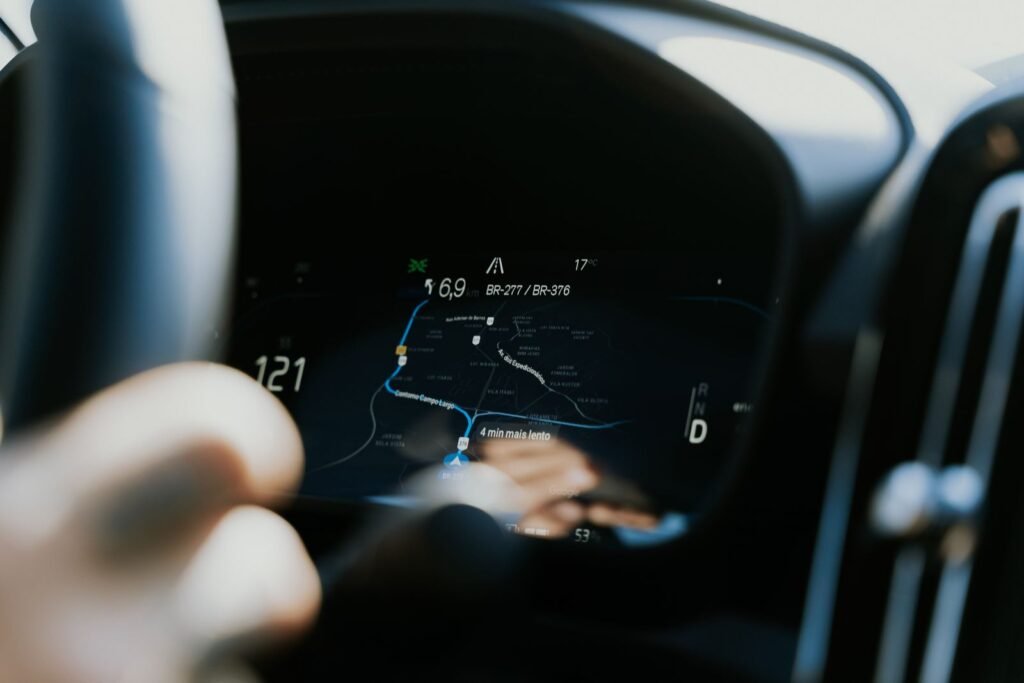
Until now, asking an in-car assistant about your day meant getting a generic answer. “What time is my flight?” would either fail or send you to a web search. On October 20, Google started changing that. Gemini Personal Intelligence, the feature that lets the assistant draw on your own accounts, is rolling out to Android Auto, with cars that have Google built in due to follow in the coming months.
The short version
- Rollout to Android Auto began October 20, 2026
- With your permission, Gemini can use Gmail, Calendar, Google Photos and Maps, and some reports also list YouTube and Search
- The feature is off by default and you can turn it off at any time
- It needs a personal Google account, age 18 or older, and is not available in the EEA, Switzerland, the UK or Nigeria
- If you already enabled it in the Gemini phone app, the setting carries over to the car
What it can do behind the wheel
The pitch is simple: fewer questions that need typing or tapping. Google’s own examples show the idea. You can ask for your flight gate and status in a single question. You can start navigation to a doctor’s appointment without reading out the address, because Gemini finds it in your calendar. You can also ask it to take you back to the coffee shop that came up in a message the day before.
That is a different kind of assistant from the one that only sets timers and plays music. It connects information from several apps, then acts on it through navigation. Google says answers in the car stay short, since a long reply is a distraction when you are driving.
Where the data comes from
| Source | What Gemini can use it for |
|---|---|
| Gmail | Flight details, reservations, delivery and appointment emails |
| Calendar | Meeting times and locations, so navigation starts without typing |
| Google Photos | Context from your photo library |
| Google Maps | Places you have visited or saved |
| YouTube and Search | Listed by some outlets, not by others, so treat as unconfirmed |
Coverage differs on that last row, and the launch is only a day old, so details may still change. Check the permissions screen in your own Gemini settings to see exactly what you are granting.
Who gets it, and who does not
The limits are worth reading before you get excited. The feature works only with personal Google accounts, and the user must be 18 or older. Workspace business, enterprise and education accounts are excluded. Google also left out the European Economic Area, Switzerland, the UK and Nigeria at launch. Anyone in those places will have to wait, or do without.
The scale of the potential audience is large. When Google first announced Gemini for Android Auto in 2025, it said around 250 million vehicles were compatible. Cars with Google built in, which run the software natively, are the second wave.
The privacy question you should ask first
An assistant that reads your inbox is only as safe as the permission you give it. Google made the setting opt-in, which is the right default, and says you can switch it off whenever you like. Still, the trade is real. To answer “where is my meeting,” the model has to look at your calendar. To find your flight, it has to see your email.
That tension is becoming common in consumer AI. We looked at a similar problem when Amazon’s Bee wristband started remembering every conversation, and the people on the other end never agreed. A car adds its own twist, because passengers can hear what the assistant says out loud. A reply about a medical appointment or a bank notice can be overheard by anyone in the car.
Before you switch it on
- Open Gemini settings and review which apps Personal Intelligence can connect to
- Remember that spoken answers can be heard by passengers
- Check your Gemini and Google activity controls so you know what is stored
- Turn it off if you share the car with people you would rather not tell your schedule
How it fits Google’s bigger plan
Personal Intelligence is not really a car feature. It is Google’s way of making Gemini feel like it knows you, then placing it everywhere you spend time. The phone came first, and the dashboard is next. Navigation is the natural meeting point, since Maps already knows the roads. Google has been tightening the same loop elsewhere, for example by adding richer map layers to live location sharing, as we reported when Google Messages gained satellite and traffic views.
The bottom line
If you drive with Android Auto and trust Google with your inbox, this is a genuine time saver. Fewer taps, fewer addresses to dictate, and answers that come from your own life instead of the open web. If you would rather keep the car a data-free zone, the default works in your favor: nothing happens until you turn it on. Either way, expect your rivals in the dashboard to follow quickly, because a personal assistant that knows your calendar is quickly becoming the baseline.
Sources and further reading
- TechCrunch: Google is bringing a more personal version of its Gemini AI assistant to your car
- gHacks: Google rolls out Gemini Personal Intelligence on Android Auto
- Digital Trends: Google is making Gemini smarter behind the wheel
About this article: GeekBlog covers U.S. technology news, AI, phones, smartwatches and gaming. Every story is written and checked under our Editorial Policy. Spotted a mistake or have a story tip? Contact our editors.
