

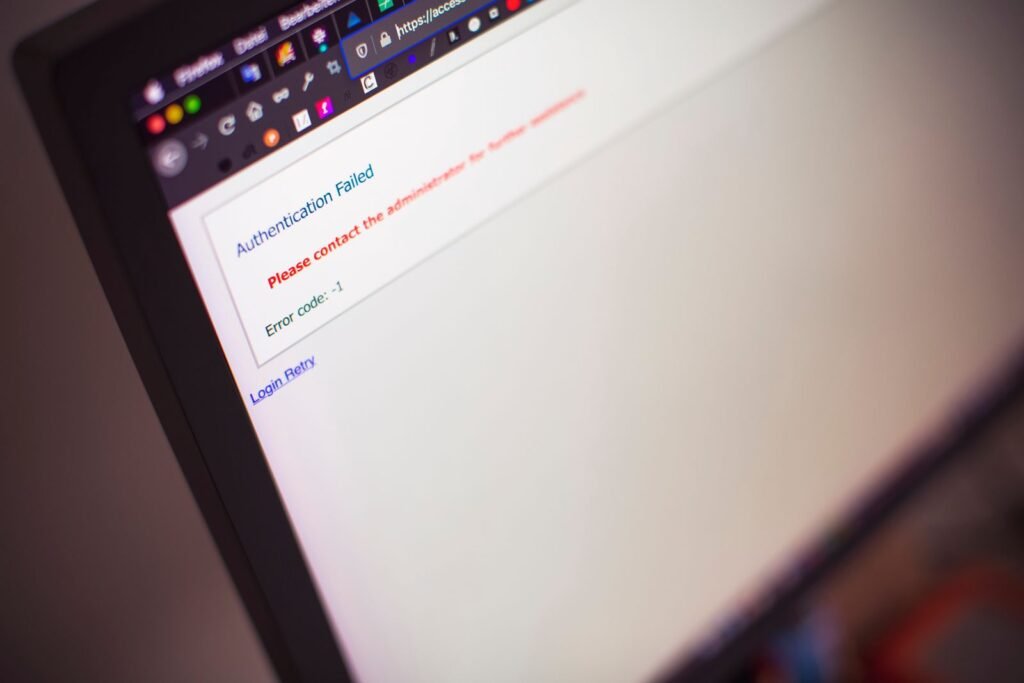
If RedGifs is not working, the cause is almost always one of four things: a temporary server outage, a regional or age-verification block tied to new 2026 laws, a network-level filter from your ISP or DNS provider, or a local browser problem such as stale cookies or an aggressive ad blocker. Working through each in order will usually get you back up and running in a few minutes.
Step 1: Check whether RedGifs is actually down
Before you troubleshoot your own device, confirm the site is even online. A large-scale outage or a content delivery network (CDN) failure will take RedGifs offline for everyone, and nothing you change locally will help until the service recovers.
How to check the status
- Visit Downdetector and search for “RedGifs.” A spike in reports over the last hour points to a widespread outage.
- Search social platforms such as X or Reddit for “RedGifs down” and sort by newest. Other users typically confirm outages within minutes.
- Try loading the site on a completely separate connection, for example your phone on mobile data instead of Wi-Fi. If it loads on one network but not another, the problem is your network, not the site.
If a genuine outage is confirmed, there is no fix except to wait. Outages tied to server maintenance or CDN issues are usually resolved within a few hours.
Step 2: Rule out age-verification and regional blocks
This is the single biggest reason RedGifs “stopped working” for many users in 2025 and 2026, and it is not a bug. A wave of age-verification laws has changed how adult-oriented sites operate by region.
United Kingdom
The UK’s Online Safety Act age-verification requirement took effect on July 25, 2025. Rather than build an ID-checking system, RedGifs chose to block UK IP addresses and redirect visitors to RedGifs Lite, a work-safe version of the site with only non-explicit content. If you are in the UK and suddenly see a stripped-down site or a redirect, this is why. The main service is intentionally unavailable to UK connections.
United States
In Free Speech Coalition v. Paxton, decided June 27, 2025, the US Supreme Court upheld Texas’s age-verification law by a 6-3 vote. That ruling removed much of the legal uncertainty around similar statutes, and by mid-2026 roughly 26 states had age-verification laws on the books, including Texas, Florida, Georgia, North Carolina, Arizona, and Louisiana. Depending on how a site responds, users in those states may see an age-check prompt, a block page, or nothing loading at all. Some platforms geoblock entire states rather than deploy verification.
Australia and other regions
Australia has also moved toward stricter online age-assurance rules in 2026, and other countries are following. If RedGifs works when you travel or switch networks but not at home, a regional block is the likely explanation.
What you can do
These blocks are legal and location-based, so the practical options are limited. Age verification, where offered, is the intended path to access. A reputable VPN can change the apparent region of your connection, but note that some jurisdictions are tightening rules on VPN use for this purpose, and a VPN will not fix a genuine outage or a local browser issue. Choose a paid, well-reviewed VPN rather than a free one, and connect to a server in a region without a block.
Step 3: Fix DNS and ISP-level blocks
Even without a formal law, some internet service providers and public or workplace networks filter adult sites at the DNS level. Content-filtering DNS services such as those used on family or office networks will silently refuse to resolve RedGifs, so the page simply never loads.
- Switch to a neutral public DNS resolver. On your device or router, set DNS to Cloudflare (1.1.1.1) or Google (8.8.8.8 and 8.8.4.4).
- If you use a filtering service like a family-safe DNS product, check its dashboard, RedGifs may be categorized and blocked there.
- After changing DNS, flush your local DNS cache. On Windows, run ipconfig /flushdns in Command Prompt. On macOS, run sudo dscacheutil -flushcache in Terminal.
- Reboot your router if the block persists, some ISP filters are applied at the gateway.
If the site loads after switching DNS, your provider or network was filtering it.
Step 4: Clear your browser cache and cookies
A corrupted cache or an expired session cookie is one of the most common local causes of a site that loads for everyone else but not for you. Symptoms include a blank page, a spinning loader that never finishes, or an age gate that reappears no matter how many times you dismiss it.
- Open your browser settings and clear cached images, files, and cookies for the last 24 hours (or specifically for the RedGifs domain).
- Close and reopen the browser completely.
- Test the site in a private or incognito window, which ignores existing cache and most extensions. If it works there, stale data was the culprit.
- Make sure your browser is updated to the latest version, older builds can fail on modern video players.
Step 5: Disable ad blockers and problem extensions
RedGifs relies heavily on JavaScript and embedded video players. Aggressive ad blockers, script blockers, and privacy extensions frequently break these elements, leaving thumbnails that never expand or videos that will not play.
- Pause your ad blocker (uBlock Origin, AdBlock, and similar) and allowlist the RedGifs domain.
- Temporarily disable script- and cookie-blocking extensions such as NoScript, Privacy Badger, or Ghostery.
- Reload the page. If it now works, re-enable extensions one at a time to find the specific offender, then allowlist RedGifs in that extension rather than turning it off entirely.
Step 6: Fix RedGifs embeds that won’t load on Reddit or other sites
A very common complaint is that RedGifs content embedded on Reddit, forums, or other third-party pages shows only a broken frame or a “content unavailable” message while the main RedGifs site works fine. Embeds are more fragile than the main site because they depend on cross-site cookies and scripts that browsers and extensions increasingly restrict.
- Allow third-party cookies for the RedGifs domain, or add it as an exception if your browser blocks cross-site cookies by default.
- Disable “strict” tracking-prevention modes in Firefox, Safari, or Edge, which can break embedded players.
- Open the embedded item directly on redgifs.com instead of through the host page. If it plays there, the issue is the embed environment, not the file.
- On mobile, embeds often fail inside in-app browsers (such as the one inside the Reddit or X app). Open the link in your full standalone browser instead.
Step 7: Compare the app and the browser
If you use RedGifs through a third-party mobile app or a Reddit client and it stops working, test the same content in a regular mobile browser like Chrome or Safari. Third-party apps break when the site changes its API or when an app falls out of date. If the browser works but the app does not, update the app or switch to browser access until the developer pushes a fix. There is no official issue with the website in that case.
Step 8: Check general connectivity
Finally, rule out the basics. Confirm other websites load normally. Restart your router, toggle airplane mode on mobile, and try switching between Wi-Fi and cellular data. If every site is slow or failing, the problem is your connection, not RedGifs.
Quick reference: symptom, cause, and fix
| Symptom | Likely cause | Fix |
|---|---|---|
| Site down for everyone | Server or CDN outage | Check Downdetector, wait for recovery |
| Redirect to a “Lite” or blank page in the UK | Online Safety Act regional block | Intentional; access is restricted by region |
| Age gate or block in a US state | State age-verification law | Complete verification where offered |
| Site never resolves on one network | ISP or DNS filtering | Switch to 1.1.1.1 or 8.8.8.8, flush DNS |
| Blank page or endless loader | Corrupted cache or cookies | Clear cache, test in incognito |
| Thumbnails won’t expand or play | Ad blocker or script extension | Pause and allowlist the domain |
| Broken frame on Reddit or forums | Blocked cross-site cookies | Allow third-party cookies, open on redgifs.com |
| Fails in an app but not a browser | Outdated third-party app | Update the app or use a browser |
The quick-fix checklist
- Check Downdetector to confirm the site is not down for everyone.
- Consider whether a regional or age-verification block applies to your location.
- Switch to a neutral DNS provider (1.1.1.1 or 8.8.8.8) and flush your DNS cache.
- Clear your browser cache and cookies, then test in an incognito window.
- Pause your ad blocker and allowlist the RedGifs domain.
- Allow third-party cookies if embeds are failing on Reddit or other sites.
- Try a different network, such as mobile data instead of Wi-Fi.
- Update or bypass any third-party app in favor of a standard browser.
Conclusion
Most RedGifs problems fall into a predictable pattern. If the site is down for everyone, patience is the only fix. If it is up but not loading for you, the cause is nearly always a regional block, a DNS or ISP filter, or a local browser issue like stale cookies or an overzealous ad blocker. The biggest change in 2025 and 2026 has been legal rather than technical: age-verification laws in the UK, Australia, and a growing list of US states now shape who can reach the site and how. Work through the steps above in order, starting with the outage check, and you will quickly know whether you are looking at a genuine service problem or a fixable setting on your own device.
About this article: GeekBlog covers U.S. technology news, AI, phones, smartwatches and gaming. Every story is written and checked under our Editorial Policy. Spotted a mistake or have a story tip? Contact our editors.
