

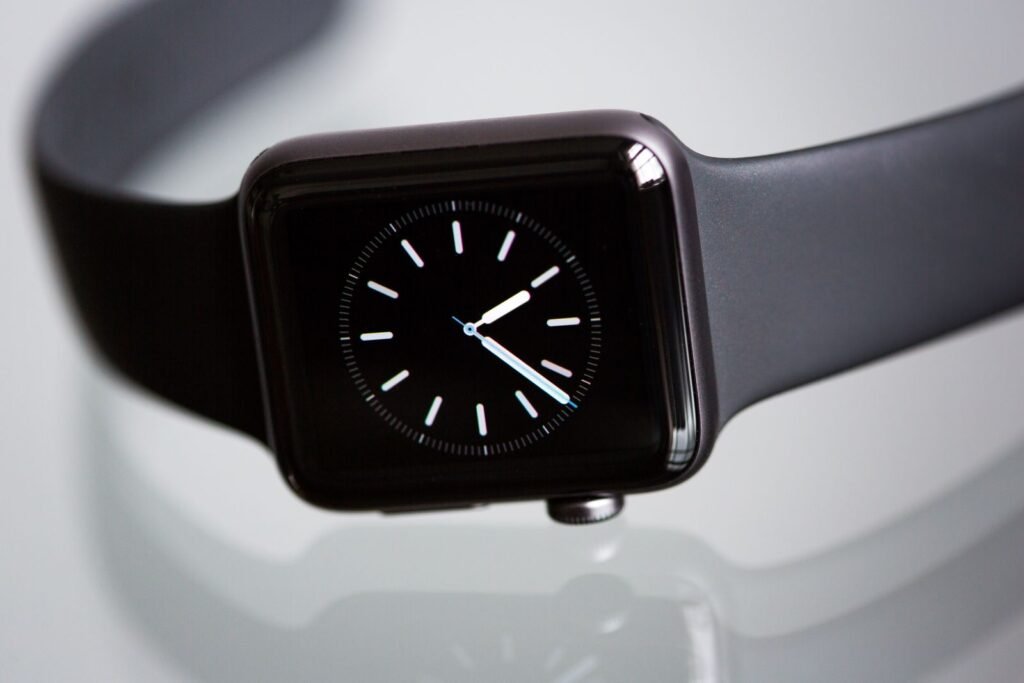
For as long as the Apple Watch has existed, the rule has been simple: no iPhone, no watch. Apple’s own setup flow starts on an iPhone, and nothing on the Android side has ever filled that gap. Now a developer has poked a small hole in that wall. An open-source project called Apple Watch Companion can pair and activate an Apple Watch from an Android phone, with no iPhone anywhere in the process. It is real, it is impressive, and it is nowhere near ready for normal people.
Short answer: Yes, an Apple Watch Ultra 2 has been paired with an Android phone using the open-source Apple Watch Companion project. It needs a rooted phone (Magisk), has only been verified on one watch and one software version, and still lacks calls and full health data. It is a proof of concept, not a replacement for an iPhone.
What Apple Watch Companion actually is
The project lives on GitHub under the name apple_watch_connector and comes from a developer who goes by LordixDemon. Rather than tricking the watch into thinking an Android phone is an iPhone, the code rebuilds the conversation the watch normally has with one. It covers discovery, pairing, activation, reconnecting later, exchanging preferences and managing watch faces, all over the Bluetooth and IDS protocols Apple’s devices use to talk to each other.
On Android, the heavy lifting is done by a “Bridge” that ships as a Magisk module. The Bridge owns the Bluetooth connection and the encryption keys, while a Flutter app called Companion shows you what the watch reports and sends commands back. The same Companion interface also runs on Linux and Windows, which use a Rust backend, and on macOS in a much more limited form.
| Detail | What the project documents |
|---|---|
| Developer | LordixDemon (open source on GitHub) |
| Verified watch | Apple Watch Ultra 2 (Watch7,5) |
| Verified software | watchOS 26.2 (build 23S303) only |
| Android requirement | Rooted phone with the Magisk Bridge module |
| Pairing method | Phone camera scans the pairing code on the watch (Android); six-digit code on Linux and Windows |
| Release status | Experimental release candidate |
What works today
According to the project’s own hardware notes, the headline result is real: camera pairing, activation and a visible watch face were all confirmed on physical hardware. Android Authority reported the verified Android setup as a OnePlus 13 paired with an Apple Watch Ultra 2. After the first pairing, the saved watch can reconnect over an encrypted link without repeating setup, and the project says a fresh battery reading was confirmed on real hardware.
Beyond that, the feature list is a mix of finished and unfinished pieces. Wi-Fi sharing works, but only for a WPA2 network. Watch face management covers listing, selecting, duplicating, removing and reordering faces. A short list of settings can be written, namely wrist side, inverted screen and 24-hour time. Notifications have a working transport and an Android listener behind them, though the developer says individual apps, attachments, sounds and actions each still need their own testing.
What is still missing
The gaps are exactly the things people buy a smartwatch for. The project states that its current IPC does not implement call triggering or call actions, so you should not expect to answer a call from your wrist. Health is described as incomplete as well: the code can receive and decode encrypted health data, but the project says that does not establish a full Health or Activity import, correct anchors or support for every data type. Even the more modern state-syncing layer is listed as unfinished.
Compatibility is the other big limit. Everything above was verified on one watch running one build of watchOS. The README opens with a warning in capital letters that it has been tested only on watchOS 26.2. Other models and other software versions come with no promises, and since Apple updates watchOS often, a future update could break the whole thing.
The root problem, and a possible way around it
Rooting is the part that will stop most people. Installing a Magisk module means unlocking your bootloader and modifying your phone’s system, which can break banking apps, trip security checks and void warranties. It also hands a very new, experimental piece of software deep access to your device, which is a lot to trust a one-person hobby project with. PhoneArena was blunt about it, running the headline that pairing an Apple Watch with Android is “a massive mistake.” You do not have to agree with that wording to see the risk.
There is a sign of movement, though. A pending pull request on the repository proposes a no-root mode that drives an external USB Bluetooth adapter through Android’s public USB host API. At the time of writing, we could not confirm whether it has been merged, so treat it as an idea worth watching rather than a fix you can use.
Before you try it: This is unofficial software that touches your phone’s root access and your watch’s pairing keys. Do not run it on your daily phone, and do not unpair a watch you rely on. Apple does not support this setup, and neither does the developer beyond the tested hardware.
Why Apple Watch owners should still care
The Apple Watch is one of the most popular wearables in the world, and the iPhone requirement is one of the main reasons Android users cannot buy one. Even inside Apple’s ecosystem, the watch leans hard on the phone. Our guide to Apple Watch family setup for seniors shows how Family Setup lets someone wear an Apple Watch without owning an iPhone, but the relative who manages it still needs one. Apple Watch Companion shows that the lock is a software choice, not a physical one.
It also lands at an awkward time for Apple’s hardware story. The new models picked up a weak repairability score in iFixit’s Series 12 and Ultra 4 teardown, and the same sealed-box philosophy applies to how the watch is paired. Some owners will always want more control over devices they bought, and projects like this one are what that demand looks like.
| Option | Works with Android? | Catch |
|---|---|---|
| Apple Watch Companion | Yes, on tested hardware | Root required, one watch and watchOS build verified, no calls |
| Official Apple Watch setup | No | Needs an iPhone for setup |
| Wear OS watch such as Pixel Watch 5 | Yes, natively | Different ecosystem, no iMessage or Apple apps |
What to do if you want an Android-friendly watch today
- Buy a watch built for your phone. A Wear OS, Garmin or Samsung watch gives you calls, health tracking and updates with no hacks. Our Pixel Watch 5 review roundup is a good place to start for Android users.
- Treat Apple Watch Companion as a lab project. If you enjoy tinkering, use a spare rooted phone and a watch you can afford to reset.
- Do not expect Apple to follow. Nothing in the project suggests Apple plans to support Android, and a future watchOS update could block it.
- Watch the repository. If the no-root mode lands and calls and health data arrive, the story changes.
Final verdict
Apple Watch Companion is the most interesting wearable hack of the autumn, and also one of the least practical. It proves an Apple Watch can be paired, activated and reconnected from an Android phone, and that is a real technical achievement. But with root required, a single verified watch, no calls and incomplete health data, nobody should buy an Apple Watch for their Android phone because of it. For now it is a fascinating experiment to follow, and a reminder of how much of the Apple Watch experience is decided by software rather than hardware.
Sources and further reading
- Android Authority: You can now pair an Apple Watch with Android, but there’s a catch
- PhoneArena: You can pair an Apple Watch with Android now, and it’s a massive mistake
- GitHub: LordixDemon/apple_watch_connector
- MacRumors: Apple Watch roundup
About this article: GeekBlog covers U.S. technology news, AI, phones, smartwatches and gaming. Every story is written and checked under our Editorial Policy. Spotted a mistake or have a story tip? Contact our editors.
