

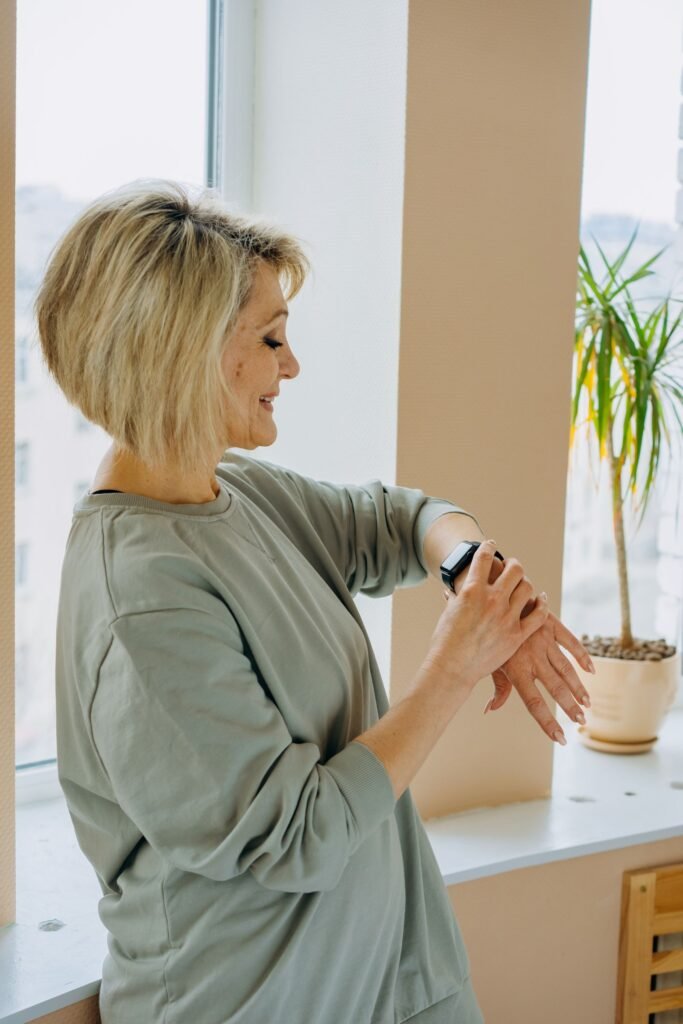
You want your mom or dad to have an Apple Watch, but they do not own an iPhone, or they simply do not want to fuss with one. Apple has a feature built for exactly that situation, and it works well for some things and badly for others. This guide to the Apple Watch for seniors explains what Family Setup is, what you need to buy, what stops working, and where the watch falls short as a safety device.
Quick answer
Yes, you can set up an Apple Watch for an older parent using Family Setup, managed from your own iPhone. The watch must be a cellular model, and a cellular plan is needed for the watch to call for help on its own. Some health features, such as ECG and irregular rhythm alerts, are reported as unavailable on Family Setup watches, and Apple does not run a monitored emergency service.
What Is Apple Watch Family Setup?
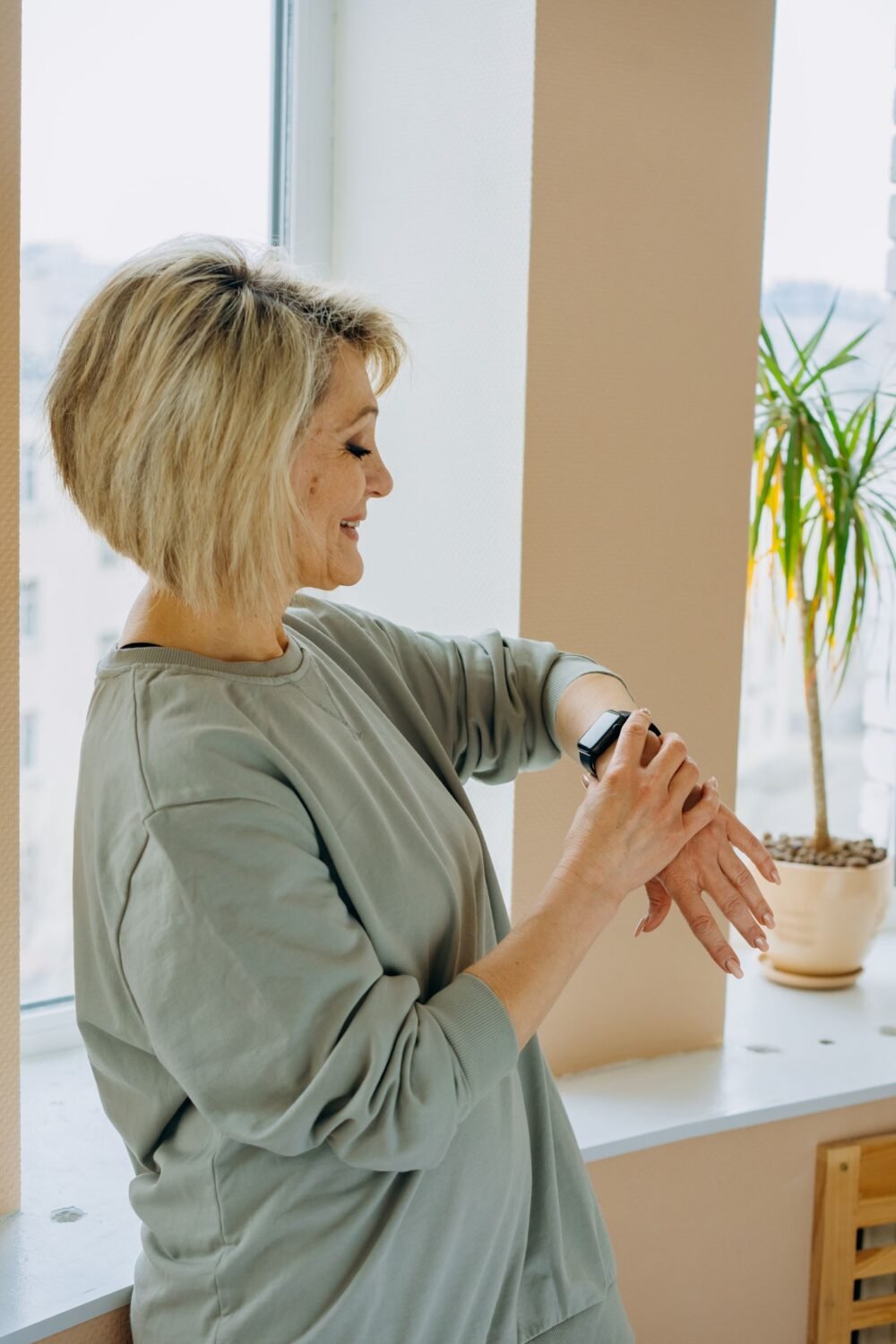
Family Setup lets one person pair an Apple Watch for another person who does not have an iPhone. You, as the organizer, use your own iPhone to pair and manage the watch. After that, the watch can work on its own over cellular or Wi-Fi, so your parent can wear it, receive calls and use basic features without carrying a phone.
According to Apple’s support documentation, Family Setup needs an Apple Watch Series 4 or later with cellular, or an Apple Watch SE with cellular. Apple also says a cellular plan is not required to complete the setup, but it is needed for some features. Apple’s page is the place to confirm the exact current list of supported models and software, since we could not load it directly while researching this piece.
Sources: Apple Support and senior-tech guides. Carrier pricing differs, so confirm with yours.
What You Need Before You Start
- A cellular Apple Watch. A GPS-only model cannot be set up with Family Setup. Series 4 or later with cellular, or an SE with cellular, is the baseline Apple lists.
- Your own iPhone. It must be running a current version of iOS. You keep it as the management device.
- A cellular plan. One guide puts the add-on at about $10 a month on a family plan, another at $9.99. Check with your carrier, because supported carriers and prices vary.
- Your parent’s details. You will enter their name, birthday and emergency contacts, so have them ready.
What Works and What Does Not
This is the part most buying guides skip. Watches paired through Family Setup run with limits. Apple Community threads, mostly from 2022 and 2023, report that several health features are switched off. Those posts are older, so treat the table as a checklist to verify against Apple’s current feature availability page, not as a final word.
| Feature | On a Family Setup watch? | Note |
|---|---|---|
| Calls and messages | Yes | Needs cellular or Wi-Fi |
| Fall Detection and Emergency SOS | Yes | Requires age 18 or older in the Health profile |
| Medical ID | Yes | Contacts are pulled from it during an emergency call |
| Location sharing | Yes | Visible to the organizer |
| ECG and irregular rhythm alerts | Reported unavailable | Community threads and tech news coverage |
| Blood oxygen and sleep tracking | Reported unavailable | Check Apple’s availability page for your model |
| Heart rate notifications | Age dependent | Apple lists 13+ for high and low rate alerts |
If heart rhythm monitoring is the main reason you are buying, this limit matters. A parent who wants ECG may be better off with a watch paired to their own iPhone. We cover rhythm features in our guide to the best smartwatch for AFib.
How Fall Detection Works for an Older Parent
Fall Detection is the feature most families care about. When the watch senses a hard fall, it taps the wrist, sounds an alarm and shows an alert. If the wearer does not respond for about a minute, it can call emergency services and message the emergency contacts from the Medical ID. Apple says it needs a satellite connection, a cellular connection, or Wi-Fi Calling with internet access from the watch or a nearby iPhone.
Two details are easy to miss. First, Apple limits Fall Detection to people 18 and older, so make sure your parent’s correct birth date is in the Health profile and Medical ID. Second, the contacts are only as good as what you enter, so add more than one person. For a deeper look at accuracy and false alarms, see our explainer on smartwatch fall detection for seniors.
It is not a monitored alert system
Medical alert reviewers point out that an Apple Watch is unmonitored. Nobody watches for an alert around the clock, and no trained operator stays on the line. No fall detection system is 100 percent accurate either. If your parent lives alone and has a high fall risk, compare a monitored service first. Our breakdown of medical alert watch costs shows what those plans really charge.
Apple Watch vs a Monitored Medical Alert Watch
| Question | Apple Watch (Family Setup) | Monitored alert watch |
|---|---|---|
| Who answers an alert? | Emergency services and your contacts | A trained call center |
| Monthly cost | Cellular plan, around $10 | Often higher, one plan starts near $65 a month |
| Ease of use | Can confuse someone new to touchscreens | Usually one button |
| Extras | Calls, texts, health apps, music | Mostly safety features |
Monitored pricing varies by provider and plan length.
Who Should Skip Family Setup?
Skip it if your parent can manage their own iPhone and wants ECG or sleep data. Skip it as well if they need a simple one-button device, because a full Apple Watch has a lot of screens. In that case, our list of easy-to-use smartwatches for seniors covers simpler options. And if you only need a watch that works without any phone at all, our guide to smartwatches for seniors without a smartphone compares your choices.
Tips That Make It Stick
- Test the emergency call together. Practice the side button so they are not surprised.
- Enlarge the text. Raise the font size and turn on Bold Text in the watch settings.
- Keep the watch charged. Put the charger beside the bed and make it a nightly habit.
- Add several emergency contacts. Include someone who lives close by.
- Review the Medical ID twice a year. Update medications, allergies and numbers.
Frequently Asked Questions
Can a senior use an Apple Watch without an iPhone?
Yes, through Family Setup, but someone has to set it up with an iPhone first. After that the watch can run on its own over cellular or Wi-Fi.
Do I need a cellular plan for the watch?
Apple says a plan is not required for setup, but it is needed for some features. For calling for help away from home, cellular is the reliable option.
Does Fall Detection work on a Family Setup watch?
Yes, as long as the wearer’s age in the Health profile is 18 or older and a cellular, satellite or Wi-Fi Calling connection is available.
Can it track ECG or irregular heart rhythm?
Community reports say no on Family Setup watches. Check Apple’s current feature availability list before you buy if this matters to you.
Is an Apple Watch a good medical alert?
It helps, but it is unmonitored. For people at high risk, a monitored service may be safer.
Final Verdict
The Bottom Line
Family Setup is a good way to give a parent an Apple Watch with calling, location and Fall Detection, without making them own an iPhone. Buy a cellular model, add the plan, fill in the Medical ID carefully, and do not expect ECG or sleep data. If safety is the main job, compare a monitored watch before you decide.
This article is for general information and is not medical advice. In an emergency, call 911.
Sources and Further Reading
- Apple Support: Set up Apple Watch for a family member
- Apple Support: Use Fall Detection with Apple Watch
- iDropNews: Blood Oxygen and ECG not compatible with Family Setup
- Apple Community: features unavailable with Family Setup
- Medical Alert Buyers Guide: Apple Watch medical alert review
Featured image: Pexels.
About this article: GeekBlog covers U.S. technology news, AI, phones, smartwatches and gaming. Every story is written and checked under our Editorial Policy. Spotted a mistake or have a story tip? Contact our editors.
