

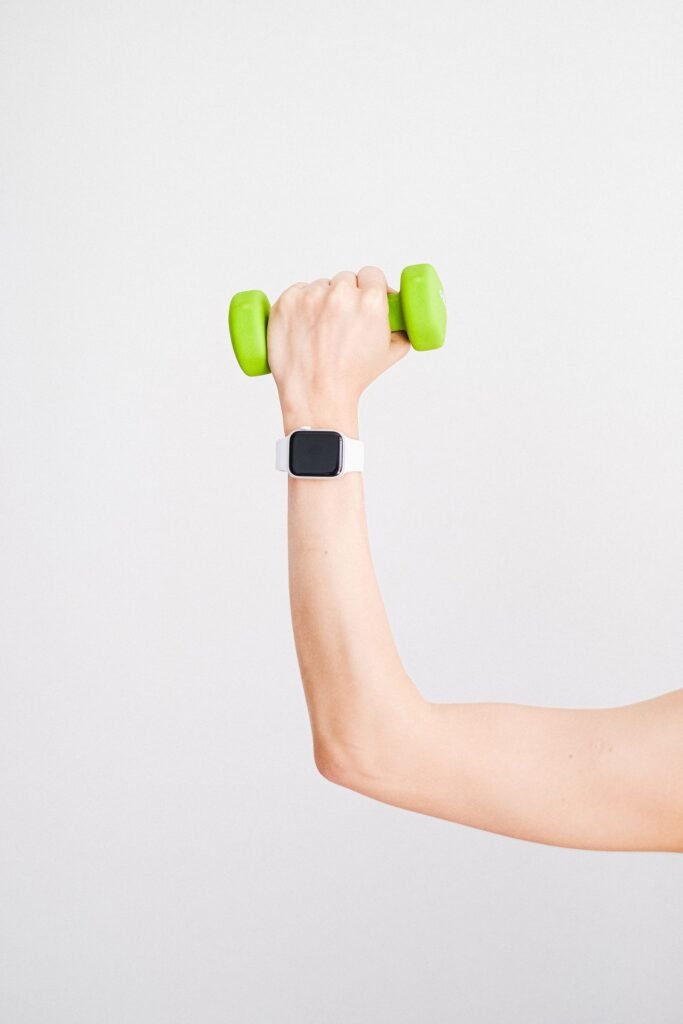
For five years, Apple Fitness+ has mostly lived in the living room. You put a trainer on the TV, roll out a mat and move along with the class. That format works well for HIIT, yoga or a cycling session, but it falls apart the moment you walk into a real gym. Nobody wants to follow a video at the squat rack while someone else is waiting for the bench.
Apple’s answer is Gym Strength, a new part of Fitness+ that builds a lifting plan around the equipment you actually have and then rewrites it every week based on what you actually lifted. It’s in the iOS 27.3, iPadOS 27.3 and watchOS 27.3 developer betas right now, and it should reach everyone when those updates ship in December. The Apple Watch isn’t required, but it’s where a lot of the day-to-day logging happens. Here’s how it all works and whether it’s worth your attention.
Quick answer
Gym Strength is a free addition to Apple Fitness+ ($9.99 a month or $79.99 a year in the US). It creates progressive four-week strength plans from your goals, experience, schedule and equipment, then adjusts each new week using the reps and weight you logged. It includes more than 350 exercises across 30+ equipment types, with dumbbells as the minimum. You need iOS 27.3 or iPadOS 27.3. An Apple Watch on watchOS 27.3 is optional and lets you see each exercise, log reps and weight, and track heart rate and calories from your wrist. It’s in developer beta now, with a public release expected in December 2026.
What Apple Announced
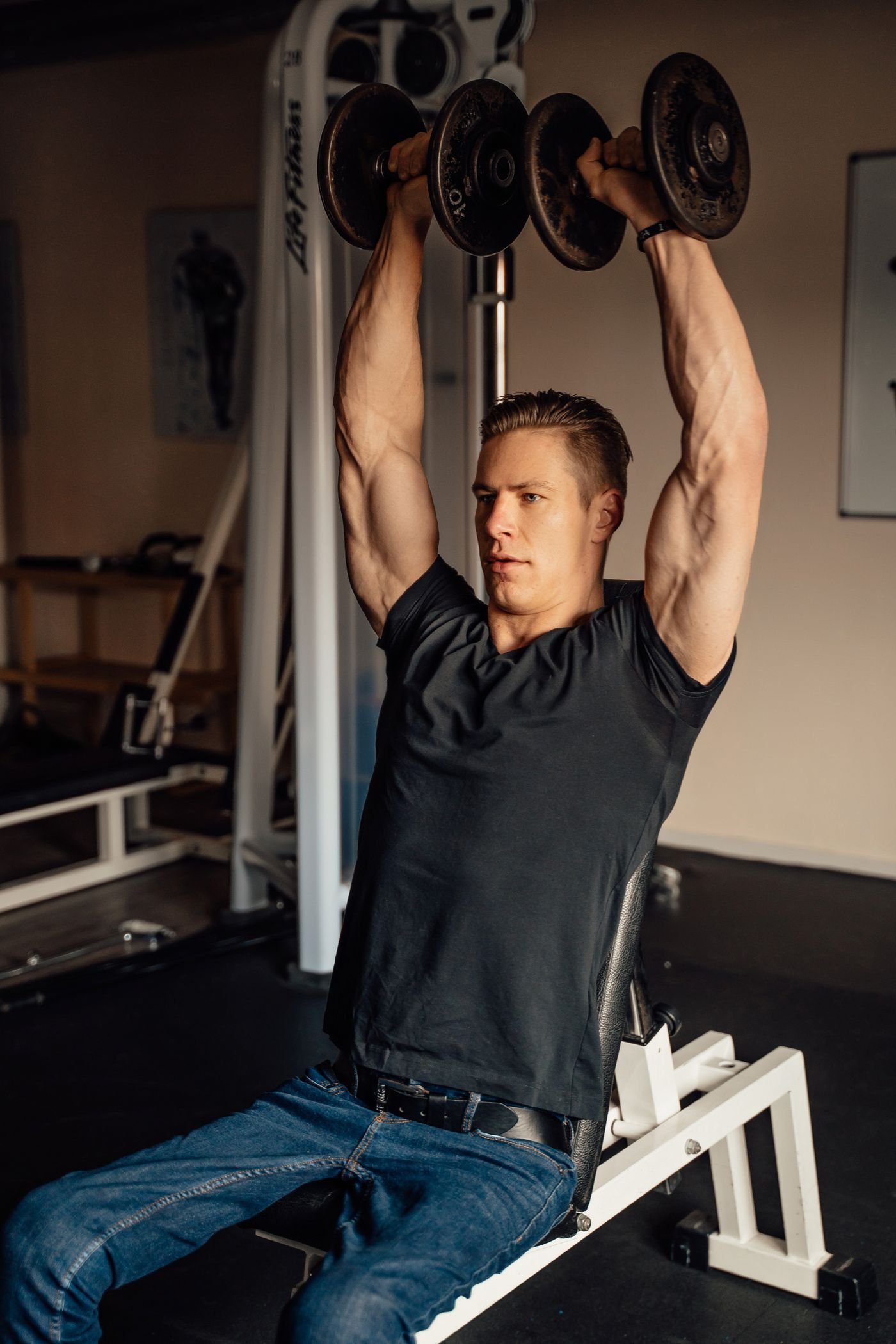
Apple introduced Gym Strength on November 3, the same day it seeded the first developer betas of iOS 27.3 and watchOS 27.3. The pitch is simple: personalized workout plans, short exercise demos from Fitness+ trainers and Apple Watch logging, all designed for real gyms instead of a living room floor.
That last part is the real shift. Until now, Fitness+ strength sessions were trainer-led classes. You picked a 20-minute upper body workout and did what the trainer did, at the trainer’s pace. Gym Strength drops the class format completely. There’s no video to keep up with. You get a list of exercises with recommended sets, reps and weight, and you move through it at your own speed, resting as long as you need between sets.
Apple says it’s built for a wide range of people, from someone trying strength training for the first time to experienced lifters chasing progress, plus anyone who mainly wants a routine they’ll actually stick to.
How a Gym Strength Plan Is Built
Setup starts with a few questions. You tell Gym Strength your strength goals, your experience level, how many days you can train and what equipment you have access to. You then pick your workout days and the body areas you want to focus on. From that, it builds a four-week plan.
The interesting part comes after week one. Whatever reps and weight you log in the first week shape what Gym Strength asks of you in the second. If you crushed your sets, the next week moves up. If you struggled, it holds back. That feedback loop is what separates it from a static library of workouts.
Two session lengths to choose from
You also decide how long each workout runs. Apple keeps this simple with two options, and the time estimates depend on how long you rest between sets.
| Session type | Exercises | Apple’s time estimate | Best for |
|---|---|---|---|
| Shorter | 5 | About 20 to 30 minutes | Lunch-break lifts, beginners, busy weeks |
| Longer | 7 | About 45 to 60 minutes | Full gym sessions, more experienced lifters |
Built for crowded gyms and home setups
Apple says Gym Strength covers more than 350 exercises across more than 30 types of equipment, including dumbbells, kettlebells, suspension trainers, cable machines and barbells. Dumbbells are the minimum, so a pair of adjustable dumbbells in the garage is enough to start.
It also handles the everyday annoyances of a commercial gym. If the cable machine is taken, you can swap the equipment or pick an alternative exercise with a similar movement and body focus. You can add sets or skip an exercise entirely. Each move has a short demo video from a Fitness+ trainer, and you can expand it to watch the movement from three different angles, which is genuinely useful when you’re learning a lift and form matters.
350+
Exercises in the library
30+
Equipment types supported
4 weeks
Length of each adaptive plan
3 angles
Per exercise demo video
What the Apple Watch Actually Does
Here’s the part Apple Watch owners care about. Gym Strength runs entirely on an iPhone or iPad, so the watch is optional. But if you’ve ever tried to log sets on your phone while holding a dumbbell, you already know why the wrist is the better place for it.
With watchOS 27.3, your Apple Watch can:
On your wrist with watchOS 27.3
- Show the current exercise, so you know what’s next without unlocking your phone.
- Log reps and weight for each set, which is the data that drives next week’s plan.
- Track heart rate through the whole session.
- Count calories burned, which then feed into your Activity rings.
That’s a meaningful upgrade over how most people use an Apple Watch for lifting today. The built-in Workout app’s Traditional Strength Training mode tracks heart rate and calories, but it has no idea what you lifted. Gym Strength closes that gap, at least for Fitness+ subscribers. It’s worth noting that the logging itself sits behind the subscription. If you don’t pay for Fitness+, your watch won’t gain a free rep tracker with this update.
We haven’t seen a full hands-on of the wrist logging yet, since the feature is still in developer beta. The big questions are how fast it is to punch in a weight between sets and whether the Digital Crown makes it painless. Those small details will decide whether people keep using it after week two.
Training Note uses Apple Intelligence
Apple is also adding an optional feature called Training Note. It uses Apple Intelligence to preview each workout, explain why your plan is progressing the way it is and call out milestones as you hit them. Think of it as the short pep talk and explanation a coach would give you before a session. It requires an iPhone or iPad that supports Apple Intelligence, with the device language set to English. The rest of Gym Strength works without it.
Price, Requirements and Release Date
Gym Strength doesn’t cost anything extra. It’s included in a regular Fitness+ subscription, which also covers the existing trainer-led library across 12 workout types, including Strength, HIIT, Yoga, Pilates, Core, Cycling, Rowing, Dance, Kickboxing, treadmill walking and running, and Mindful Cooldown.
| Detail | What you need to know |
|---|---|
| Required software | iOS 27.3 on iPhone or iPadOS 27.3 on iPad |
| Apple Watch | Optional, needs watchOS 27.3 for wrist logging |
| Fitness+ price (US) | $9.99 per month or $79.99 per year, shareable with up to five family members |
| Bundle option | Included in Apple One Premier at $39.95 per month |
| Free trial | One month for new subscribers, three months with an eligible device purchase |
| Training Note | Apple Intelligence device, English language only |
| Availability | Developer beta now, public release with iOS 27.3 expected in December 2026 |
Fitness+ is available in 49 countries and regions, but Apple hasn’t said whether Gym Strength will launch in all of them at once. If you’re outside the US, don’t be surprised if it rolls out in stages.
How the price stacks up
The obvious comparison is with dedicated lifting apps like Fitbod, which has built a loyal following around the same idea of plans that adapt to your logged lifts. Based on Fitbod’s current US pricing for new subscribers, Fitness+ on an annual plan comes out a bit cheaper, and you get the whole Fitness+ class library on top.
Price isn’t the whole story, of course. Fitbod and similar apps have years of refinement, deeper exercise history and support for Android and other watches. Gym Strength is brand new and only works inside Apple’s ecosystem. Early coverage also points out that you can only run one plan at a time, so anyone who likes juggling a custom split may find it limiting for now.
Where It Fits in watchOS 27.3
Gym Strength isn’t arriving alone. watchOS 27.3 is shaping up to be one of the bigger point updates of the year. Siri AI gets new app actions across Calendar, Mail, Maps, Messages, Music, Notes, Photos and Weather, plus four new languages. Apple Watch Series 12 and Ultra 4 owners also get two Audio Intelligence features, which we covered when the watchOS 27.3 beta turned on Live Rewind and Siri Recap.
| watchOS 27.3 feature | What it does | Who gets it |
|---|---|---|
| Gym Strength logging | View exercises, log reps and weight, track heart rate and calories | Fitness+ subscribers on watchOS 27.3 |
| Siri AI app actions | Deeper control of built-in apps, four new languages | Siri AI capable setups |
| Live Rewind | Shows a text snippet of the last 15 seconds of speech | Latest Apple Watch models |
| Siri Recap | Automatic daily logs, deleted after a week, off by default | Series 12 and Ultra 4 |
There’s one more piece worth watching. The same release brings a redesigned Health app with a daily readiness score for Series 12 and Ultra 4 owners. One feature tells you whether today is a good day to train hard, the other tells you what to lift. Apple hasn’t said whether the two will talk to each other. If readiness could shape what Gym Strength asks of you on a given morning, it would start to feel like a real coach instead of a plan that only reacts once a week. That’s the thing to check when iOS 27.3 ships.
Should You Care?
If you already pay for Fitness+ and lift even occasionally, yes. This is the feature the service has been missing since 2020. It’s free with your subscription, it works with whatever equipment you have, and the Apple Watch finally knows what you lifted rather than just how hard your heart was working.
Our take
- Great for beginners. Recommended weights, demos from three angles and automatic progression remove most of the guesswork.
- Good value for current subscribers. No extra charge, and the annual plan undercuts dedicated lifting apps.
- Not a reason to switch yet for serious lifters. One plan at a time and no hands-on testing so far mean established apps still have the edge.
- Apple only. No Android, no web, and the watch side needs watchOS 27.3.
If you train in a higher-intensity style and you’re still choosing hardware, our guide to the best smartwatch for CrossFit covers which watches hold up best under barbells and kettlebells. And if Gym Strength has you eyeing a new Apple Watch, it’s worth waiting a couple of weeks. Prices on the Series 12 and Ultra 4 are already dropping, and our Apple Watch Black Friday deals guide lists the prices to beat. With watchOS 27.3 expected in December, a new watch bought now should be ready for Gym Strength right around the time it lands.
About this article: GeekBlog covers U.S. technology news, AI, phones, smartwatches and gaming. Every story is written and checked under our Editorial Policy. Spotted a mistake or have a story tip? Contact our editors.
