

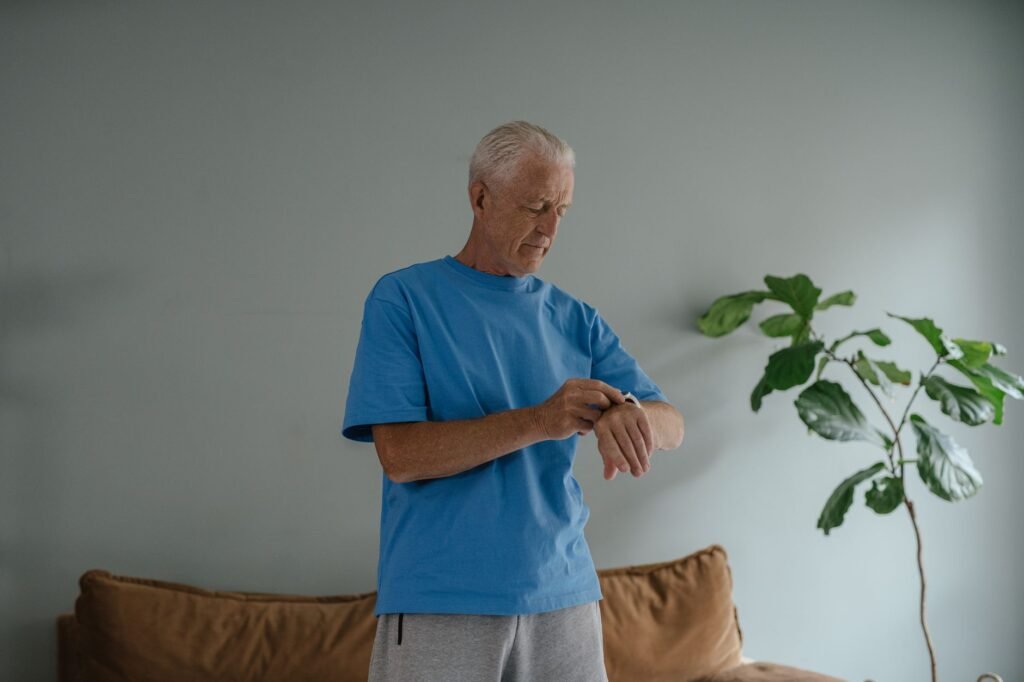
Most medical alert pendants get left on the nightstand. A watch is different. People already wear one, it does not look like a medical device, and nobody at the grocery store gives it a second glance. That is the whole pitch behind the Bay Alarm Medical SOS Smartwatch, a cellular watch with a red emergency button, GPS and optional fall detection that works without a smartphone. Below we break down what it costs in 2026, what it does well, where it falls short and who should actually buy it.
Quick answer
The Bay Alarm Medical SOS Smartwatch costs $39.95 a month, or $49.95 with automatic fall detection, plus a one-time device purchase listed at $199 (Bay Alarm frequently discounts it, recently to $159.20). It has built-in 4G LTE, GPS, two-way talk with a 24/7 monitoring center and no long-term contract. The big tradeoff is battery life: plan on charging it every night.
What Is the Bay Alarm Medical SOS Smartwatch?
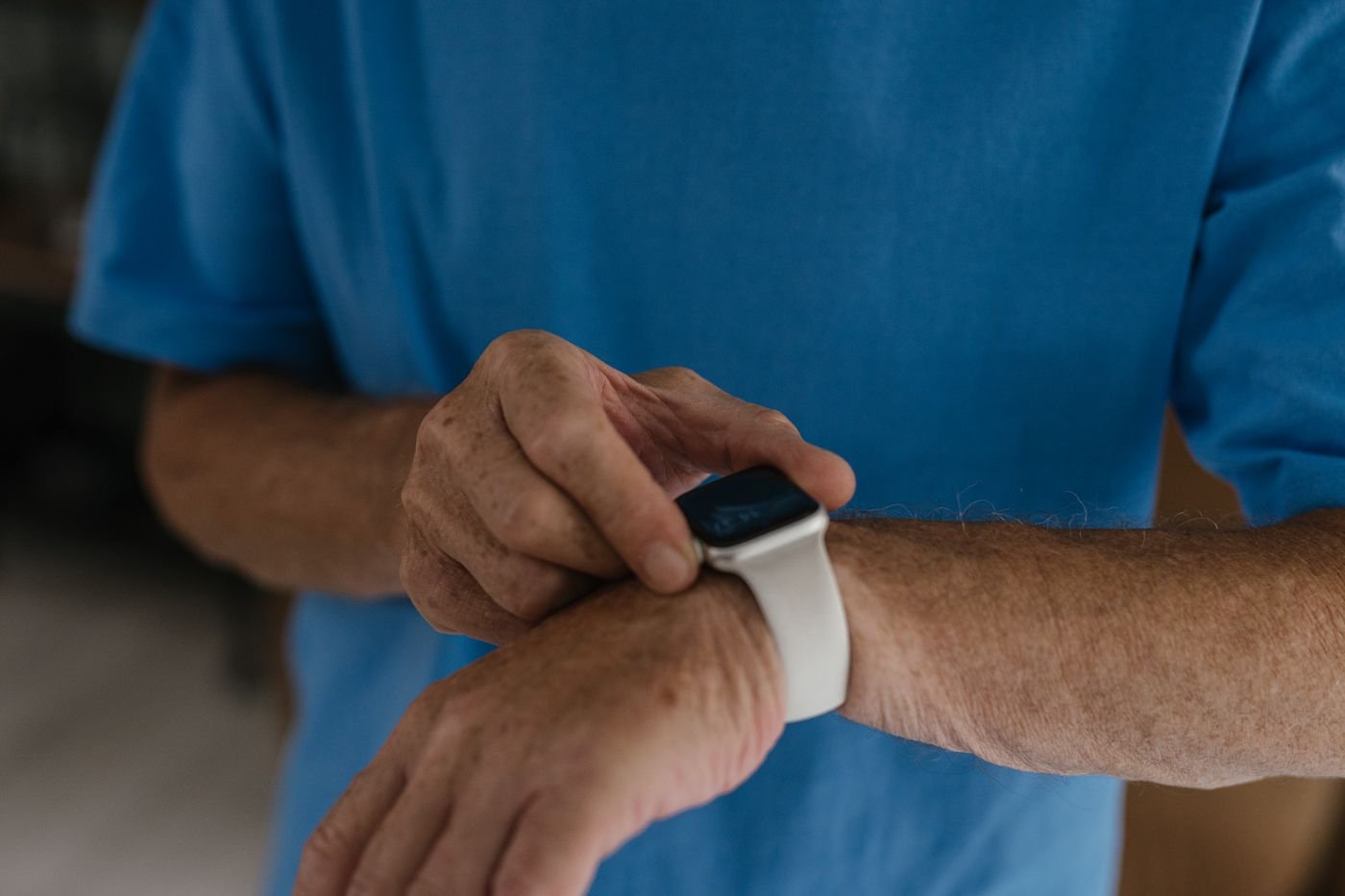
Bay Alarm Medical is a family-run medical alert company based in Concord, California. Its SOS Smartwatch is a standalone medical alert device shaped like a regular smartwatch. It is not trying to be an Apple Watch. There is no app store, no texting from the wrist and no games. Instead you get a large clock face, a step counter, a weather screen and one feature that matters most: a physical red SOS button on the side of the case.
Hold that button for about five seconds and the watch calls Bay Alarm’s monitoring center over its own cellular connection. An operator talks to you through the built-in speaker, sees your GPS location and decides with you whether to call a family member, a neighbor or 911. Because the cellular plan is bundled into the monthly fee, there is no phone to pair and no separate carrier bill. If you are shopping for a smartwatch for seniors who do not own a smartphone, this is one of the simplest options out there.
How the SOS Smartwatch Works
1
Press and hold
Hold the red side button for about five seconds. With fall detection, a hard fall can trigger the call on its own.
2
An operator answers
A trained dispatcher speaks through the watch and receives your GPS location automatically.
3
Help is sent
Family, a neighbor or local 911 services are contacted, based on what you need and your care plan.
If the watch thinks you fell, it asks “Fall Detected. Did you fall?” on screen. Tap cancel if it was a false alarm. If you do not respond, it connects to the monitoring center anyway, which is exactly what you want when someone is hurt and cannot reach the button.
Key Specs at a Glance
| Spec | Bay Alarm Medical SOS Smartwatch |
|---|---|
| Connectivity | Built-in 4G LTE (cellular included in the plan), GPS |
| Smartphone needed | No |
| Screen | 1.25 inch touchscreen |
| Band fit | 5.25 to 7.25 inch wrists (10 inches with extension) |
| Weight | About 2 oz |
| Water resistance | IP67 (shower safe, not for swimming) |
| Battery | Up to 6 to 18 hours, 2 to 3 hours to recharge on a cradle |
| Fall detection | Optional, AI based, adds $10 a month |
| Monitoring | 24/7, US-based centers in Utah and Idaho |
| Extras | Step counter, weather, caregiver tracking in the Bay Alarm Medical app |
| Contract and trial | No long-term contract, 15-day risk-free trial |
Specs from Bay Alarm Medical’s product and pricing pages, checked November 2026.
Bay Alarm Medical SOS Smartwatch Price in 2026
There are three plans for the watch. All of them require buying the device up front. Bay Alarm lists it at $199, but the company runs sales often, and at the time of writing it was 20 percent off at $159.20. Some promotions also add free shipping and a free month of service.
| Plan | Monthly | What you get |
|---|---|---|
| SOS Smartwatch | $39.95 | Watch, SOS button, GPS, 24/7 monitoring, caregiver tracking |
| SOS Smartwatch with Fall Detection | $49.95 | Everything above plus automatic fall detection |
| SOS Smartwatch 360° Bundle | $64.95 | Watch plus an in-home base unit and wearable button for coverage while the watch charges |
Prices from bayalarmmedical.com, November 2026. Sales and promos change often, so confirm at checkout.
Monthly fees look small, but they add up. Here is what the first year really costs once you include the watch itself. We used the sale price of $159.20 for Bay Alarm and the listed $199.95 device price for Medical Guardian’s MGMove, its closest rival.
First-year cost: device + 12 months of service
US dollars, using November 2026 list and sale prices
Bay Alarm device at $159.20 sale price ($199 list). MGMove device $199.95, fall detection extra. Sources: Bay Alarm Medical pricing page; SafeHome.org review, 2026.
For a broader look at how these numbers compare across the industry, see our breakdown of what medical alert watches for seniors really cost, including hidden fees to watch for.
Fall Detection: Does It Actually Work?
Falls are the reason most families start shopping for a medical alert in the first place. The numbers from the CDC explain why.
1 in 4
adults 65+ report a fall each year
~14 million
older Americans fall annually
~3 million
ER visits for fall injuries each year
Source: CDC, Older Adult Fall Prevention data.
Fall detection on wearables has a reputation problem. Many devices either fire off false alarms when you drop them on a counter or miss real falls entirely. Bay Alarm’s version uses machine learning and reportedly handles this better than most. In hands-on testing published by Medical Alert Buyers Guide, the reviewer dropped the watch onto a countertop more than a dozen times and it triggered only once. Dropped from shoulder height onto the floor, simulating a hard fall from standing, it triggered consistently. SafeHome.org also called it one of the few smartwatches that has made fall detection reliable.
Keep expectations realistic
No fall detector catches every fall. Slow slides out of a chair or a gentle slump to the floor can go unnoticed. Teach the wearer to press the button whenever they can, and treat automatic detection as a backup. Our guide to smartwatch fall detection for seniors covers how these systems decide what counts as a fall.
Response Times and Monitoring
Bay Alarm says its monitoring centers answer in 45 seconds or less. Independent testers have seen much faster. Medical Alert Buyers Guide reported an operator responding through the watch in about 15 seconds. After the tester said the press was an accident and hung up, the operator called back within a minute just to make sure they were okay. That kind of follow-up matters when the person on the other end is confused or embarrassed.
The monitoring centers are US-based, located in Utah and Idaho, and Bay Alarm advertises them as UL-listed and CSAA Five Diamond certified, which are the standard industry credentials for alarm monitoring.
Battery Life: The Main Weakness
Here is the catch. A cellular radio, GPS and an always-ready speaker drain a small battery quickly. Bay Alarm rates the watch at 6 to 18 hours depending on signal strength and screen settings. In real-world testing, one reviewer saw the battery at 40 percent after 12 hours of normal use. SafeHome.org listed it at about 16 hours. That is fine for daytime wear if the watch goes on its cradle every night, but it is short compared with Bay Alarm’s other mobile devices.
Battery life per charge (hours)
Typical figures from reviews and manufacturer specs
Sources: SafeHome.org comparison table; Bay Alarm Medical specs (SOS Smartwatch rated 6 to 18 h).
Two things soften the problem. The watch announces “Low battery, charge me” out loud when it runs low, and caregivers get low battery alerts in the app. The charging cradle is also easy to use: you just set the watch in it, no fiddly cables. If the wearer tends to forget, the 360° Bundle makes sense because the in-home button keeps them covered while the watch charges.
Caregiver App and GPS Tracking
Early reviews listed the lack of a caregiver app as a con. That has changed. Bay Alarm now includes Caregiver Tracking in the Bay Alarm Medical app with its mobile plans. Family members can see the watch’s live location and location history, check battery level, ring the watch if it is lost and view step counts. It is not as feature packed as what some competitors offer, but it covers what most families actually check.
Pros and Cons
What we like
- Looks like a normal watch, not a medical device
- Physical SOS button, no swiping in an emergency
- Works with no smartphone and no carrier plan
- Fall detection with few false alarms in testing
- Fast, caring monitoring response
- No contract, 15-day trial
What could be better
- Battery lasts well under a day for heavy users
- Upfront device purchase required
- Fall detection costs $10 more per month
- IP67 only, not for swimming
- Few extras: no heart rate alerts or texting
- Depends on decent cellular coverage
Bay Alarm SOS Smartwatch vs Apple Watch
Families often ask whether an Apple Watch with fall detection would do the same job. It can, but it works very differently. Here is the short version.
| Feature | Bay Alarm SOS Smartwatch | Apple Watch (cellular) |
|---|---|---|
| Who answers an SOS | Trained 24/7 operator | 911 directly, then emergency contacts |
| iPhone needed | No | Yes, for setup (or Family Setup) |
| Ease of use | Very simple, one button | Many apps and gestures |
| Health features | Steps only | ECG, heart rate alerts, sleep and more |
| Ongoing cost | $39.95 to $64.95 a month | Carrier watch plan, usually much less |
The real difference is the human in the loop. A Bay Alarm operator can stay on the line, call a daughter instead of an ambulance for a minor slip, and pass medical notes to responders. An Apple Watch is the better gadget, but it assumes the wearer can manage it. For someone with early memory issues or little interest in tech, the dedicated watch usually wins.
Who Should Buy the SOS Smartwatch?
Good fit if the wearer…
- Is active and leaves the house to walk, shop or drive
- Refuses to wear a pendant but happily wears a watch
- Does not use a smartphone
- Will put the watch on a charger every night
Look elsewhere if the wearer…
- Mostly stays home (an in-home base unit is cheaper)
- Often forgets to charge devices
- Wants detailed health tracking like heart rhythm alerts
- Lives in an area with weak cellular signal
Setup Tips for Families
- Use the 15-day trial for real. Have the wearer press the button once as a test so they know what the operator sounds like.
- Put the cradle where the day ends. On the nightstand next to glasses or a phone works best.
- Fill in the emergency contact list carefully. Include a neighbor who can get there fast, not only family who live far away.
- Check the band size. The standard band fits 5.25 to 7.25 inch wrists, so order the extension if needed.
- Ask about coverage first. Bay Alarm will check cellular strength at the wearer’s address by phone.
Frequently Asked Questions
How much is the Bay Alarm Medical SOS Smartwatch?
Service is $39.95 a month, $49.95 with fall detection or $64.95 for the 360° Bundle. The device itself is listed at $199 and is often on sale for around $159.
Does the SOS Smartwatch need a phone?
No. It has its own 4G LTE connection included in the plan, so it works out of the box with no smartphone or carrier contract.
Can you shower with the SOS Smartwatch?
Yes. It is rated IP67, so it handles showers and rain. It is not designed for swimming.
How long does the battery last?
Bay Alarm rates it at 6 to 18 hours. Most people should charge it every night, which takes 2 to 3 hours.
Does Medicare pay for it?
Original Medicare generally does not cover medical alert systems, though some Medicare Advantage plans offer allowances. Check your plan details before buying.
Can I cancel anytime?
Yes. There is no long-term contract. Bay Alarm notes that a device return is required when you cancel, so keep the box.
Final Verdict
The Bottom Line
The Bay Alarm Medical SOS Smartwatch is one of the best medical alert watches for active seniors who would never wear a pendant. It is simple, discreet, fast to reach a real person and its fall detection holds up well in testing. Budget about $640 to $760 for the first year and accept that it needs a charger every night. If that works for your family, it is easy to recommend.
This article is for general information and is not medical advice. Prices and plan details were checked in November 2026 and can change.
Sources and Further Reading
- Bay Alarm Medical: SOS Smartwatch product page and specifications
- Bay Alarm Medical: pricing and plans
- SafeHome.org: Bay Alarm Medical review 2026
- Medical Alert Buyers Guide: SOS Smartwatch hands-on review
- CDC: Older adult falls data
Featured image: SHVETS production / Pexels.
About this article: GeekBlog covers U.S. technology news, AI, phones, smartwatches and gaming. Every story is written and checked under our Editorial Policy. Spotted a mistake or have a story tip? Contact our editors.
