

What is AI, and why is it suddenly everywhere? Artificial intelligence, or AI, is technology that lets computers perform tasks that normally require human intelligence, such as understanding language, recognizing images, and making predictions. If you have used a maps app, a spam filter, or a chatbot like ChatGPT, you have already used AI, often without realizing it.
This simple guide explains AI in plain English, with no jargon and no math. You will learn what AI actually is, how it works at a basic level, the different types you hear about, real examples you use every day, and how to use AI safely and wisely. By the end, the buzzwords will make sense.
What Does AI Actually Mean?
Artificial intelligence is a broad term for computer systems that can do things we associate with human thinking. Rather than following only fixed instructions, modern AI learns from examples. Show it millions of photos of cats, and it learns to recognize a cat it has never seen before.
The key idea is pattern recognition. AI systems find patterns in data and use them to make predictions or decisions. That is how a music app suggests songs, how your phone sorts photos by face, and how a chatbot predicts the next helpful sentence to write.
How Does AI Work? A Simple Explanation
You do not need a technical background to grasp the basics. Here is how a typical AI system comes to life, step by step.
- Data is collected. The system is given large amounts of examples, such as text, images, or numbers.
- The AI is trained. Software called a model studies the data and adjusts itself to recognize patterns, a process known as machine learning.
- Patterns are learned. Over many rounds, the model gets better at connecting inputs to correct outputs, like matching a photo to the label “dog.”
- The model is tested. Developers check its accuracy on new examples it has not seen before.
- You give it an input. When you type a question or upload a photo, that is the input.
- It predicts an output. The model produces its best guess, such as an answer, a translation, or a recommendation.
- It improves over time. Feedback and new data help newer versions become more capable.
Types of AI You Hear About
A few terms come up again and again. Here is what they mean in plain language.
Machine learning
The broad method behind most modern AI, where systems learn from data instead of being programmed with every rule by hand.
Generative AI
AI that creates new content, such as text, images, or audio. Tools like ChatGPT and Google Gemini are generative AI, as are image generators.
Large language models (LLMs)
The technology behind AI chatbots. They are trained on huge amounts of text and predict likely words to form helpful, human-sounding responses.
- Spotting patterns in large data
- Understanding and generating language
- Recognizing images and speech
- Making recommendations
- Automating repetitive tasks
- Guaranteeing factual accuracy
- True understanding or common sense
- Knowing very recent events without search
- Emotions and genuine judgment
- Tasks outside its training data
Everyday Examples of AI
AI is not science fiction; it is already part of daily life. Here are examples you likely use.
| Where you see it | What the AI does |
|---|---|
| Streaming and music apps | Recommends shows and songs based on your tastes |
| Filters spam and suggests quick replies | |
| Maps and navigation | Predicts traffic and finds the fastest route |
| Smartphone photos | Sorts by faces and enhances image quality |
| Chatbots and assistants | Answer questions and help write text |
Ready to try AI yourself? Our how-to guides include beginner walkthroughs for tools like ChatGPT and Google Gemini.
Frequently Asked Questions
Is AI the same as a robot?
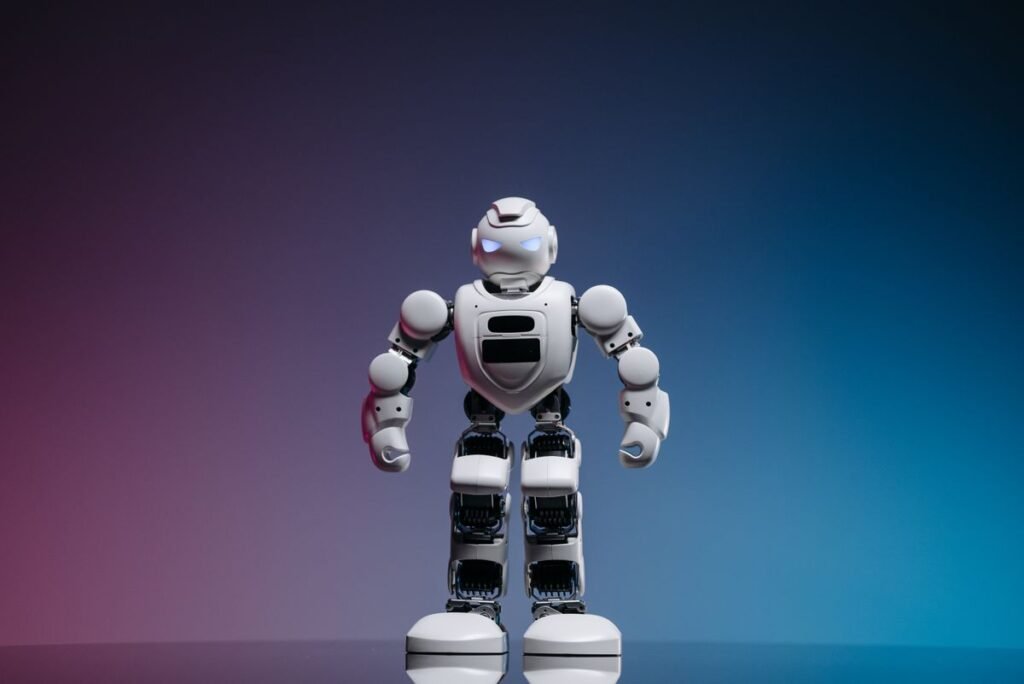
No. AI is the software that enables intelligent behavior, while a robot is a physical machine. A robot may use AI to see or move, but most AI you use, like chatbots and recommendations, has no physical body at all.
Can AI think and feel like a human?
No. Today’s AI predicts patterns from data and has no consciousness, understanding, or emotions. It can imitate human-sounding language convincingly, but it does not actually think or feel.
Is AI safe to use?
Everyday AI tools are generally safe when used sensibly. Verify important information, avoid sharing sensitive personal data, and remember that AI can make mistakes or reflect biases in its training data.
Do I need to be technical to use AI?
Not at all. Most AI tools are designed for everyday people. If you can type a question or tap an app, you can use AI. You interact with it in plain language, no coding required.
What is generative AI?
Generative AI creates new content such as text, images, or audio. Chatbots like ChatGPT and Google Gemini are examples, producing original responses rather than just retrieving existing answers.
About this article: GeekBlog covers U.S. technology news, AI, phones, smartwatches and gaming. Every story is written and checked under our Editorial Policy. Spotted a mistake or have a story tip? Contact our editors.
