

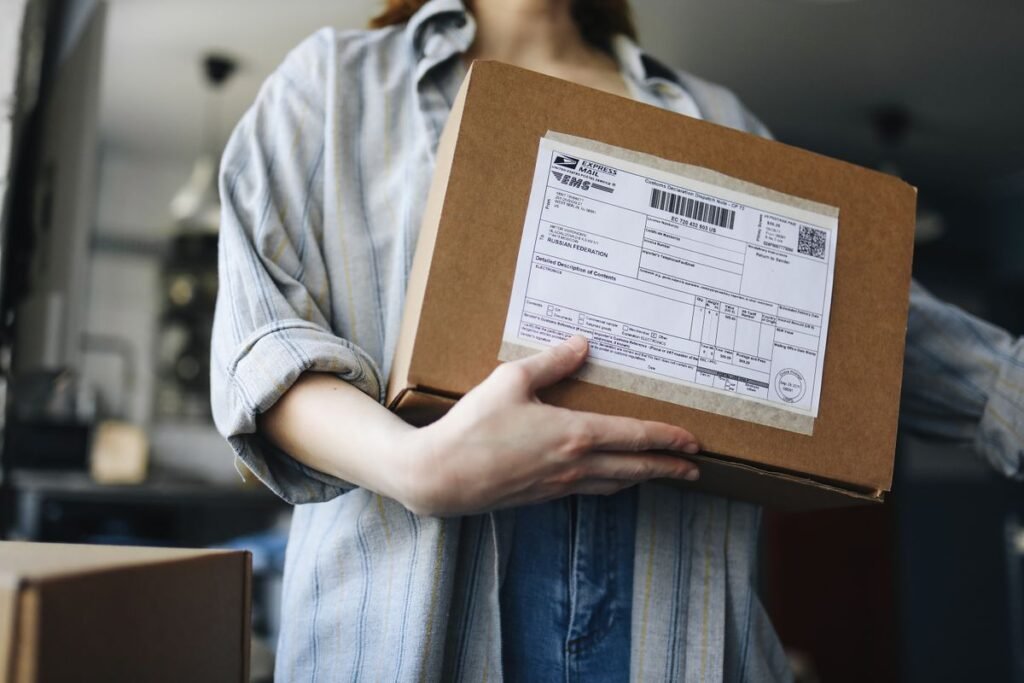
Figuring out how to order stuff online for the first time can feel intimidating, but the process is the same on almost every website once you learn it. You find an item, add it to a virtual cart, enter your shipping and payment details, and confirm the order. That is it. From there the store handles packing and delivery, and you simply wait for your package to arrive.
This guide breaks the whole journey into clear, repeatable steps that work whether you are shopping at a big retailer, a small boutique, or a marketplace. We will also cover how to keep your payment details safe and how to fix common problems like a wrong address or a missing package.
What You Need Before You Start
Ordering online takes only a few minutes once you have the basics ready. Gather these first so checkout goes smoothly and you are not scrambling for details halfway through.
- A device with internet access (phone, tablet, or computer)
- Your shipping address and a phone number for delivery updates
- A payment method such as a credit card or a digital wallet
- An email address to receive your order confirmation and tracking
If you want more plain-English walkthroughs like this one, our how-to guides cover dozens of everyday tech tasks.
How to Order Something Online: Step by Step
- Find the item you want. Use the store’s search bar or browse categories. Click a product to open its page, where you can read the description, check sizes, and view photos and reviews.
- Choose your options. Select the correct size, color, or quantity. Double-check these details, because the wrong choice is the most common ordering mistake.
- Add it to your cart. Click “Add to cart” or “Add to bag.” The item is now reserved in your basket but not yet purchased, so you can keep shopping or check out.
- Go to checkout. Open your cart and select “Checkout.” You can usually create an account or check out as a guest. Guest checkout is faster if you only plan to order once.
- Enter shipping details. Type your full address carefully and pick a delivery speed. Standard shipping is cheapest, while express costs more but arrives sooner.
- Pay securely. Enter your card details or choose a digital wallet like PayPal or Apple Pay. Confirm the page shows “https” and a padlock before you type any numbers.
- Review and confirm. Check the item, address, and total one last time, then click “Place order.” Save the confirmation email so you can track delivery and request help if needed.
Guest Checkout vs. Creating an Account
Create an account
- Saves your address for faster future orders
- Easy order history and reorders
- Access to rewards and tracking in one place
- Best if you plan to shop here again
Check out as a guest
- No password to remember
- Fewer marketing emails
- Less personal data stored by the store
- Best for a one-time purchase
Understanding the Checkout Screen
The final checkout page can look busy, but every online store shows the same core pieces of information. Knowing what each line means helps you avoid surprises.
| Checkout item | What it means | What to check |
|---|---|---|
| Subtotal | Price of items before extras | Matches what you expected |
| Shipping | Delivery cost and speed | Free thresholds or upgrades |
| Tax | Sales tax added at checkout | Varies by location |
| Promo code | Field for discount coupons | Apply before confirming |
| Order total | Final amount charged | Review before you pay |
What Happens After You Order
Once your order is placed, the store sends a confirmation email with an order number. Within a day or two you usually receive a second email with tracking information so you can follow your package’s progress. Keep both emails until the item arrives and you are satisfied with it.
If something goes wrong
If you entered the wrong address, contact the seller immediately, as many orders can be corrected before they ship. If a package is marked delivered but you cannot find it, check with neighbors and around your property, then report it to the seller. For damaged or incorrect items, most stores offer a simple return or replacement within a set window.
Frequently Asked Questions
Do I have to create an account to order online?
No. Most stores offer guest checkout, which lets you order without setting a password. Creating an account is handy if you plan to shop there again, because it saves your address and order history.
How long does online delivery take?
It depends on the shipping option you choose. Standard delivery typically takes three to seven business days, while express or next-day options are faster for an extra fee. The store shows an estimated arrival date at checkout.
Can I cancel an order after placing it?
Sometimes. If the order has not shipped yet, contact the seller quickly to request a cancellation. Once it ships, you will usually need to accept the delivery and start a return instead.
Is it safe to enter my card details online?
Yes, as long as the checkout page shows “https” and a padlock and you are on a trusted store. For extra protection, pay with a credit card or a digital wallet, which add fraud safeguards.
What if my package never arrives?
Check the tracking status first. If it shows delivered but is missing, contact the seller to report it. Paying with a credit card or service like PayPal makes it easier to get a refund if the item truly never comes.
About this article: GeekBlog covers U.S. technology news, AI, phones, smartwatches and gaming. Every story is written and checked under our Editorial Policy. Spotted a mistake or have a story tip? Contact our editors.
