

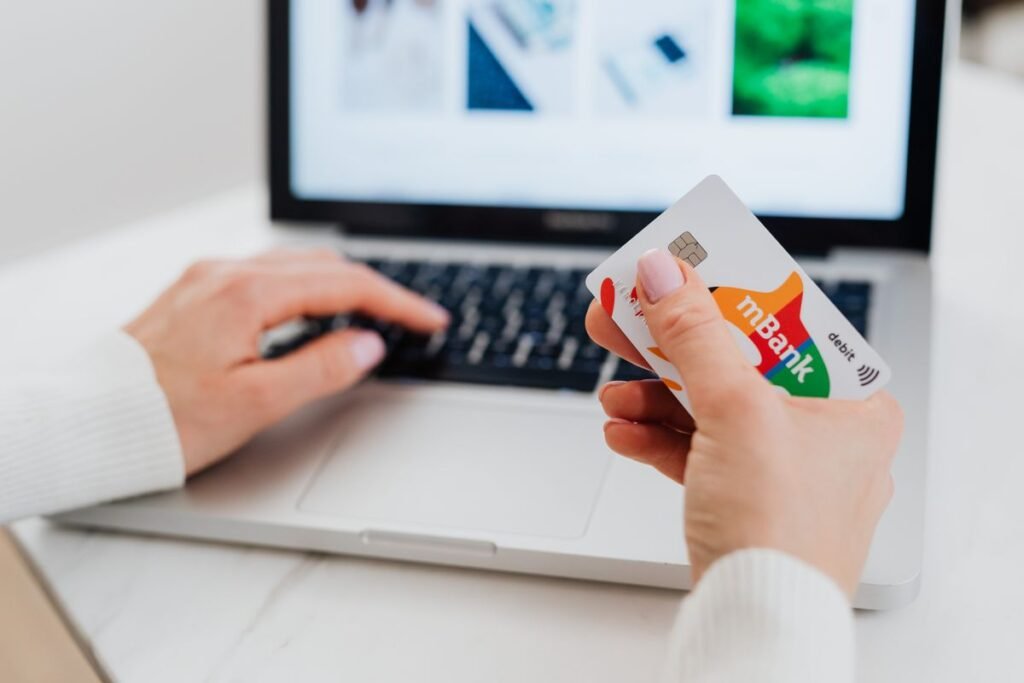
Knowing how to pay online safely is essential in 2026, when everything from groceries to gym memberships is bought with a few taps. The good news is that paying online is very safe when you use the right methods and stay alert to a few warning signs. The risk almost always comes not from the technology itself, but from fake websites, phishing messages, and insecure networks that trick people into handing over their details.
This guide explains the safest ways to pay, how to recognize a secure checkout page, and the habits that protect your money whether you are shopping, booking travel, or paying a bill. Follow these practices and you can enter your card details online with confidence, knowing you have strong protection if anything ever goes wrong.
Choose the Safest Payment Method
Not all payment methods offer the same protection. The best options put a buffer between the seller and your bank account, and make it easy to dispute a charge. Credit cards and digital wallets are generally the safest, while wire transfers and gift cards offer no recourse at all.
For more practical security walkthroughs, browse our how-to guides.
| Payment method | Protection level | Notes |
|---|---|---|
| Credit card | High | Easy chargebacks; not linked to your cash |
| Digital wallet (Apple/Google Pay) | High | Hides your real card number with a token |
| PayPal | High | Buyer protection; card details stay hidden |
| Debit card | Medium | Linked to your bank; use on trusted sites |
| Wire transfer or gift card | None | Irreversible; a scam favorite, avoid |
How to Pay Online Safely: Step by Step
- Confirm the site is secure. Check for “https://” and a padlock in the address bar, and make sure the web address is spelled correctly with no odd characters.
- Reach checkout directly. Navigate to the store yourself rather than clicking a payment link in an email or text, which could lead to a fake page.
- Pick a protected payment method. Choose a credit card, digital wallet, or PayPal so you have fraud protection and can dispute a charge if needed.
- Use a private connection. Pay on your home network or mobile data, never public Wi-Fi, which can be monitored by others on the same network.
- Enable two-factor authentication. Turn on 2FA for your bank, wallet, and store accounts so a stolen password alone cannot approve a payment.
- Review before you confirm. Check the total, currency, and merchant name so you are not overcharged or billed by an unfamiliar company.
- Save and monitor. Keep the receipt and watch your statement for a few weeks, reporting anything you do not recognize to your bank right away.
How to Spot a Fake or Unsafe Checkout
Signs it is safe
- Address starts with https and shows a padlock
- Correctly spelled, familiar web address
- Recognized payment logos and options
- Clear contact and refund policies
- No pressure to pay an unusual way
Warning signs
- Requests for gift cards or wire transfers
- Misspelled domains or broken pages
- Emails demanding urgent payment
- Prices that are unbelievably low
- Asks for a PIN or full password by email
Extra Protections Worth Using
Beyond the basics, a few tools add meaningful security. A password manager creates and stores strong, unique passwords so one leaked password cannot unlock all your accounts. Virtual or single-use card numbers, offered by some banks, let you pay without exposing your real card. Setting up transaction alerts means your bank texts you the moment a charge is made, so you spot fraud within seconds rather than weeks.
Keep software updated
An up-to-date browser and operating system patch the security holes criminals rely on. Turn on automatic updates for your devices and apps so you are always protected against the latest known threats without having to think about it.
Frequently Asked Questions
Is it safe to enter my card number online?
Yes, on a legitimate site with “https” and a padlock. The encryption protects your details in transit. For added safety, use a credit card or digital wallet and avoid entering card numbers on public Wi-Fi.
What is the safest way to pay online?
Credit cards and digital wallets like Apple Pay, Google Pay, and PayPal are safest because they add fraud protection and often hide your real card number. They also make disputing a fraudulent charge straightforward.
How do I know if a payment page is secure?
Look for “https://” and a padlock in the address bar, a correctly spelled web address, and recognized payment options. Reaching the page directly rather than through an email link also reduces your risk of a fake checkout.
What should I do if I paid a scammer?
Contact your bank or card provider immediately to dispute the charge and freeze the card if needed. Change any exposed passwords and report the scam to a consumer protection agency such as the FTC.
Are digital wallets safer than cards?
Often yes. Digital wallets replace your real card number with a one-time token, so the merchant never sees your actual details. Combined with fingerprint or face authentication, they add a strong layer of protection.
