

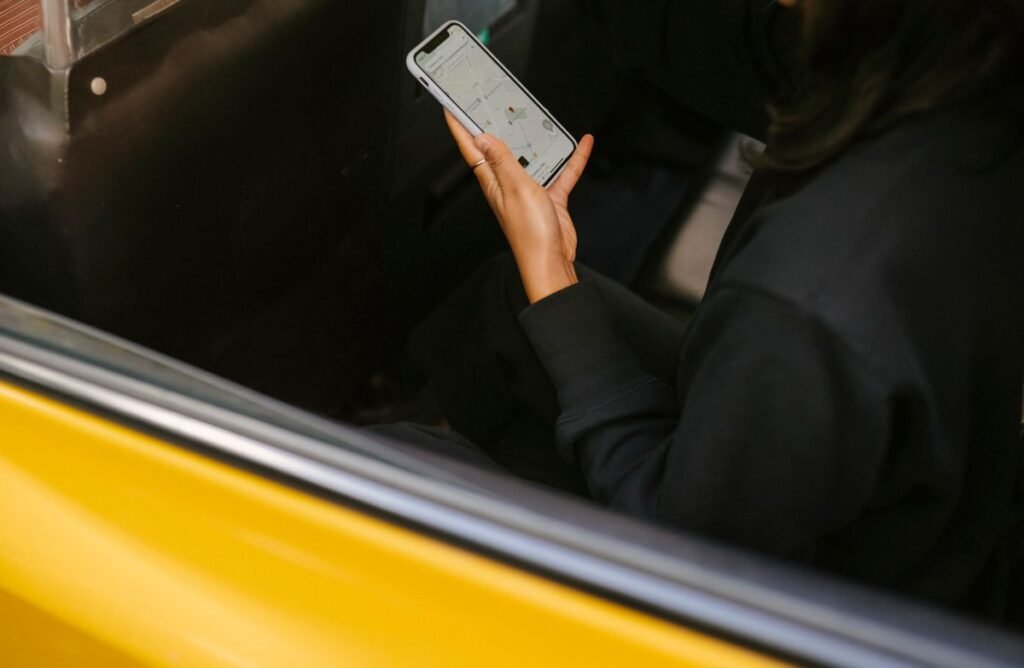
Learning how to use Uber for the first time takes only a few minutes, and once you have taken one ride the whole process becomes second nature. Uber is a ride-hailing app that connects you with a nearby driver who picks you up and takes you where you need to go, with the fare charged automatically to your card. There is no cash to fumble with and no need to know the route yourself.
This beginner’s guide walks you through everything from downloading the app to rating your driver at the end of the trip. We will also cover how to confirm you are getting into the right car and the built-in safety tools that make Uber a comfortable option for solo travelers, families, and visitors in an unfamiliar city.
Before Your First Ride
Setting up Uber ahead of time means you can request a ride the moment you need one. You will need a smartphone, a working phone number, an email address, and a payment method such as a credit card, debit card, or digital wallet. Download the official Uber app from the Apple App Store or Google Play, never from a random link, to be sure you have the genuine app.
For more step-by-step app tutorials, explore our how-to guides.
How to Use Uber: Step by Step
- Create your account. Open the app, enter your phone number, and verify it with the code Uber texts you. Add your name, email, and a payment method.
- Set your pickup location. Uber detects your spot by GPS. Check that the pin is exactly where you are standing, and drag it if needed.
- Enter your destination. Type where you want to go. The app maps the route and shows fare estimates for each ride option.
- Choose a ride type. Pick UberX for an affordable standard ride, or a larger or premium option if you need more space or comfort.
- Request your ride. Tap “Confirm” or “Request.” Uber matches you with a nearby driver and shows their estimated arrival time.
- Verify the driver and car. Check that the name, photo, car model, and license plate match the app before you get in. Ask “Who are you here for?” to confirm.
- Ride, pay, and rate. Enjoy the trip along the GPS route. Payment is charged automatically at the end, then give a star rating and optional tip.
Choosing the Right Uber Ride Type
Uber offers several ride options, and the ones you see depend on your city. Picking the right one keeps you within budget while matching your group size and comfort needs.
| Ride type | Best for | Relative cost |
|---|---|---|
| UberX | Everyday rides, up to 4 people | $ |
| Uber Green | Eco-friendly hybrid or EV | $ |
| UberXL | Groups up to 6 | $$ |
| Uber Comfort | Extra legroom, newer cars | $$ |
| Uber Black | Premium, professional drivers | $$$ |
Verifying Your Driver vs. Common Mistakes
Do this every time
- Match the license plate to the app
- Check the car model and color
- Confirm the driver’s photo and name
- Ask “Who are you here for?”
- Sit in the back seat when riding alone
Avoid these mistakes
- Getting in without checking the plate
- Telling the driver your name first
- Accepting a ride from someone who approaches you
- Paying cash outside the app when not required
- Ignoring a mismatched car or driver
After the Ride
When you arrive, Uber charges your saved payment method automatically and emails a receipt with the fare breakdown. You will be prompted to rate your driver from one to five stars and can add a tip, which goes directly to the driver. If you left something behind, open the trip in “Your Trips” and use the lost item option to contact the driver. You can also report any issue with the ride through the app’s help section.
Frequently Asked Questions
How much does an Uber cost?
The fare depends on distance, time, ride type, and demand. Uber shows an upfront estimate before you request, so there are no surprises. Prices rise during busy periods through surge pricing.
Do I tip my Uber driver?
Tipping is optional but appreciated. You can add a tip in the app after the ride, and 100 percent of it goes to the driver. Cash tips are also fine if you prefer.
Can I use Uber without a smartphone?
Uber is designed around its app, so a smartphone is the standard way to book. There are limited web booking options, but for the full experience you will want the app on a phone.
What if my driver cancels or does not show up?
If a driver cancels, the app automatically looks for another. If you are waiting too long, you can cancel and re-request. Cancellation fees may apply if you cancel after a driver is already on the way.
Is it safe to save my card in Uber?
Yes. Uber is a large, established company with secure payment handling. For extra protection, use a credit card and keep your account password strong and unique.
About this article: GeekBlog covers U.S. technology news, AI, phones, smartwatches and gaming. Every story is written and checked under our Editorial Policy. Spotted a mistake or have a story tip? Contact our editors.
