

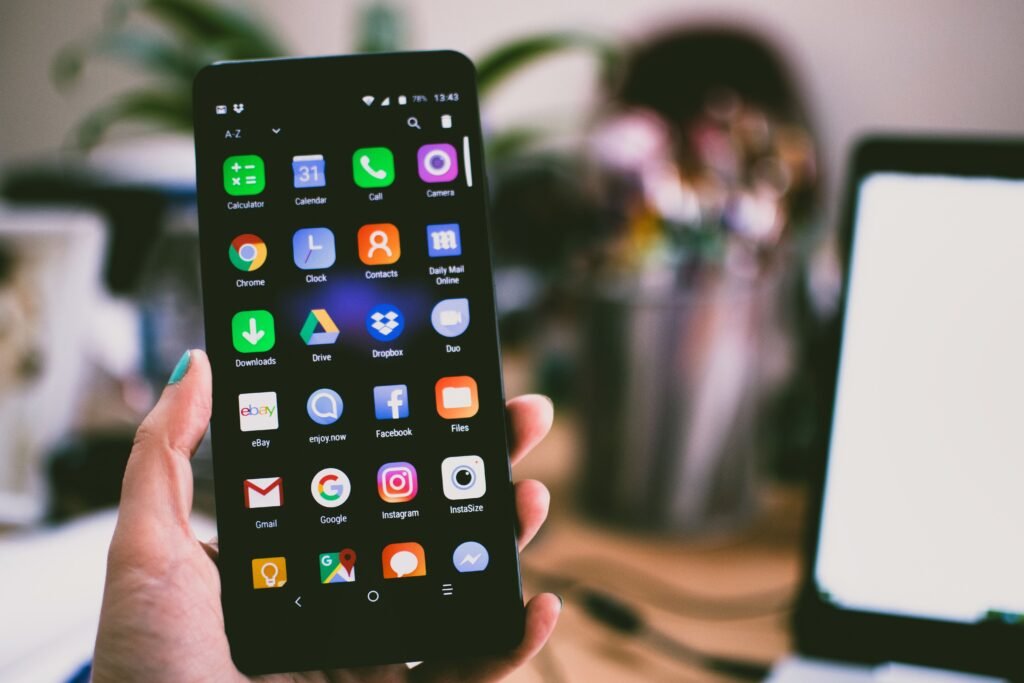
Google just dropped Android 17 along with the June 2026 Pixel Feature Drop, and this one is a big deal. While not every update deserves your full attention, this month’s release actually brings features that change how you use your phone day to day. If you have a Pixel 6 or anything newer, the update is rolling out right now.
Here is everything that is new.
App Bubbles: Multitasking Finally Makes Sense
If you have ever wished you could keep one app visible while using another, Android 17 has an answer. The new Bubbles feature lets you turn almost any app into a floating window that sits on top of whatever else is on screen. You long-press the app icon and launch it as a compact overlay. From there, you can move it around, resize it, or expand it back to full screen.
On foldables and large-screen devices, those floating apps collect in a dedicated Bubble Bar along the edge of the screen, so you can have up to five apps docked and ready to jump into at any moment. For anyone who bounces between a chat app, a browser, and a notes app all day, this is genuinely useful rather than just a flashy demo.
Screen Reactions: Record Your Face and Your Screen at the Same Time
Creating tutorial videos or reaction content on Android has always meant relying on third-party apps that stitched your face over a screen recording. Android 17 builds that directly into the OS. Screen Reactions lets you record your display and your front camera simultaneously, with your face appearing as a picture-in-picture overlay.
It works natively, no extra downloads required, and the quality should match what you would expect from a standard screen recording. Content creators who use their Pixel for quick demos or commentary videos will get a lot out of this one.
Foldable Gaming Mode: A Real Attempt at a Controller Layout
This one is specifically for foldable Pixel phones, and it is more interesting than the usual “big screen gaming” pitch. Android 17 introduces a dedicated gaming mode for foldables that uses a 50/50 split layout: gameplay takes up the upper half of the display, while the lower half becomes a dynamic virtual controller.
The catch is that not every game supports it yet, and the virtual controls are only as good as the game’s touch input. But the concept is solid, and as more developers optimize for foldables, this has potential to be a genuinely different gaming experience rather than just a bigger screen with the same controls.
AI Tools That Actually Do Something
Google added several Gemini-powered features with this drop, and a few of them stand out.
Gemini Omni is available to Gemini Pro subscribers and lets you create and edit video using simple text prompts. It is the kind of feature that was exclusive to desktop AI tools not long ago, and having it built directly into your phone is a meaningful shift.
Lyria 3 takes a text prompt or an image and generates music from it. You can control style, tempo, vocals, and custom elements. Whether that is useful to you depends entirely on what you do with your phone, but for creative types, having an AI music generator built into the device is genuinely impressive.
Voice Translate may be the most practical addition of the bunch. Available on the Pixel 10a and newer models, it translates phone calls in real time, rendering each caller’s voice in their own voice rather than a robotic synthetic replacement. If you regularly speak with people across language barriers, this feature alone might be worth the upgrade.
Conversational Photo Editing in Google Photos
Google Photos gets a Gemini upgrade too. Instead of hunting through menus to find the right editing tool, you just describe what you want to change in a photo and the AI handles it. “Remove the person in the background” or “make the sky look more dramatic” become simple one-liners rather than multi-step edits. It is the kind of quality-of-life improvement that sounds small until you start using it every day.
Which Pixel Phones Are Getting Android 17
The rollout covers Pixel 6 and every model released after it. Here is the full list of eligible devices:
- Pixel 6, Pixel 6 Pro, Pixel 6a
- Pixel 7, Pixel 7 Pro, Pixel 7a
- Pixel 8, Pixel 8 Pro, Pixel 8a
- Pixel 9, Pixel 9 Pro, Pixel 9 Pro XL, Pixel 9 Pro Fold
- Pixel 10, Pixel 10 Pro, Pixel 10 Pro XL, Pixel 10a, Pixel 10 Pro Fold
If your Pixel is not on this list, it has reached the end of its supported software window. That is a good reason to start thinking about an upgrade.
Should You Update Right Away?
For most people, yes. This is a stable release and the feature set is substantial. App Bubbles alone changes how you handle multitasking on a daily basis, and Screen Reactions is the kind of addition that sounds minor until you need it and realize it saves you from installing yet another third-party app.
If you are still figuring out which Pixel to buy to get the most out of Android 17, our comparison of the Galaxy S26, Pixel 10, and OnePlus 15 breaks down which Android flagship actually earns its price tag in 2026. And if the mid-range route appeals to you, there is a strong case for the Pixel 10a that we covered in depth, including three reasons the Pixel 10a is worth a serious look even without headline-grabbing upgrades.
For users already on a Pixel 10 Pro, Android 17 should feel like a meaningful step forward.
About this article: GeekBlog covers U.S. technology news, AI, phones, smartwatches and gaming. Every story is written and checked under our Editorial Policy. Spotted a mistake or have a story tip? Contact our editors.
