Close Menu
GeekBlog

    Subscribe to Updates

    Get the latest creative news from FooBar about art, design and business.

    What's Hot

    OpenAI allegedly sent police to an AI regulation advocate’s door

    October 11, 2025

    Samsung Galaxy XR leak shows dual 4K micro‑OLED displays

    October 11, 2025

    The Vampire Lestat New Teaser

    October 11, 2025
    Facebook X (Twitter) Instagram Threads
    GeekBlog
    • Home
    • Mobile
    • Tech News
    • Blog
    • How-To Guides
    • AI & Software
    Facebook
    GeekBlog
    Home»Mobile»Android may soon get its own version of Apple’s Hot Corners on Macs
    Mobile

    Android may soon get its own version of Apple’s Hot Corners on Macs

    Michael ComaousBy Michael ComaousAugust 6, 20252 Mins Read
    Share Facebook Twitter Pinterest LinkedIn Tumblr Email Copy Link
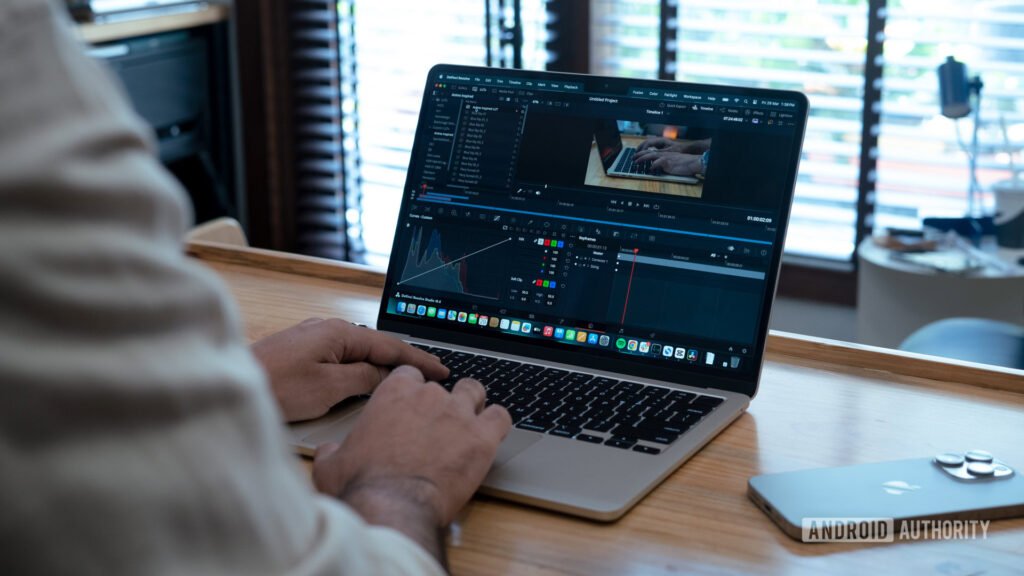
    MacBook Air editing video
    Share
    Facebook Twitter LinkedIn Pinterest Email Copy Link

    Dhruv Bhutani / Android Authority

    TL;DR

    • Google is developing a new ‘Action Corners’ feature for Android, which could be similar to ‘Hot Corners’ on macOS.
    • This feature may allow users to trigger actions, like launching Recent apps or opening notifications, by moving the cursor to one of the four corners of the screen.
    • The feature is not yet live but may be part of a broader push to make Android a more capable operating system for PCs.

    Shortcuts are crucial for saving time on any device, but they’re especially vital on large screen devices like tablets and PCs, where manual navigation can be slow. Apple allows macOS users to set up ‘Hot Corners’ that perform actions when the cursor is moved to a corner of the screen. While Android doesn’t have a direct equivalent to this feature yet, that might change soon.

    While digging through the latest Android Canary release, I discovered evidence of a new feature called ‘Action Corners.’ Similar to Hot Corners on macOS, this feature will let you assign a unique action to each of the screen’s four corners: top-left, top-right, bottom-left, and bottom-right. Moving your cursor to a configured corner will trigger its assigned action. Currently, these actions include going Home, launching Recent apps, opening the Notifications panel, or opening the Quick Settings panel.

    Android’s Action Corners feature isn’t available yet in the Canary release, so I had to manually enable its page in Settings. Once it goes live, you’ll find a “customize corner shortcuts” option under Settings > System > Touchpad and Settings > System > Mouse.

    It’s unclear when Google plans to release Action Corners. Since the feature isn’t live in the current Canary build, it could launch with the second quarterly release of Android 16 or be saved for a future update.

    This development is part of a broader effort by Google to improve Android’s keyboard, mouse, and touchpad support, likely in preparation for its eventual merger with Chrome OS. If Google wants Android to become a first-class operating system for PCs, it has to continue adding thoughtful desktop features like this to ensure the OS doesn’t feel barebones compared to established platforms.

    Thank you for being part of our community. Read our Comment Policy before posting.

    Android Apples Corners Hot Macs version
    Share. Facebook Twitter Pinterest LinkedIn Tumblr Telegram Email Copy Link
    Previous ArticleBest travel VPNs 2025: Expert-tested for streaming and avoiding censorship
    Next Article We Should Reject the Switch 2’s Bogus Game-Key Cards or This Will Be the End of Physical Games
    Michael Comaous
    • Website

    Michael Comaous is a dedicated professional with a passion for technology, innovation, and creative problem-solving. Over the years, he has built experience across multiple industries, combining strategic thinking with hands-on expertise to deliver meaningful results. Michael is known for his curiosity, attention to detail, and ability to explain complex topics in a clear and approachable way. Whether he’s working on new projects, writing, or collaborating with others, he brings energy and a forward-thinking mindset to everything he does.

    Related Posts

    3 Mins Read

    Instagram explores creating a dedicated TV app to challenge YouTube

    6 Mins Read

    iPhone 17 benchmark test: how fast is Apple’s new chip?

    3 Mins Read

    HyperSpace Trackpad Pro Hands-On: A Windows Answer to Apple’s Magic Trackpad

    2 Mins Read

    Google confirms Android dev verification will have free and paid tiers, no public list of devs

    3 Mins Read

    This week’s best deal is a ‘kids’ Kindle Paperwhite that’s better than the adult version

    3 Mins Read

    OpenAI’s Sora soars to No. 1 on Apple’s US App Store

    Top Posts

    The Mesh Router Placement Strategy That Finally Gave Me Full Home Coverage

    August 4, 2025161 Views

    Past Wordle answers – all solutions so far, alphabetical and by date

    August 1, 202577 Views

    How to Turn Off Voicemail on Android Quickly and Easily

    August 2, 202563 Views
    Stay In Touch
    • Facebook

    Subscribe to Updates

    Get the latest tech news from FooBar about tech, design and biz.

    Most Popular

    The Mesh Router Placement Strategy That Finally Gave Me Full Home Coverage

    August 4, 2025161 Views

    Past Wordle answers – all solutions so far, alphabetical and by date

    August 1, 202577 Views

    How to Turn Off Voicemail on Android Quickly and Easily

    August 2, 202563 Views
    Our Picks

    OpenAI allegedly sent police to an AI regulation advocate’s door

    October 11, 2025

    Samsung Galaxy XR leak shows dual 4K micro‑OLED displays

    October 11, 2025

    The Vampire Lestat New Teaser

    October 11, 2025

    Subscribe to Updates

    Get the latest creative news from FooBar about art, design and business.

    Facebook
    • About Us
    • Contact us
    • Privacy Policy
    • Disclaimer
    • Terms and Conditions
    © 2025 geekblog. Designed by Pro.

    Type above and press Enter to search. Press Esc to cancel.