

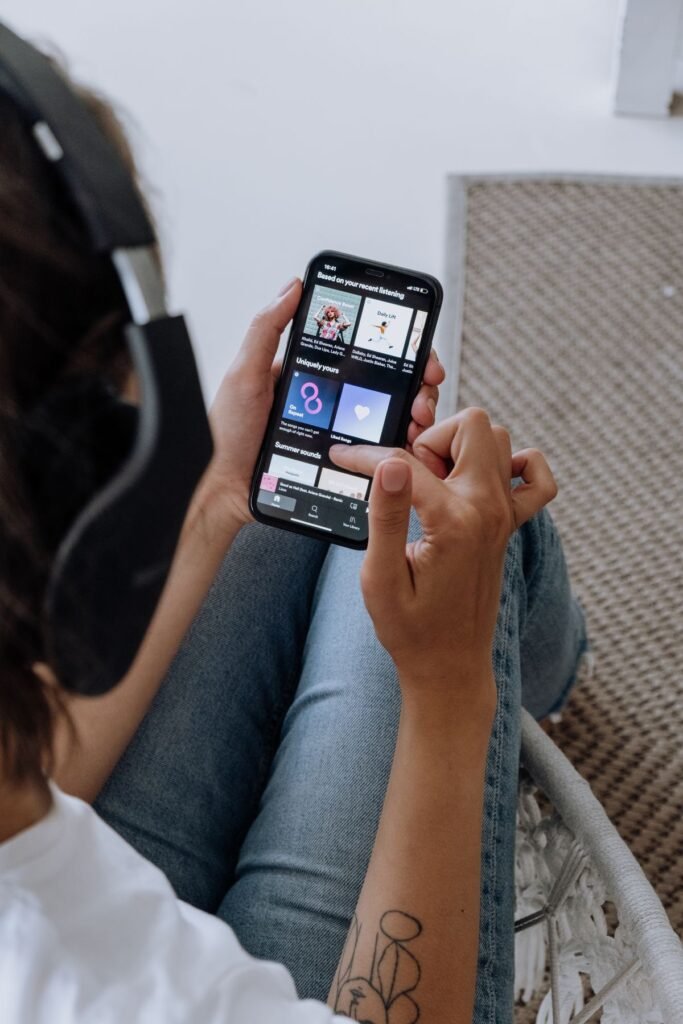
The best free online music apps let you stream millions of songs without paying a cent, and in 2026 the free tiers are better than they have ever been. Whether you want a background playlist for work, a way to discover new artists, or a no-cost backup to a paid subscription, there is a legitimate, ad-supported service that fits. The catch is that “free” means different things on different platforms, and knowing those differences saves you a lot of frustration.
In this guide we compare the top free streaming services available in the United States, explain exactly what each one restricts on its free plan, and help you pick the right app for how you actually listen. Every service listed here is 100% legal and available directly from the App Store, Google Play, or a web browser, so you can start listening in minutes.
What “free” really means for music streaming
Almost every major service now offers a free tier, but they pay for it with advertising and feature limits. On a free plan you should expect audio ads between songs, occasional restrictions on skipping or choosing exact tracks, and no offline downloads. Sound quality is usually capped below what paying subscribers get, too. None of that makes free apps bad, but it does mean the “right” app depends on what limits you can live with.
If you mainly listen at home on Wi-Fi and do not mind a few ads, free tiers are excellent. If you commute underground or fly often, the lack of offline downloads on most free plans may push you toward a paid trial. For more walkthroughs like this, browse our how-to guides.
The top free music apps compared
Here is how the leading free services stack up on the things that matter most: whether they have a genuine free tier, whether they run ads, whether you can listen offline for free, and which devices they support.
| App | Free tier | Ads | Offline (free) | Platforms |
|---|---|---|---|---|
| Spotify Free | Yes | Yes | No | Web, iOS, Android, desktop |
| YouTube Music | Yes | Yes | No | Web, iOS, Android |
| Amazon Music | Yes (ad-supported) | Yes | No | Web, iOS, Android, Echo |
| SoundCloud | Yes | Yes | No | Web, iOS, Android |
| Pandora | Yes (radio style) | Yes | No | Web, iOS, Android (US only) |
Spotify Free
Spotify has the largest catalog and the best playlists and recommendations. On the free tier you get the full library, but on a phone you are often limited to shuffle play within many playlists and albums, with a handful of on-demand skips per hour. Audio ads play between songs, and streaming quality tops out lower than Premium. On a desktop or the web player, free listeners get more on-demand control.
YouTube Music
YouTube Music is the best pick if you also want music videos, live performances, and remixes you cannot find elsewhere. The free tier is ad-supported and, importantly, pauses playback when you lock your screen or switch apps on mobile unless you upgrade. It draws on YouTube’s enormous catalog, so obscure and unofficial tracks are easy to find.
Amazon Music, SoundCloud, and Pandora
Amazon Music offers a free, ad-supported tier that anyone can use, and it works beautifully with Echo speakers. SoundCloud is the home of independent artists, DJ mixes, and early demos you will not hear on the majors. Pandora pioneered the personalized radio model and is still one of the easiest ways to build a station around an artist you love, though it is only available in the US.
How to choose and start using a free music app
Follow these steps to get set up quickly and pick the service that suits your habits.
- Decide how you listen most: on-demand tracks, curated playlists, personalized radio, or music videos.
- Pick one app from the table above that matches that style and supports your devices.
- Download it from the App Store or Google Play, or open the web player in your browser.
- Create a free account with your email or a Google/Apple sign-in.
- Search for a favorite artist and save a few songs to build your taste profile.
- Let the app recommend playlists and stations, then follow the ones you like.
- Try a second app for a week to compare catalogs, sound, and ad frequency before committing.
- Home and Wi-Fi listening
- Discovering new artists and playlists
- Casual background music
- Trying before you buy a subscription
- No offline downloads on most plans
- Audio ads interrupt playback
- Skip and on-demand limits on phones
- Lower maximum sound quality
Frequently Asked Questions
Are free music apps completely legal?
Yes. Every app in this guide, including Spotify Free, YouTube Music, Amazon Music, SoundCloud, and Pandora, is fully licensed. They pay artists and rights holders through advertising revenue, which is why the free tiers include ads.
Can I download songs for free to listen offline?
Generally no. Offline downloads are a paid feature on almost every major service. Free listeners stream over Wi-Fi or mobile data. Spotify, YouTube Music, and Amazon Music all reserve offline listening for their paid plans.
Which free app has the biggest music library?
Spotify and YouTube Music offer the largest catalogs, each with roughly 100 million tracks. YouTube Music also adds videos and unofficial uploads, while Spotify leads on curated playlists and recommendations.
Do free music apps work without ads?
No. Ads are how free tiers stay free. You will hear audio ads between songs and sometimes see banner or video ads. Upgrading to a paid plan removes ads and unlocks offline downloads and higher quality.
Can I use these apps on a smart speaker?
Some, yes. Amazon Music works natively on Echo devices, and Spotify and Pandora connect to many smart speakers. Free accounts may face extra limits on voice-requested, on-demand playback.
Tired of ads? Our guide to music apps without ads covers the free, legal options, and our best offline music app picks cover listening without a connection.
About this article: GeekBlog covers U.S. technology news, AI, phones, smartwatches and gaming. Every story is written and checked under our Editorial Policy. Spotted a mistake or have a story tip? Contact our editors.
