

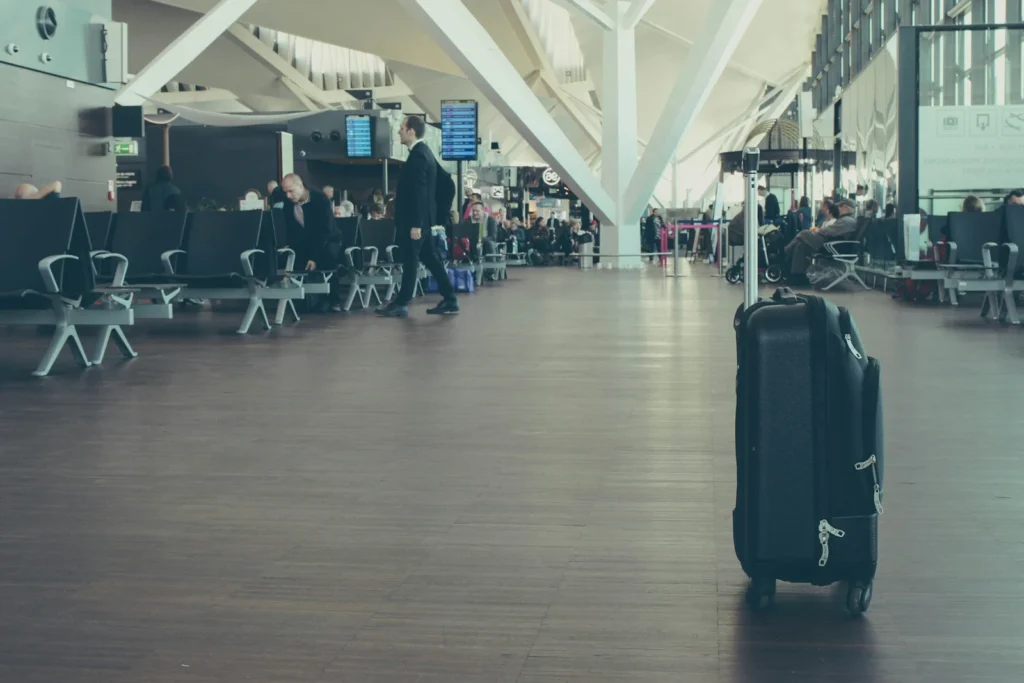
If an airline loses your suitcase and there is an AirTag inside, you can now hand the airline a live map of where the bag actually is. Apple calls the feature Share Item Location, and as of 2026 Apple says 36 airlines accept these links as part of their lost baggage process. Below is the full list of participating carriers and the exact steps to share your bag with them.
Every airline that supports Share Item Location
Apple launched the feature with iOS 18.2 at the end of 2024 with an initial group of airlines, then expanded it. In January 2026, Apple said Share Item Location had grown by 27 airlines to a total of 36. These are the carriers that have announced support:
| Region | Airlines |
|---|---|
| United States | American Airlines, Delta Air Lines, United Airlines, JetBlue, Breeze Airways |
| Canada | Air Canada, WestJet, Porter Airlines, Flair Airlines |
| Europe | British Airways, Virgin Atlantic, Aer Lingus, Lufthansa, SWISS, Austrian Airlines, Brussels Airlines, Eurowings, Condor, Air France, KLM, Iberia, Vueling, Finnair |
| Turkey | Turkish Airlines, AJet, Pegasus Airlines, SunExpress |
| Asia Pacific | Singapore Airlines, Cathay Pacific, China Airlines, Air India, Qantas, Air New Zealand |
| Latin America | LATAM Airlines, Copa Airlines |
| Middle East | Saudia |
Apple adds airlines over time, so if your carrier is missing, ask its baggage service desk whether it accepts Find My links. Even an airline outside the program can still look at your AirTag location if an agent signs in with a personal Apple Account, but participating airlines have trained staff and systems set up for it.
What you need before you fly
- An AirTag or another Find My network accessory packed inside the bag, registered to your Apple Account.
- An iPhone with iOS 18.2 or later, an iPad with iPadOS 18.2 or later, or a Mac with macOS Sequoia 15.2 or later.
- At least one of your Apple devices signed in to your Apple Account and online, so the shared map keeps updating.
- Your baggage claim reference number from the airline, since the link goes into that case.
How to share your AirTag location with an airline
- File a delayed or lost bag report with the airline first and note the reference number.
- Open the Find My app on your iPhone and tap Items.
- Tap the AirTag in your missing bag, then tap the more options button.
- Tap Share Item Location and follow the onscreen steps to create a temporary web page.
- Copy the link and send it to the airline through the channel it asks for, such as its online baggage form, email or chat. You can also use AirDrop or Mail at the airport desk.
- Tap Done.
To check who has opened it, go back to the item in Find My and open Share Item Location. You will see a Visited By row and an Expiration row, and you can share the link with more people from the same screen.
How the airline sees your bag and how privacy works
The person who opens your link must sign in, either with an Apple Account or with a work email address registered with Apple as an airline partner, which then receives a verification code. Apple limits access to a small number of people per link. Once signed in, the agent sees the latest location on a map with a timestamp, plus the contact details and serial number tied to the item.
On iOS 26 or later, the link can open directly in the Find My app, where an agent can play a sound on the AirTag. If the bag is within Bluetooth range and the agent has an iPhone with Ultra Wideband, Precision Finding can guide them right to it.
Sharing ends automatically when you are reunited with the item, after seven days, or when you stop it yourself. To stop it, open the item in Find My and tap Stop Sharing Item Location. If the search takes longer than a week, simply create a new link and send it again.
Apple says that airlines using the feature have cut the number of truly lost bags, the ones that never make it home, by 90 percent, based on data from the SITA WorldTracer baggage system that many airlines use.
FAQ
Do US airlines accept AirTag location links?
Yes. American, Delta, United, JetBlue and Breeze Airways all accept Share Item Location links for delayed or lost bags.
Does the airline see my location all the time?
No. The airline only sees the item you share, not your phone, and only until the link expires after seven days or you stop sharing.
Can I use this with a tracker that is not an AirTag?
Yes, if it works with the Apple Find My network. Share Item Location supports AirTag and other Find My network accessories.
Does it work with Android phones?
No. You need an iPhone, iPad or Mac to create the link, although the recipient only needs to sign in on the web.
The verdict
If you fly with an AirTag in your checked bag, Share Item Location is the fastest way to turn your map into something the airline can act on. Keep your devices updated, file the claim first, then send the link right away.
Updated October 2026: rewritten with the current list of 36 participating airlines, the sharing steps and how airline access works.
Featured photo: Michał Parzuchowski on Unsplash.
About this article: GeekBlog covers U.S. technology news, AI, phones, smartwatches and gaming. Every story is written and checked under our Editorial Policy. Spotted a mistake or have a story tip? Contact our editors.
