

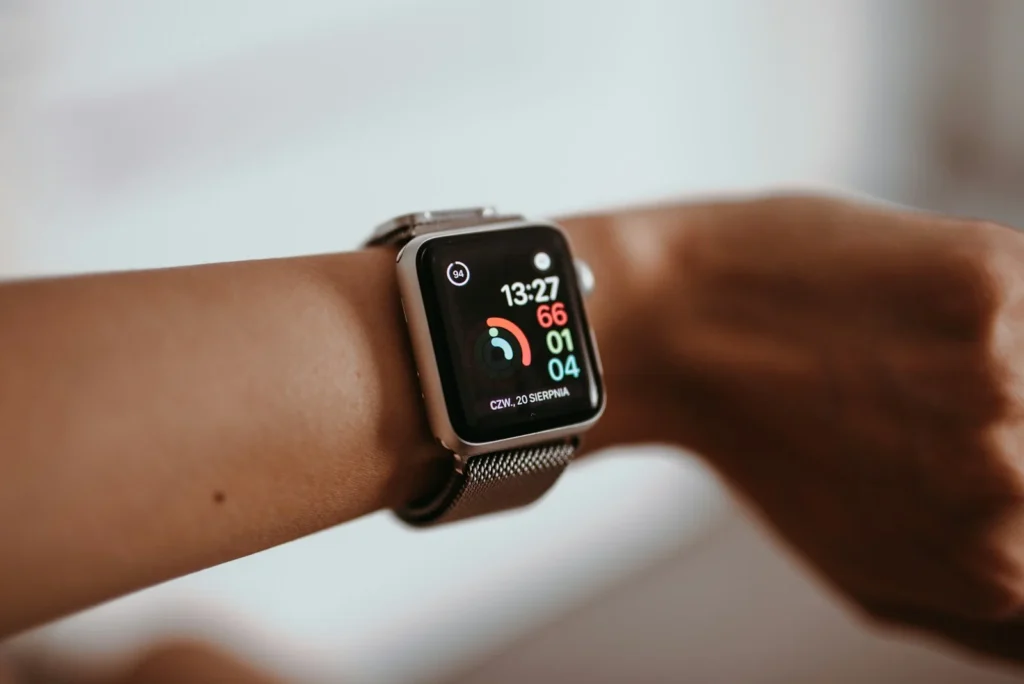
Can a cellular smartwatch replace your smartphone? For a few hours, a run or a night out, yes. As a full time replacement in 2026, not quite. An LTE Apple Watch, Galaxy Watch or Pixel Watch can make calls, send messages, stream music and pay for things with no phone nearby, but each one still depends on a paired phone for setup and for some features. Here is what works, what does not, what it costs, and who this setup actually suits.
What you need before you start
None of the big three watches works as a truly standalone device. Each pairs with a specific kind of phone, and the watch line normally shares your phone number through your carrier.
Needs an iPhone for setup. Cellular models include the latest Series and Ultra watches.
Needs an Android phone. Samsung says current models do not support iPhone.
Needs an Android phone. Google says iPhones are not supported, and Pixel Watch 5 needs Android 12 or newer.
Google also notes that for full talk, text and data, the Pixel Watch and your phone should be on the same carrier network. That rule is typical across carriers, because the watch borrows your phone number rather than getting its own.
What a cellular watch can do on its own
Apple lists the things an Apple Watch with cellular can do when your iPhone is not with you. Galaxy and Pixel watches cover very similar ground through Wear OS and their own apps.
- Calls: make and answer phone calls on your normal number, through the watch speaker or Bluetooth earbuds.
- Messages: read and reply by voice dictation, quick replies or a small keyboard.
- Music and podcasts: stream over cellular or play downloaded files.
- Maps: turn by turn directions on your wrist.
- Payments: Apple Pay, Google Wallet or Samsung Wallet at contactless terminals.
- Safety: emergency calls and fall detection on supported models.
- Fitness and health: workout tracking, heart rate and sleep data with no connection at all.
Newer high end models go further. Apple says the Apple Watch Ultra 3 includes Emergency SOS via satellite, and Google advertises satellite SOS on the Pixel Watch 5, useful for hikers who leave coverage.
What you give up
This is where the experiment usually ends for most people. A watch is a companion, and the gaps show quickly.
- No camera: no photos, no scanning QR codes, no video calls in the normal sense.
- Limited apps: many banking, social media, ride hailing and work apps have small watch versions or none at all.
- Typing: long replies and email are awkward on a tiny screen, so you lean on voice dictation.
- The phone still matters: Apple says SMS, MMS and third party app notifications on the watch need your iPhone to be powered on and connected to WiFi or cellular, even if it is not nearby. Leaving the phone switched off at home breaks those features.
- Battery: cellular use drains the watch much faster than a typical day paired to a phone, so a full day of heavy LTE use can be a stretch.
What the cellular plan costs
US carriers charge a monthly fee to add a smartwatch to an existing phone plan, on top of the higher price of the cellular watch itself. AT&T currently advertises adding a smartwatch line to an AT&T Unlimited plan for as low as $10.99 a month. Verizon and most other carriers have long priced a watch line at around $10 a month with a phone plan, though some charge more and promotions come and go.
| Cost item | What to expect |
|---|---|
| Watch line | About $10 to $11 a month at major carriers, more on some plans |
| Activation | Some carriers add a one time fee, often waived in promotions |
| Hardware premium | Cellular versions cost more than WiFi and Bluetooth only versions |
| Promotions | Google offers two years of data and texting at no charge on Pixel Watch 4 LTE and Pixel Watch 5 LTE bought from the US Google Store or Best Buy |
Who a phone free watch setup suits
- Runners, cyclists and swimmers who want calls and music without carrying a phone.
- People cutting screen time who want to stay reachable but avoid endless scrolling.
- Parents and caregivers who need to be reachable during errands, school runs or nights out.
- Not a fit for anyone whose job relies on phone apps, two factor sign ins, photos or long messages.
FAQ
Can a cellular smartwatch fully replace a smartphone?
Not in 2026. All three major watch platforms need a paired phone for setup and some features, and none has a camera or the full app library of a phone.
Does the watch get its own phone number?
Usually not. Carrier features such as AT&T NumberSync or Verizon NumberShare let the watch use your existing phone number.
Can I use a Galaxy Watch or Pixel Watch with an iPhone?
No. Samsung and Google both say their current watches do not support iPhone. iPhone owners should look at Apple Watch.
Do I need a cellular plan to use Apple Watch satellite SOS?
Apple says Emergency SOS via satellite on Apple Watch Ultra 3 works without a cellular plan, while Messages via satellite and Find My via satellite do require one.
The verdict
A cellular smartwatch is the best tool yet for leaving your phone behind for a workout, an evening or a weekend errand, and the roughly $10 a month line fee is easy to justify if you do that often. As a permanent phone replacement it still falls short, so treat it as a way to use your phone less, not a way to get rid of it.
Updated October 2026: rewritten as a practical guide to living with a cellular Apple Watch, Galaxy Watch or Pixel Watch, with current requirements and carrier costs.
Featured photo: Sabina on Unsplash.
About this article: GeekBlog covers U.S. technology news, AI, phones, smartwatches and gaming. Every story is written and checked under our Editorial Policy. Spotted a mistake or have a story tip? Contact our editors.
