

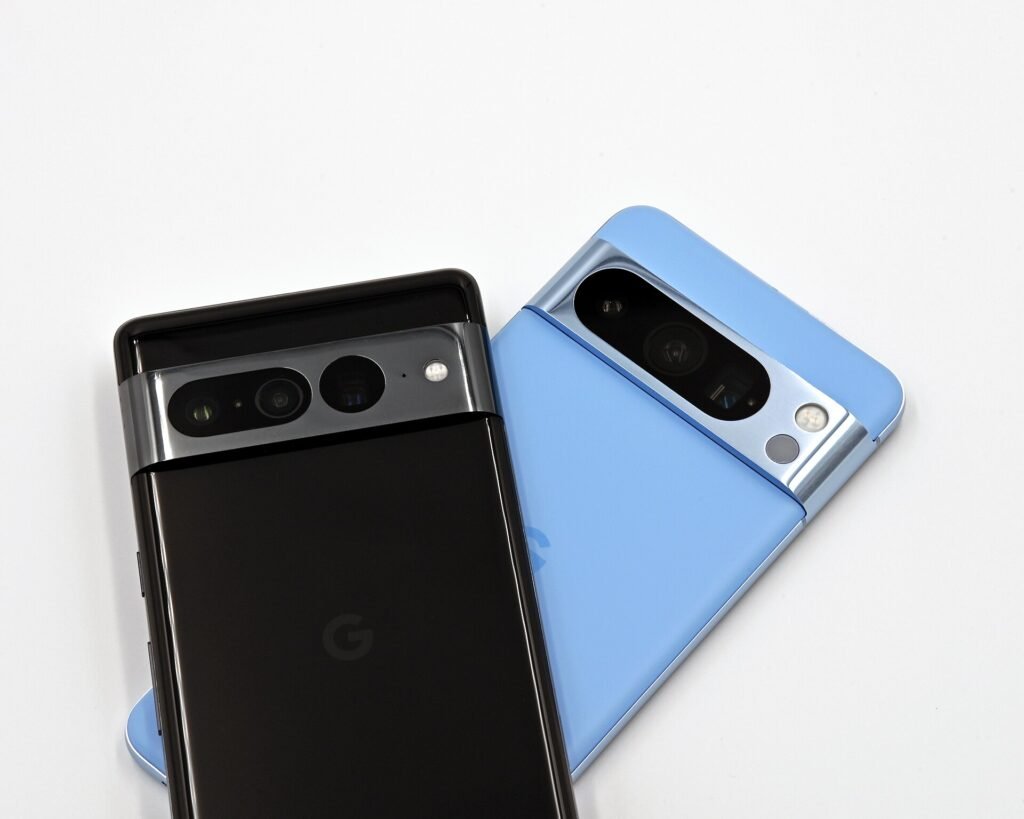
Google shipped its October update for Pixel phones this week, and the headline number is three. That is how many of the vulnerabilities patched in the Pixel bulletin carry the severity rating of critical, which is the highest one Google hands out.
The most interesting of the three is a Bluetooth flaw, and Bluetooth is the part of your phone that is listening to the world around it whether you asked it to or not.
The short version
- What to install: the security patch level dated 2026-10-05, or anything later
- Pixel-specific flaws: three rated critical, in Bluetooth, GDMC and GSA, plus one rated high
- Android-wide flaws: a separate bulletin covering around 25 more, several of them critical
- Known to be exploited: nothing this month, which is better news than some recent months
- Also included: fixes for VoIP call audio, a keyboard that refused to appear, and a Pixel 11 camera orientation bug
- Pixel 6 owners: this may be your last scheduled update. Google has not said either way
The three critical ones
Google publishes two documents each month. The Android Security Bulletin covers the operating system itself and applies to every manufacturer. The Pixel Update Bulletin covers the parts that are specific to Google’s own hardware. The three critical flaws being talked about this week are in the second document.
| CVE | Component | Type | Severity |
|---|---|---|---|
| CVE-2026-55330 | Bluetooth | Elevation of privilege | Critical |
| CVE-2026-56952 | GDMC | Elevation of privilege | Critical |
| CVE-2026-55307 | GSA | Information disclosure | Critical |
| CVE-2026-0198 | GDMC | Elevation of privilege | High |
A note on the counting, because the coverage has been inconsistent. The bulletin’s own table lists four entries. Various outlets have described the Pixel bulletin as covering six or seven device-level vulnerabilities, which likely reflects additional rows elsewhere in the document or a different way of counting components. The four above are the ones that appear in the Pixel vulnerability table, and the three critical ratings are consistent everywhere.
Why the Bluetooth one is the one to care about
“Elevation of privilege” sounds abstract. What it means in Google’s own severity framework is that something which should have been fenced off managed to get out of its fence and run with more authority than it was given. At critical severity, that usually implies code running in a privileged context.
The reason a Bluetooth flaw of that kind is worse than the same flaw somewhere else comes down to how you reach it. Most attack paths need you to do something: install an app, open a file, tap a link. Bluetooth does not. The radio is on, it is processing data from nearby devices, and it does that before anybody has decided whether those devices are trustworthy.
What we do not know. Google has published no technical detail on any of these. Each bug ID in the bulletin carries an asterisk, which in Google’s notation means the fix lives inside Pixel’s closed-source binary drivers rather than in public Android source. So there is no commit to read and no proof of concept circulating. That is deliberate, and it buys time for the rollout, but it also means nobody outside Google can independently assess how exploitable these are.
GDMC and GSA are both Google-specific components in the Tensor platform rather than parts of stock Android, which is precisely why they appear in the Pixel bulletin and not the Android one. The GSA flaw is an information disclosure issue rather than privilege escalation, and critical-rated information disclosure generally means something that should never leave the device could leave it.
Two bulletins, one patch level
This trips people up every month, so it is worth being clear about. You do not install the Pixel bulletin and the Android bulletin separately. One update covers both, and the thing to look for is the patch level date.
That last point deserves emphasis, because it changes how urgently you should treat this. Google flags vulnerabilities that are already being used in real attacks, and it has not flagged any this month. These are fixes for problems that researchers found before criminals did, which is the system working as intended.
The unglamorous fixes, which you will notice more
Security patches are invisible when they work. The rest of the October release is not, and for most people these are the changes that will actually register.
| Devices | What was broken |
|---|---|
| Pixel 8 to Pixel 10 | Noise and distortion during certain VoIP calls, which covers WhatsApp, Messenger, Teams and anything else that routes audio over the internet rather than the cellular network |
| Pixel 8 to Pixel 11 | The on-screen keyboard sometimes failing to appear when you tapped into a search field, which is the kind of bug that makes a phone feel broken |
| Pixel 11 | Photos and videos occasionally saved with the wrong orientation, leaving you to rotate them by hand afterwards |
The camera orientation bug is a notable one for a device this new. If you have been weighing up the two newest models, our breakdown of what the extra $200 actually buys you between the Pixel 11 and the Pixel 11 Pro covers where the camera differences sit, and this fix applies to both.
How to get it
Open Settings, go to System, then Software updates, and check. If nothing appears, that is normal rather than a problem.
Google rolls Pixel updates out in phases, so availability varies by model, carrier and region, and it can take the better part of a week to reach everyone. There is no meaningful downside to installing it when it arrives: you get the security fixes and the bug fixes in the same package.
Worth doing while you are in there
- Check your patch level, not just the Android version. Settings, About phone, Android version. The patch date is what matters
- Turn on automatic updates if they are off. Most people who are months behind never chose to be
- Consider Advanced Protection. Google’s strictest security mode gained six new capabilities in Android 17, including one that revokes permissions you already granted. It is overkill for most people and exactly right for some
The Pixel 6 question
There is a group of people for whom this update means something different.
The Pixel 6 and Pixel 6 Pro reach the end of their extended five-year support window in October 2026. Google stretched that window from three years to five, which was genuinely generous at the time, and the clock has now run out. Google has not confirmed whether this month’s release is the final scheduled update for those phones.
If you are holding one, install this one. Whether another arrives is not currently knowable, and a phone that stops receiving patches does not become dangerous overnight, but the gap between what attackers know and what your phone defends against starts widening from that day. We went through what actually changes when a Pixel reaches end of support, and the options worth considering, and the short answer is that it is a slow problem rather than an emergency.
The bottom line
This is a routine monthly update with three critical fixes in it, none of which are known to be under attack. That combination means it is important without being urgent: install it this week, not this minute.
The Bluetooth flaw is the one that justifies the word critical, because it sits on a surface that is exposed by default and does not need you to make a mistake. Google is not saying how exploitable it is, and that silence is standard practice while a phased rollout is still reaching devices. Which is a reasonable argument for not being at the back of the queue.
Sources and further reading
- UNILAD Tech: Google urges Pixel owners to update after three critical security flaws are patched
- Pixel Update Bulletin, October 2026, with the full CVE tables
- Android Security Bulletin, October 2026
- Talk Android on the Bluetooth flaw and the closed-source driver fixes
- SecurityWeek on the scale of the wider Android bulletin
- TechRepublic on the update and the Pixel 6 support deadline
- Android Police on what this release may mean for the Pixel 6
About this article: GeekBlog covers U.S. technology news, AI, phones, smartwatches and gaming. Every story is written and checked under our Editorial Policy. Spotted a mistake or have a story tip? Contact our editors.
