


Summary
- Speed decline is a key indicator it’s time to replace your Roku for a new streaming experience.
- Software updates stopping means you’re missing out on more features and functionality over time.
- If you’re looking for better resolution options or want a more advanced remote, consider upgrading your Roku product.
You might be surprised by how long your Roku Streaming Stick can last, but all good things must come to an end. While your Roku might just stop working abruptly, there are usually signs telling you that it’s time to make an upgrade. It’s best to be proactive, and even if your device is still working, it’d be a bummer if it died while you’re in the middle of binging a show. Switching one out ahead of time also lets it live on in a new spot in your home where, if it dies, it’s not the end of the world.
I was able to get a lot of life out of my old Google Chromecast 4K once I switched it out because it lived on in my bedroom, but I was glad I made the swap when I did. The signs are similar across all streaming devices, so you can apply the same knowledge you have of your failing Roku to your Apple and Google products. Nobody likes it when the time comes, but it’s important to be prepared.
- Dimensions
-
4.9 x 5.0 x 1.0 inches
- Connective Technology
-
Bluetooth® streaming, 802.11ax dual-band MIMO Wi-Fi 6 (2.4 GHz / 5 GHz), 10/100 Base-T Ethernet
- Brand
-
Roku
- Audio outputs
-
Digital stereo over HDMI, DTS Digital Surround pass through over HDMI, Dolby Atmos decode via HDMI (with compatible speakers)
- Integrations
-
Works with Roku Smart Home, Apple AirPlay and HomeKit, Google Home, Alexa
- Wi-Fi
-
802.11ax dual-band MIMO Wi-Fi 6 (2.4 GHz / 5 GHz)
The Roku Ultra has refreshed for the first time since 2021. A new backlit remote, faster performance, and Wi-Fi 6 support separate this 2024 edition from the past generation.
4
Speed isn’t what it used to be
The biggest sign aside from outright failure

I know what it feels like to open up a new electronic device and be blown away by its speed. Whether it’s a video game console, a phone, or a streaming device — the feeling is all the same. Sadly, as time goes by, that blazing fast speed becomes a shell of itself. What was once snappy is now sluggish. It happens to all products, so don’t think it’s just limited to your Roku.
You won’t notice it slowing down right away, and it typically takes a few years before that wear and tear starts to show, especially for or high-end devices like Roku Ultra. How much you’re willing to tolerate comes down to you, but speed is typically my go-to when it comes time to replace something.
3
Software updates stop coming
No more new things
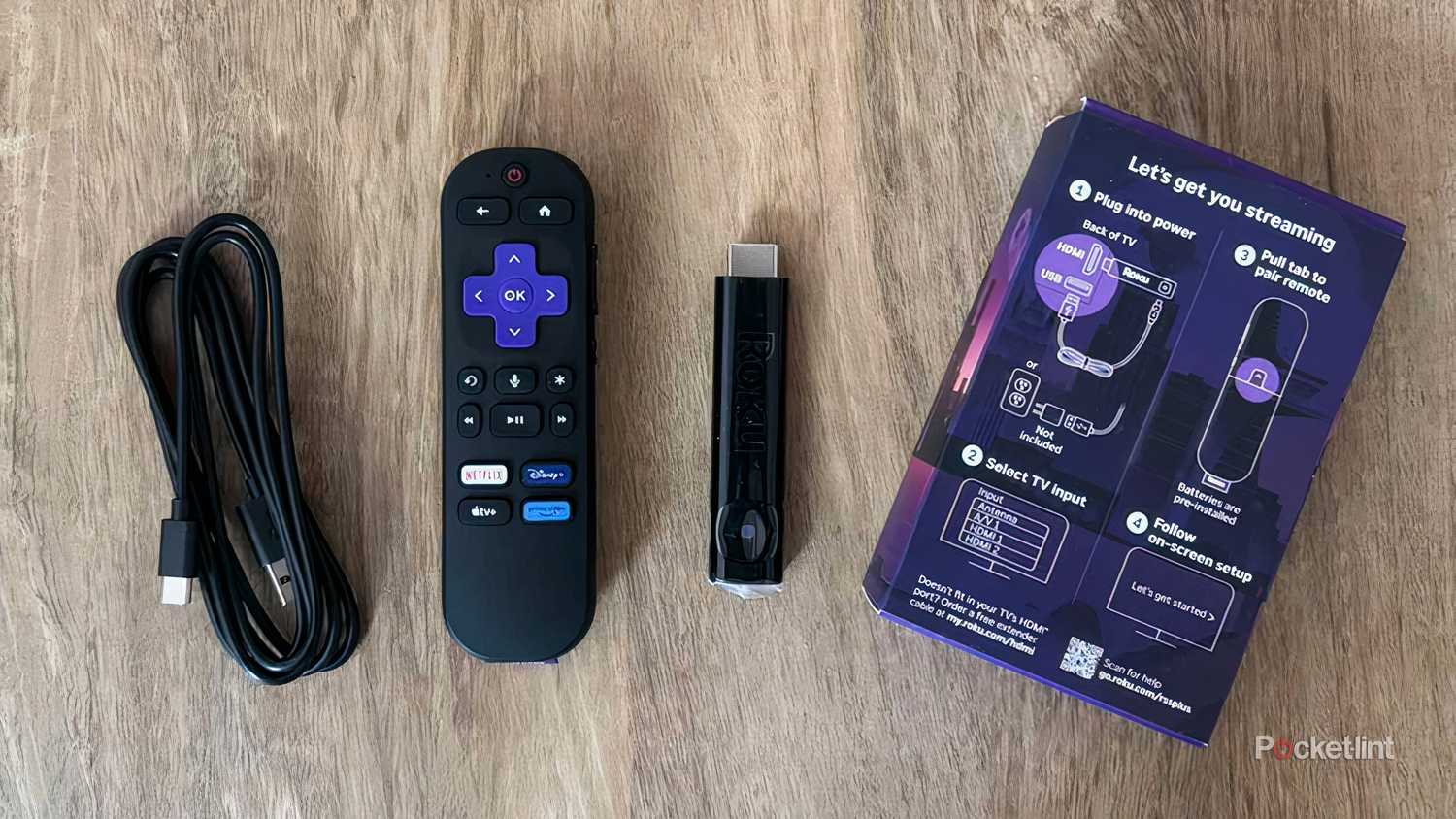
After a while, Roku will stop updating your device. That doesn’t mean it’ll stop working, but it means it’ll no longer have access to the newest software available on other models. This doesn’t mean anything right away, but it’ll start to affect you a lot more as time goes on.
Eventually, streaming services will stop providing updates to their apps on older models, and that’s essentially a way to force you into getting an upgrade. This usually takes a long time, and models that are closing in on a decade old are still supported in some cases — notably my first-gen Apple TV 4K. You typically have ample warning for when this is about to happen, so you can easily prep ahead of time if you need to.
2
You are missing features that you want
4K streaming is quite nice

Barring a few cheaper exceptions, most streaming devices offer 4K streaming these days. With 4K streaming being so prevalent, it makes sense that a lot of people want to upgrade their devices to support 4K. Depending on how old your Roku is, you might not have 4K streaming available, and if you don’t, that’s a great reason to upgrade.
When you’re shopping around, make sure you pay attention to the naming schemes. If you’re looking at a high-end device, then the Roku Ultra is the box for you. If you’re looking for a streaming stick, then you have to pick one that has 4K in the name. The Roku Streaming Stick, as much as I love it, doesn’t offer 4K streaming. On top of that, there’s no Dolby Vision HDR, so it’s missing a lot of the extra bells and whistles that other products offer. It’s good with a 1080p TV, but I wouldn’t pair it with a 4K TV if you could avoid it.
1
Maybe you want the new remote
I can’t lie, it is nice

It’s strange to think of making an upgrade to your Roku for a new remote, but it’s not unheard of. If you look at the Apple TV 4K, the second-generation’s remote is leaps and bounds better than the first’s, so I’d argue that it’s worth making an upgrade for.
The Roku remote, for what it’s worth, is pretty nice, but I don’t think it’s a massive jump in quality like Apple’s is. It has easy shortcuts to your favorite streaming services, and it has voice controls, but there are still some frustrating aspects. The biggest thing I can think of is the lack of a headphone jack, something it used to have before newer iterations ditched it. I understand that not many people use wired headphones anymore, but it’s still nice to have the option instead of having it taken away. Aside from that, I have nothing bad to say about the remote, so if you’re lacking voice controls or easy shortcut buttons, I’d say it’s worth splurging for an upgrade.
