

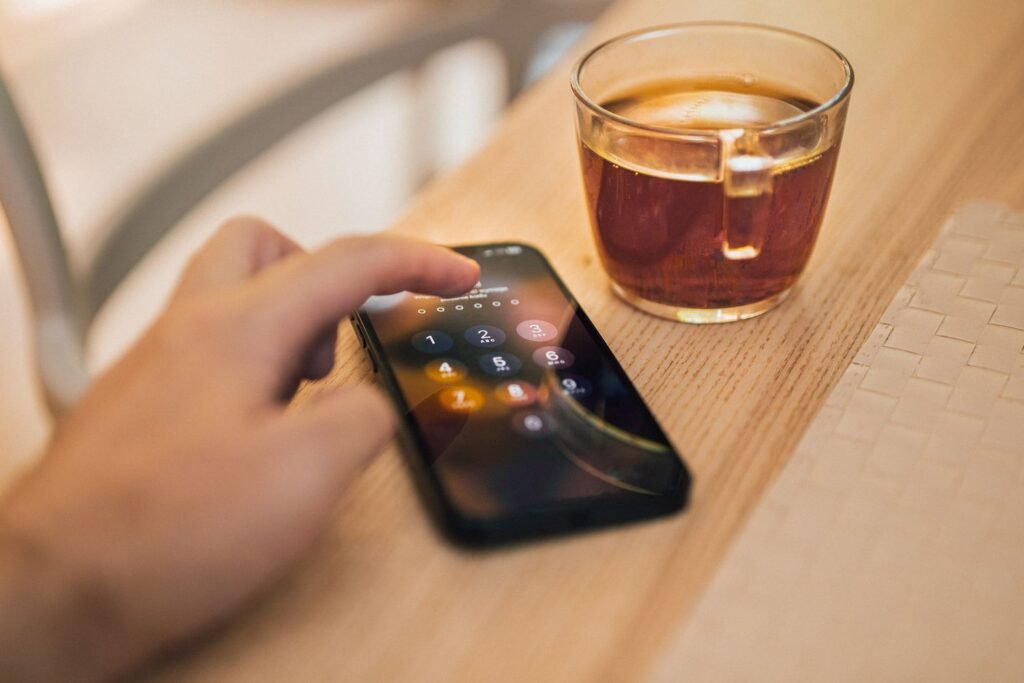
Most security warnings are easy to ignore. They arrive as email, they look like every other email, and they get archived somewhere between a shipping notification and a newsletter you meant to unsubscribe from. On August 13, Apple decided that was no longer good enough. If the company now believes your iPhone is being hunted by mercenary spyware, the warning shows up on your Lock Screen, in red, where you cannot scroll past it.
The alerts went out to users in 110 countries, and by most counts it is the largest single wave since Apple started the program in 2021. It is also the first time the company has pushed the warning onto the device itself rather than relying on email and an account page.
What Apple Actually Sent
Apple describes threat notifications as alerts “designed to inform and assist users who may have been individually targeted by mercenary spyware attacks, likely because of who they are or what they do.” That phrasing does a lot of work. This is not a virus warning. It is Apple telling a specific person that someone with a serious budget appears to be spending it on them.
The company is unusually direct about the confidence level involved. “Although our investigations can never achieve absolute certainty, Apple threat notifications are high-confidence alerts that a user has been individually targeted by a mercenary spyware attack, and should be taken very seriously,” Apple says. It also notes that it relies solely on internal threat intelligence, which is a polite way of saying it will not explain how it knows.
What Apple pointedly does not do is name attackers or countries. That frustrates researchers, but the logic is defensible: publishing detection methods hands the surveillance industry a checklist for avoiding them next time.
The Lock Screen Change Is the Real Story
Delivery has always been the weak point of this program. A journalist in a hostile environment does not necessarily check the email address tied to their Apple Account every day, and email itself can be intercepted, filtered or simply lost. Putting the warning on the Lock Screen removes that gap.
| Where the alert appears | What it looks like | New in 2026? |
|---|---|---|
| iPhone Lock Screen | A red notification you see the moment you pick up the phone | Yes |
| Settings | A persistent “Apple Threat Notification” entry | Yes |
| Apple Account page | A banner at the top after you sign in | No |
| Email and iMessage | Sent to the addresses and numbers on file for your Apple Account | No |
The redundancy is the point. If you receive one channel but not the others, that is a signal worth investigating in itself. And crucially, the on-device version cannot be spoofed by an attacker sending you a convincing email, because you can go and check Settings yourself.
How to Tell a Real Alert From a Fake One
Every high-profile security story produces a wave of copycat phishing within days, and this one is tailor made for it. The message is frightening, it is time sensitive, and most people have never seen a genuine one to compare against.
This is the same social engineering pattern that keeps working across the industry. Attackers rarely need an exotic exploit when a plausible email will do, which is exactly how North Korean operators spent five weeks inside defense contractors using a Windows bug nobody knew about. The lure came first. The zero-day was just what happened after someone opened it.
What to Do in the First Hour
- Turn on Lockdown Mode. Settings, Privacy and Security, Lockdown Mode. It is the single highest impact step, and you can turn it off later.
- Update everything. iOS, iPadOS, macOS, watchOS. Mercenary spyware chains are built on known bugs more often than people assume.
- Contact Access Now. The nonprofit’s Digital Security Helpline is free, staffed at any hour, and specifically experienced with these cases. Apple recommends it by name.
- Do not factory reset yet. A wipe destroys forensic evidence that responders may need to work out what was installed and when.
- Assume your accounts, not just your phone. Rotate passwords from a different device, check for unfamiliar devices signed in, and review app-specific passwords.
- Tell someone. If this relates to your work, your employer’s security team needs to know today, not next week.
Lockdown Mode, and What It Actually Costs You
People hesitate on Lockdown Mode because it sounds drastic. In practice it is a set of specific trade-offs, and for most users the daily inconvenience is smaller than expected.
| What changes | Why it closes an attack path |
|---|---|
| Most message attachment types blocked | Malicious image and document parsing has been the launch point for multiple real exploit chains |
| Complex web technologies disabled | Just-in-time JavaScript compilation is a favorite target, so it is switched off unless you allow a site |
| Incoming invitations blocked from strangers | FaceTime and service requests from people you have not contacted are refused outright |
| Wired accessories restricted | A locked phone will not talk to a computer or accessory, which defeats physical extraction tools |
| Configuration profiles blocked | Stops an attacker enrolling your device into management they control |
The through line is attack surface. Every one of those features exists because it is useful, and every one of them has been abused. Zero-click bugs are the reason the paranoia is justified: the Zoom flaw patched earlier this year, in which one participant in a call could take over another person’s laptop, required no clicking, no downloading and no mistake by the victim.
Who Actually Gets These
Apple has been clear that the population is small and specific. Journalists, human rights workers, activists, diplomats, opposition politicians and senior staff at technology and government organizations make up the bulk of it. The economics explain why: mercenary spyware licenses cost serious money per target, which rules out anyone whose data is not worth a great deal to somebody.
If you are reading this out of curiosity rather than because a red banner appeared on your phone, the practical takeaway is smaller but still real. Keep automatic updates on, use two-factor authentication, enable Stolen Device Protection, install apps only from the App Store, and treat unexpected attachments from unknown senders as hostile. Staying current matters more than most single settings, and it is worth knowing which iPhones are actually invited to the next big iOS release, because a device that stops receiving security patches is a device that stops being defensible.
The Bottom Line
Moving the alert to the Lock Screen is a small engineering change with a large practical effect. Apple has spent five years building a notification system whose main failure mode was people not seeing the notification. That is now fixed.
The uncomfortable part is what the size of this wave implies. One hundred and ten countries in a single round is not a sign that the surveillance industry is in retreat. If one of these lands on your screen, the correct response is not panic, and it is definitely not ignoring it. It is Lockdown Mode, an update, and a phone call to people who do this for a living.
