

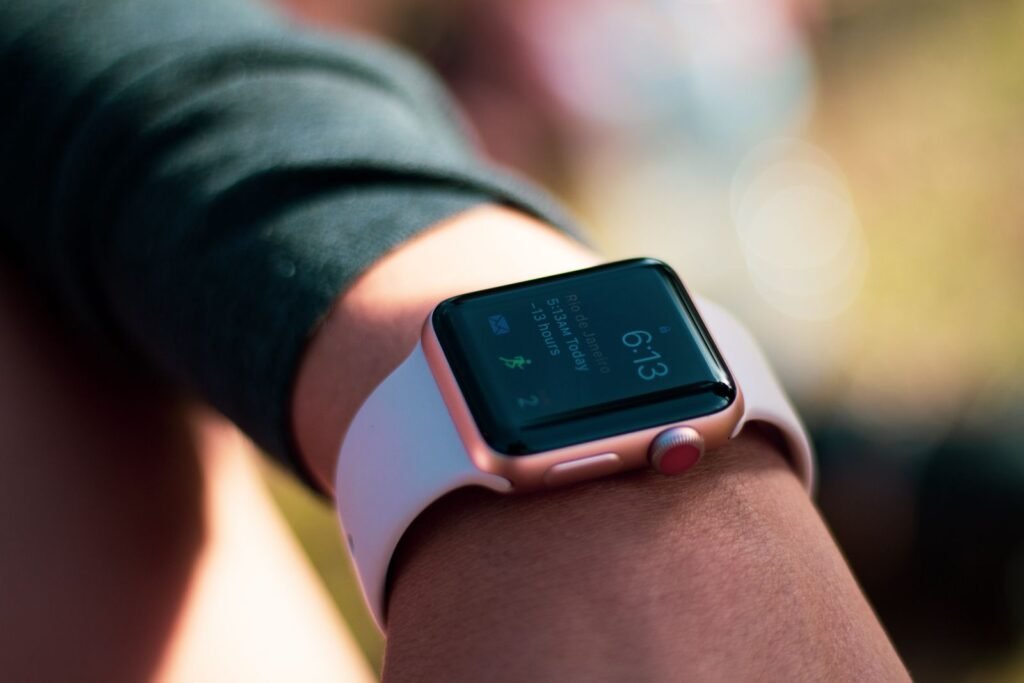
Apple Watch Series 12 and Ultra 4 owners had a rough first week. The watches hit shelves on September 18, and within hours people were posting about screens going black, the Apple logo appearing, and the watch quietly booting back up as if nothing had happened. Now the fix has finished its rollout. On September 28, Apple made watchOS 27.0.1 available for every Apple Watch that runs watchOS 27, not just the two brand new models.
The most interesting part of the story is how small the miss was. According to a crash log shared on Apple’s forums, a Neural Engine command waited 2,020 milliseconds when the limit was 2,000. That is a 20 millisecond overshoot, about one fiftieth of a second, and it was enough to make a watch reboot itself. Here is the full picture, including who needs the update and how to install it.
Short answer: watchOS 27.0.1 (build 24R365) fixes an issue where the Apple Watch may restart unexpectedly. It first shipped on September 23 for the Series 12 and Ultra 4, and on September 28 it expanded to the Series 9, Series 10, Series 11, SE 3, Ultra 2, and Ultra 3. Apple lists no new features. If your watch runs watchOS 27, install it.
What owners were actually seeing
Reports started almost as soon as the first units arrived. Owners described the same pattern again and again: the watch freezes for a moment, the Apple logo appears, and it restarts. What made the bug hard to pin down is that it did not seem tied to one specific action. People said their watches rebooted while they were:
- Editing a watch face
- Making a phone call
- Using the new Siri AI
- Opening Apple Maps or the App Store
- Recording a workout
Some owners said it happened while the watch was sitting idle on their wrist. MacRumors picked up the reports on September 21, and the pattern was clear enough that Apple had a fix out two days later. The bug does not look like it hit every watch. But there were enough posts that it clearly affected a meaningful slice of early buyers, and a reboot in the middle of a workout is exactly the kind of thing that erodes trust in a new device.
Sources: MacRumors, 9to5Mac, AppleInsider. Dates are 2026.
The cause: a Neural Engine timeout
Diagnostic logs shared by several owners pointed at the Apple Neural Engine, the part of the chip that handles machine learning work. One panic log posted to Apple’s forums shows an ANEHWDevice::ANE Timeout entry: a Neural Engine command waited 2,020 milliseconds against a 2,000 millisecond limit, and the watch responded by restarting.
That fits the list of triggers. Siri AI, watch face editing, Maps, and workouts all lean on on-device intelligence in the new software. It also lines up with the timing, since the S11 chip in the Series 12 is built around the rebuilt Siri that watchOS 27 introduced. Apple has not said publicly what went wrong, and the update notes only say the release “provides bug fixes” and addresses an issue where the watch may restart unexpectedly. So the timeout explanation comes from crash logs and outside analysis, not from Apple.
Not the same as the iPhone problem: a separate group of iPhone 18 Pro owners has reported Face ID related kernel panics that force restarts. Some coverage grouped the two together because both involve new hardware, but they are different bugs on different devices. Apple has said an iOS 27 update is coming for the iPhone issue. watchOS 27.0.1 does not address it.
Who can install watchOS 27.0.1
The update rolled out in two waves, with the same build number (24R365) both times. The first wave went to the two newest models, since that is where the reboots were showing up. The second wave, on September 28, opened it to everyone else running watchOS 27.
| Apple Watch model | watchOS 27.0.1 available |
|---|---|
| Series 12, Ultra 4 | September 23 |
| Series 9, Series 10, Series 11 | September 28 |
| SE 3 | September 28 |
| Ultra 2, Ultra 3 | September 28 |
If your watch is not on that list, it likely did not get watchOS 27 in the first place. We covered which Apple Watches were dropped from this year’s update earlier this month. Those models stay on watchOS 26 and keep getting whatever fixes Apple decides to send them.
How to install it
- Put the watch on its charger and keep your iPhone nearby with Wi-Fi on.
- On the iPhone, open the Watch app, then go to General and tap Software Update.
- Tap Download and Install when watchOS 27.0.1 appears, and enter your passcode if asked.
- Leave the watch on the charger until the update finishes and the watch restarts. That one restart is expected.
You can also update directly on the watch under Settings, General, Software Update. The update is small compared with a major release, but Apple still asks for the watch to be charging, so plan on around 15 to 30 minutes.
Should owners of older watches bother?
Yes, with a sensible caveat. The bug was reported on the newest hardware, and Apple’s release notes for the second wave repeat the same wording about unexpected restarts. It is not clear how many Series 9 through Ultra 3 owners were seeing the problem, if any. But a point release from Apple that touches system stability is almost always worth taking, and there is no downside listed. It also keeps your watch on the same build as everyone else, which makes any future troubleshooting simpler.
For anyone deciding whether the Series 12 is worth buying after this, the reboot issue should not be the deciding factor now that a fix is out. Our roundup of what the reviews say about the Series 12 and Ultra 4 is still the better guide for that decision.
What to do if your watch still restarts
- Confirm the version. In Settings, General, About, check that the watch shows watchOS 27.0.1.
- Restart both devices. Reboot the watch and the paired iPhone once after updating.
- Note what you were doing. If it restarts again, write down the app or action. It helps support narrow the cause.
- Contact Apple Support. A watch that keeps rebooting after the fix could have a hardware fault, and it is covered by warranty.
Frequently asked questions
Does watchOS 27.0.1 add any new features?
No. Apple lists it as a bug fix release. It does not add features or change settings.
Is my data at risk from the restart bug?
Nothing in the reports suggests data loss. The main practical risk was a workout or call being interrupted by a reboot.
Why did it only hit the newest watches at first?
The crash logs point to the Neural Engine on the new chip, which is why Apple shipped the first fix only for the Series 12 and Ultra 4. Apple has not explained why it then sent the same build to older models.
Can I skip 27.0.1 and wait for 27.1?
You can, but there is little reason to. Point releases like this are small, and a bigger update will arrive on its own schedule.
The bottom line
Early launch bugs are common, and Apple fixed this one quickly: reports gained traction on September 21 and the patch landed two days later. The unusual detail is the cause. A 20 millisecond overshoot on an on-device AI command is a reminder that the smarter these watches get, the tighter the timing margins behind the scenes become. If you own any watch that runs watchOS 27, spend ten minutes on the update tonight.
Sources and further reading
- MacRumors: Apple Releases watchOS 27.0.1 for Additional Models
- MacRumors: Apple Releases watchOS 27.0.1 With Fix for Restart Bug
- MacRumors: Apple Watch Series 12 and Ultra 4 Owners Report Unexpected Reboots
- 9to5Mac: watchOS 27.0.1 is now available for all compatible Apple Watch models
- AppleInsider: watchOS 27.0.1 fixes the Apple Watch restart bug in new devices
- AppleInsider: Neural Engine timeouts and Face ID panics hit Apple’s newest devices
- MacRumors: Apple Watch roundup
About this article: GeekBlog covers U.S. technology news, AI, phones, smartwatches and gaming. Every story is written and checked under our Editorial Policy. Spotted a mistake or have a story tip? Contact our editors.
