

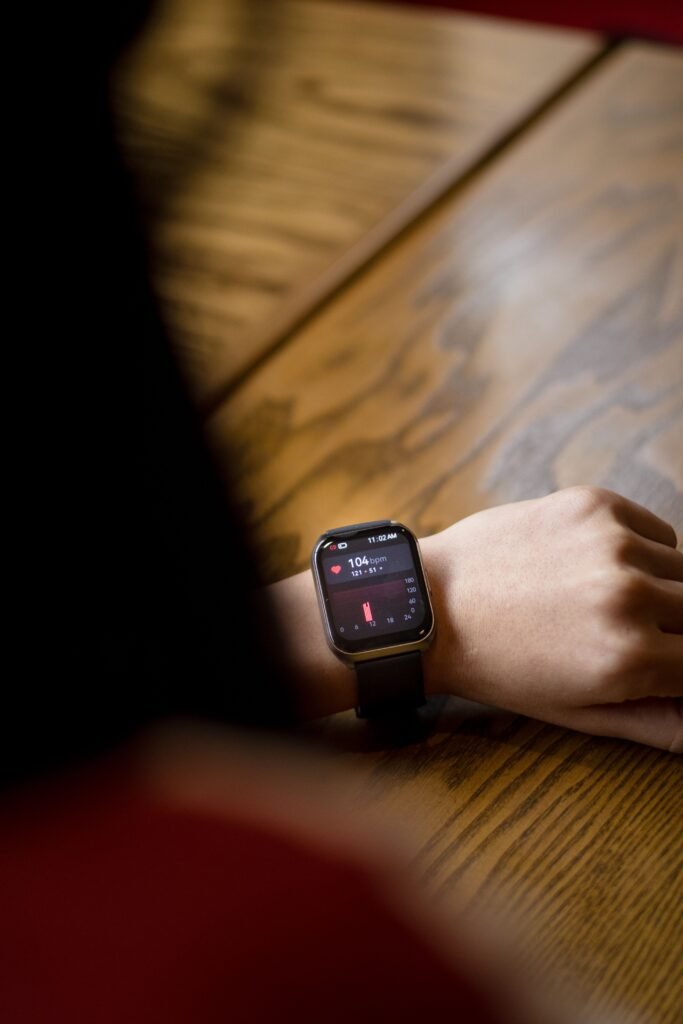
If you live with POTS, you already know the drill. You stand up, your heart takes off, and the room gets a little fuzzy. A wrist that can log that moment sounds like exactly what you need. The catch is that most watches were not built to catch a heart rate spike that lasts a couple of minutes.
This guide to choosing a smartwatch for POTS sticks to what is documented. It covers what the diagnostic numbers actually mean, which watch features help, where built-in alerts fall short, and when a chest strap beats your wrist.
Quick answer
A smartwatch is a good logbook for POTS: it records heart rate all day and night so you can show patterns to your doctor. It cannot diagnose POTS, and the standard high heart rate alerts are a poor fit because they are designed for sustained, inactive spikes. For a standing test, pair a watch with a free stand test app, or use a chest strap for beat-by-beat accuracy.
What POTS Actually Measures
Postural orthostatic tachycardia syndrome, or POTS, is a form of dysautonomia. Dysautonomia International describes the diagnostic standard as a heart rate increase of 30 beats per minute or more within 10 minutes of standing, without a significant drop in blood pressure. For children and adolescents, the bar is higher at 40 bpm. A systolic blood pressure drop of 20 mmHg or more points away from POTS, and POTS has had its own ICD-10 code (G90.A) since October 2022.
Source: Dysautonomia International diagnostic criteria and ICD provider letter.
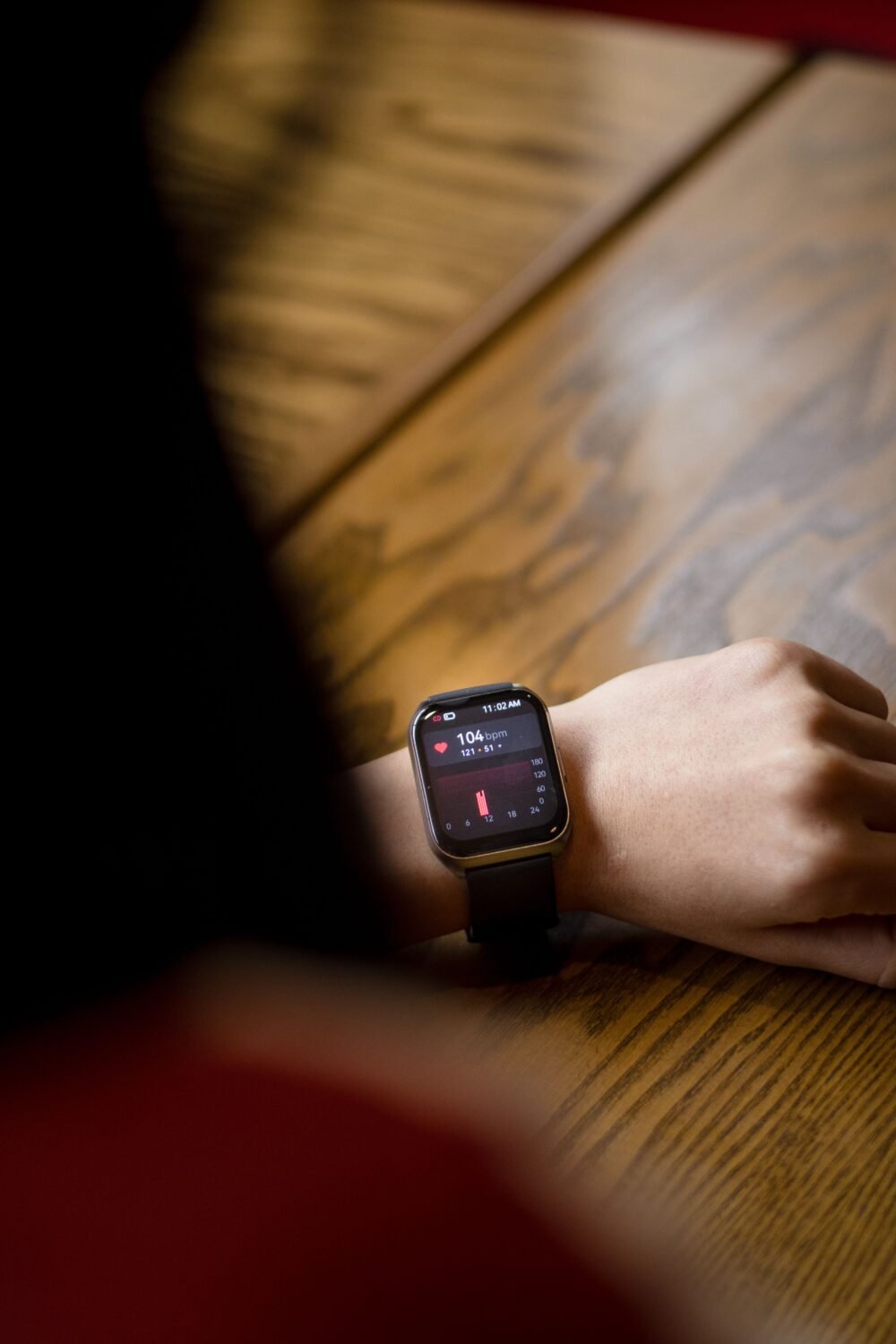
That definition tells you what a watch has to do. It must show your resting heart rate lying down and your heart rate in the minutes after you stand. Anything that averages or delays the number will blur the picture.
What a Smartwatch Can and Cannot Do for POTS
| Feature | Useful for POTS? | Catch |
|---|---|---|
| All-day heart rate log | Yes, shows daily peaks and how you recover | Sampling can be sparse unless you start a workout |
| Resting heart rate and HRV | Helpful for spotting good and bad weeks | Trend data, not a diagnosis |
| High heart rate alert | Limited | Built for sustained spikes while you are inactive |
| Stand test app | Yes, records the change at set intervals | Third party, not clinically validated for diagnosis |
| Sleep tracking | Useful for seeing night time heart rate | Sleep stages are estimates |
Why Built-In Alerts Fall Short
It is tempting to set a high heart rate alert and let the watch warn you. Here is why that rarely works the way POTS patients hope.
- Garmin: The abnormal heart rate alert lets you set a high and a low limit under Notifications and Alerts. Garmin’s manuals say it triggers after a period of inactivity, described as ten minutes in some versions, and warns that it does not detect any heart condition.
- Apple Watch: You set the high heart rate threshold in the Heart settings. One guide gives the adjustable range as 100 to 150 bpm, and users on Apple’s support forum report the alert fires only after the rate stays above the limit for around 10 minutes while inactive. Apple’s own wording on the timing is ambiguous, so treat that as user-reported.
- Standing-specific alerts: An Apple support thread asking for a notification when heart rate jumps on standing was closed without a feature, so there is no confirmed built-in one.
A POTS spike can begin within seconds of standing and settle once you sit, which a ten-minute inactivity rule can miss entirely. Third-party apps try to fill the gap. One Wear OS app, for example, buzzes the watch when the rate rises 20 or more bpm within 30 seconds after fewer than 15 steps. That is a rough heuristic, not the clinical 30 bpm rule.
Which Watch Is Best for POTS?
No peer-reviewed head-to-head test of consumer watches for POTS exists, and most rankings online are affiliate content or community opinion. With that said, here is how the commonly mentioned options line up.
| Option | Best for | Worth knowing |
|---|---|---|
| Apple Watch | iPhone owners who want stand test apps | POTS Buddy records heart rate at 1, 3, 5 and 10 minutes and shows the change |
| Fitbit or Pixel Watch | Simple all-day logging | Often mentioned by POTS communities, though no head-to-head data exists |
| Garmin | Multi-day battery and overnight HRV | Abnormal heart rate alert needs inactivity first |
| Withings ScanWatch Nova | Classic look with high and low alerts | Recommended by one review site, not independently verified |
| Chest strap, such as Polar H10 | Beat-by-beat accuracy during stand tests | Can send data to a watch so you see it on your wrist |
Features change with software updates. Check the manufacturer’s page for your exact model before buying.
The Wrist Accuracy Problem
Optical wrist sensors read blood flow through your skin, so they struggle when your arm moves and when your pulse changes fast. One guide notes that wrist readings can lag by roughly 5 to 15 seconds during a flare, especially if you shift your arm. A study of wrist devices also found considerable variability between individuals in measured heart rate increases. A chest strap reads the electrical signal from your heart, so it keeps up better when your rate jumps. Our look at resting heart rate and smartwatch accuracy explains why still readings are the most dependable.
A watch cannot rule things in or out
A fast heart rate can also come from other causes, including rhythm problems. If you faint, have chest pain, or feel your heart racing out of proportion, get medical help. If you are comparing rhythm features, see our guide to the best smartwatch for AFib.
How to Run a Home Stand Test With a Watch
- Ask your doctor first. Standing tests can cause dizziness or fainting, so do it with someone nearby.
- Lie flat for several minutes. Let your heart rate settle and note the resting number.
- Stand up without moving around. Keep your arm relaxed and still so the sensor can read.
- Record at set intervals. Apps such as POTS Buddy log the rate at 1, 3, 5 and 10 minutes.
- Compare to your baseline. Look at the rise, not just the peak.
- Repeat on several days. Hydration, heat, meals and time of day all change the numbers.
- Bring the log to your clinician. They will decide whether formal testing is needed.
Stress and sleep also shape how you feel on a given day. For that side of the picture, our article on smartwatch stress tracking shows what those scores can and cannot tell you.
Frequently Asked Questions
Can a smartwatch diagnose POTS?
No. Diagnosis needs a proper standing or tilt table assessment interpreted by a clinician. A watch can only record heart rate trends that support the conversation.
Which smartwatch is best for POTS?
There is no proven winner. Apple Watch with a stand test app and Fitbit are the most mentioned by patients. Pick a comfortable watch with reliable all-day heart rate logging, and add a chest strap if you want accurate stand tests.
Can a smartwatch alert me when my heart rate spikes on standing?
Not natively. Built-in high heart rate alerts are designed for sustained, inactive elevations. Third-party apps can approximate a standing alert, but their thresholds are not the clinical rule.
Is a chest strap better than a watch for POTS?
For beat-by-beat accuracy during a stand test, generally yes. Many people use the strap for tests and the watch for all-day logging.
What heart rate rise counts as POTS?
An increase of 30 bpm or more within 10 minutes of standing for adults, or 40 bpm for adolescents, without a significant blood pressure drop.
Final Verdict
The Bottom Line
Treat a smartwatch for POTS as a diary, not a detector. Use it to log heart rate through the day, add a stand test app for structured checks, and consider a chest strap when you need precision. Take the data to your care team and let them make the call.
This article is for general information and is not medical advice. If you faint, have chest pain or severe symptoms, seek emergency care.
Sources and Further Reading
- Dysautonomia International: What is POTS?
- Dysautonomia International: ICD provider letter
- PMC: Review of postural orthostatic tachycardia syndrome
- App Store: POTS Buddy
- My Healthy Apple: High and low heart rate notifications
- Apple Support Communities: Heart rate notification while standing
- Garmin: Setting an abnormal heart rate alert
Featured image: Pexels.
About this article: GeekBlog covers U.S. technology news, AI, phones, smartwatches and gaming. Every story is written and checked under our Editorial Policy. Spotted a mistake or have a story tip? Contact our editors.
