

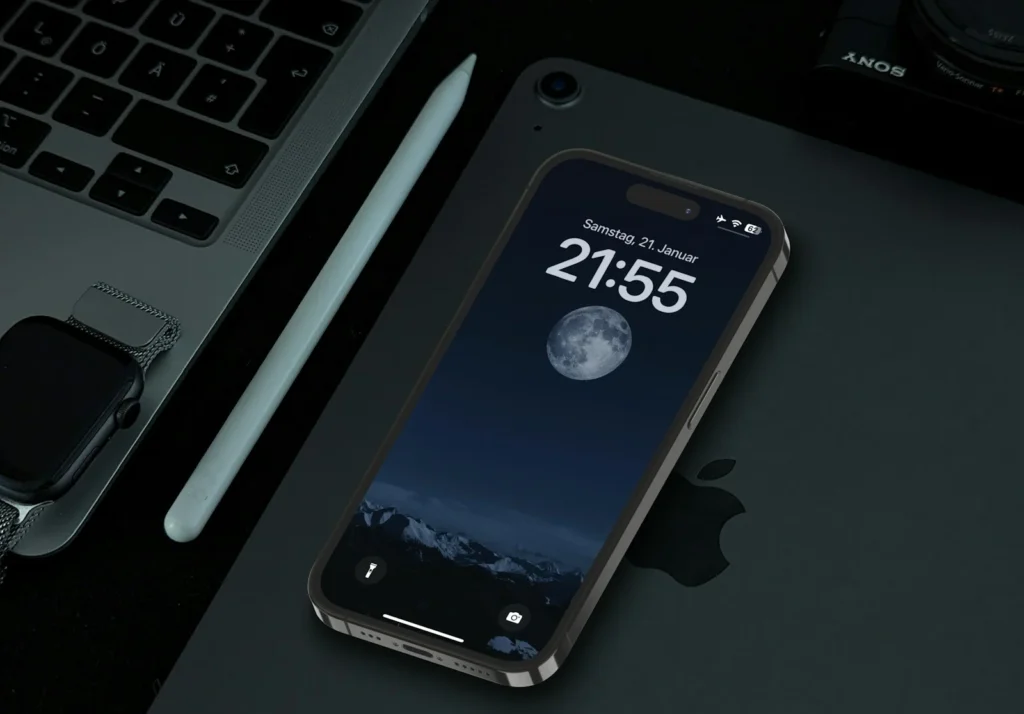
If you miss dragging a volume slider on your iPhone Lock Screen, you can have it back. Apple took the slider out of the Lock Screen music player in iOS 16, then quietly brought it back as an optional setting in iOS 18.2. It is still there in iOS 26, but it is off by default and hidden in Accessibility, which is why so many people never find it. Here is the exact path and a few related volume settings worth knowing.
How to turn on the Lock Screen volume bar
- Open the Settings app.
- Scroll down and tap Accessibility.
- In the Hearing section, tap Audio & Visual.
- Turn on Always Show Volume Control.
- Start playing something, lock your iPhone and wake the screen. The slider sits under the play, pause and skip controls.
To remove it again, go back to the same screen and switch the toggle off. Nothing else changes, and the physical volume buttons keep working exactly as before.
Why the slider disappeared in the first place
When Apple redesigned the Lock Screen in iOS 16, it trimmed the media player to keep it compact. The volume slider was one of the casualties, so the only ways to change volume without unlocking were the side buttons or Control Center. The side buttons move in fixed steps, which is often either a notch too loud or a notch too quiet in a quiet room or on headphones. A slider lets you set the level precisely with one drag, which is the main reason people want it back.
Apple restored the slider in iOS 18.2, but as an Accessibility option rather than the default, and it has stayed that way in iOS 26.
If you cannot find the setting or the slider
- Update your iPhone. The option needs iOS 18.2 or later. Check under Settings, General, Software Update.
- Play some audio first. The slider only shows up inside the Lock Screen media player, so it is invisible when nothing is playing.
- Use Settings search. If your iOS version arranges menus differently, swipe down in Settings and type volume control to jump straight to the toggle. Apple still lists Audio & Visual under Accessibility in its current iPhone guide.
- Check Lock Screen access. If the media player itself does not appear while locked, go to Settings, Face ID & Passcode (or Touch ID & Passcode) and review the options below Allow Access When Locked.
Other iPhone volume settings worth changing
While you are tweaking sound, these settings solve the other common volume complaints. Paths are from Apple’s current iPhone user guide.
| Setting | Where to find it | What it does |
|---|---|---|
| Change with Buttons | Settings, Sounds & Haptics | Turn it off so the side buttons only change media volume, not your ringer and alerts |
| Volume Limit | Settings, Sounds & Haptics, Volume Limit | Caps how loud the built in speaker can get |
| Headphone Safety | Settings, Sounds & Haptics, Headphone Safety | Reduce Loud Audio keeps headphone volume under a level you choose |
| Separate alarm volume | Settings, Sounds & Haptics, turn off Match Ringtone Volume | New in iOS 27: set alarms and timers louder or quieter than your ringtone |
The Change with Buttons setting is especially handy. With it off, pressing the volume buttons when nothing is playing will no longer quietly turn your ringer down, which is a common reason for missed calls.
FAQ
Does the Lock Screen volume slider work with every app?
It appears in the Lock Screen media player, so it works with apps that show their playback there, such as music, podcast and audiobook apps.
Will the slider drain my battery?
No. It is only a control inside the existing media player, and it only appears while audio is playing.
Why do my volume buttons change the ringer instead of my music?
The buttons control media volume only while audio is playing. When nothing plays, they change ringer and alert volume unless you turn off Change with Buttons in Sounds & Haptics.
Can I change the volume with Siri instead?
Yes. Ask Siri something like turn down the volume, and it adjusts the level without you touching the screen.
The verdict
The Lock Screen volume bar never really left, it just moved into Accessibility settings. Turn on Always Show Volume Control under Accessibility, Audio & Visual, and you get precise volume control again without unlocking your iPhone. Pair it with Change with Buttons and a sensible Volume Limit, and the iPhone sound settings finally behave the way most people expect.
Updated October 2026: rewritten for iOS 26 with the current Settings path, troubleshooting steps and related volume settings, including the new iOS 27 alarm volume option.
Featured photo: Vince Picipo on Unsplash.
About this article: GeekBlog covers U.S. technology news, AI, phones, smartwatches and gaming. Every story is written and checked under our Editorial Policy. Spotted a mistake or have a story tip? Contact our editors.
