Close Menu
GeekBlog

    Subscribe to Updates

    Get the latest creative news from FooBar about art, design and business.

    What's Hot

    Telecom Giants Form C2 ISAC to Fight the Next Salt Typhoon

    July 21, 2026

    Which iPhone Has the Best Camera Quality? (2026)

    July 21, 2026

    Windows 11 vs Windows 10: Should You Upgrade?

    July 21, 2026
    Facebook X (Twitter) Instagram Threads
    GeekBlog
    • Home
    • Mobile
    • Tech News
    • Blog
    • How-To Guides
    • AI & Software
    Facebook
    GeekBlog
    Home»Mobile»iOS 26 Features Arrive on Android with Apple Music Update
    Mobile

    iOS 26 Features Arrive on Android with Apple Music Update

    Michael ComaousBy Michael ComaousAugust 5, 20253 Mins Read
    Share Facebook Twitter Pinterest LinkedIn Tumblr Email Copy Link
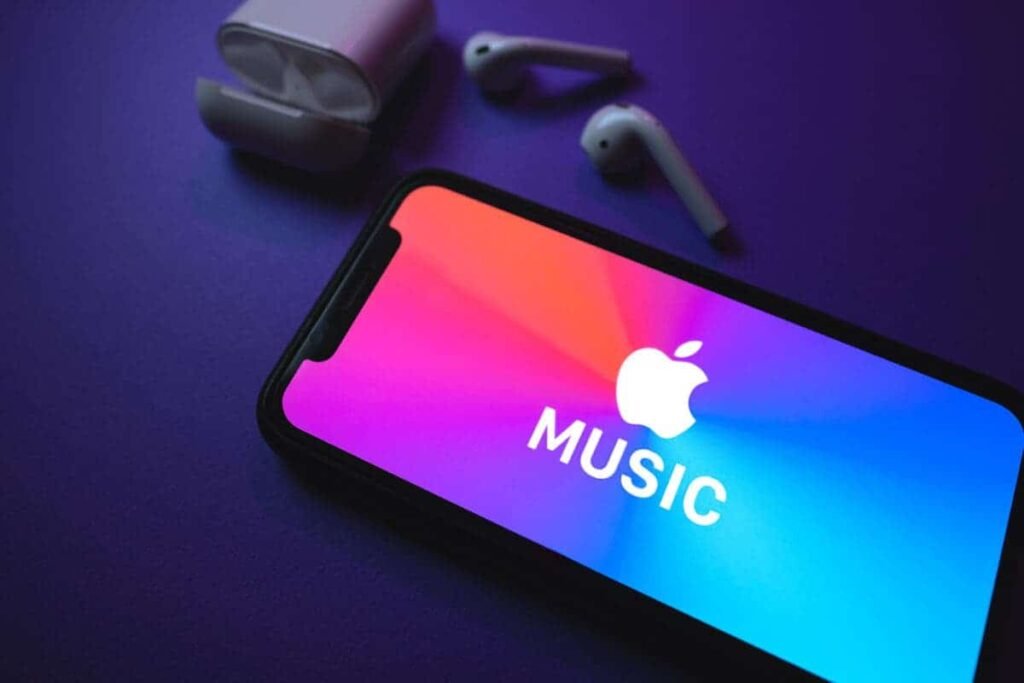
    iOS 26 Features Arrive on Android with Apple Music Update
    Share
    Facebook Twitter LinkedIn Pinterest Email Copy Link

    As we inch closer to the release of iOS 26 this fall, Apple is giving Android users a sneak peek at what’s next for Apple Music. The latest version 5.0.0 beta brings a mix of fresh design touches and useful new features — though not everything made the jump from iOS.

    No Liquid Glass Yet — But Design Tweaks Are Here

    Image Credit: 9to5Google

    Unfortunately, Android users won’t see the Liquid Glass redesign just yet. The app keeps its usual bottom navigation bar and docked Now Playing controls, leaving some cross-platform users hoping for visual parity still waiting. But Apple may bring that unified design later.

    Still, version 5.0.0 makes a few subtle but welcome design adjustments. The app now uses pill-shaped buttons instead of the older rounded rectangles. You’ll spot the change in places like the queue screen, where buttons for shuffle, repeat, and autoplay have been refreshed. The Play and Shuffle buttons on album pages also get the same treatment. However, home screen widgets remain untouched for now.

    Pin Your Favorites to the Top of Your Library

    Apple Music
    Image Credit: 9to5Google

    One of the standout new features lets you pin music to your Library, making it easier to find your favorite content. Whether it’s a song, album, playlist, or artist, you can pin it via the overflow menus scattered throughout the app.

    These pins sync across your Apple devices, though you may need to pin or unpin an item to trigger full sync. Once pinned, you can long-press from the Library tab to remove it or customize the Tap Action — choosing whether to go to album, play, or shuffle.

    There’s also an option to auto-download pinned content, but you can toggle this in Settings if you want to manage storage manually.

    New Features at a Glance

    The updated splash screen also teases a few more additions:

    • Lyrics Translation & Pronunciation: Understand foreign lyrics and sing along confidently.
    • Replay in the App: View your listening stats by month or check your year-end summary, all inside the app.

    Want to Try It Early?

    You can try out the Apple Music 5.0 beta on Android by joining the beta program here (space may be limited). This update shows Apple’s ongoing commitment to Android users — even if iOS still gets the new look first.

    Disclaimer: We may be compensated by some of the companies whose products we talk about, but our articles and reviews are always our honest opinions. For more details, you can check out our editorial guidelines and learn about how we use affiliate links.Follow Gizchina.com on Google News for news and updates in the technology sector.

    Android Apple
    Share. Facebook Twitter Pinterest LinkedIn Tumblr Telegram Email Copy Link
    Previous ArticleI tested 3 text-to-speech AI models to see which is best – hear my results
    Next Article I tested Transmission, a free and easy to use torrent client with massive compatibility
    Michael Comaous
    • Website

    Michael Comaous is a dedicated professional with a passion for technology, innovation, and creative problem-solving. Over the years, he has built experience across multiple industries, combining strategic thinking with hands-on expertise to deliver meaningful results. Michael is known for his curiosity, attention to detail, and ability to explain complex topics in a clear and approachable way. Whether he’s working on new projects, writing, or collaborating with others, he brings energy and a forward-thinking mindset to everything he does.

    Related Posts

    8 Mins Read

    Which iPhone Has the Best Camera Quality? (2026)

    8 Mins Read

    Best iPhone 17 Cases in 2026 (Pro & Pro Max)

    8 Mins Read

    iPhone 17 Pro Charger: Which One You Actually Need

    8 Mins Read

    iPhone 17 Battery Life: Real Numbers vs Apple’s Claims

    8 Mins Read

    Google Pixel 10 Battery: mAh & Real-Life Endurance

    8 Mins Read

    Best AirPods in 2026: Which Pair Should You Buy?

    Top Posts

    Best Stores for Buying MP3 and Digital Music You Can Keep Forever

    August 2, 202575 Views

    Best Free Online Music Apps in 2026

    July 7, 202655 Views

    Every iPhone Camera Ranked in 2026 (Best to Worst)

    July 6, 202646 Views
    Stay In Touch
    • Facebook

    Subscribe to Updates

    Get the latest tech news from FooBar about tech, design and biz.

    Most Popular

    Best Stores for Buying MP3 and Digital Music You Can Keep Forever

    August 2, 2025892 Views

    Discord will require a face scan or ID for full access next month

    February 9, 2026770 Views

    Trade in your old phone and get up to $1,100 off a new iPhone 17 at AT&T – here’s how

    September 10, 2025381 Views
    Our Picks

    Telecom Giants Form C2 ISAC to Fight the Next Salt Typhoon

    July 21, 2026

    Which iPhone Has the Best Camera Quality? (2026)

    July 21, 2026

    Windows 11 vs Windows 10: Should You Upgrade?

    July 21, 2026

    Subscribe to Updates

    Get the latest creative news from FooBar about art, design and business.

    Facebook
    • About Us
    • Contact us
    • Privacy Policy
    • Disclaimer
    • Terms and Conditions
    © 2026 GeekBlog

    Type above and press Enter to search. Press Esc to cancel.