Close Menu
GeekBlog

    Subscribe to Updates

    Get the latest creative news from FooBar about art, design and business.

    What's Hot

    Stop falling for scams when Norton’s antivirus software is 70% off right now

    March 28, 2026

    Acer Promo Codes and Deals: Save 40% on Bundles

    March 28, 2026

    Playing Wolfenstein 3D with one hand in 2026

    March 28, 2026
    Facebook X (Twitter) Instagram Threads
    GeekBlog
    • Home
    • Mobile
    • Tech News
    • Blog
    • How-To Guides
    • AI & Software
    Facebook
    GeekBlog
    Home»Mobile»This Underrated iOS Feature Can Help Extend Your iPhone’s Battery Life
    Mobile

    This Underrated iOS Feature Can Help Extend Your iPhone’s Battery Life

    Michael ComaousBy Michael ComaousAugust 4, 20254 Mins Read
    Share Facebook Twitter Pinterest LinkedIn Tumblr Email Copy Link
    This Underrated iOS Feature Can Help Extend Your iPhone's Battery Life
    Share
    Facebook Twitter LinkedIn Pinterest Email Copy Link


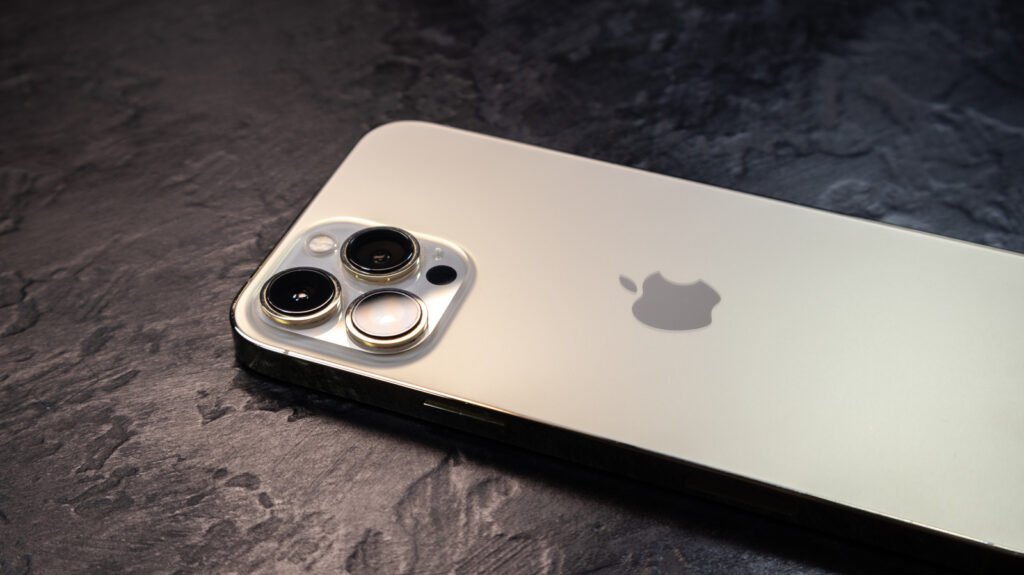
    Vadym Plysiuk/Getty Images

    The iPhone is an incredible smartphone that gets better with each new generation. From improved UI and faster processors to enhanced camera tech, Apple always brings something new and exciting to the table. But when it comes to battery life, the iPhone could use a little help, especially if you’re the type of person who has multiple apps running at the same time. Everything from web browsing to listening to music to calling someone has an impact on your iPhone’s remaining battery, and you’d be surprised just how much power a function as mundane as making a phone call can deplete.

    Fortunately, there’s an underrated iOS feature that can help extend your iPhone’s battery life: Charge Limit. Introduced with the iPhone 15, this lesser-known setting may end up netting you an extra year or two on the total life of your phone battery. That definitely beats having to carry a portable charger everywhere you go or hoping there’s a wall outlet wherever life takes you and your iPhone that day.

    How to use the Charge Limit setting
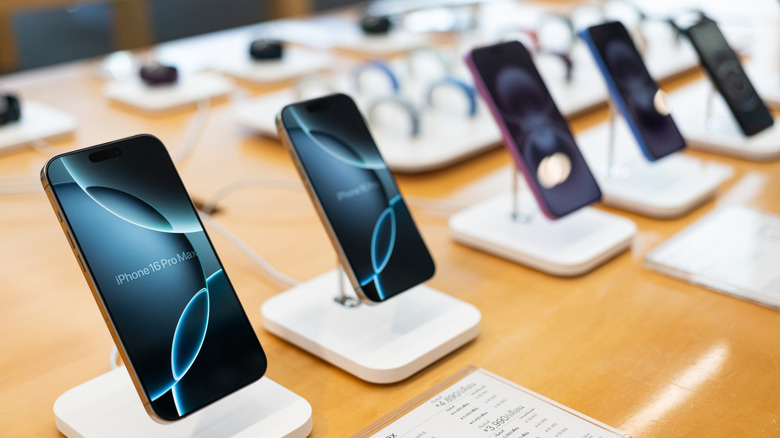

    A row of iPhone 16 models on display at a retail outlet.
    Wongsakorn 2468/Shutterstock

    As mentioned, the Charge Limit setting is only available on iPhone 15 models or later, as part of the iOS 17.0 rollout. (Even if you’re using an older iPhone that’s been upgraded to iOS 17, Charge Limit still won’t be available.) To access this feature, open the Settings app, then tap Battery > Charging. You’ll then be taken to a screen with a Charge Limit slider, which can be adjusted to 80%, 85%, 90%, 95%, or 100%.

    Even switching from 100% to 95% is going to make an impact because of good old-fashioned science. The lithium-ion battery in your iPhone is designed to last longer when it’s not fully charged all the time. The chemicals that make up your phone’s internal power pack have less moving around to do when you set the charge limit to a lower threshold, leading to less degradation over time.

    And capping the charge limit at around 80% is also a great way to cut down on heat generation. This is particularly useful for those of us rocking iPhone cases with minimal heat dissipation, such as a heavy-duty OtterBox products. It’s also helpful if you happen to live in an area that’s prone to hotter temperatures, especially during the spring and summer months.

    More ways to extend your iPhone battery life
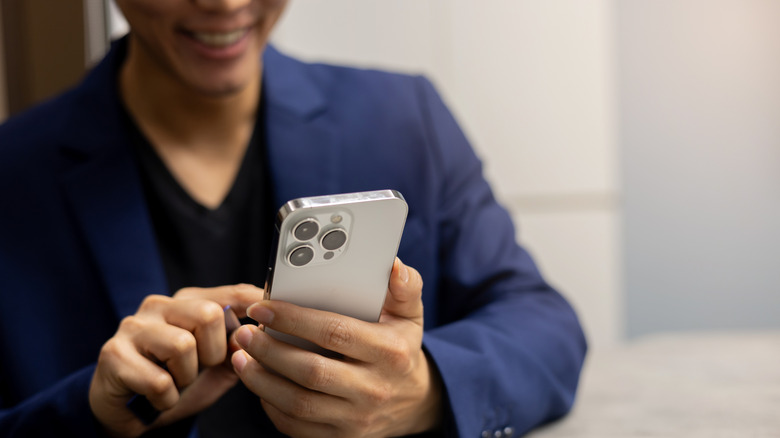

    A man using an iPhone 16.
    chainarong06/Shutterstock

    While the Charge Limit setting is reserved for iPhone 15 or later, there are still a few things you can do with older iPhone models to improve the longevity of the battery. First and foremost, there’s the Optimized Battery Charging setting, which you can access by tapping Settings > Battery > Battery Health & Charging. You can think of this feature as “Charge Limit Lite.” 

    How it works is instead of putting a hard cap at whatever charge level you choose, your iPhone will automatically monitor your daily charging habits so the device won’t charge past 80% until that final 20% is needed. The iOS Battery dashboard also has a Low Power Mode setting that can be toggled on or off. When enabled, your iPhone reduces background activity (e.g., downloads, mail fetch) until your device is fully charged.

    You can try keeping your screen backlight at 70% brightness or less as well, or selecting a faster Auto-Lock duration by tapping Display & Brightness > Auto-Lock. You may also want to turn off Auto-Brightness (Settings > Accessibility > Display & Text Size) to prevent your iPhone’s ambient light sensor from taking over.


    battery Extend feature iOS iPhones Life Underrated
    Share. Facebook Twitter Pinterest LinkedIn Tumblr Telegram Email Copy Link
    Previous ArticleThe uproar over Vogue’s AI-generated ad isn’t just about fashion
    Next Article Too Hot Inside? These Houseplants Actually Help Beat the Heat
    Michael Comaous
    • Website

    Michael Comaous is a dedicated professional with a passion for technology, innovation, and creative problem-solving. Over the years, he has built experience across multiple industries, combining strategic thinking with hands-on expertise to deliver meaningful results. Michael is known for his curiosity, attention to detail, and ability to explain complex topics in a clear and approachable way. Whether he’s working on new projects, writing, or collaborating with others, he brings energy and a forward-thinking mindset to everything he does.

    Related Posts

    2 Mins Read

    Intel and LG Display may have beaten Apple and Qualcomm with the best laptop battery life ever

    3 Mins Read

    Too Many Typos? Update Your iPhone to iOS 26.4 ASAP to Fix Its Broken Keyboard

    2 Mins Read

    LG’s next-gen 120Hz display promises a huge jump in laptop battery life

    3 Mins Read

    Donut Lab’s solid-state battery could barely hold a charge after getting damaged

    2 Mins Read

    Reddit wants to check if you’re using the iPhone’s Face ID camera

    3 Mins Read

    EU rules push Nintendo toward replaceable battery design for Switch 2

    Top Posts

    Discord will require a face scan or ID for full access next month

    February 9, 2026765 Views

    The Mesh Router Placement Strategy That Finally Gave Me Full Home Coverage

    August 4, 2025742 Views

    Trade in your old phone and get up to $1,100 off a new iPhone 17 at AT&T – here’s how

    September 10, 2025323 Views
    Stay In Touch
    • Facebook

    Subscribe to Updates

    Get the latest tech news from FooBar about tech, design and biz.

    Most Popular

    Discord will require a face scan or ID for full access next month

    February 9, 2026765 Views

    The Mesh Router Placement Strategy That Finally Gave Me Full Home Coverage

    August 4, 2025742 Views

    Trade in your old phone and get up to $1,100 off a new iPhone 17 at AT&T – here’s how

    September 10, 2025323 Views
    Our Picks

    Stop falling for scams when Norton’s antivirus software is 70% off right now

    March 28, 2026

    Acer Promo Codes and Deals: Save 40% on Bundles

    March 28, 2026

    Playing Wolfenstein 3D with one hand in 2026

    March 28, 2026

    Subscribe to Updates

    Get the latest creative news from FooBar about art, design and business.

    Facebook
    • About Us
    • Contact us
    • Privacy Policy
    • Disclaimer
    • Terms and Conditions
    © 2026 GeekBlog

    Type above and press Enter to search. Press Esc to cancel.

    Ad Blocker Enabled!
    Ad Blocker Enabled!
    Our website is made possible by displaying online advertisements to our visitors. Please support us by disabling your Ad Blocker.