

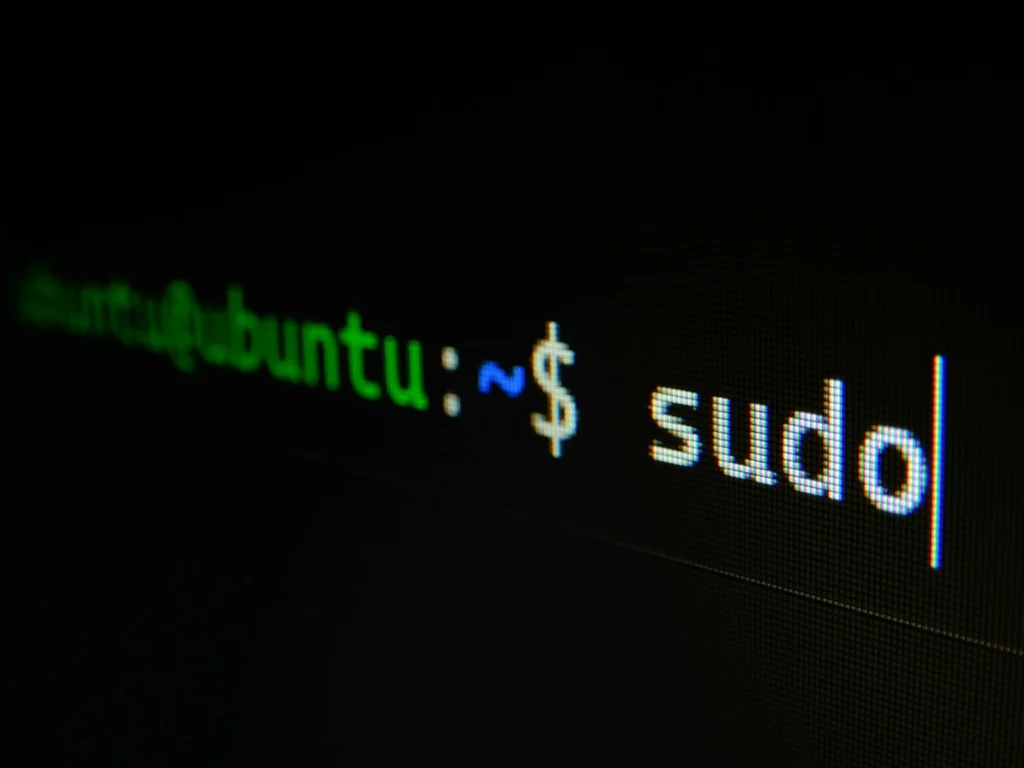
The fastest way to get comfortable with the Linux command line is to use it, and a handful of free games turn that practice into puzzles you actually want to solve. You can play most of them in a browser or a regular terminal, with no account and no cost. Here are five that are still available and free in October 2026, plus two extras, and the order we suggest playing them in.
Why games work for learning Linux
The command line feels intimidating because you face a blinking cursor with no menu. Games fix that by giving every command a purpose. Instead of memorizing what ls or cd does, you use them to find a hidden item or the next level password. You make mistakes in a safe place, you get instant feedback, and the skills transfer directly to a real Linux desktop, a server or a Raspberry Pi.
Browser, total beginners
Your own terminal, beginners
Your own terminal, beginner to intermediate
Browser, intermediate
SSH, beginner to advanced
1. Terminus: a text adventure in your browser
Terminus is a small exploration game hosted on an MIT web page. You wander a fantasy world where every location is a directory and every object is a file. Type ls to look around, cd followed by a place name to walk there, cd .. to go back, less to read or interact with an item and pwd when you get lost. It is the gentlest possible introduction to the shell.
2. bashcrawl: a dungeon crawler made of folders
bashcrawl is a free, open source text adventure licensed under the GPLv3. You download the source code zip from its GitLab releases page, unzip it, open a terminal and change into the folder called entrance. Your first move is cat scroll, and from there the scrolls, monsters and treasure teach you to list, read, move and change permissions on files. Because it runs in your real shell, it builds habits you will use every day. If you do not have Linux handy, the project also offers a temporary online session through mybinder.
3. GameShell: missions inside a real bash session
GameShell was created at Université Savoie Mont Blanc in France to teach students Unix shell basics. It runs inside a genuine bash session and checks your work mission by mission, covering everyday shell tasks step by step. It works on Linux and macOS, needs only bash plus a few common tools, and is available in English, French and Italian. To start, download the gameshell.sh script from the latest release on the project’s GitHub page and run it with bash gameshell.sh. Missions whose required tools are missing are skipped automatically.
4. cmdchallenge: one line puzzles
cmdchallenge gives you a task and a prompt in the browser, and you must solve it with a single shell command. Early challenges are simple, like printing text or showing your current directory, but they quickly move into searching files, counting lines and chaining tools together with pipes. There is nothing to install and no sign up. The site also links two spin off challenge sets, oops and 12days, for when you finish the main list.
5. OverTheWire Bandit: the classic wargame
OverTheWire hosts a set of free wargames, and Bandit is the one made for absolute beginners. Every level is a real Linux account on a remote server. You log in with SSH to bandit.labs.overthewire.org on port 2220, starting with the username and password bandit0, then hunt for the password to the next level using commands, file permissions, compression tools, networking basics and scripting. Bandit teaches you to read manual pages and search for answers, which is the most useful Linux skill of all. When you finish, the site suggests continuing with Leviathan, Natas or Krypton.
Two extras: Linux Journey and Vim Adventures
Linux Journey is not a game, but it is the best free companion to the ones above. Created in 2015 by Cindy Quach, it now lives on the LabEx platform, where the old address redirects. It is still free with no sign up and covers the command line, permissions, processes, the filesystem, booting and networking in short lessons, with browser based labs.
Vim Adventures teaches the Vim text editor through a top down adventure game. The opening part is free to try, but the full game needs a license, currently $35 for six months, or $40 with extra challenges.
FAQ
Do I need to install Linux to play these games?
No. Terminus and cmdchallenge run in a browser, Bandit only needs an SSH client, which macOS and Windows already include, and bashcrawl can run online through mybinder. GameShell also works on macOS.
Which game should a complete beginner start with?
Terminus. It teaches only the handful of commands you need to move and look around, so you build confidence before switching to a real terminal.
Are these games enough to get a Linux job?
They build a solid foundation, especially Bandit, but employers also expect knowledge of package management, services, networking and scripting. Pair the games with Linux Journey and a home lab or virtual machine.
Are all of these really free?
Terminus, bashcrawl, GameShell, cmdchallenge, Bandit and Linux Journey are free. Vim Adventures is the exception, with a paid license for the full game.
The verdict
You can go from never opening a terminal to solving real Linux puzzles without spending a cent. Start with Terminus or bashcrawl, build habits with GameShell, sharpen one liners on cmdchallenge and finish with OverTheWire Bandit. Play a little every day and the command line stops being scary within a few weeks.
Updated October 2026: rewritten with free Linux learning games verified as still available, setup steps for each and a suggested play order.
Featured photo: Gabriel Heinzer on Unsplash.
About this article: GeekBlog covers U.S. technology news, AI, phones, smartwatches and gaming. Every story is written and checked under our Editorial Policy. Spotted a mistake or have a story tip? Contact our editors.
