

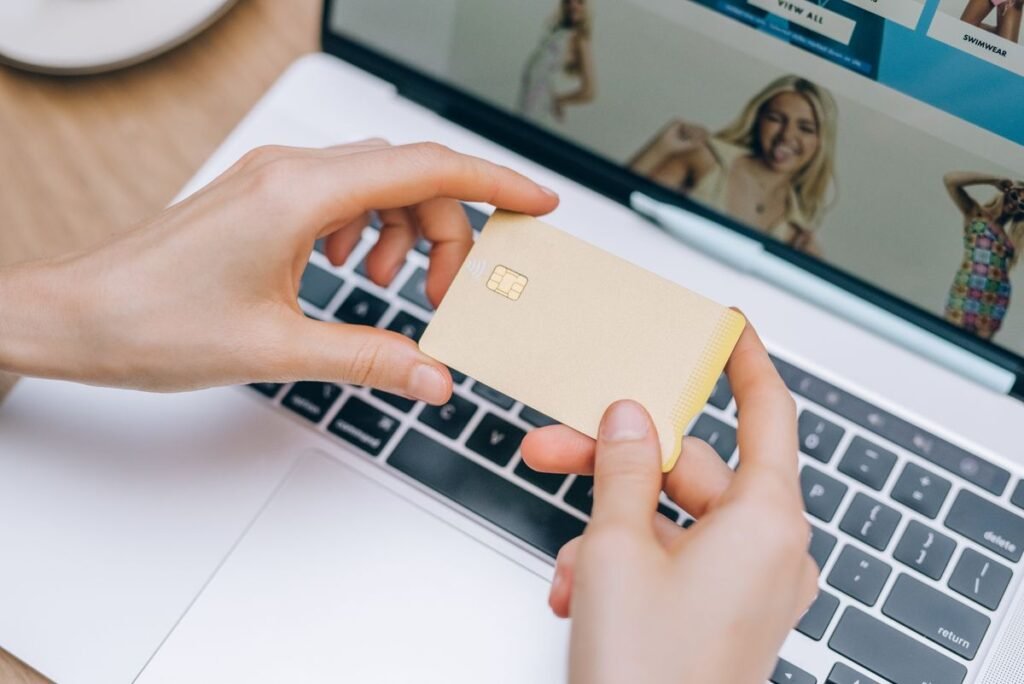
Learning how to shop online safely is one of the most useful digital skills you can pick up in 2026, and it is far simpler than it looks. Whether you are buying groceries, a birthday gift, or a new laptop, the same handful of habits keep your money and personal details protected. Online stores are convenient and often cheaper than the mall, but they also attract scammers who count on shoppers being in a hurry.
This beginner’s guide walks you through the entire process, from choosing a trustworthy website to checking out securely and tracking your delivery. You do not need to be tech-savvy. If you can send an email, you can shop online safely by following the steps and warning signs below.
Why Online Shopping Safety Matters
Online retail keeps growing every year, and so do the tactics criminals use to fool shoppers. Fake storefronts, phishing emails, and copycat websites are designed to look identical to brands you trust. The good news is that these scams rely on you overlooking small details. Once you know what to check, you can spot a fraudulent site in seconds and shop with confidence.
Safe shopping is not about fear. It is about building a few automatic habits, the same way you lock your car without thinking about it. For more everyday tech walkthroughs, browse our how-to guides.
How to Shop Online Safely: Step by Step
- Start at a store you trust. Type the retailer’s address directly into your browser or use its official app instead of clicking links in emails or ads. This avoids look-alike sites.
- Check the web address. Look for “https://” and a padlock icon before the store name. The “s” means your connection is encrypted. Be wary of misspelled domains like “amaz0n.com.”
- Research unfamiliar sellers. Search the store name plus the word “reviews” or “scam.” Check for a physical address, phone number, and a clear return policy. No contact details is a major red flag.
- Create a strong account password. Use a unique password of at least 12 characters, or let a password manager generate one. Turn on two-factor authentication if the store offers it.
- Review your cart carefully. Confirm the item, size, quantity, shipping cost, and final total. Watch for surprise fees or pre-checked add-ons before you continue.
- Pay with a secure method. Choose a credit card or a service like PayPal or Apple Pay. These add a layer of fraud protection between your bank and the seller.
- Save your confirmation. Keep the order number and receipt email until your package arrives and you are happy with it. This is your proof if anything goes wrong.
Signs of a Safe Site vs. a Scam Site
Green flags (safe)
- “https” and a padlock in the address bar
- Clear return, refund, and privacy policies
- Real contact info and customer reviews
- Familiar, correctly spelled web address
- Multiple trusted payment options
Red flags (risky)
- Prices that seem too good to be true
- Requests to pay by wire transfer or gift card
- Spelling errors and broken pages
- No contact details or return policy
- Pressure countdown timers and pop-ups
Choosing a Safe Payment Method
How you pay matters as much as where you shop. Some payment methods make it easy to dispute a charge and get your money back, while others offer little to no protection once the money is gone.
| Payment method | Fraud protection | Best for |
|---|---|---|
| Credit card | Strong (easy chargebacks) | Most online purchases |
| PayPal / digital wallet | Strong (buyer protection) | Unfamiliar or smaller stores |
| Debit card | Weaker (linked to your bank) | Trusted major retailers only |
| Bank wire transfer | None (irreversible) | Avoid for online shopping |
| Gift cards | None (a scam favorite) | Never use to pay a seller |
After You Buy: Protecting Yourself
Your job is not quite done at checkout. Watch your email for a genuine order confirmation, then keep an eye on your card statement over the following weeks. Report any charge you do not recognize to your bank immediately. If a delivery never arrives or an item is not as described, contact the seller first, and if that fails, open a dispute with your card provider or payment service.
Keep your accounts tidy
Delete stored card details from stores you rarely use, and avoid saving your full card number in browser autofill on shared devices. The fewer places your information lives, the smaller your risk if a company is ever breached.
Frequently Asked Questions
Is it safe to save my card details on a shopping website?
On a large, reputable retailer you use often, it is generally low risk and convenient. On smaller or one-time stores, it is safer to re-enter your details each time or use a digital wallet so your card number is not stored.
How can I tell if a website is legitimate?
Check for “https” and a padlock, look for a real address and contact number, read independent reviews, and confirm the web address is spelled correctly. If prices are unbelievably low or the only payment option is a wire transfer or gift card, walk away.
What should I do if I think I have been scammed?
Contact your bank or card provider right away to freeze the card and dispute the charge. Change your account password, and report the scam to your local consumer protection agency, such as the FTC in the United States.
Is a debit card or credit card better for online shopping?
A credit card is safer because fraudulent charges are easier to reverse and the money is not pulled straight from your bank account. A debit card offers weaker protection, so reserve it for large, trusted retailers.
Do I need antivirus software to shop online?
Up-to-date antivirus and a current web browser add a helpful layer of defense against malicious sites, but safe habits matter more. Keep your device and browser updated and you will block most threats automatically.
About this article: GeekBlog covers U.S. technology news, AI, phones, smartwatches and gaming. Every story is written and checked under our Editorial Policy. Spotted a mistake or have a story tip? Contact our editors.
