

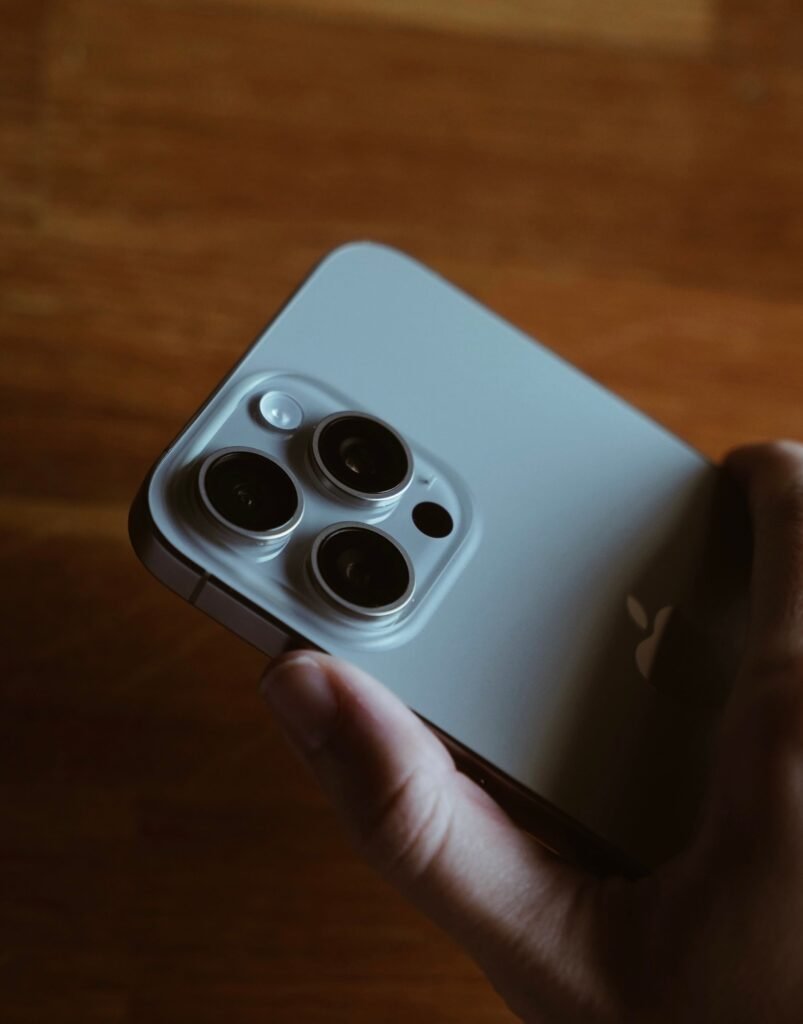
Every September follows the same script. Apple ships a major iOS release, several hundred million people install it within a fortnight, and a slice of them end up on Reddit describing a phone that suddenly feels worse than it did the week before. The complaints are usually vague, usually temporary, and usually forgotten by October.
This year the reports are a little more specific than usual, and that specificity is what makes them worth reading carefully. Across multiple threads, iOS 27 users are describing two separate problems: touchscreens that stop responding for seconds at a time, and animations that stutter when swiping between screens. Those sound like one complaint. They are almost certainly two, and only one of them goes away on its own.
What people are actually reporting
It helps to separate the symptoms before reaching for fixes, because the two groups have different causes and different outlooks.
| Symptom | When it shows up | Likely cause |
|---|---|---|
| Choppy swipe and app switch animations | First hours and days after installing | Background indexing competing for CPU and storage bandwidth |
| Slow app launches, laggy keyboard | First hours and days | Apps recompiling and caches rebuilding after the update |
| Touch stops registering anywhere on screen | Intermittently, including well after the first week | Unclear. Behaves like a software fault rather than load |
| A single app freezes while the rest works | Intermittently | App process hanging, recoverable without a restart |
| Stuttery home screen launch animation | Consistently, on crowded home screens | Icon count on a single page, per user reports |
The last row is the odd one. One Redditor found that trimming the number of app icons on a home screen page smoothed out the launch animation, which is a genuinely strange finding in 2026 and suggests something inefficient in how iOS 27 composites that particular transition. It is also the least satisfying fix on the list, since rearranging your home screen to stop an animation from stuttering is not a solution so much as a concession.
Why a fresh install feels slower than the OS you just replaced
Here is the part that surprises people, including people who have been through a dozen of these updates. When iOS finishes installing and the phone reboots into the new version, the update is not done. It has only stopped showing you a progress bar.
Behind the lock screen, the system starts a queue of catch-up work. Spotlight rebuilds its search index across files, messages, notes and apps. The Photos library gets re-analyzed for faces, objects, scenes and text so that search and Memories keep working. Apps are re-optimized for the new runtime. Caches that were invalidated by the version bump get rebuilt from scratch. None of that is visible, all of it competes for the same processor, storage controller and thermal budget your taps are trying to use.
Two variables decide how long that tail is, and neither is the iOS version. The first is how much data you carry, which mostly means photo count. A 90,000 image library has roughly ten times the analysis work of a 9,000 image one. The second is the age of the silicon doing the analyzing, which is why the same update lands harder on an iPhone that is four years old than on one bought last month.
The part indexing does not explain
All of the above is normal, predictable and self-correcting. The unresponsive touchscreen reports are not.
Users describe taps that register nowhere, across arbitrary parts of the interface, for a few seconds at a time. It is not confined to one app. It is not confined to one gesture. Crucially, several people report it well beyond the window in which indexing should have finished. A phone that is merely busy gets slow. It does not go deaf to input and then recover.
The pattern that emerges from the threads points at software rather than hardware. A restart clears it, at least for a while. That is a meaningful clue, because a genuinely failing digitizer or a damaged display connector does not get better when you reboot. Something in the touch input stack appears to be getting into a bad state and staying there until the process is restarted.
What to try, in the order worth trying it
None of these are guesses. They come from what affected users have reported working, arranged from least disruptive to most.
| Step | What it addresses | Cost to you |
|---|---|---|
| Charge overnight on Wi-Fi, untouched | Lets indexing and photo analysis finish at full speed | None. Do this first. |
| Home screen, then back into the frozen app | Unsticks a single hung app without a reboot | None |
| Restart the phone | Clears touch dropouts, temporarily | A minute, and it may come back |
| Install iOS 27.0.1 if you have not | Fixes the confirmed Wi-Fi, Bluetooth and Face ID bugs | Another short indexing tail |
| Thin out a crowded home screen page | The stuttery app launch animation specifically | Your layout, which is a real cost |
| Reduce Motion in Accessibility | Hides stutter by replacing animations with fades | Masks the symptom rather than fixing it |
Notice what is missing from that list. Resetting all settings, restoring from a backup and doing a clean install are the standard forum advice for anything slow, and none of them are worth the hours they cost while the most likely explanation is a background process that will finish by itself. If a general sluggishness is bothering you, the honest answer is usually that it is the same reason any phone starts lagging all of a sudden, and the honest fix is usually patience plus a charger.
Why the next update will not be the one
The normal expectation after a September release is that the first point update cleans up the mess. That expectation does not hold this year, for a reason that has nothing to do with these bugs.
Apple has already shipped iOS 27.0.1, which arrived two days after the initial release and addressed three specific complaints on the newest hardware: Wi-Fi dropouts on iPhone 18 Pro and Pro Max with Wi-Fi 6E mesh networks, Bluetooth pairing failures with AirPods, and Face ID false rejections. Touch responsiveness and animation smoothness were not part of it.
The version that would normally come next is being held back. Apple has gone straight to seeding iOS 27.2 betas, skipping 27.1 in the developer cycle entirely, because 27.1 is understood to be reserved as the shipping firmware for the iPhone Duo arriving in October. That is standard practice for a device that launches mid-cycle, and it has an awkward side effect: the release train for general bug fixes now runs through iOS 27.2, which is still in beta.
Should you hold off on updating?
If you have not installed iOS 27 yet, the risk calculus is more favorable than the headlines suggest. Nothing reported here is data-destroying, and nothing is permanent. The worst realistic outcome is a couple of days of a phone that feels off, plus a chance of intermittent touch dropouts that a restart resolves.
That said, the case for waiting is stronger for some people than others. An older iPhone with a very large photo library will take the longest to settle, and gets the least benefit from iOS 27’s newest features. If your device is near the bottom of the compatibility list, it is worth reading the argument for which iPhones are better off skipping this update entirely, because performance on ageing silicon is where these releases genuinely hurt rather than merely annoy.
There is also a reason not to rush that has nothing to do with bugs. Several of the marquee iOS 27 features are not actually available on day one, most visibly the rebuilt Siri, which is gated behind a waitlist rather than shipping with the update. Updating urgently to get a feature that is not there yet is a poor trade against two days of stutter.
Frequently asked questions
Why is my iPhone touchscreen unresponsive after iOS 27?
Apple has not explained it, and it does not match the profile of post-update background work. Affected users report taps failing across arbitrary parts of the interface for a few seconds at a time, recoverable with a restart. That behavior points to a fault in the software handling touch input rather than a busy processor or failing hardware.
How long does an iPhone stay slow after a major update?
Usually 24 to 48 hours. Spotlight re-indexing, photo library analysis and app re-optimization all run in the background once the update reboots your phone, and they compete for the same resources your taps need. A large photo library or older hardware can extend it to several days.
Does restarting actually fix it?
For the touch dropouts, yes, at least for a period. Users report the screen becoming responsive again after a reboot, though the problem can return. For general sluggishness in the first two days, a restart does nothing useful and arguably makes it worse by interrupting work that has to be redone.
Will iOS 27.1 fix these problems?
Probably not, because iOS 27.1 is understood to be the build shipping on the iPhone Duo in October rather than a general bug fix release. Apple skipped it in the beta cycle and moved to iOS 27.2, which is where a broad fix would most likely land unless the reports escalate enough to trigger an out-of-band 27.0.x update.
Is reducing the number of home screen icons a real fix?
It is a real workaround for one narrow symptom. Users reported that a crowded home screen page produces a stuttery app launch animation, and thinning that page smooths it. It does nothing for touch dropouts or general slowness, and it is a compromise on how you use your phone rather than a repair.
Should I downgrade back to iOS 26?
Apple usually stops signing the previous version within a couple of weeks of a major release, which closes that door quickly. Even while it is open, a downgrade means a restore from backup, which triggers exactly the same indexing and analysis work that causes the slowness people are trying to escape.
The bottom line
Most of what is being reported about iOS 27 is the annual post-update tax, and it collects itself. Leave the phone charging overnight, let the indexer finish, and the stutter goes with it. That is not a defense of Apple so much as a description of how every large operating system update has worked for a decade.
The touch dropouts are the genuine open question. They do not fit the indexing explanation, they persist for some people past the point where the explanation would apply, and Apple has said nothing. The practical position for now is that a restart buys you time and iOS 27.2 is the realistic destination for a fix. If your screen goes unresponsive in one specific area rather than randomly across the display, stop waiting for a patch and get the hardware looked at, because that is a different problem entirely.
Sources and further reading
- TechRadar: Is your iPhone’s touchscreen sometimes unresponsive after upgrading to iOS 27?
- MacRumors: Here’s why Apple just released an iOS 27.2 beta instead of iOS 27.1
- 9to5Mac: iOS 27.0.1 update likely coming soon for iPhone
- Forbes: Apple explains why every iOS update slows down your iPhone
- Cult of Mac: Apple reveals how to speed up Spotlight indexing
