

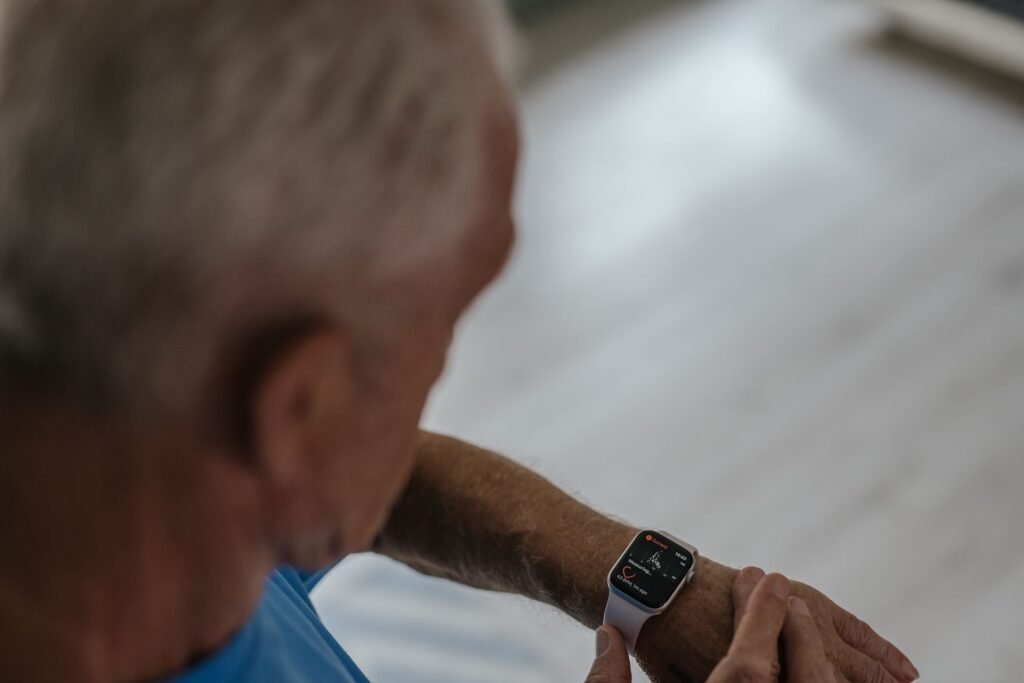
A smartwatch is supposed to save effort. If you live with arthritis, though, tiny buttons, fiddly buckles and swipe-heavy menus can turn it into one more thing that hurts to use. The good news is that some watches are far kinder to stiff, swollen or painful hands than others, and a few features matter much more than the spec sheet suggests.
This guide explains what to look for in the best smartwatch for arthritis, how Apple, Samsung, Google and Garmin handle hand-free control, and what the research says about wearables and flare-ups. We built it from manufacturer support pages, CDC data and published studies rather than a lab test, so treat it as a buying framework and try any watch in person if you can.
Quick answer
Choose the watch that lets you avoid touching it. Apple Watch offers AssistiveTouch hand gestures and Siri, Galaxy Watch has Universal Gestures such as a fist or pinch, and Pixel Watch leans on Google Assistant voice commands. If you prefer real buttons to a touchscreen, Garmin is the safer bet. Whatever you pick, pair it with a stretch or magnetic band so you never have to pinch a clasp.
Why Arthritis Changes How You Should Shop
Arthritis is common, which is why accessibility features are no longer a niche concern. The CDC estimates that about 53.2 million US adults, or 21.2%, had diagnosed arthritis in 2019 to 2021, and adults aged 45 and over made up 88.3% of them. Women and veterans had higher age-standardized rates than men and nonveterans.
With that many people affected, it is worth knowing which features help and which ones quietly make daily life harder.
What to Look For in a Smartwatch When You Have Arthritis
| Feature | Why it helps | What to check |
|---|---|---|
| Stretch or magnetic band | Slides on without pinching a buckle or threading a pin | Fit around your hand, since a stretch band must pass over the knuckles |
| Hand gesture control | Answer calls and navigate without touching the screen | Which gestures are supported and whether you can remap them |
| Voice assistant | Set timers, send texts and start workouts by speaking | How reliably it hears you and whether it needs a wrist raise |
| Physical buttons | Easier than swiping for some people, and they work with wet or gloved hands | Button size and how much pressure they need |
| Large, bright display | Fewer mis-taps and less squinting at small icons | Adjustable text size and bold text options |
| Light case | Less strain on a sore or swollen wrist over a full day | Case weight and strap material |
Apple Watch: AssistiveTouch and Siri
Apple’s AssistiveTouch is built for people who have trouble touching the screen or pressing buttons. It uses the watch’s built-in sensors to read hand gestures, so you can answer calls, move an onscreen pointer and open an action menu. Apple lists activating Siri among the actions, and you can assign a Siri shortcut to a gesture. To turn it on, go to Accessibility, then AssistiveTouch, and enable Hand Gestures. It works on Apple Watch SE and Series 4 and later.
There is a catch. One Apple Watch user with a severe upper-limb disability reported that Double Tap does not activate Siri and that the wrist-raise needed to wake the screen can be impossible for some people. That is a single account rather than an Apple statement, so test the behavior on your current watchOS version before relying on it. Apple also sells stretchy bands such as the Solo Loop, which removes the clasp entirely.
Galaxy Watch: Universal Gestures
Samsung’s answer is Universal Gestures, found under Settings, Accessibility, then Interaction and dexterity. The defaults are Make Fist, Make Fist Twice, Pinch and Double Pinch. Per 9to5Google’s guide, a pinch moves to the next item, a double pinch goes back, a fist acts as a tap and a double fist opens the action menu. You can change each gesture to suit your hand.
Reviewers note two drawbacks. A bright yellow outline appears over interactive elements while the feature is on, and if the watch misses a gesture the display can time out. The Samsung material we found dates from 2023, so menu names may differ on newer software. If a fist is painful, the pinch gestures may be the gentler option, and the reverse can be true if pinching is the problem.
Pixel Watch and Fitbit: Voice First
Google’s watches rely on Google Assistant, which one senior-focused guide credits for making it easier for people with limited mobility to set reminders, send messages or ask questions by voice. Pixel Watch and Fitbit are light, and the interface is simple. The trade-off is that there is no dedicated gesture system comparable to Apple’s or Samsung’s in the sources we reviewed, so voice is the main hands-free route. Prices vary by model, and one review listed the Pixel Watch 4 at $349.99. Check current pricing before you buy.
Garmin: Buttons Over Touchscreens
Many Garmin watches keep physical buttons, which some people with arthritis find more predictable than swiping on glass. The Venu 4 has two buttons, down from three on the Venu 3, so more navigation now happens on the AMOLED touchscreen. It launched at $549.99 in the US. If buttons matter to you, check how many a model has and how stiff they feel before buying. Our guide to the best Garmin smartwatch compares the current lineup and prices.
Control Methods Compared
Best if your fingers hurt
- ✓ Apple Watch with AssistiveTouch
- ✓ Galaxy Watch with Universal Gestures
- ✓ Voice commands on Pixel Watch
- ~ Gestures can misfire, so test first
Best if your wrist hurts
- ✓ Lightweight case and soft band
- ✓ Garmin buttons, no swiping
- ✕ Heavy titanium or rugged cases
- ✕ Tight buckle straps
Can a Smartwatch Help Track Arthritis Itself?
This is where honest caution matters. Several studies link wearable data to flares, but the evidence is early. A 2025 preprint followed 53 people with rheumatoid arthritis wearing Apple Watches, Fitbits or Oura Rings and tracked heart rate, resting heart rate, heart rate variability and steps. A news report on the work said these metrics changed up to four weeks before flares became clinically apparent. The study has not been peer reviewed yet, so it should be read as preliminary.
Step count is the most consistent signal. In a 2020 gout study using Fitbit trackers, mean daily steps were significantly lower during flare weeks than non-flare weeks. Sleep did not differ, and the authors noted that a substantial share of tracker data was missing.
If you want a watch that tracks activity and resting heart rate over weeks, our list of the best smartwatch for health monitoring is a good starting point. Share any trends with your rheumatologist rather than acting on them alone.
How to Set Up Your Watch to Go Easy on Your Hands
- Swap the band first. A stretch, magnetic or hook-and-loop band removes the hardest part of wearing a watch.
- Turn on hand gestures or voice control. Enable AssistiveTouch on Apple Watch or Universal Gestures on Galaxy Watch during setup, not after frustration builds.
- Enlarge the text. Raise the font size and switch on bold text so you can read at a glance without tapping.
- Cut notifications. Fewer alerts mean fewer times you need to dismiss something with a sore finger.
- Use big-target watch faces. Pick a face with large complications so taps land where you mean them to.
Related reading: If you shop for a parent or grandparent, see our best smartwatch for seniors picks for safety features such as fall detection.
Frequently Asked Questions
What is the best smartwatch for arthritis in the hands?
There is no single winner. Apple Watch and Galaxy Watch offer the most developed gesture controls, Pixel Watch is strongest on voice, and Garmin suits people who prefer buttons. The best choice is the one you can operate comfortably without gripping or tapping much.
Can I use a smartwatch with limited finger movement?
Often yes. Gesture and voice features are designed for limited dexterity, but they are not perfect, and gestures can misfire. Try the setup in a store or buy from a retailer with an easy return window.
What type of band is easiest with arthritis?
A stretch band that slides over the hand is widely recommended because there is no clasp to pinch. Magnetic and hook-and-loop bands are other options, as long as the closing action does not need strong grip.
Can a smartwatch predict an arthritis flare?
Not reliably. Early research links lower step counts and changes in heart rate data with flares, but the studies are small and some are not peer reviewed. Use the data as context for your doctor.
Do I need a cellular watch?
Not necessarily. If voice calls from your wrist appeal because holding a phone is painful, a cellular model helps. Otherwise a Bluetooth watch tied to your phone works for most people.
Final Verdict
The Bottom Line
The best smartwatch for arthritis is the one that asks the least of your hands. Apple Watch and Galaxy Watch lead on gesture control, Pixel Watch on voice, and Garmin on buttons. Put on a stretch band, turn on the accessibility features before day one, and treat any flare-tracking claims as a helpful extra rather than a medical tool.
This article is for general information and is not medical advice. Talk to your doctor about managing arthritis. Features and prices change with software updates, so confirm details on the manufacturer’s page before buying.
Featured image: Pexels.
About this article: GeekBlog covers U.S. technology news, AI, phones, smartwatches and gaming. Every story is written and checked under our Editorial Policy. Spotted a mistake or have a story tip? Contact our editors.
