

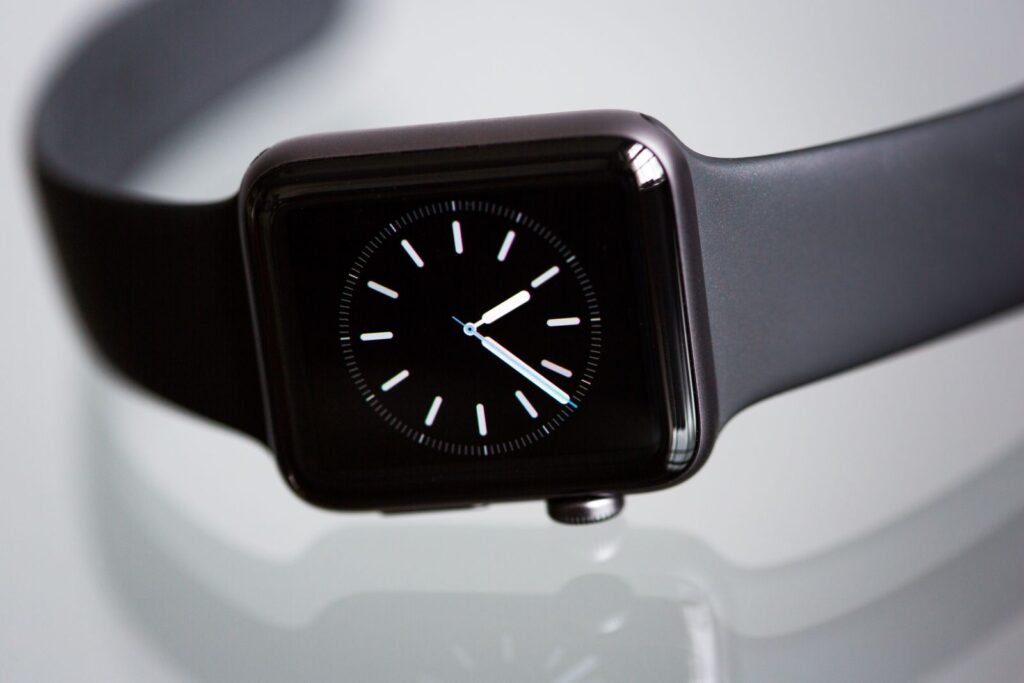
Apple has finally flipped the switch on the two Apple Watch features it showed off in September and then held back. The first watchOS 27.3 developer beta landed on Tuesday, November 3, and it turns on Live Rewind and Siri Recap for the Apple Watch Series 12 and Ultra 4. If you have ever asked someone to repeat themselves and wished your wrist could just replay the sentence, this is the update that tries to do exactly that.
It is also the update that makes the “always listening” debate real. Both tools rely on the Watch microphone running in the background, which is why Bloomberg called the Audio Intelligence package controversial the moment the beta dropped. Here is what actually shipped, what it needs, and what to think about before you opt in.
Quick answer
The watchOS 27.3 beta adds Live Rewind (a text replay of the last 15 seconds of speech, triggered by double pressing the Digital Crown) and Siri Recap (short summaries of your conversations) to Apple Watch Series 12 and Ultra 4. Both need an iPhone 16 or newer with Apple Intelligence, are English only for now, are not available in the EU, and are limited by daily usage caps. The beta is for developers, with no public release date yet.
What Live Rewind Does
Live Rewind is the simpler of the two features, and probably the one most people will actually use. After you opt in through a settings toggle, you double press the Digital Crown and the Watch shows a text snippet of the previous 15 seconds of speech. Think of it as a captioned instant replay for real life: a missed street name, a number someone rattled off, a sentence lost to a noisy cafe.
Apple built in a small accountability detail. Activating Live Rewind plays a chime through the Watch speaker, even in silent mode or with headphones connected, so the people around you get a clue that transcription is happening. Reports differ on how long unwanted snippets hang around. One outlet says they disappear after about 30 seconds if you do not save them, but Apple has not spelled that out in the coverage we could find, so treat that number as unconfirmed until the final release notes arrive.
What Siri Recap Does
Siri Recap works on a longer timescale. Instead of a replay, it produces high-level summaries of conversations, and those summaries show up in the Siri app. They are summaries, not word-for-word transcripts, and Apple says they will not surface sensitive information such as financial details. Like Live Rewind, Siri Recap is subject to daily usage limits, so it is not an unlimited note taker. Apple has not published the exact cap in the coverage so far.
Simplified from Apple’s beta description as reported by iClarified and Engadget.
What You Need to Try It
The hardware list is short and strict. You need an Apple Watch Series 12 or Ultra 4, and you need to pair it with a supported iPhone 16 or later with Apple Intelligence and Siri AI turned on. The iPhone 16e is excluded. We covered this pairing rule when the watches launched, and it is the same wall we described in our look at why Audio Intelligence needs an iPhone 16 or newer, so nothing here should surprise existing owners.
| Requirement | Live Rewind | Siri Recap |
|---|---|---|
| Apple Watch | Series 12 or Ultra 4 | Series 12 or Ultra 4 |
| iPhone | iPhone 16 or newer (not 16e) | iPhone 16 or newer (not 16e) |
| Language | English | English |
| Region | Not in the EU | Not in the EU |
| Output | Text of the last 15 seconds | Short conversation summaries |
| Limits | Daily usage limits | Daily usage limits |
Compiled from beta coverage by Engadget, iClarified and iDropNews. Details may change before the public release.
The Privacy Question
Here is where reporting needs care. According to iClarified, the first Live Rewind snippet is generated on the Watch and its paired iPhone. It only goes to Apple’s Private Cloud Compute if you save it or ask Siri about it. Siri Recap works differently: it sends a condensed version of the conversation text, not the raw audio, to Private Cloud Compute to generate the summary. One outlet described both tools as fully on-device, which does not match the more detailed accounts, so the safer reading is that some text does leave your devices for the cloud step, in Apple’s privacy-hardened environment.
There is a second privacy issue that has nothing to do with Apple’s servers. These features transcribe other people, not just you. The chime helps, but if you plan to use Siri Recap in meetings or at family gatherings, a quick heads up to the people around you is the decent thing to do. Rules on recording conversations vary by place, so check yours before you rely on it for anything important.
Who Will Actually Benefit
- People who are hard of hearing. A tap-to-replay caption on the wrist is a real accessibility upgrade. Our guide to smartwatches for deaf and hard of hearing users covers the wider options if you are comparing platforms.
- Anyone in noisy places. Cafes, trains and open offices are where a 15 second replay earns its keep.
- Busy professionals. Siri Recap could turn a day of hallway chats into a handful of lines, as long as the summaries are accurate.
- Not for you yet: owners of Series 11 or older, anyone on an iPhone 15 or the 16e, and anyone in the EU.
Should You Install the Beta?
Probably not on your daily Watch. Developer betas can be rough, and a Watch that misses a heart rate alert or drops a workout is a poor trade for a feature still marked beta. If you do want to try it, use a secondary device or wait for the public beta. The two features are expected to ride the normal 27.3 release cycle, though Apple has not given a date. If you want the hardware context first, our Series 12 and Ultra 4 review roundup explains what else the S11 generation changed.
Frequently Asked Questions
How do I use Live Rewind on Apple Watch?
Turn it on in settings, then double press the Digital Crown. The Watch plays a chime and shows a text snippet of roughly the last 15 seconds of speech.
Does Siri Recap send my audio to the cloud?
Per the beta coverage, no raw audio is sent. A condensed version of the conversation text goes to Private Cloud Compute to produce the summary.
Will it work on Apple Watch Series 11 or older?
No. Both features are limited to Series 12 and Ultra 4, and nothing suggests a backport.
When will the public get it?
Apple has not announced a date. The first watchOS 27.3 beta went to developers on November 3, so expect more betas before a public release.
The Bottom Line
Live Rewind and Siri Recap are the first features that make the Series 12 and Ultra 4 feel meaningfully different from last year’s watches in daily use. They are also the most privacy sensitive thing Apple has put on a wrist. The trade is clear: convenience in exchange for a microphone that is ready when you ask. Whether that feels worth it will depend on how much you trust the on-device and Private Cloud Compute promises once the final version ships.
Sources and further reading
- Engadget: watchOS 27 beta enables Siri Recap and Live Rewind
- iClarified: Apple Watch gets Live Rewind and Siri Recap in watchOS 27.3 beta
- iDropNews: watchOS 27.3 beta adds Siri Recap and Live Rewind
- Forbes: Apple’s always-on Audio Intelligence features are now in beta
About this article: GeekBlog covers U.S. technology news, AI, phones, smartwatches and gaming. Every story is written and checked under our Editorial Policy. Spotted a mistake or have a story tip? Contact our editors.
