

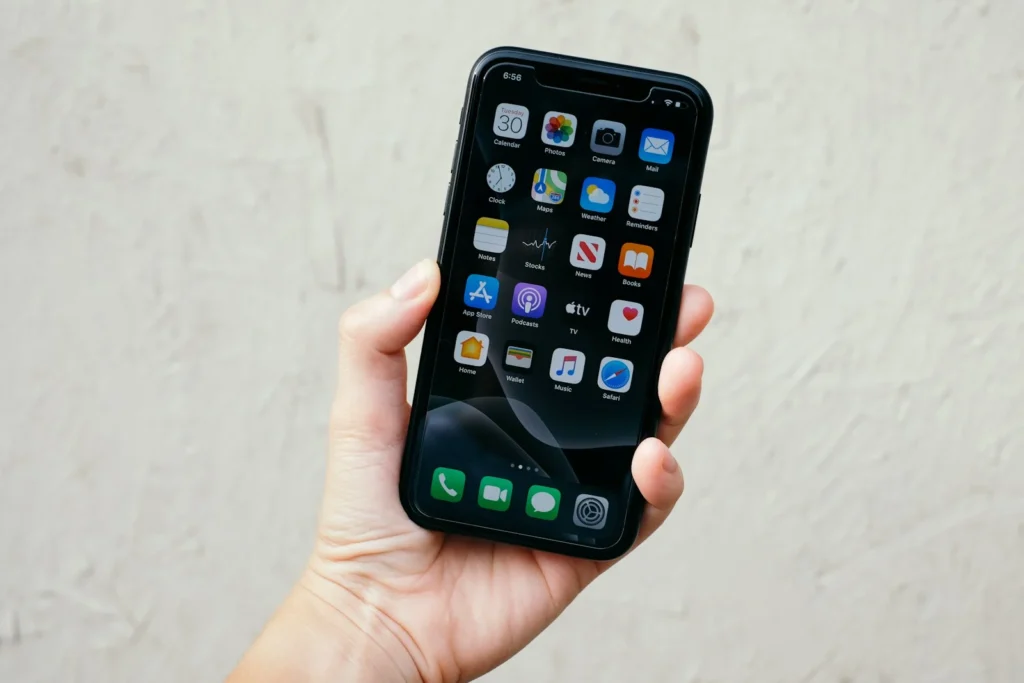
A new iPhone already does a lot on its own, but a handful of free apps fill the gaps Apple leaves open. The best first installs protect your accounts, help you get around, keep your photos safe and make everyday tasks easier. Below are ten apps worth downloading on day one, grouped by what you need, all available in the US App Store as of October 2026.
Security first: lock down your accounts
Before you sign into anything else, set up how you will store passwords and verification codes. It takes ten minutes and saves hours of trouble later.
Bitwarden
Bitwarden is a free, open source password manager with an end to end encrypted vault. The free plan stores unlimited passwords and passkeys on unlimited devices, which is unusually generous. It generates strong unique passwords, autofills logins in Safari and apps, and works on Windows, Android and Mac too, so you are not locked into Apple. A low cost Premium plan adds extras such as advanced two factor options and vault health reports.
Google Authenticator
Text message codes can be intercepted or stolen through SIM swaps, so an authenticator app is a safer second factor. Google Authenticator creates time based codes, works offline, and can sync your codes to your Google account so a lost phone does not lock you out. Microsoft Authenticator is a good alternative if you live in the Microsoft world.
Proton VPN
A VPN is useful on hotel, airport and coffee shop WiFi. Proton VPN is one of the few with a genuinely free plan: unlimited data, no speed caps and a strict no logs policy. Free users are connected to the fastest available server automatically, while paid plans let you choose countries and add more features.
Getting around: maps and navigation
Google Maps
Apple Maps has improved a lot, but Google Maps still has the deepest business listings, reviews, photos and transit data in many places. Download offline maps of your area or travel destinations so directions keep working without a signal. You can also share your live location with family for a set time.
Waze
For daily driving, Waze shines thanks to real time reports from other drivers about crashes, hazards, slowdowns and police. It works with CarPlay and often finds a faster route around sudden traffic.
Staying in touch
Signal
Signal is the privacy pick for messaging. Texts, voice notes, files and voice or video calls are end to end encrypted by default, the app is run by a nonprofit, and it works the same on iPhone and Android. Group calls support up to 50 people.
If you have friends, family or coworkers abroad, you will almost certainly need WhatsApp. It offers free encrypted chats and calls over WiFi or mobile data and is the easiest way to message people who do not have an iPhone without losing features like high quality media and group chats.
Photos, tasks and everyday life
Google Photos
The free iCloud tier gives you just 5 GB, which a modern iPhone camera fills quickly. Google Photos backs up your library to your Google account, where you get 15 GB of free storage shared with Gmail and Drive. Its search can find pictures by people, places and objects, and having a second backup outside iCloud is smart insurance.
Todoist
Apple Reminders handles simple lists, but Todoist is better for juggling work and personal tasks. You can type tasks in plain language such as pay rent every 1st and it sets the date and repeat for you. The free plan covers most personal use, and it syncs across iPhone, Mac, Windows, Android and the web.
Libby
Libby connects to your local public library. Sign in with your library card and you can borrow ebooks, audiobooks and magazines for free, download them for offline use, and listen through CarPlay. In the US you can also send many ebooks to a Kindle.
All ten at a glance
| App | Need | Price |
|---|---|---|
| Bitwarden | Passwords | Free, optional Premium |
| Google Authenticator | Two factor codes | Free |
| Proton VPN | Public WiFi safety | Free, optional paid plans |
| Google Maps | Navigation and places | Free |
| Waze | Driving and traffic | Free |
| Signal | Private messaging | Free |
| Chatting across platforms | Free | |
| Google Photos | Photo backup | Free 15 GB shared |
| Todoist | Tasks | Free, optional Pro |
| Libby | Free books | Free with library card |
FAQ
Do I really need a password manager if I have iCloud Keychain?
Not necessarily. Apple’s Passwords app is good if you only use Apple devices. A cross platform manager like Bitwarden makes more sense if you also use Windows or Android.
Are free VPNs safe?
Many are not, because they make money from your data. Proton VPN is an exception with a published no logs policy and a free tier funded by paying users.
Should I delete Apple’s built in apps?
No need. Apps like Maps and Reminders take little space and stay useful. Simply move the replacements to your home screen and set your preferred defaults where iOS allows it.
The verdict
If you install only two apps on a new iPhone, make them a password manager and an authenticator, because account security is the hardest thing to fix after the fact. Add Google Maps and Google Photos next, then pick messaging, task and reading apps that match how you live.
Updated October 2026: rewritten with ten first install iPhone apps grouped by need, each confirmed as available and free to download in the US App Store.
Featured photo: Fujiphilm on Unsplash.
About this article: GeekBlog covers U.S. technology news, AI, phones, smartwatches and gaming. Every story is written and checked under our Editorial Policy. Spotted a mistake or have a story tip? Contact our editors.
