

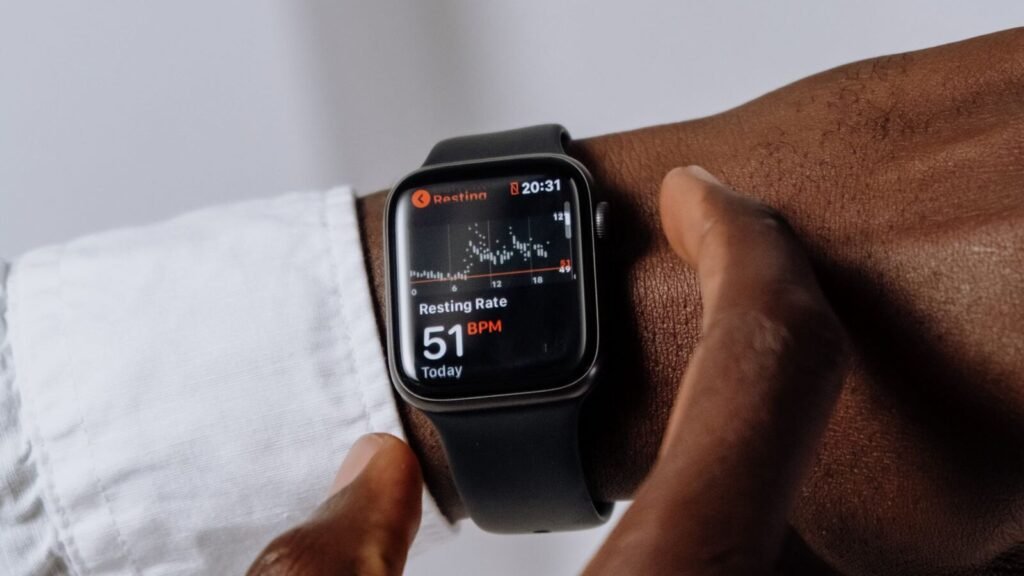
Take off your smartwatch band right now and look at the inside of it. If it has been more than a week since you last washed it, there is a good chance you would rather not know what is living in there. Researchers at Florida Atlantic University swabbed the wristbands of gym-goers and found that 95 percent carried bacteria capable of causing infection, including Staphylococcus, E. coli, and Pseudomonas species. Your watch does not care. Your skin does.
The good news is that cleaning a smartwatch band properly takes about five minutes and does not require anything exotic. The bad news is that the wrong method, dish soap left to dry on leather, rubbing alcohol on a silicone band, or a quick trip through the washing machine, can crack a band, cloud a display, or strip a watch’s water resistance. This guide walks through how to clean a smartwatch by material, how often to actually do it, and what to avoid no matter which brand is on your wrist.
Quick answer
Power off the watch and remove the band. Rinse silicone or fluoroelastomer bands under lukewarm water with a drop of mild soap and a soft toothbrush. Wipe leather with a barely damp cloth only, never soap and water. Wipe metal links with a dry or slightly damp microfiber cloth. Clean the case and screen with a dry microfiber cloth first, dampening it only for stubborn grime, and keep moisture away from ports, buttons, and the speaker grille. Let everything air dry completely before putting the band back on.
Why Cleaning Your Smartwatch Actually Matters
A smartwatch band sits against warm, slightly damp skin for most of the day, which is close to ideal conditions for bacteria to multiply. Dermatologists say a lot of what looks like an allergic reaction to a watch band is actually contact dermatitis: redness, itching, and small bumps caused by trapped sweat, dead skin cells, and bacterial buildup rather than a true material allergy. Sweat gets sealed between the band and your wrist during a workout, and if the band never fully dries before you put it back on the next day, that moist environment just keeps feeding whatever is already growing there.
The same body of research pointed to rubber and plastic as the more problematic materials, since metals such as silver, titanium, and stainless steel have some natural antimicrobial properties that slow bacterial growth on contact. That does not mean a metal band never needs cleaning, but it does explain why the silicone Sport Band or the generic rubber strap that came with a budget Android watch tends to smell first.
How Often You Should Clean a Smartwatch Band
There is no single rule that fits everyone, since how often a band needs washing depends far more on what you do while wearing it than on the brand or price of the watch itself.
| How You Wear It | Cleaning Frequency | Why |
|---|---|---|
| Everyday, mostly office or casual wear | Once a week | Skin oils and dust still build up slowly even without heavy sweating |
| Daily workouts or a physically active job | Rinse after every session, deep clean weekly | Sweat and salt residue accelerate bacterial growth and can irritate skin |
| Hot or humid climate | Twice a week | Moisture never fully evaporates between wears |
| Swimming, surfing, or ocean workouts | Rinse in fresh water immediately after | Salt and chlorine degrade silicone and corrode metal over time |
How to Clean a Smartwatch Band by Material
Silicone, Rubber, and Fluoroelastomer Bands
This covers the Sport Band and Solo Loop on Apple Watch, the Ocean Band on Ultra models, and most of the rubber straps that ship with Android and Wear OS watches by default. Apple’s redesigned Ultra 4, which added a dedicated blood pressure sensor to the case back this year, still uses the same fluoroelastomer Ocean Band as its predecessor, so these steps apply there too.
- Detach the band from the watch case.
- Rinse it under lukewarm running water to loosen surface dirt.
- Mix a small amount of mild soap, hand soap or a gentle dish soap, into a bowl of water.
- Scrub the band gently with a soft-bristled toothbrush, paying extra attention to the grooves on the underside where grime collects.
- Rinse thoroughly under running water until no soap residue remains.
- Lay it flat on a towel and let it air dry completely, ideally for a few hours, before reattaching it.
Leather Bands
Leather does not tolerate soap and water the way silicone does. Wipe it with a soft cloth that has been very lightly dampened, then dry it immediately with a separate dry cloth. For a deeper clean or to prevent cracking over time, use a cleaner and conditioner made specifically for leather rather than an all-purpose cleaning product. Take the band off before workouts, showers, or anything that involves heavy sweating, since trapped moisture is what causes leather to stiffen, crack, or develop an odor that will not come out.
Metal Bands
Stainless steel, titanium, and Milanese-style mesh bands are the most forgiving material to clean and, per the research above, the least hospitable to bacteria in the first place. A dry or slightly damp microfiber cloth handles daily wipe-downs. For the links and mesh weave, where skin oil and dust tend to collect, use the same mild soap and soft toothbrush approach described for silicone bands, then dry the band thoroughly. Leaving moisture sitting in the links is the main way a metal band develops tarnish or, on lower-grade alloys, minor corrosion over time.
Fabric, Nylon, and Woven Bands
Sport Loop style woven bands and nylon straps can usually be hand washed with a small amount of gentle detergent in cool water. Work the detergent through the fabric with your fingers rather than a brush, since scrubbing can fray the weave. Rinse until the water runs clear, then press out excess water with a towel and lay the band flat to dry. Avoid wringing it, and avoid a washing machine or dryer, both of which can distort the weave or damage the clasp hardware.
Cleaning the Watch Case, Screen, and Sensors
Turn the watch off before cleaning it, both to avoid accidental touches and to actually see the smudges and grime you are trying to remove. Start with a dry, lint-free microfiber cloth to lift dust and fingerprints from the screen and case without scratching the display. If that is not enough, lightly dampen the cloth with water, or a mild soap and water solution for the case back, and wipe again. Keep moisture away from the speaker grille, microphone, buttons, and charging contacts on the back of the case.
Not every smartwatch is rated for the same kind of water exposure, so it is worth checking your specific model’s IP68 or ATM water resistance rating before you rinse the case itself, rather than just the band, under running water. A watch rated for swimming will handle a quick rinse without issue. One rated only for splash resistance should stick to a damp cloth.
What to avoid
- Bleach, hydrogen peroxide, or household cleaning sprays on any part of the watch
- Rubbing alcohol on leather, since it dries out and cracks the material
- Washing machines, dryers, or dishwashers for any band material
- Compressed air blasted directly into the speaker or microphone grille
- Submerging a watch that is not rated for that level of water resistance
Does a Dirty Band Throw Off Your Health Data?
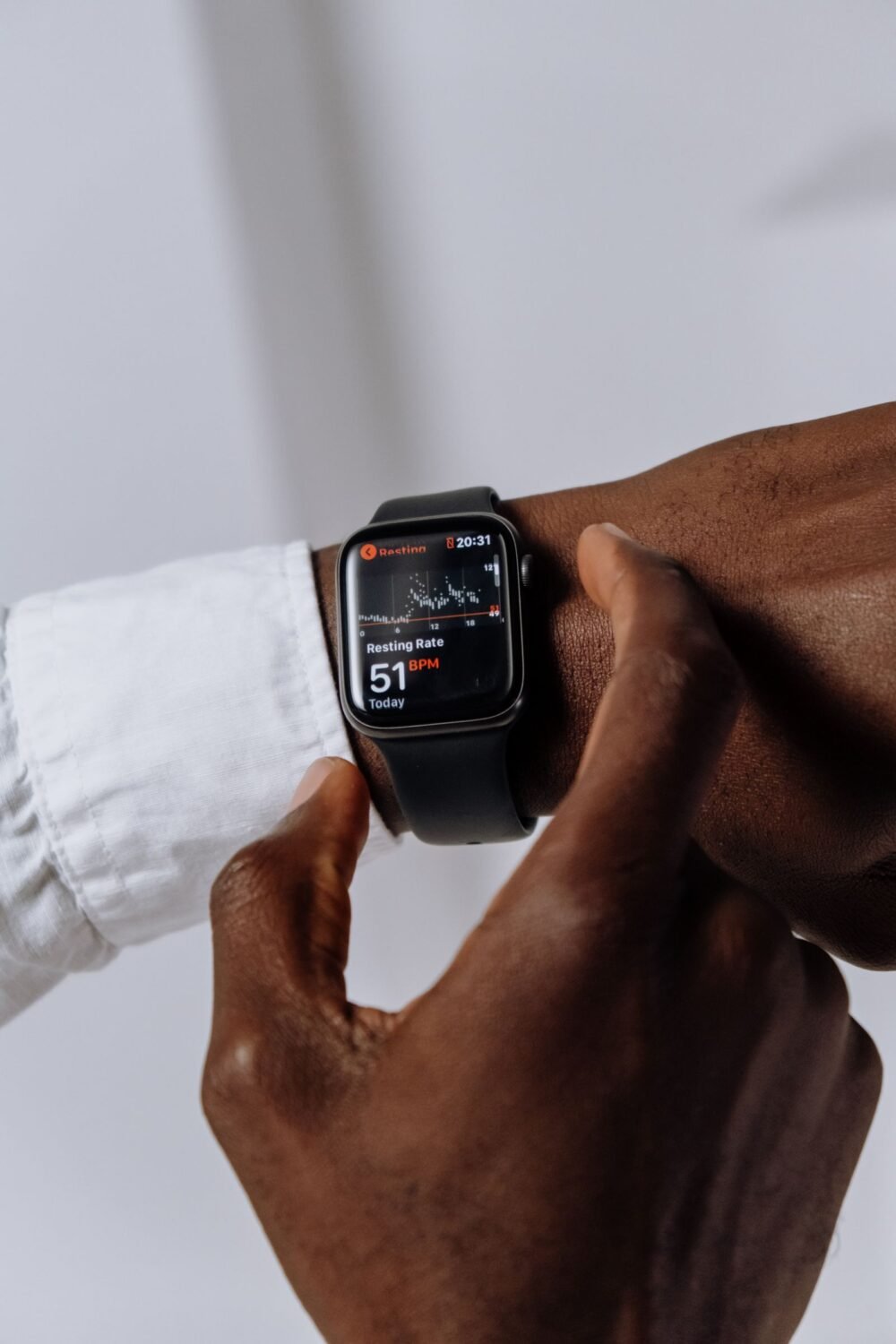
It can, in a small but real way. The optical heart rate sensor on the back of most smartwatches works by shining light into your skin and measuring how it scatters as blood flows underneath. A layer of dried sweat, lotion, sunscreen, or grime between the sensor and your wrist can scatter that light differently and introduce noise into the reading, especially during workouts when a snug, clean fit matters most. It is a minor factor next to fit and wrist position, but it is one more reason to keep the band and the sensor window on the case back clean, particularly if you pay close attention to a metric like your resting heart rate as a daily trend.
Frequently Asked Questions
Can I use alcohol wipes on my smartwatch?
A wipe with roughly 70 percent isopropyl alcohol is generally fine, and even recommended by some manufacturers, for occasional disinfecting of the case and a silicone or metal band. Skip it on leather, where alcohol dries out the material and speeds up cracking, and avoid soaking any band in alcohol rather than a quick wipe.
Can I put my smartwatch band in the washing machine?
No. Even a gentle cycle is too rough for most band materials and hardware, and the agitation can damage clasps, buckles, and stitching. Hand washing with mild soap takes only a couple of minutes and is safe for silicone, fabric, and metal bands.
How do I get rid of the smell in my silicone band?
Odor usually means bacteria have built up in the grooves on the underside of the band. A thorough scrub with mild soap and a soft toothbrush, followed by a full air dry, clears up most cases. If the smell keeps coming back within a day or two of cleaning, the band has likely absorbed it permanently and is worth replacing, since silicone is porous enough that heavy, long-term buildup does not always fully reverse.
Will cleaning my watch void the warranty?
Normal cleaning with a damp cloth or mild soap, done with the watch powered off and away from ports, will not void a manufacturer’s warranty. What can void it is water damage from exceeding a watch’s specific water resistance rating, so that rating, not the act of cleaning itself, is the thing to pay attention to.
The Bottom Line
Cleaning a smartwatch is a five-minute habit, not a project, and the material of your band is really the only thing that determines the method. Silicone and rubber can take a real scrub with soap and water. Leather wants a barely damp cloth and nothing more. Metal is the most forgiving of all of them. Build it into the same weekly routine as charging the watch overnight, and you will avoid the skin irritation, odor, and premature wear that come from ignoring it, all without risking the water resistance or the sensors that make the watch worth wearing in the first place.
