

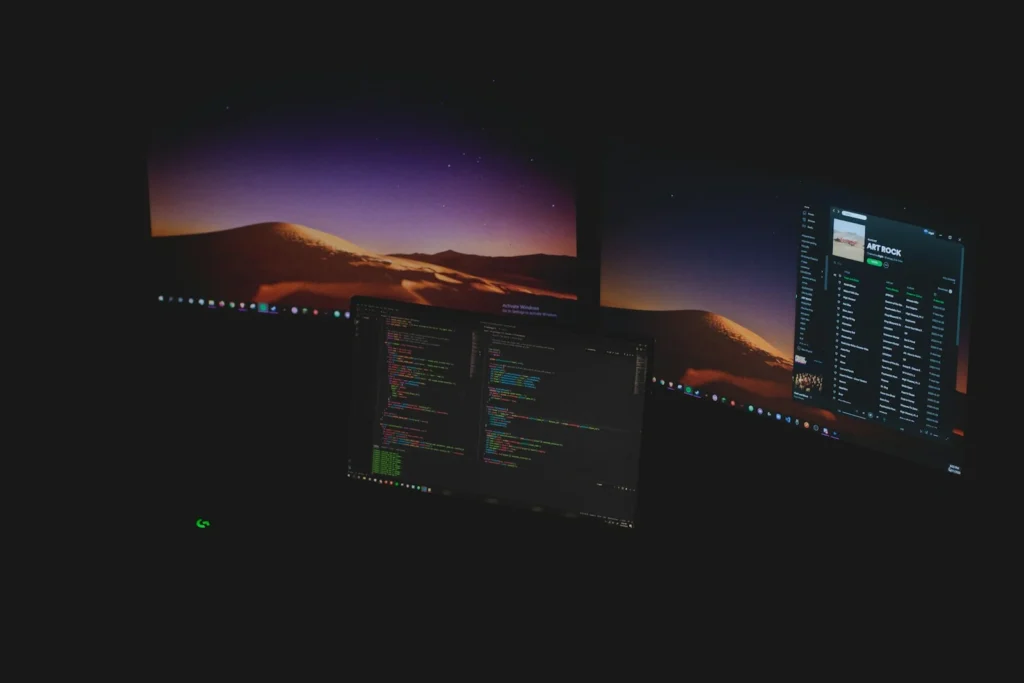
Hyprland is one of the best looking ways to run Linux, but building a usable desktop around it from scratch can eat a weekend. A handful of distributions and install scripts now do that work for you, shipping Hyprland with a status bar, launcher, lock screen, themes and sane keybindings already connected. These are the options that are active and worth installing in late 2026.
Why Hyprland needs a helping hand
Hyprland is a dynamic tiling compositor for Wayland. Windows arrange themselves automatically, almost everything is driven from the keyboard, and the compositor adds smooth animations, blur and rounded corners that make tiling feel modern rather than spartan. Development is lively: version 0.56 arrived in July 2026 and keeps expanding the Lua scripting interface for configuration.
The catch is that Hyprland is only the compositor. On its own you get an empty screen and a config file. A full desktop also needs a panel, an app launcher, notifications, a wallpaper tool, a screen locker, screenshot tools and a display manager, and each one has to be installed and tied together by hand. The projects below bundle all of that so you can boot straight into a working desktop.
Arch based, Hyprland picked in the installer. Best for performance and gaming.
Dedicated ISO with themes and GUI system tools. Best for newcomers.
Opinionated Arch setup with curated apps. Best for keyboard focused developers.
Dotfiles and installer for an existing distro. Best if you do not want to reinstall.
1. CachyOS: the easiest all rounder
CachyOS is an Arch based distribution built around speed, with optimized packages and its own tuned kernel. Its graphical installer lets you choose a desktop, and Hyprland is one of the choices. The June 2026 release added a Hyprland option that uses the Noctalia shell, a ready made bar and control center, and the installer shows a preview video so you know what you are getting before you commit.
Because CachyOS also handles hardware detection and drivers during setup, it is a comfortable pick for gaming PCs and laptops with NVIDIA graphics. Hyprland’s keyboard first design suits players who already live on WASD and shortcuts.
2. Garuda Linux Hyprland edition: the friendliest for newcomers
Garuda is another Arch based rolling release with a dedicated Hyprland ISO alongside its KDE, GNOME, Sway and other editions. The Temeraire release from August 19, 2026 rewrote the Hyprland configuration in Lua with new presets and profiles, uses hyprlock for screen locking, sets Kitty as the default terminal and adds a refreshed Waybar theme.
The big draw for beginners is Garuda Toolbox, a graphical app for updates, maintenance and settings, so you do not have to drop into a terminal for every task. Btrfs snapshots also give you a way back if an update goes wrong.
3. Omarchy: the opinionated power user setup
Omarchy, created by Ruby on Rails creator David Heinemeier Hansson, turns Arch Linux into a fully configured Hyprland workstation with themes, apps and keyboard shortcuts chosen for you. It started as an install script and now offers its own ISO. Version 4.0, nicknamed Quattro, landed in August 2026 and replaced the previous mix of separate bar, launcher and notification tools with a single unified shell built on Quickshell. It also added dual boot support and a reset option, and current users can upgrade from the built in update menu.
Omarchy is opinionated by design. You can change anything, but the point is that you do not have to. It suits developers and keyboard lovers who want a fast, good looking machine without crafting dotfiles.
4. ML4W OS: Hyprland on the distro you already use
Not ready to switch distributions? ML4W OS, short for My Linux for Work, is not a full operating system but a set of configurations, installers and graphical apps that build a complete Hyprland desktop on top of your current system. It supports Arch, Fedora 44, Ubuntu and openSUSE Tumbleweed, and you can test it from a live ISO first. Version 2.16.1 shipped on October 4, 2026, and the project now uses Quickshell for its bar and menus.
| Option | Type | Base | Skill level |
|---|---|---|---|
| CachyOS | Full distro | Arch | Beginner to advanced |
| Garuda Hyprland | Full distro | Arch | Beginner |
| Omarchy | Distro and ISO | Arch | Intermediate |
| ML4W OS | Config layer | Arch, Fedora, Ubuntu, openSUSE | Intermediate |
FAQ
Is Hyprland good for beginners?
With a preconfigured distro, yes. The learning curve is mostly about keyboard shortcuts. Building Hyprland from scratch is still better left to experienced users.
Does Hyprland work with NVIDIA graphics?
It can, and distributions like CachyOS and Garuda set up drivers during installation, which removes most of the pain. Still check each project’s notes for your specific card.
Can I use Hyprland on Fedora or Ubuntu?
Yes. ML4W OS supports Fedora 44, Ubuntu and openSUSE Tumbleweed in addition to Arch.
Are these distributions free?
Yes. CachyOS, Garuda, Omarchy and ML4W OS are all free to download and use.
The verdict
Hyprland no longer has to be a weekend project. CachyOS gives most people the easiest and fastest route, Garuda is the friendliest for Linux newcomers, Omarchy delivers a beautiful opinionated setup for keyboard power users, and ML4W OS brings the same polish to the distro you already run.
Updated October 2026: rewritten with the current Hyprland friendly distributions and their latest releases.
Featured photo: David Schultz on Unsplash.
About this article: GeekBlog covers U.S. technology news, AI, phones, smartwatches and gaming. Every story is written and checked under our Editorial Policy. Spotted a mistake or have a story tip? Contact our editors.
